
1. Introduction
The Bitmini Lucky Miner LV08 is a compact and portable home mining device designed for cryptocurrency mining using the SHA-256 algorithm. It features an advanced BM1366 ASIC mining chip, offering a hash rate between 3600 GH/s and 4200 GH/s with low power consumption. This manual provides essential information for the safe and efficient operation of your LV08 miner.
2. Safety Information
- Always connect the device to a grounded power outlet.
- Ensure proper ventilation around the miner to prevent overheating. Do not block air vents.
- Use only the provided power supply or a compatible replacement with appropriate voltage and wattage ratings. Using an incorrect power supply may damage the device.
- Keep the device away from water, moisture, and high humidity environments.
- Do not attempt to open or repair the device yourself. Refer to qualified service personnel for assistance.
- Keep out of reach of children and pets.
- The power supply may become warm during operation. Ensure it is placed in a well-ventilated area.
3. Package Contents
Verify that all items are present in your package:
- Bitmini Lucky Miner LV08 Unit
- Power Supply Unit (PSU)
- Power Cable (may require an adapter for specific regions)

Image: The Bitmini Lucky Miner LV08 unit, its power supply, and original packaging.
4. Product Overview
The Lucky Miner LV08 is a compact and efficient ASIC miner. Key features include:
- ASIC Chip: Equipped with the advanced BM1366 ASIC mining chip, similar to those used in Antminer S19.
- Hash Rate: Offers a hash rate between 3600 GH/s and 4200 GH/s (3.6 TH/s to 4.2 TH/s).
- Power Consumption: Approximately 120W, making it suitable for home use.
- Algorithm: Utilizes the SHA-256 algorithm.
- Supported Cryptocurrencies: Supports mining for BTC, BCH, BSV, DGB, BCD, B2X, SBTC, BCHC, BTX, and other SHA-256 based cryptocurrencies.
- Noise Level: Designed for low noise operation, ideal for quiet home environments.
- Connectivity: Easy AC socket connection (100-240V) and Wi-Fi enabled.
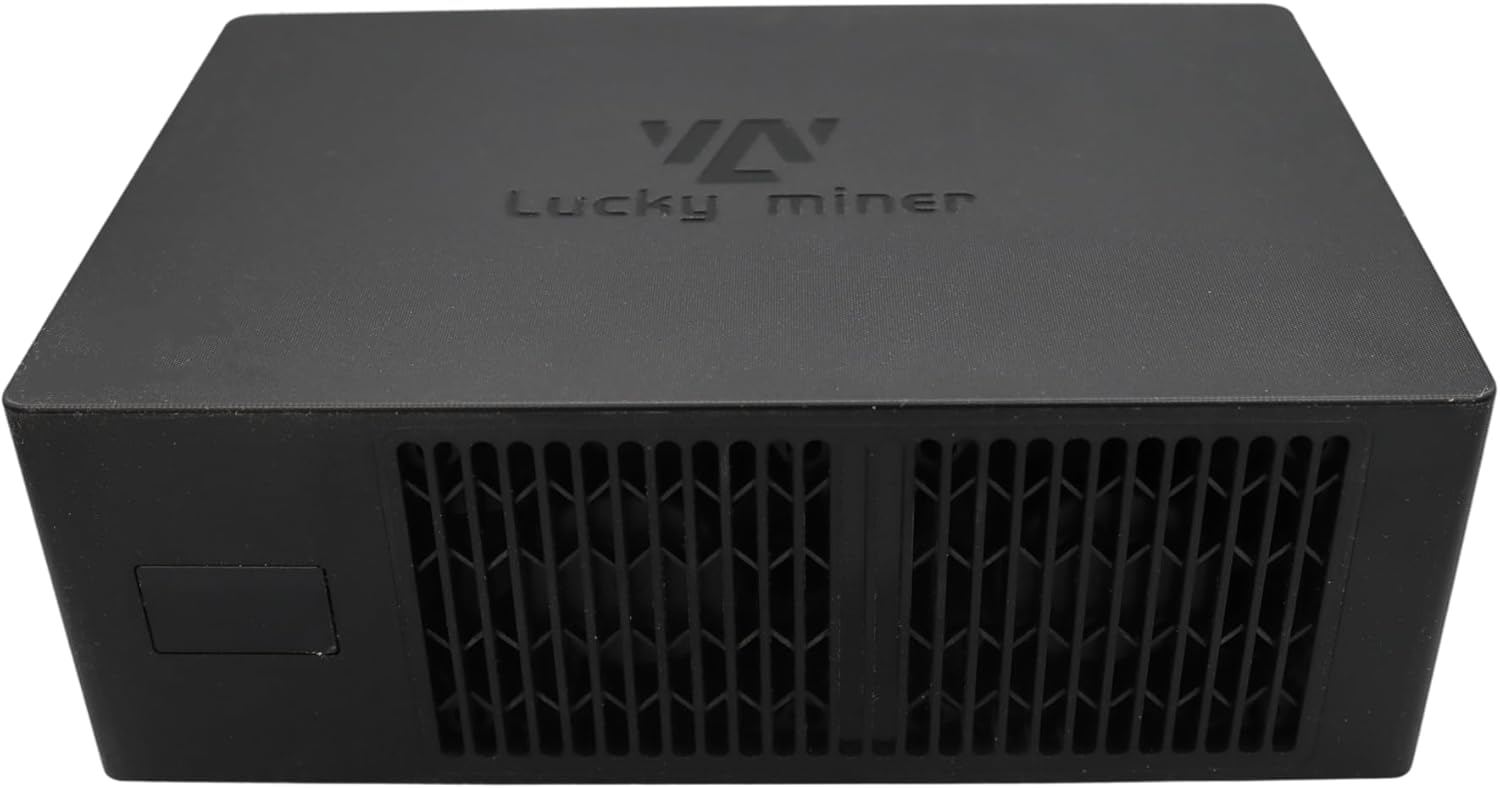
Image: Top view of the Bitmini Lucky Miner LV08, showcasing its compact design.

Image: Rear view of the Bitmini Lucky Miner LV08, showing the power input and ventilation grilles.
5. Setup Instructions
- Connect Power:
Connect the provided power supply to the miner's power input port. Then, plug the power cable into a standard 100-240V AC outlet. Ensure the power supply is placed in a well-ventilated area as it can generate heat during operation.
Video: An overview of the Lucky Miner 07, a similar model, demonstrating its components and basic setup. Note: The power supply may become warm during operation.
- Wi-Fi Connection:
The LV08 miner is Wi-Fi enabled. Upon initial power-up, it will broadcast a temporary Wi-Fi network. Connect to this network using a computer or smartphone.
- Access Web Interface:
Open a web browser and navigate to the IP address displayed on the miner's screen (if available) or a default address provided in the quick start guide. This will open the miner's web interface.
- Configure Mining Pool:
In the web interface, locate the "Pool Configuration" section. Enter the Stratum Host (e.g., pool.powermining.io) and Stratum Port (e.g., 3333) for your chosen mining pool. In the "User" field, enter your Bitcoin address followed by ".bitaxe" (e.g., your_bitcoin_address.bitaxe). Repeat this for both primary and fallback pool configurations if applicable. Save the settings and restart the device for changes to take effect.
6. Operating Instructions
Once configured, the Lucky Miner LV08 will automatically begin mining. You can monitor its status through the web interface or the integrated LED display (if present).
- Monitoring: The web interface provides real-time data on hash rate, efficiency, shares, and temperature.
- LED Display: Some models may feature an LED display that cycles through information such as time, hash rate, and temperature.
- LED Lighting: The device may have customizable LED lighting. Refer to the web interface settings to adjust or disable these lights.

Image: Side view of the Bitmini Lucky Miner LV08, highlighting the ventilation grilles for heat dissipation.
7. Maintenance
- Cleaning: Regularly clean the exterior of the miner and clear any dust from the ventilation grilles using a soft brush or compressed air. Ensure the device is powered off and unplugged before cleaning.
- Environment: Operate the miner in a cool, dry, and well-ventilated area to maintain optimal performance and longevity. Avoid direct sunlight and confined spaces.
- Firmware Updates: Check the manufacturer's website periodically for firmware updates. Follow the provided instructions carefully when performing updates.
8. Troubleshooting
| Problem | Possible Cause | Solution |
|---|---|---|
| Miner does not power on. | Power cable loose or disconnected; faulty power supply; power outlet issue. | Check all power connections. Ensure the power outlet is functional. Test with a different power supply if available. |
| Cannot connect to Wi-Fi. | Incorrect Wi-Fi password; out of range; temporary network not broadcasting. | Verify Wi-Fi password. Move the miner closer to the router. Restart the miner to re-broadcast its temporary Wi-Fi network. |
| Low hash rate or no mining activity. | Incorrect pool configuration; network issues; miner overheating. | Double-check pool settings (Stratum Host, Port, User). Ensure stable internet connection. Verify miner temperature and ensure adequate ventilation. |
| Power supply is very hot. | Normal operation (power supplies can get warm); insufficient ventilation around PSU. | Ensure the power supply is in a well-ventilated area. If it becomes excessively hot to touch, discontinue use and contact support. |
9. Specifications
- Model: LV08
- Dimensions: 7.87 x 4.72 x 7.87 inches
- Item Weight: 4.4 pounds
- Manufacturer: Bitmini
- CPU Manufacturer: Bitmain (for ASIC chip)
- Connectivity Technology: Power, Wi-Fi
- Specific Uses For Product: Cryptocurrency Mining (SHA-256)
- Color: Black
10. Warranty and Support
For warranty information and technical support, please refer to the manufacturer's official website or contact their customer service. Keep your purchase receipt as proof of purchase for warranty claims.