
1. Product Overview
The KEDIERS PC Case H01 (Model W01) is a high-performance computer chassis designed for ATX and Micro ATX motherboards. It features a robust construction with tempered glass panels, offering both durability and a clear view of your internal components. The case is engineered for efficient cooling and easy component installation, making it suitable for various PC builds.

Figure 1.1: KEDIERS PC Case H01 (W01) with internal components.
2. Safety Information
Please read and understand the following safety guidelines before installing or operating your PC case:
- Always disconnect the power supply from the wall outlet before performing any installation or maintenance.
- Handle tempered glass panels with care to prevent breakage.
- Avoid exposing the case to moisture or extreme temperatures.
- Keep small components and screws away from children.
- Ensure proper grounding to prevent electrical hazards.
3. Package Contents
Verify that all items listed below are present in your package:
- KEDIERS PC Case H01 (W01) - 1 unit
- ARGB Fans - 3 units (pre-installed)
- Instruction Manual - 1 unit
- Screw Accessories Kit - 1 set
Note:
- Motherboard, Graphics Card, Power Supply, and CPU Cooler are NOT included.
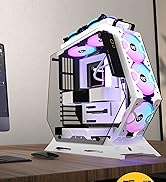
Figure 3.1: Included components with the KEDIERS PC Case H01.
4. Setup and Installation
4.1 Component Compatibility
Ensure your components fit within the case's specifications:
- Motherboard Support: ATX, Micro ATX
- CPU Cooler Height: Maximum 176 mm
- GPU Length: Maximum 400 mm
- PSU Length: Maximum 225 mm
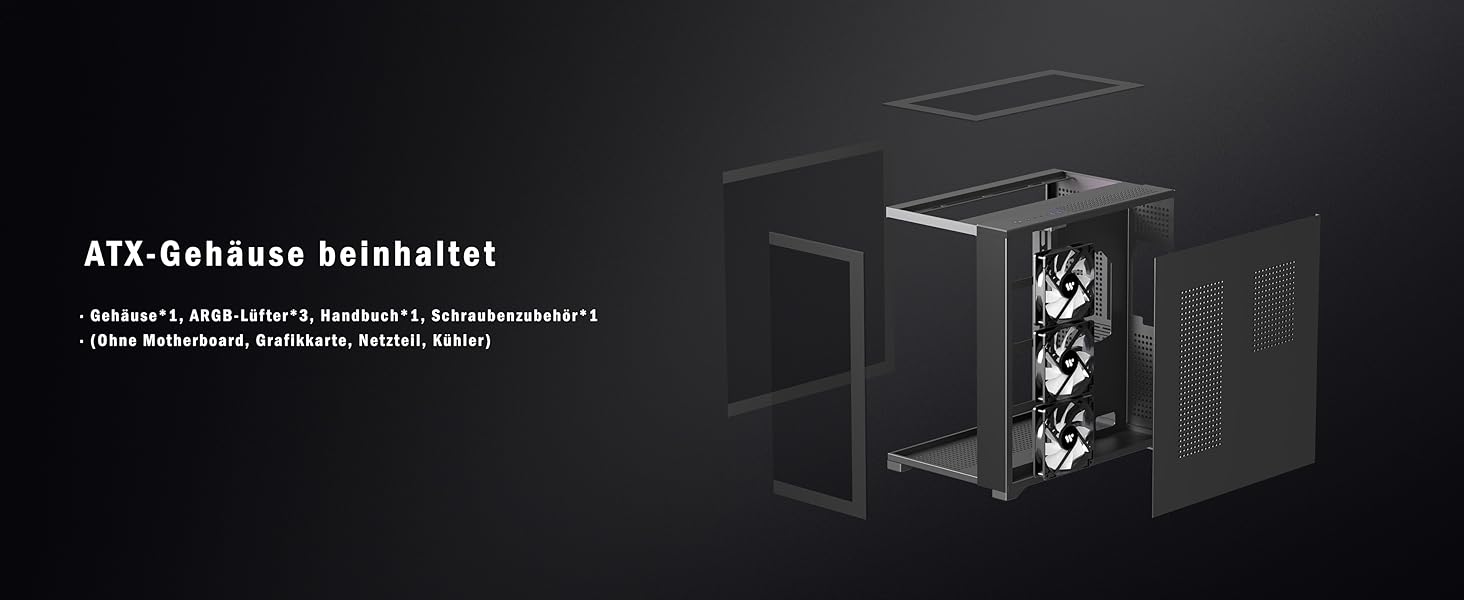
Figure 4.1: Component clearance and motherboard support.

Figure 4.2: Detailed dimensions and component layout.
4.2 Drive Installation
The case supports up to four storage drives:
- Two 2.5-inch SSD mounts.
- Two 3.5-inch HDD bays.

Figure 4.3: Drive bay locations.
4.3 Cooling System Installation
The KEDIERS PC Case H01 features multiple cooling channels and supports various fan and radiator configurations:
- Top: 3x 120mm fans or 2x 140mm fans; Radiator support: 360mm, 280mm, 240mm, 120mm.
- Rear: 1x 120mm fan; Radiator support: 120mm.
- Bottom: 3x 120mm fans; Radiator support: 360mm, 240mm, 120mm.
- Side: 3x 120mm or 140mm fans; Radiator support: 360mm, 280mm, 240mm, 120mm.
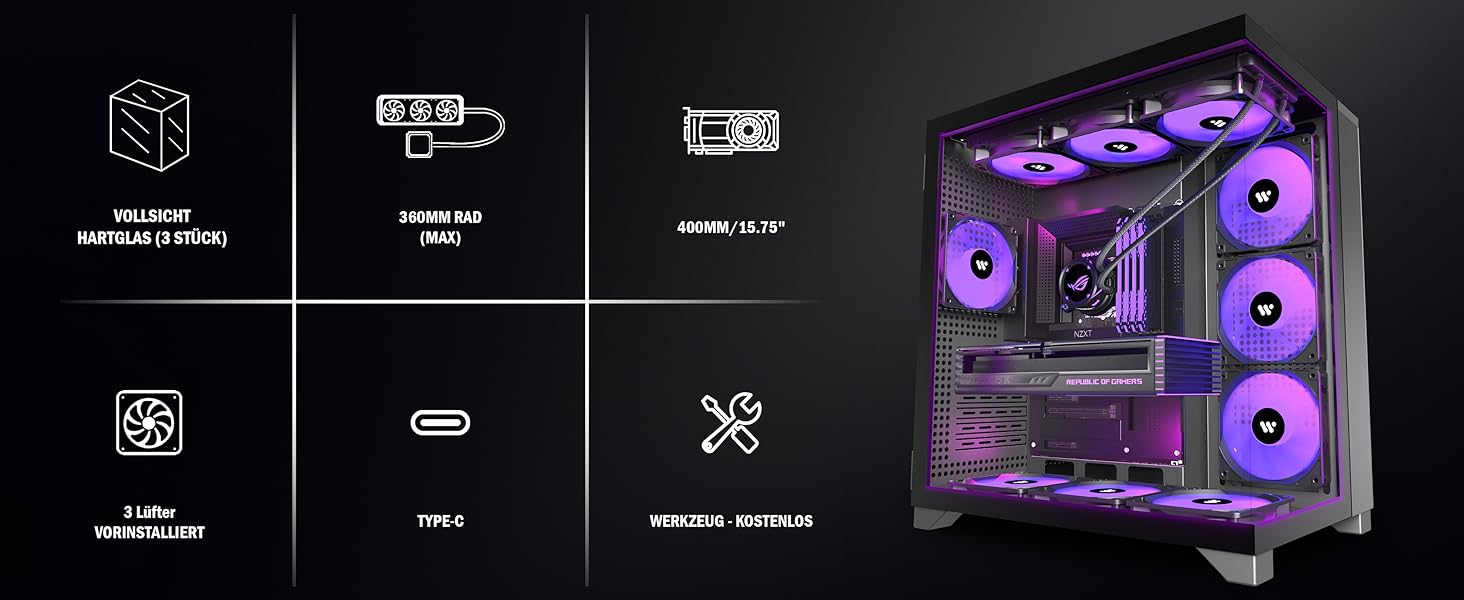
Figure 4.4: Multiple cooling channels and airflow.

Figure 4.5: Detailed fan and radiator support.
4.4 Front Panel Connections
The front panel provides convenient access to various ports and controls:
- USB 3.0 Ports: 2
- USB Type-C Port: 1
- 3.5mm Audio Jacks: 2 (Headphone and Microphone)
- Reset Button
- Power Button
Important Note on USB Ports:
USB ports are primarily for data transfer. They are not recommended for charging devices, as most motherboard USB ports support a maximum voltage of 5V, which may not be sufficient for fast charging or certain devices.

Figure 4.6: Front panel I/O (Multifunction Zone).
4.5 ARGB Fan Connection
The pre-installed ARGB fans support motherboards with a 5V 3-pin RGB interface. If your motherboard does not have this interface, consider the following:
- If you have a 12V 4-pin interface, you may purchase an RGB converter.
- If you have no RGB interface, contact KEDIERS support for advice.

Figure 4.7: ARGB fan connection guide.
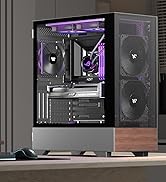
Figure 4.8: PWM ARGB Fan Specifications.
5. Operating Instructions
Once all components are installed and connected, follow these steps to operate your PC:
- Connect the power cable from your power supply unit to a wall outlet.
- Press the Power Button on the front panel to turn on your computer.
- Use the Reset Button on the front panel to restart your system if necessary.
- Utilize the front panel USB and audio ports for connecting peripherals and headsets.
6. Maintenance
Regular maintenance helps ensure optimal performance and longevity of your PC case:
- Cleaning: Use a soft, dry cloth to clean the exterior surfaces, including the tempered glass panels. For dust accumulation, use compressed air to clear dust filters and fan blades.
- Accessing Interior: The hinged magnetic tempered glass side panels can be opened tool-free for easy access to internal components for cleaning or upgrades.
- Dust Filters: Periodically check and clean any removable dust filters to maintain optimal airflow and prevent dust buildup inside the case.
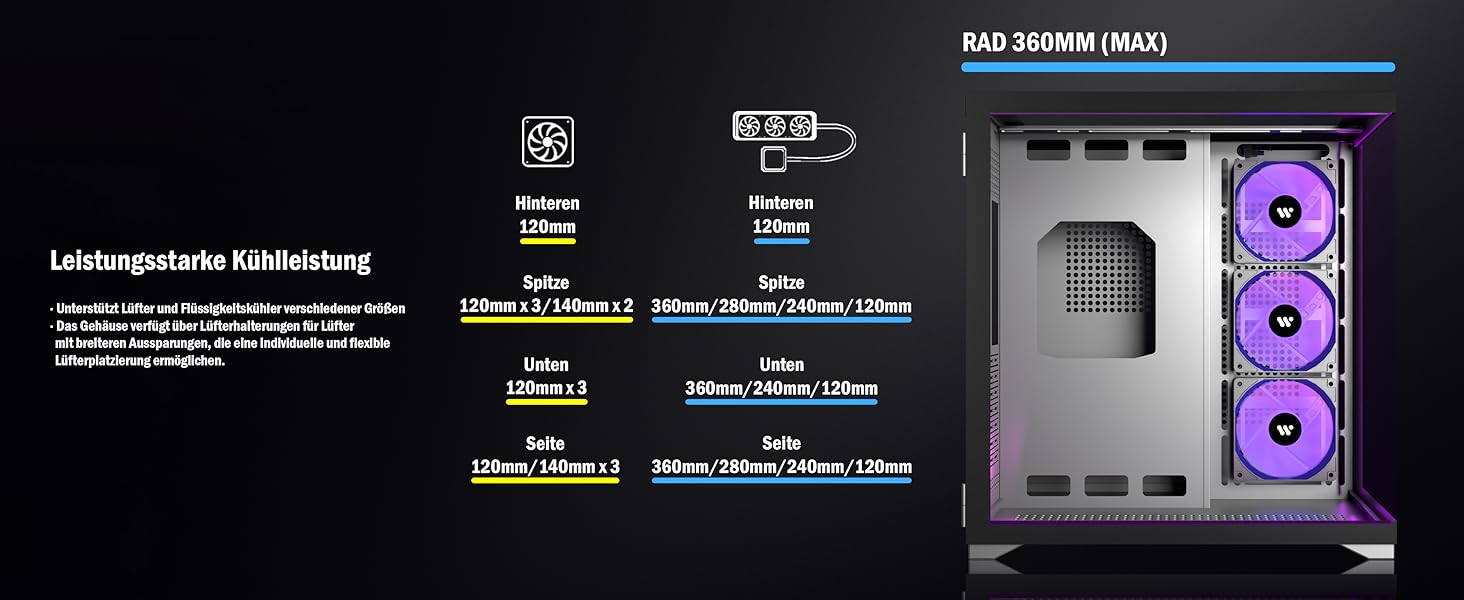
Figure 6.1: Hinged glass side panels for easy access.
7. Troubleshooting
If you encounter issues with your KEDIERS PC Case H01, consider the following common troubleshooting steps:
- No Power: Ensure all power cables are securely connected, including the PSU to the wall outlet and the motherboard. Check the power button connection to the motherboard.
- Fans Not Spinning/RGB Not Working: Verify that the ARGB fans are correctly connected to the motherboard's 5V 3-pin RGB header or an appropriate controller. Refer to Section 4.5 for ARGB fan connection details. Check fan power connections.
- Front Panel Ports Not Functioning: Confirm that the front panel I/O cables (USB 3.0, Type-C, Audio) are correctly plugged into their respective headers on the motherboard.
- Overheating: Ensure all fans are spinning correctly and are oriented for optimal airflow (intake/exhaust). Clean any dust filters and internal components.
8. Specifications
| Feature | Specification |
|---|---|
| Model Name | W01 |
| Brand | KEDIERS |
| Case Type | Desktop (ATX Tower) |
| Motherboard Compatibility | ATX, Micro ATX |
| Material | Tempered Glass, Metal |
| Color | White |
| Product Dimensions (LxWxH) | 16.54 x 11.02 x 17.13 inches (420 x 280 x 435 mm) |
| Item Weight | 15.4 pounds (7 kg) |
| Number of USB 3.0 Ports | 2 |
| USB Type-C Ports | 1 |
| Cooling Method | Air |
| Power Supply Mounting Type | Bottom Mount |
| Max CPU Cooler Height | 176 mm |
| Max GPU Length | 400 mm |
| Max PSU Length | 225 mm |
9. Warranty and Support
KEDIERS is committed to providing the best support to our customers. For any questions, concerns, or technical assistance regarding your KEDIERS PC Case H01 (W01), please refer to the following:
- Online Support: Visit the official KEDIERS website or the platform where you purchased the product to find support resources or contact customer service.
- Contacting Seller: If you have questions about your purchase, you can often click on the seller's name (e.g., "KEDIERS-PC-SHOP" on Amazon) to ask a question directly.
Specific warranty details may vary by region and retailer. Please retain your proof of purchase for warranty claims.