
iScooter i8
Contents
iScooter i8 Electric Scooter User Manual
Model: i8
1. Introduction
Thank you for choosing the iScooter i8 Electric Scooter. This manual provides essential information for the safe operation, maintenance, and troubleshooting of your new electric scooter. Please read it thoroughly before your first ride to ensure optimal performance and safety.

The iScooter i8 Electric Scooter is designed for efficient and comfortable urban commuting.
2. Safety Information
Your safety is paramount. Always adhere to local traffic laws and regulations. Wear a helmet and appropriate protective gear (knee pads, elbow pads) during every ride. Avoid riding in wet conditions, on uneven surfaces, or at night without proper lighting.
2.1 Important Safety Warnings
- Do not ride under the influence of alcohol or drugs.
- Ensure all bolts and quick releases are securely fastened before each ride.
- Maintain a safe distance from other vehicles and pedestrians.
- The scooter is designed for one rider only. Do not carry passengers.
- Maximum weight limit: 220 lbs (100 kg).

The iScooter i8 features a dual braking system for enhanced stopping control and safety.

Bright headlights and taillights ensure visibility and safety during night riding.
3. Setup and Assembly
The iScooter i8 comes mostly pre-assembled. Follow these steps to prepare your scooter for its first ride:
- Unfold the Scooter: Carefully lift the handlebar stem until it locks into the upright position. Ensure the folding mechanism is securely latched.
- Attach Handlebars: Insert the handlebars into the stem and tighten any screws provided.
- Check Tires: Ensure the 8.5-inch pneumatic tires are properly inflated to the recommended pressure (check tire sidewall for details).
- Initial Charge: Fully charge the scooter before its first use. Connect the charger to the charging port and plug it into a power outlet. The indicator light on the charger will change when fully charged (typically 5-6 hours).

The iScooter i8 in its ready-to-ride configuration.
4. Operating Instructions
Familiarize yourself with the controls and features of your iScooter i8.
4.1 Power On/Off
Press and hold the power button on the display to turn the scooter on or off.
4.2 Riding Modes
The iScooter i8 features multiple riding modes to suit different preferences and conditions. Press the mode button to cycle through them:
- ECO Mode: Energy-saving mode for extended range and lower speed.
- D Mode: Standard mode for balanced speed and range.
- S Mode: Sport mode for maximum speed (up to 18 mph) and acceleration.
4.3 Acceleration and Braking
- Acceleration: Gently press the throttle lever to accelerate.
- Braking: Squeeze the brake lever(s) to engage the dual braking system.
4.4 Lights and Display
The scooter is equipped with a bright headlight and warning taillights for visibility. The smart LED display shows speed, battery level, and cruise control status.
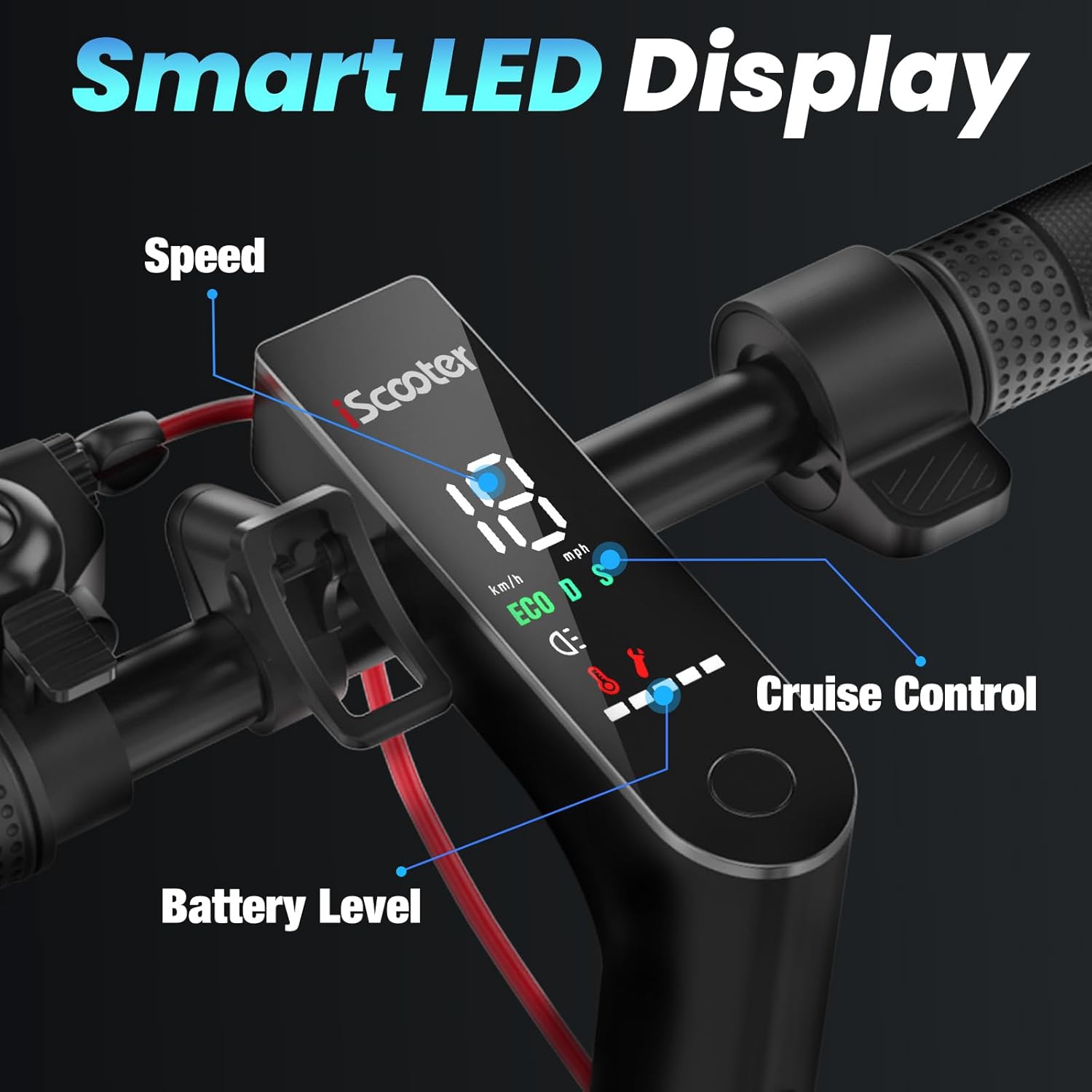
The smart LED display provides real-time information on your ride.

Detailed view of the handlebar controls and their functions.
5. Maintenance
Regular maintenance ensures the longevity and safe operation of your scooter.
5.1 Battery Care
- Charge the battery fully after each use.
- Do not overcharge or leave the battery completely drained for extended periods.
- Store the scooter in a cool, dry place when not in use.

The high-capacity 36V/5.2AH battery provides up to 12 miles of range.
5.2 Tire Maintenance
Regularly check the tire pressure of the 8.5-inch pneumatic tires. Proper inflation improves ride comfort, efficiency, and tire lifespan.
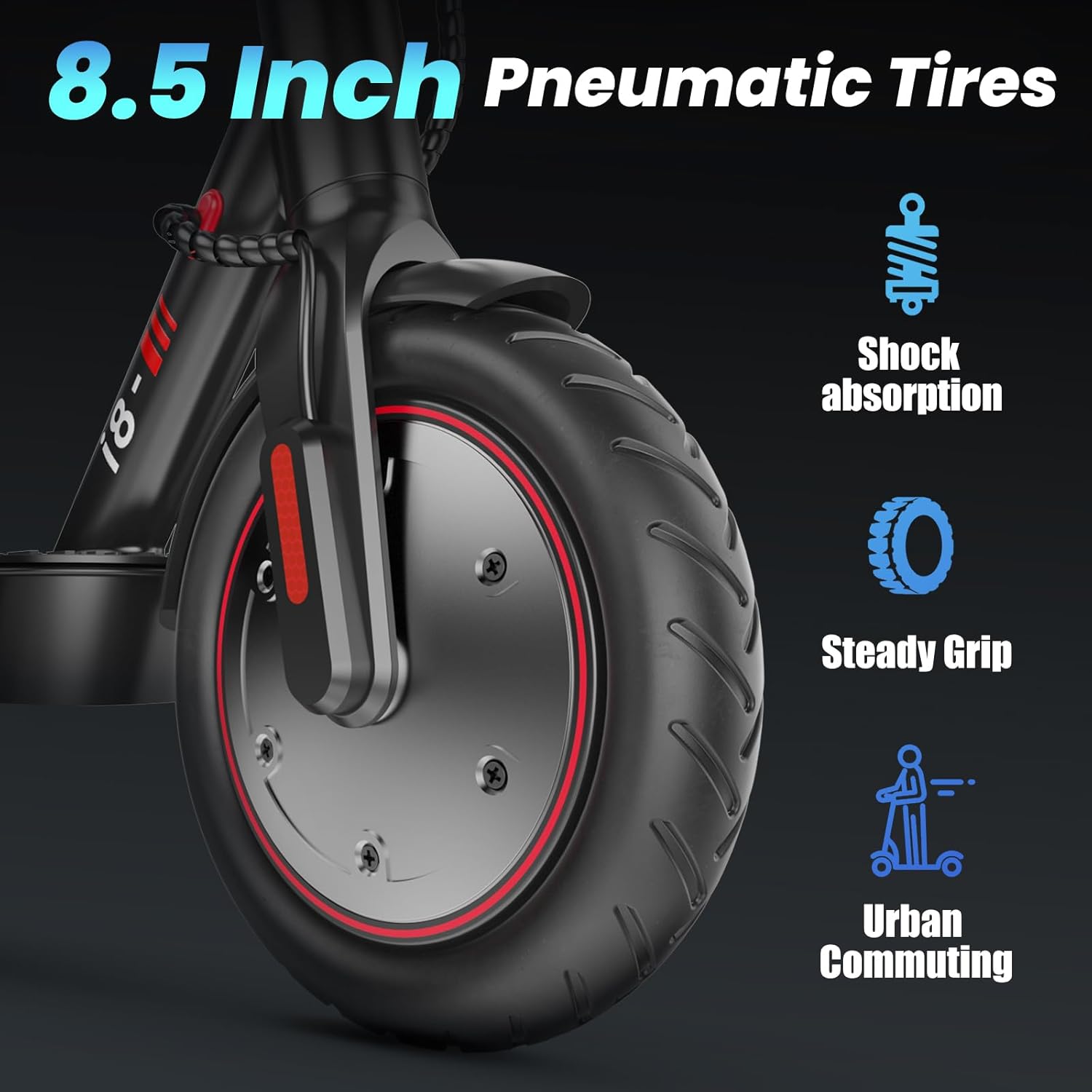
The 8.5-inch pneumatic tires offer shock absorption and steady grip.
5.3 Cleaning
Wipe down the scooter with a damp cloth. Do not use high-pressure water jets or immerse the scooter in water.
6. Troubleshooting
If you encounter issues with your iScooter i8, refer to the table below for common problems and solutions.
| Problem | Possible Cause | Solution |
|---|---|---|
| Scooter does not turn on | Low battery; Loose connection | Charge battery fully; Check all cable connections. |
| Reduced range/speed | Low tire pressure; Overload; Battery degradation | Inflate tires to correct pressure; Reduce load; Contact support for battery check. |
| Brakes not effective | Brake pads worn; Cable loose | Inspect and replace brake pads; Adjust brake cable tension. |
| Unusual noises | Loose components; Debris in wheel | Check all screws and bolts; Inspect wheels for foreign objects. |
If the problem persists, please contact iScooter customer support.
7. Specifications
| Feature | Detail |
|---|---|
| Model Name | i8 |
| Motor Power | 350W |
| Max Speed | 18 mph (29 km/h) |
| Max Range | 12 miles (19 km) |
| Battery | 36V/5.2AH |
| Charging Time | 5-6 hours |
| Tires | 8.5-inch Pneumatic |
| Braking System | Dual Braking Systems (Drum + Disc) |
| Weight Limit | 220 lbs (100 kg) |
| Frame Material | Aluminum |
| Foldable Design | One-step folding mechanism |

Dimensions of the iScooter i8 in unfolded (41x43 inches) and folded (41x19 inches) states.
8. Warranty and Support
iScooter is committed to delivering premium, affordable e-scooter products. Your iScooter i8 comes with a limited warranty:
- Warranty Type: Limited
- Warranty Description: 6 months or 1 year for different parts. Please refer to the specific warranty card included with your product for detailed terms and conditions.
8.1 Customer Support
For any inquiries, technical assistance, or warranty claims, please contact our customer support team:
- Phone: +1 (855) 916-2366
- Email: support@iscooterglobal.com
Our customer support team is always here to assist you, prioritizing your satisfaction.

iScooter offers dedicated customer support for all inquiries.
Ask a question about this manual
Ask about setup, troubleshooting, compatibility, parts, safety, or missing instructions. Manuals+ will review the question and use this page’s manual context to help answer it.