1. Introduction
This manual provides essential information for the proper use and maintenance of your Samsung PRO Plus Sonic The Hedgehog 512GB microSDXC card. This high-performance memory card is designed for demanding applications such as 4K UHD video recording and high-speed data transfer across a variety of compatible devices.

Image: The Samsung PRO Plus Sonic The Hedgehog 512GB microSDXC card, featuring the Sonic logo and key specifications.
2. Key Features
- High-Speed Performance: Read speeds up to 180 MB/s and write speeds up to 130 MB/s for quick loading and efficient data handling.
- Ample Storage Capacity: 512GB capacity, suitable for storing a large volume of high-resolution files, photos, and 4K videos.
- Extensive Compatibility: Designed for use with a wide range of devices including Nintendo Switch, Steam Deck, action cameras, drones, smartphones, and tablets.
- 6-Proof Protection: Built to withstand challenging conditions, offering water-proof, wearout-proof, X-ray proof, temperature-proof, magnet-proof, and drop-proof durability.
- Samsung Magician Software Support: Provides tools for product authenticity verification, drive health monitoring, and performance benchmarking.
3. Package Contents
Your package should contain the following items:
- Samsung PRO Plus Sonic The Hedgehog 512GB microSDXC Card
- Full-size SD Adapter for microSD

Image: The Samsung microSD card shown inserted into its full-size SD adapter.
For a visual guide on the package contents and how to handle the card and adapter, please refer to the video below:
Video: A brief overview of the Samsung Sonic MicroSD card and its adapter, demonstrating how the microSD card fits into the adapter.
4. Setup
4.1. Inserting the microSDXC Card
- Locate the microSD card slot on your compatible device (e.g., smartphone, camera, drone, gaming console).
- Orient the microSD card with the gold contacts facing down or as indicated by your device's manual.
- Gently insert the card into the slot until it clicks into place. Do not force the card.
4.2. Using the SD Adapter
- Slide the microSDXC card into the designated slot on the full-size SD adapter until it is securely seated.
- Insert the SD adapter into a device that supports standard SD cards, such as a laptop or desktop computer.
4.3. Formatting the Card
It is recommended to format the microSDXC card using your host device before initial use. This ensures optimal compatibility and performance. Refer to your device's instruction manual for specific formatting procedures. Warning: Formatting will erase all data on the card. Back up any important data before formatting.
5. Operating Instructions
5.1. Data Storage
Once inserted and formatted, your microSDXC card will function as expanded storage for your device. You can save photos, videos, applications, and other files directly to the card.
5.2. High-Resolution Recording
The Samsung PRO Plus card is optimized for Full HD and 4K UHD video recording, providing the necessary write speeds (up to 130 MB/s) to capture high-quality footage without dropped frames.
5.3. Efficient Data Transfer
Utilize the high read speeds (up to 180 MB/s) to quickly transfer large files, such as 4K videos or extensive game libraries, from the card to your computer or other storage devices.

Image: A graphic illustrating the speed benefits of the Samsung PRO Plus microSD card for gaming, showing a handheld console.
6. Compatibility
The Samsung PRO Plus Sonic The Hedgehog microSDXC card offers broad compatibility with various devices, including:
- Nintendo Switch
- Steam Deck
- GoPro cameras
- DJI Drones
- Smartphones
- Tablets
- Digital Cameras (DSLRs, Mirrorless)
- Action Cameras
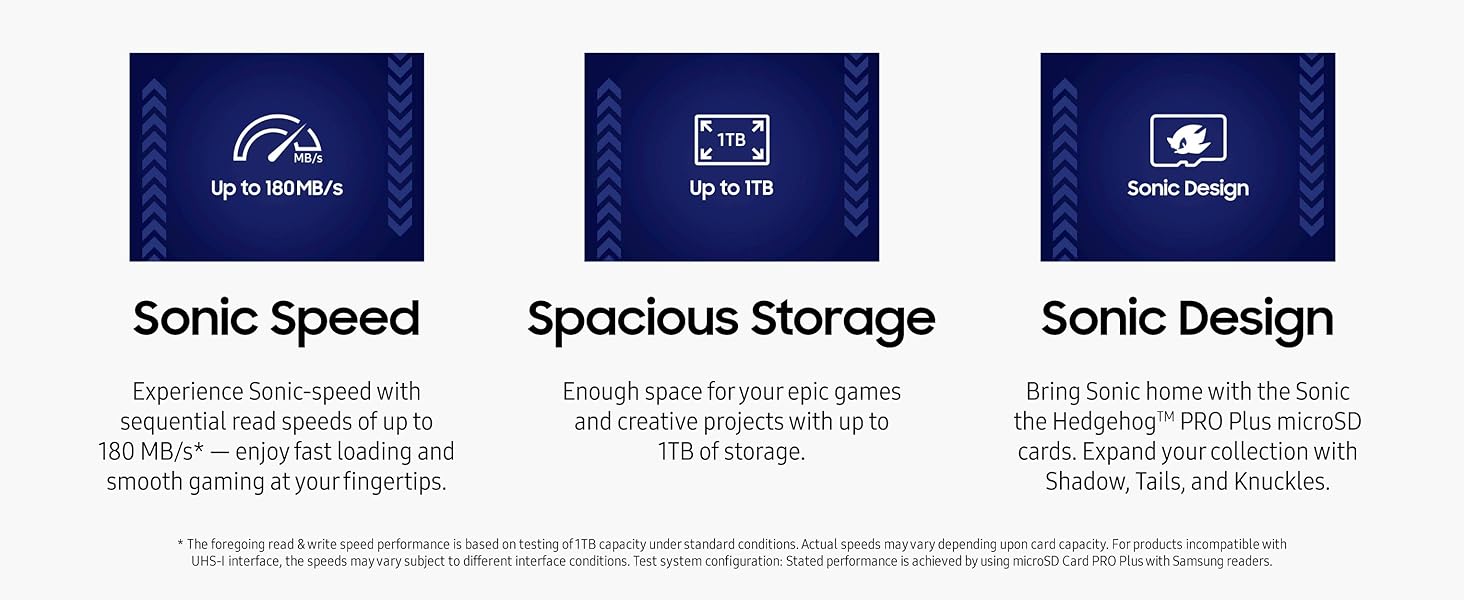
Image: A graphic showcasing the extensive compatibility of the Samsung PRO Plus microSD card with devices like handheld gaming consoles, action cameras, and drones.
7. Performance Specifications
The card adheres to industry standards for speed and performance:
- Read Speed: Up to 180 MB/s
- Write Speed: Up to 130 MB/s
- UHS Speed Class: U3 (UHS Speed Class 3)
- Video Speed Class: V30 (Video Speed Class 30) - Ideal for 4K UHD video recording.
- Application Performance Class: A2 (App Performance Class 2) - Optimized for faster app loading and performance on compatible devices.
- SD Speed Class: Class 10
8. Durability & Protection
The Samsung PRO Plus microSD card features 6-Proof Protection, ensuring reliability in various environments:
- Waterproof: Withstands up to 72 hours in seawater.
- Wearout-proof: Designed for durability with up to 10,000 swipes.
- X-ray Proof: Protected from X-ray machines, up to 100mGy.
- Temperature-proof: Operates in temperatures from -13°F to 185°F (-25°C to 85°C) and non-operating temperatures from -40°F to 185°F (-40°C to 85°C).
- Magnet-proof: Resistant to magnetic fields up to 15,000 gauss.
- Drop-proof: Withstands drops up to 16.4 feet (5 meters).

Image: A graphic detailing the 6-Proof Protection features of the Samsung PRO Plus microSD card, including water, temperature, X-ray, magnet, drop, and wearout resistance.
9. Samsung Magician Software
The Samsung Magician Software is available for Windows® and macOS® (Windows® 10 and higher, or macOS® High Sierra (10.13) and higher). This software helps you manage your memory card by providing:
- Product authenticity verification
- Drive health monitoring
- Performance benchmarking
Visit samsung.com for more information and to download the software.

Image: A laptop screen displaying the Samsung Magician Software interface, highlighting features like genuine authentication, drive health check, and performance benchmark.
10. Specifications
| Feature | Detail |
|---|---|
| Model Name | Sonic PRO Plus |
| Item Model Number | MB-MD512SA/LC1 |
| Capacity | 512 GB |
| Flash Memory Type | Micro SDXC |
| Read Speed | Up to 180 MB/s |
| Write Speed | Up to 130 MB/s |
| Hardware Interface | microSDXC |
| Secure Digital Association Speed Class | Class 10, U3, V30, A2 |
| Product Dimensions | 0.59"L x 0.43"W (15mm x 11mm) |
| Item Weight | 0.009 ounces (0.25 grams) |
| Color | White (card body) |
11. Maintenance & Care
To ensure the longevity and optimal performance of your Samsung PRO Plus microSDXC card, follow these guidelines:
- Proper Insertion/Removal: Always insert and remove the card gently. Avoid forcing it into slots.
- Safe Ejection: Before removing the card from a device, always use the 'Safely Remove Hardware' option on computers or the 'Unmount SD card' option on mobile devices to prevent data corruption.
- Regular Backups: Periodically back up important data from your microSD card to another storage device (e.g., computer hard drive, cloud storage) to prevent data loss.
- Keep Contacts Clean: Avoid touching the gold contacts on the card. If necessary, gently clean them with a soft, lint-free cloth.
- Storage: When not in use, store the card in its protective case or the SD adapter to prevent physical damage or exposure to dust.
12. Troubleshooting
If you encounter issues with your microSDXC card, try the following steps:
- Card Not Recognized:
- Ensure the card is fully and correctly inserted into the device slot.
- Try inserting the card into a different compatible device to rule out a device-specific issue.
- If using the SD adapter, ensure the microSD card is properly seated within the adapter and the adapter's write-protect tab is not engaged.
- Slow Performance:
- Ensure your device supports the card's speed classes (UHS-I, U3, V30, A2) to achieve optimal performance.
- Check if the card is nearly full, as this can sometimes affect performance.
- Consider using the Samsung Magician Software for performance benchmarking and optimization.
- Data Corruption:
- Always safely eject the card from your device before physical removal.
- If data appears corrupted, attempt to recover data using specialized software before considering formatting.
- As a last resort, reformat the card (see Section 4.3), but only after attempting data recovery and backing up any salvageable files.
If problems persist, contact Samsung customer support for further assistance.
13. Warranty & Support
The Samsung PRO Plus Sonic The Hedgehog microSDXC card comes with a 10-year limited warranty. All other terms, conditions, and limitations in the Limited Warranty apply.
For detailed information on Samsung's warranty policy and to access support resources, please visit the official Samsung Semiconductor website:
Additionally, optional 2-year and 3-year Photo and Data Recovery Plans may be available for purchase separately. These plans are not part of the standard product warranty.


