
Introduction
Thank you for choosing the YOSUDA Under Desk Elliptical. This fully assembled electric pedal exerciser is designed to provide low-impact, zero-pressure leg exercise, making it ideal for office workers, seniors, and individuals undergoing leg rehabilitation. It helps stimulate blood circulation, strengthen lower body muscles, and enhance mobility quietly and efficiently.

Figure 1: YOSUDA Under Desk Elliptical (Bule Gray)
What's Included
Your YOSUDA Under Desk Elliptical package includes the following components:
- YOSUDA Compact Electric Under-Desk Elliptical (fully assembled)
- Remote Control
- Power Cord
- 2 AAA Batteries (for remote)
- Pair of Non-Slip Foot Straps
- User Manual
Video 1: Unboxing and overview of the YOSUDA Under Desk Elliptical, showing all included components.
Setup
The YOSUDA Under Desk Elliptical comes fully assembled, requiring no installation. Simply place the unit on a flat, stable surface, such as carpet or hardwood floors, ensuring the rubberized bottom prevents movement. Connect the power cord to the elliptical's port located at the back and plug it into a power outlet.

Figure 2: Proper placement and usage of the elliptical in various settings.
Operating Instructions
Control Panel and Remote Control
The elliptical can be operated using either the integrated LCD control panel or the remote control. The remote control offers convenient adjustment without needing to bend over. A dedicated remote holder is built into the unit for easy storage.

Figure 3: Detailed view of the control panel.
Powering On and Starting Exercise
- After plugging in the power supply, the product is in a connected state.
- Press the "Power" button on the remote control or the "Start/Stop" button on the control panel to turn the unit on. The display will show "-HR-".
- Press the "Start/Stop" button again to begin the exercise. The machine will start in the first manual gear.
Adjusting Settings
- Speed: Use the "Speed" up/down buttons on the remote or control panel to adjust between 10 speed levels.
- Direction: Press the "Direction" button to switch between forward and reverse motion.
- Mode: The elliptical features 3 pre-set 30-minute workout modes (P1-P3) and a manual mode.
- P1: Gentle leg rehabilitation exercises to help improve mobility.
- P2: Low-intensity exercise for better prevention of varicose veins.
- P3: Burn calories with moderate-intensity exercise.
- Data Display: Press the "Data" button to cycle through displayed information: Time, Distance, Speed, Counter (rotations), and Calories burned. When "SCAN" is active, the display will automatically cycle through these values every 5 seconds.
Video 2: Demonstration of various features and modes, including speed and direction changes.
Key Features
- Anti-Slip Pedals: Innovate anti-slip, shock-absorbing pedals with raised dots promote blood circulation and enhance joint flexibility.
- Quiet Operation: Equipped with YOSUDA’s patented motor and silent wheels for a smooth and quiet exercise session, allowing use without distractions.
- Portability: Features a built-in handle for easy transport and compact storage. No assembly required.
- Foot Straps: Free non-slip foot straps are included to ensure your feet remain secure during use.
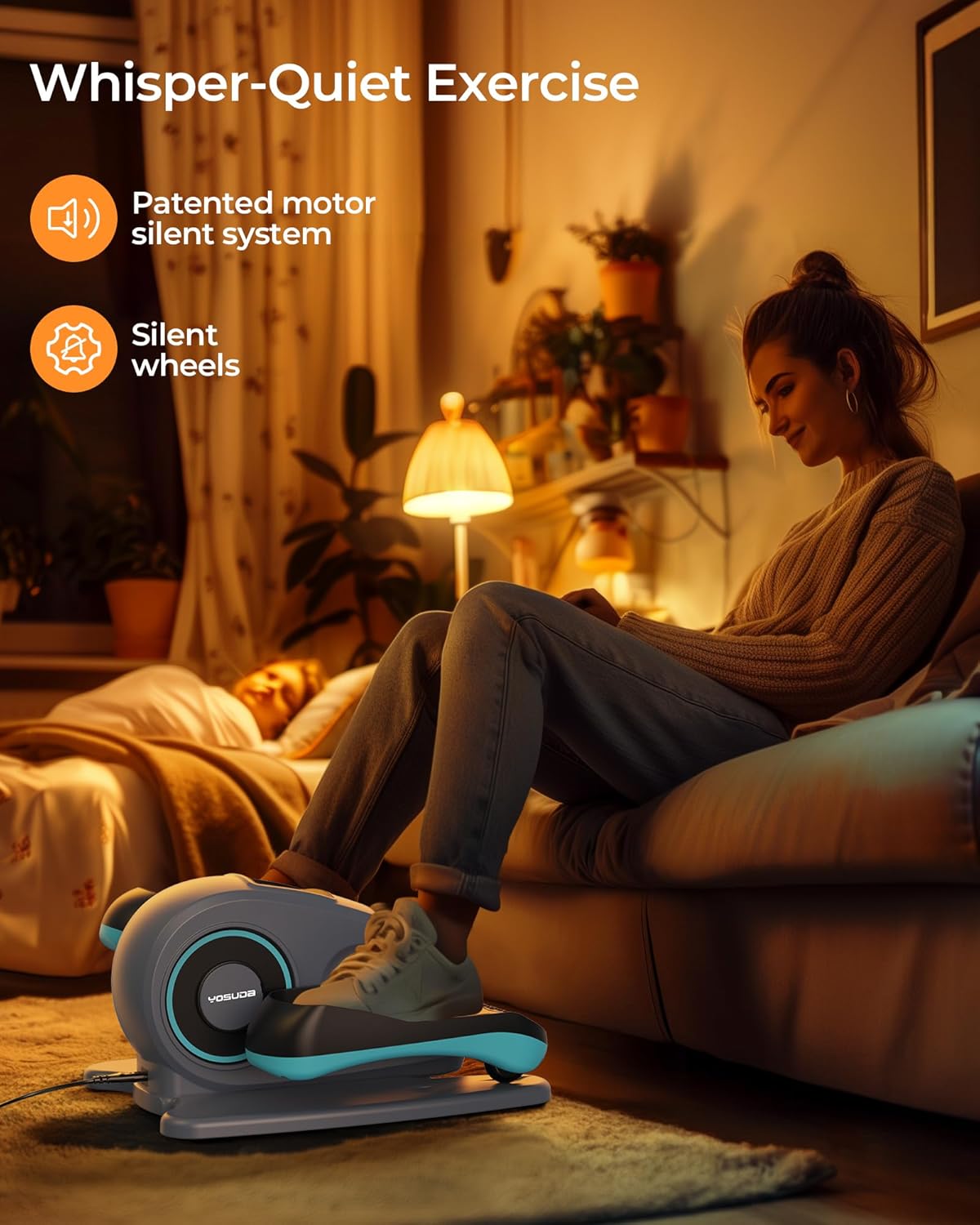
Figure 4: The elliptical's quiet operation allows for use in various environments.
Care and Maintenance
- Storage: When not in use, store the product in its original packaging in a dry, ventilated, and cool place. Avoid direct sunlight or high temperatures.
- Cleaning: Before cleaning, unplug the power cord. Use a dry cloth to clean the surface of the product. Do not use corrosive cleaning agents.
- Rest Time: After every 30 minutes of use, allow the machine to rest for 5 minutes before reuse. This is conducive to the service life of the machine.
Troubleshooting
| Status | Possible Causes | Solution |
|---|---|---|
| The machine cannot be turned on. | Not powered. | Make sure the power cord is plugged in. |
| The machine stops operating. | 1. Loose plug failure. 2. Used for 30 minutes. 3. Continuous use for too long, overheating protection, automatic protection. | 1. Check whether the power cord is loose. 2. Re-start. 3. Let the product cool down and then turn it back on. Reduce the weight of use. |
Safety Precautions
- Please ensure to use this product in accordance with the operating instructions.
- Always unplug the power cord after each use or before cleaning.
- Do not cover or block the air vents during use.
- This device is not suitable for therapeutic purposes.
- WARNING: Please do not use this product if you have metal plates or other fixtures in your body after surgery, or if you have electronic medical devices like pacemakers.
- Do not store or use this product outdoors or in humid environments.
- Do not operate the machine with wet hands.
- Do not place the power cord under the product or under any heavy objects.
- Do not drag the power cord to move the product.
- Ensure the product is placed on a horizontal surface, at least 1 meter away from debris.
- If there is a power outage during use, stop using the product.
- The rated voltage of the product is 110V-240V, the rated power is 50W, and the single use time is 30 minutes.
- Before use, consult your doctor whether it can be used.
- WARNING: Please sit down to use this product. Remember not to stand on the product or step on it!
Warranty and Support
YOSUDA offers lifetime service for this product. For any questions, missing parts, or support needs, please contact YOSUDA customer service. You can reach them via email at yosudaservice@outlook.com. You can also contact them via Amazon by logging into your Amazon account, choosing "Your orders", finding the order ID, and clicking "Contact seller".
YOSUDA is trusted by over 1 million families and offers 24/7 customer support.