
ANCEL DS200
ANCEL DS200 Full Systems OBD2 Scanner User Manual
Model: DS200
1. Introduction
This manual provides detailed instructions for the operation, maintenance, and troubleshooting of your ANCEL DS200 Full Systems OBD2 Scanner. Please read this manual thoroughly before using the device to ensure proper and safe operation. The ANCEL DS200 is a professional diagnostic tool designed to provide comprehensive vehicle system analysis and various reset services.
2. Safety Information
- Always perform automotive repairs in a well-ventilated area.
- Wear appropriate eye protection when working on vehicles.
- Keep the scanner away from moisture, dust, and extreme temperatures.
- Do not attempt to disassemble or modify the scanner. Refer all servicing to qualified personnel.
- Ensure the vehicle's ignition is off before connecting or disconnecting the scanner.
3. Product Overview
The ANCEL DS200 is a robust diagnostic scanner featuring a 5-inch touchscreen, a quad-core processor, and a 1500mAh built-in battery. It comes with a protective, waterproof, and shockproof EVA bag for enhanced durability and portability.

Figure 3.1: ANCEL DS200 OBD2 Scanner and its included protective carrying case.
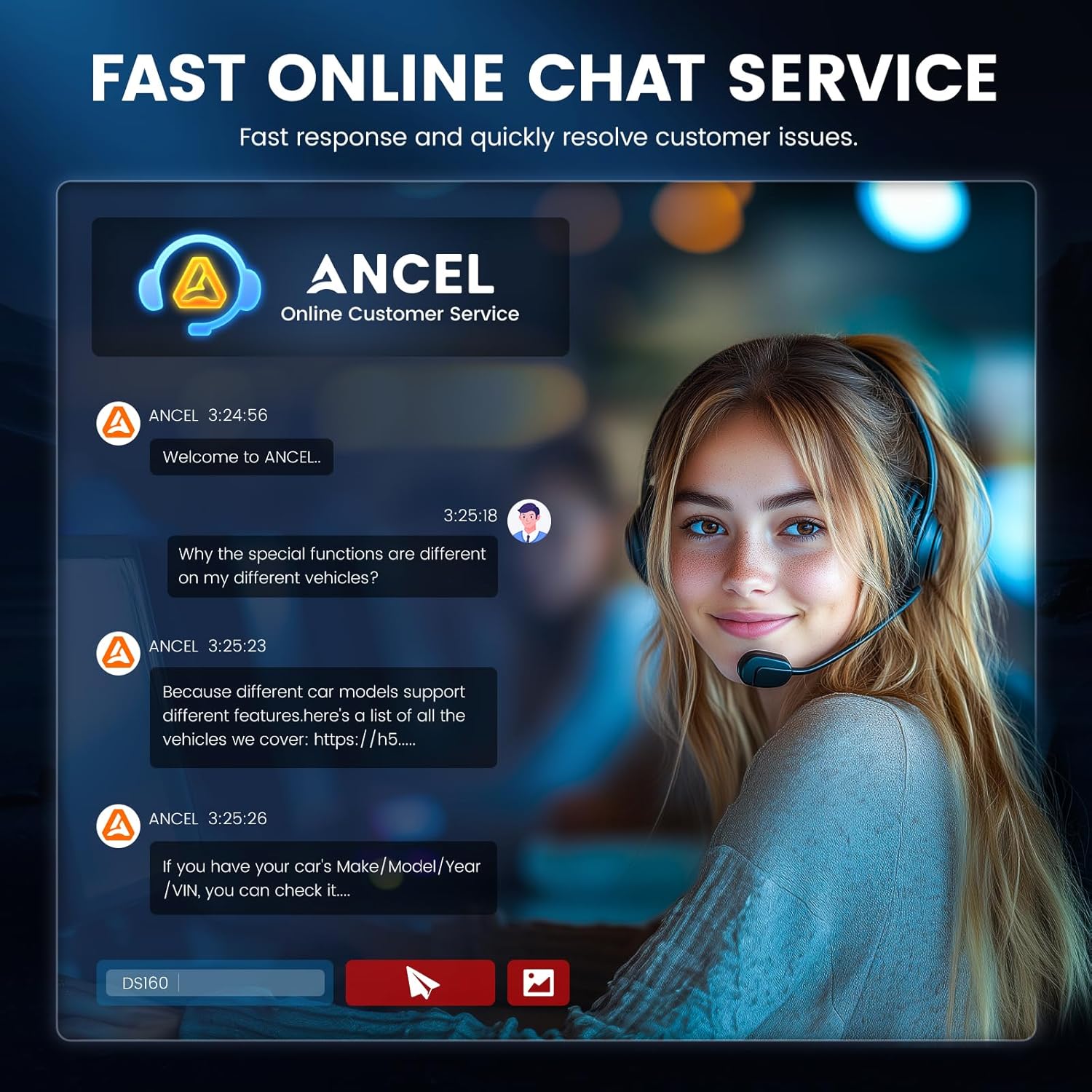
Figure 3.2: The protective case features superb craftsmanship and a humanized design for easy handling and durability.

Figure 3.3: The compact and durable protective case fits conveniently in a vehicle's trunk for storage and transport.
4. Setup
- Charging the Device: Connect the scanner to a power source using the provided USB cable. The built-in 1500mAh battery ensures portability.
- Power On: Press and hold the power button to turn on the device.
- Initial Setup: Follow the on-screen prompts to select your language, time zone, and connect to a Wi-Fi network for updates.
- Connect to Vehicle: Locate the vehicle's OBD2 port (usually under the dashboard) and firmly connect the scanner's diagnostic cable.
5. Operating Instructions
5.1. All Systems Diagnosis
The ANCEL DS200 provides in-depth diagnostics for all available electronic control modules in a vehicle. This includes, but is not limited to, the Engine, ABS (Anti-lock Braking System), SRS (Supplemental Restraint System), Transmission, ESP (Electronic Stability Program), SAS (Steering Angle Sensor), Air Conditioning Control, and PCM (Powertrain Control Module).

Figure 5.1: The DS200 supports full system diagnostics, covering engine, airbag, transmission, ABS, SAS, 4WD, TPMS, headlamp, ESP, and more.
5.2. 15+ Reset Services
The scanner offers over 15 special reset functions to assist with vehicle maintenance and repair. These functions can extend vehicle longevity and simplify common service tasks. Note that the availability of specific reset functions may vary by vehicle model and year.

Figure 5.2: Overview of various reset services including Air/Fuel Ratio Reset, Gearbox Relearn, Brake Pad Reset, EGR Adaption, TPMS Reset, Gear Learn, NOx Sensor Reset, ABS Bleeding, Battery Matching, Oil Reset, SAS Reset, Injector Coding, Throttle Relearn, AdBlue Reset, and D-P-F Regen.
5.2.1. ABS Bleeding
The ABS Bleeding function is used to expel air from the brake system, ensuring optimal brake performance and safety. This procedure is typically required after replacing ABS components or brake fluid.

Figure 5.3: ABS Bleeding ensures safe driving by expelling air for optimal brake function, especially after brake fluid addition/replacement or ABS parts repair/replacement.
5.2.2. SAS Reset
The Steering Angle Sensor (SAS) Reset function is used to recalibrate the steering angle sensor after repairs or replacements that affect the steering system. Proper SAS calibration is crucial for vehicle stability control systems.
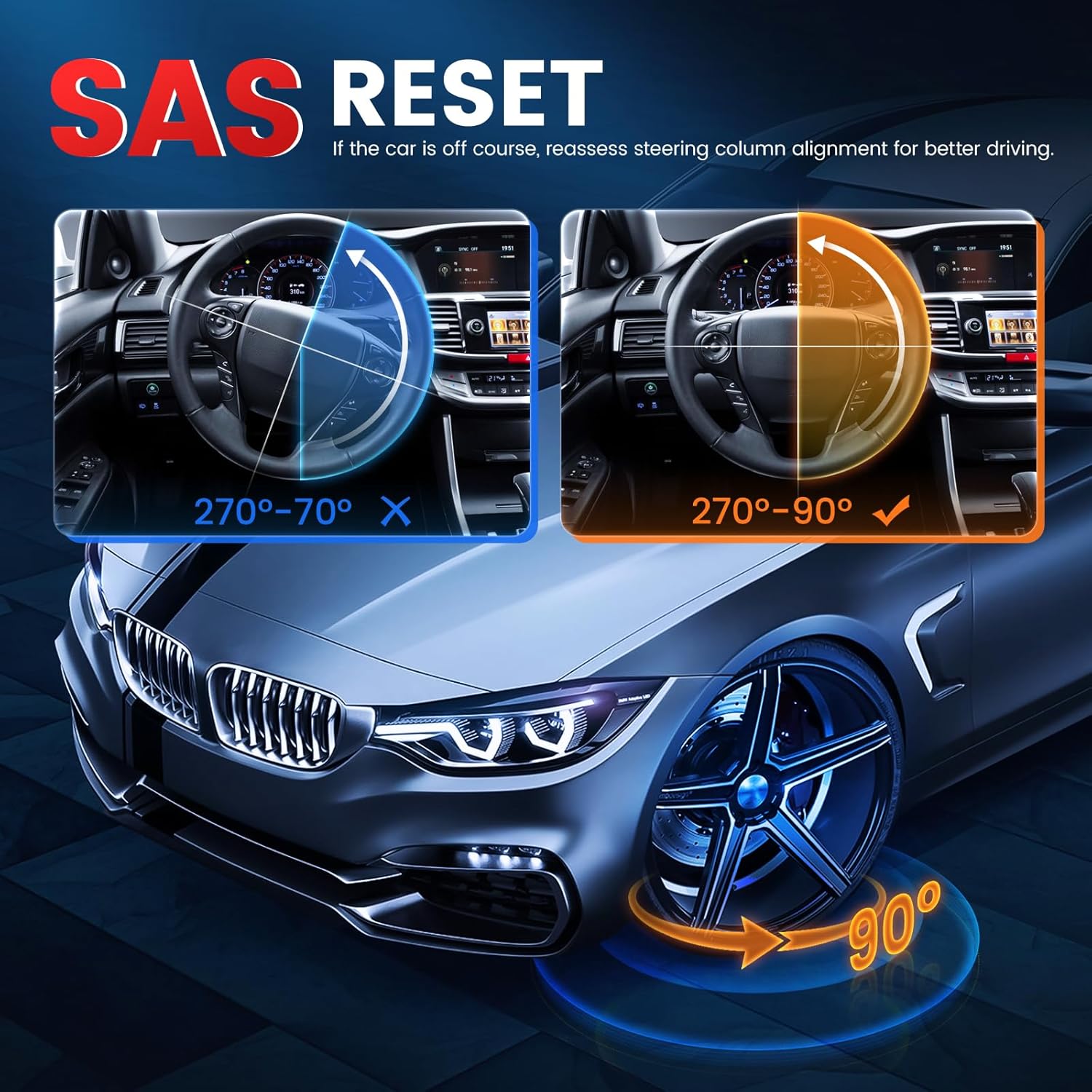
Figure 5.4: SAS Reset helps reassess steering column alignment for better driving if the car is off course, ensuring the steering angle is correctly calibrated (e.g., 90 degrees).
5.3. Software Updates
The ANCEL DS200 supports lifetime free software updates via Wi-Fi. Regularly updating your device ensures access to the latest vehicle coverage, bug fixes, and new features. To update, navigate to the 'Update' section on the main menu and follow the on-screen instructions.
5.4. Online Chat Service
For immediate assistance, the ANCEL DS200 features a built-in fast online chat service. This allows users to quickly connect with customer support for troubleshooting or inquiries regarding specific vehicle functions.

Figure 5.5: The fast online chat service provides quick responses and helps resolve customer issues efficiently.
6. Maintenance
- Cleaning: Use a soft, dry cloth to clean the scanner's screen and body. Avoid using abrasive cleaners or solvents.
- Storage: Store the scanner in its protective EVA case when not in use to prevent damage from impacts, dust, and moisture.
- Battery Care: For optimal battery life, avoid fully discharging the battery frequently. Charge the device regularly, even if not in active use.
- Cable Inspection: Periodically inspect the diagnostic cable for any signs of wear, cuts, or damage. Replace if necessary.
7. Troubleshooting
- Device Not Powering On: Ensure the battery is charged. Connect to a power source and try again. If the issue persists, contact support.
- No Communication with Vehicle:
- Verify the diagnostic cable is securely connected to both the scanner and the vehicle's OBD2 port.
- Ensure the vehicle's ignition is in the ON position (engine off).
- Check the vehicle's fuse for the OBD2 port.
- Try the scanner on a different compatible vehicle to rule out a vehicle-specific issue.
- Software Update Failure: Ensure a stable Wi-Fi connection. Restart the device and attempt the update again. If the problem continues, contact ANCEL support.
- Touchscreen Unresponsive: Restart the device. If the issue persists, contact support.
8. Specifications
| Feature | Description |
|---|---|
| Model | DS200 |
| Operating System | Android 10 |
| Processor | Quad-core |
| Display | 5-inch Touchscreen |
| Battery | 1500mAh |
| Connectivity | Wi-Fi |
| Updates | Lifetime Free Updates |
| Included Case Material | EVA rubber, plastic, polyester fiber |

Figure 8.1: Product size of the protective case: approximately 8.1" x 5.8" x 2.8".
9. Warranty and Support
The ANCEL DS200 comes with a manufacturer's warranty. For specific warranty terms and conditions, please refer to the warranty card included with your product or visit the official ANCEL website. For technical support, troubleshooting assistance, or inquiries about specific vehicle compatibility, please utilize the built-in online chat service on your device or visit the ANCEL support page online.
Manufacturer: ANCEL
Date First Available: December 18, 2024
Related documentsDS200


Ask a question about this manual
Ask about setup, troubleshooting, compatibility, parts, safety, or missing instructions. Manuals+ will review the question and use this page’s manual context to help answer it.