
ELP 12mp AF usb camera module
ELP 12MP Autofocus USB Camera Module User Manual
Model: 12mp AF usb camera module
1. Introduction
This manual provides detailed instructions for the ELP 12MP Autofocus USB Camera Module. This high-resolution camera module is designed for various applications, offering fast autofocus, high frame rates, and broad compatibility. Please read this manual thoroughly to ensure proper installation and operation of your device.
2. What's in the Box
- 1 x 12MP Autofocus USB Camera Module
- 1 x 1-meter USB Cable
- 1 x User Manual
3. Setup
The ELP 12MP Autofocus USB Camera Module is designed for plug-and-play operation, requiring no additional drivers on most modern operating systems due to its UVC (USB Video Class) compliance.
3.1 Connecting the Camera Module
Connect the included USB cable to the camera module's connector and then plug the USB-A end into an available USB 2.0 port on your computer, laptop, or compatible development board (e.g., Raspberry Pi, Jetson Nano).

Image: The ELP 12MP USB Camera Module connected to a laptop, demonstrating a typical setup for PC use.

Image: The ELP 12MP USB Camera Module connected to a Raspberry Pi, illustrating its use with development boards.
3.2 System Compatibility
The camera module is UVC compliant and supports a wide range of operating systems, including:
- Windows XP/7/8/10/Vista
- Mac OS X
- Linux (Ubuntu, etc.)
- Android
- Raspberry Pi
- Jetson Nano
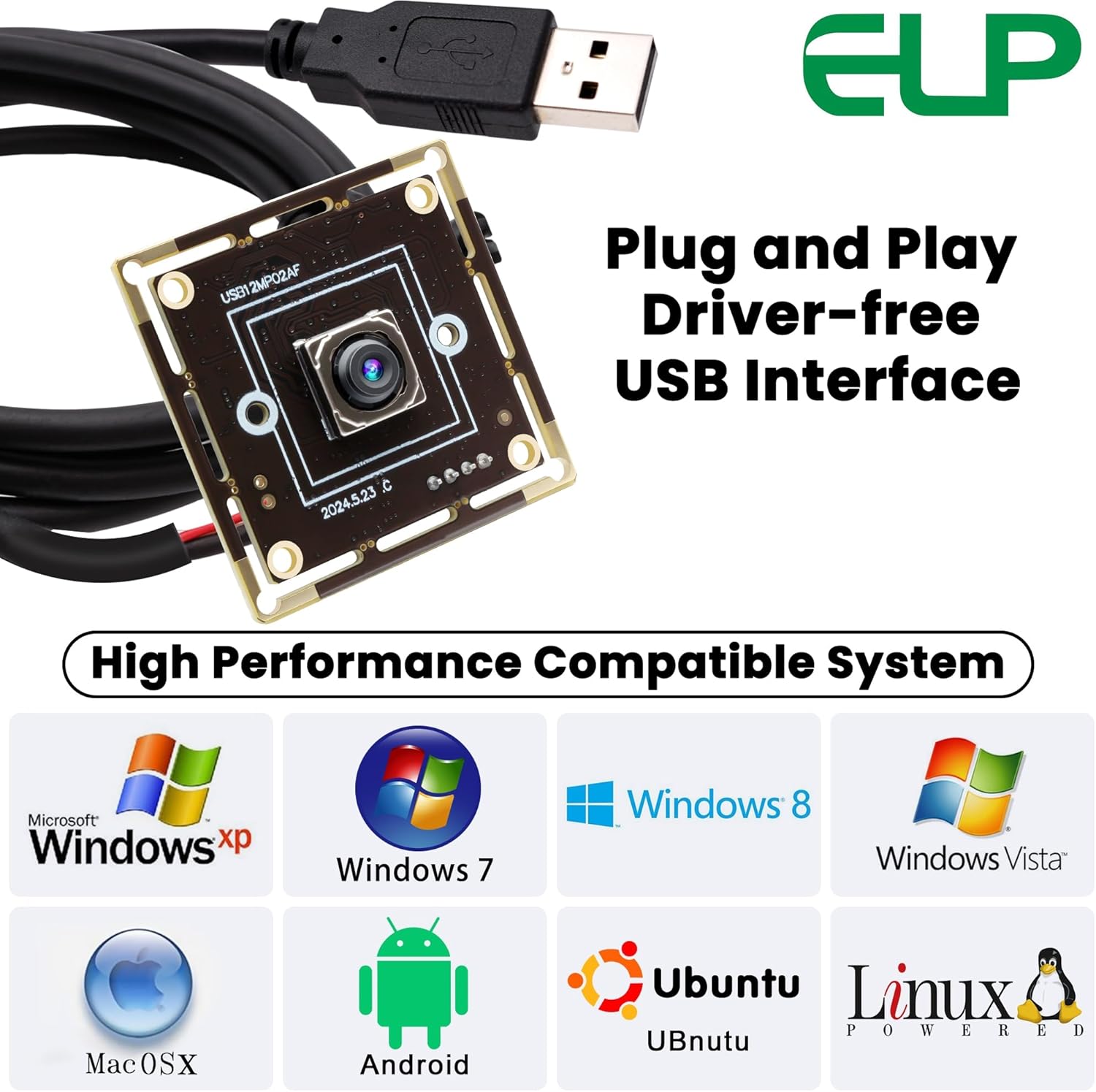
Image: Visual representation of the camera module's compatibility with various operating systems and devices.
4. Operating the Camera Module
4.1 Autofocus Functionality
The ELP 12MP camera module features fast PDAF (Phase Detection Autofocus) technology, allowing it to automatically adjust focus for objects at varying distances without manual intervention. The autofocus speed is approximately 200ms at 60fps and 300ms at 30fps.
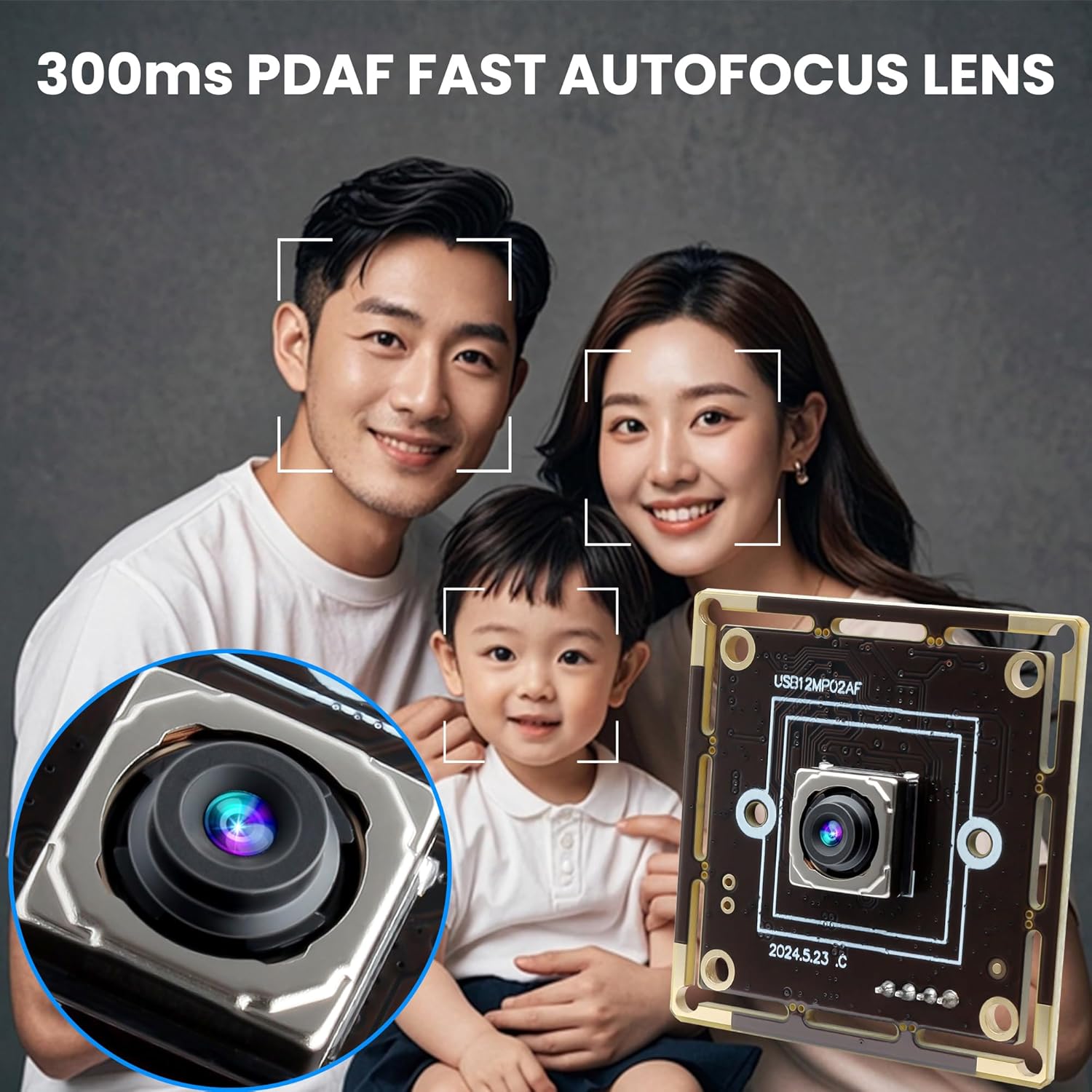
Image: A visual example of the camera's fast autofocus feature, keeping subjects clear and sharp.
4.2 Resolution and Frame Rates
The camera module supports a maximum resolution of 4000x3000 pixels (12 Megapixels). It can achieve high frame rates for smooth video capture:
- 4K (3840x2160) at 30 frames per second (fps)
- 1080P (1920x1080) at 60 frames per second (fps)
- 3000P (4000x3000) at 15 frames per second (fps)
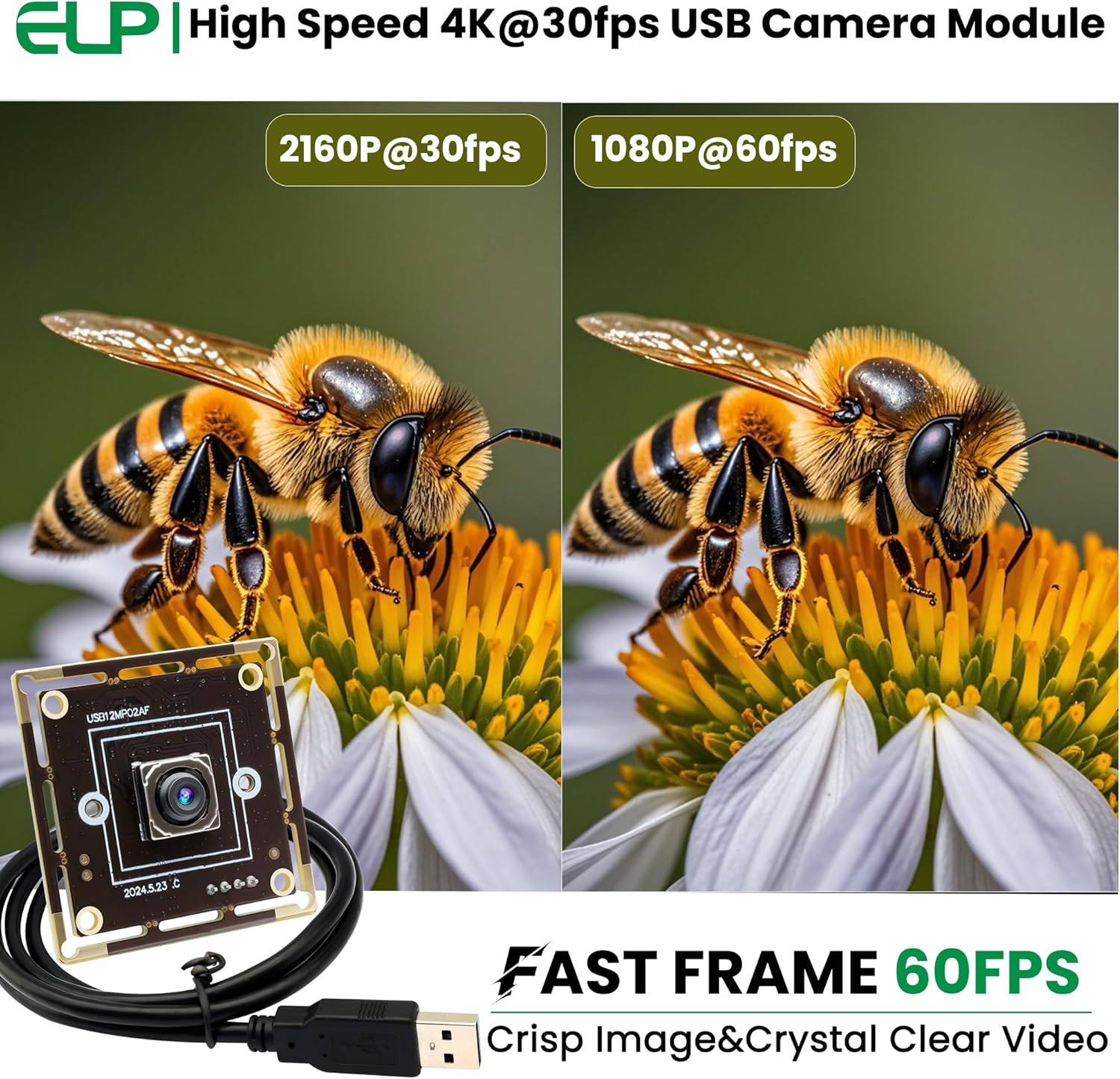
Image: A visual comparison of the camera's performance at 4K 30fps and 1080P 60fps, highlighting crisp image and clear video.

Image: Illustrates the different high-definition resolutions supported by the camera module: 1944P, 2160P, and 3000P.
4.3 Software Compatibility
The camera module is compatible with a wide range of video conferencing, streaming, and recording software, including but not limited to:
- Zoom
- Skype
- Microsoft Teams
- OBS Studio
- FaceTime
- Facebook Messenger
- VLC (for testing and streaming)
5. Applications
The compact size and versatile features of the ELP 12MP Autofocus USB Camera Module make it suitable for a variety of embedded and project-based applications:
- Wildlife photography
- Dashcams
- Baby monitors
- Monitoring 3D printers (e.g., Octoprint)
- Medical imaging
- Industrial inspection and automation
- Face recognition systems
- Lightburn cameras for laser engravers
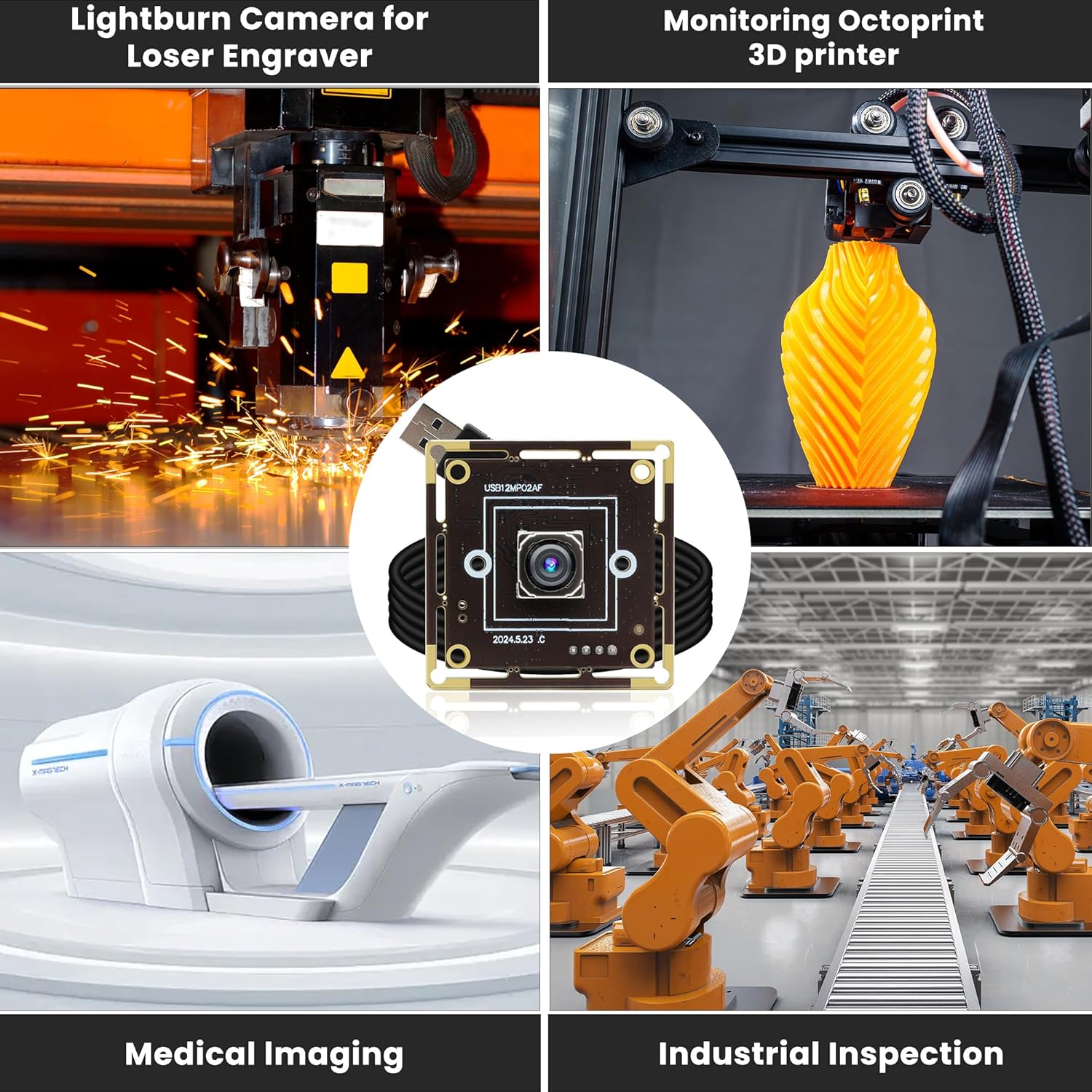
Image: A collage illustrating diverse applications for the camera module, from industrial uses to personal projects.
6. Specifications
| Feature | Description |
|---|---|
| Brand Name | ELP |
| Model Number | 12mp AF usb camera module |
| Image Sensor | 1/2.55” IMX362 CMOS |
| Maximum Resolution | 4000x3000 (12 Megapixels) |
| Video Capture Resolution | 3000P |
| Frame Rates | 4K@30fps, 1080P@60fps, 3000P@15fps |
| Autofocus Speed | Approx. 200ms (60fps), 300ms (30fps) |
| Lens Type | 65-degree AF low distortion lens |
| Focal Length | 3.3mm |
| Field of View (FOV) | DFOV: ~76 degrees, HFOV: ~65 degrees |
| Minimum Illumination | 0.5 Lux |
| Compression Format | MJPEG, YUY2 |
| Interface | High Speed USB 2.0 |
| Dimensions | 38mm x 38mm x 5mm (1.49 x 1.49 x 0.2 inches) |
| Weight | Approx. 30g (1.06 ounces) |
| Special Features | UVC compliant, Mini size, Lightweight |

Image: Detailed dimensions of the camera module, indicating its compact size.
7. Troubleshooting
7.1 Camera Not Detected
- Check USB Connection: Ensure the USB cable is securely connected to both the camera module and the computer's USB port. Try a different USB port.
- Restart Computer: A system restart can often resolve detection issues.
- Check Device Manager (Windows) / System Information (Mac/Linux): Verify if the camera is listed under imaging devices or USB devices. If it appears with an error, try updating or reinstalling drivers (though typically not needed for UVC devices).
- Try Another Computer: Test the camera on a different computer to rule out a specific system issue.
7.2 Poor Image Quality / Blurry Image
- Lighting Conditions: Ensure adequate lighting in the environment. The camera performs best with sufficient light (minimum 0.5 Lux).
- Autofocus Check: Allow the camera a moment to autofocus. If the image remains blurry, ensure the subject is within the camera's focus range.
- Lens Cleanliness: Gently clean the lens with a soft, lint-free cloth if there are smudges or dust.
- Software Settings: Check the resolution and quality settings within the application you are using (e.g., Zoom, OBS). Ensure they are set to the desired high-resolution options.
7.3 Low Frame Rate
- USB Port Speed: Ensure you are connected to a High Speed USB 2.0 port. Older or slower USB ports may limit performance.
- System Resources: Close other demanding applications that might be consuming CPU or GPU resources.
- Resolution Setting: Lowering the resolution in your application settings can increase the frame rate. For example, 1080P supports 60fps, while 4K supports 30fps.
- Cable Quality: Ensure you are using the provided USB cable or a high-quality replacement.
8. Maintenance
To ensure the longevity and optimal performance of your ELP 12MP Autofocus USB Camera Module, follow these maintenance guidelines:
- Cleaning: Use a soft, dry, lint-free cloth to clean the camera module. For the lens, use a specialized lens cleaning cloth and solution if necessary. Avoid abrasive materials or harsh chemicals.
- Storage: When not in use, store the camera module in a cool, dry place, away from direct sunlight and extreme temperatures.
- Handling: Handle the module with care to avoid physical damage to the circuit board or lens. Avoid touching the lens surface directly.
- Environment: Do not expose the camera module to water, excessive humidity, or dusty environments.
9. Warranty and Support
For warranty information and technical support, please refer to the official ELP website or contact your point of purchase. Keep your purchase receipt as proof of purchase for any warranty claims.
Related documents12mp AF usb camera module


Ask a question about this manual
Ask about setup, troubleshooting, compatibility, parts, safety, or missing instructions. Manuals+ will review the question and use this page’s manual context to help answer it.