
Introduction
This manual provides detailed instructions for the Hulaed Q68 Wireless Earbuds. Please read this manual carefully before using the product to ensure proper operation and to maintain the device's longevity. The Q68 earbuds feature Bluetooth 5.4 technology, an LED display, and a waterproof design, suitable for various activities.
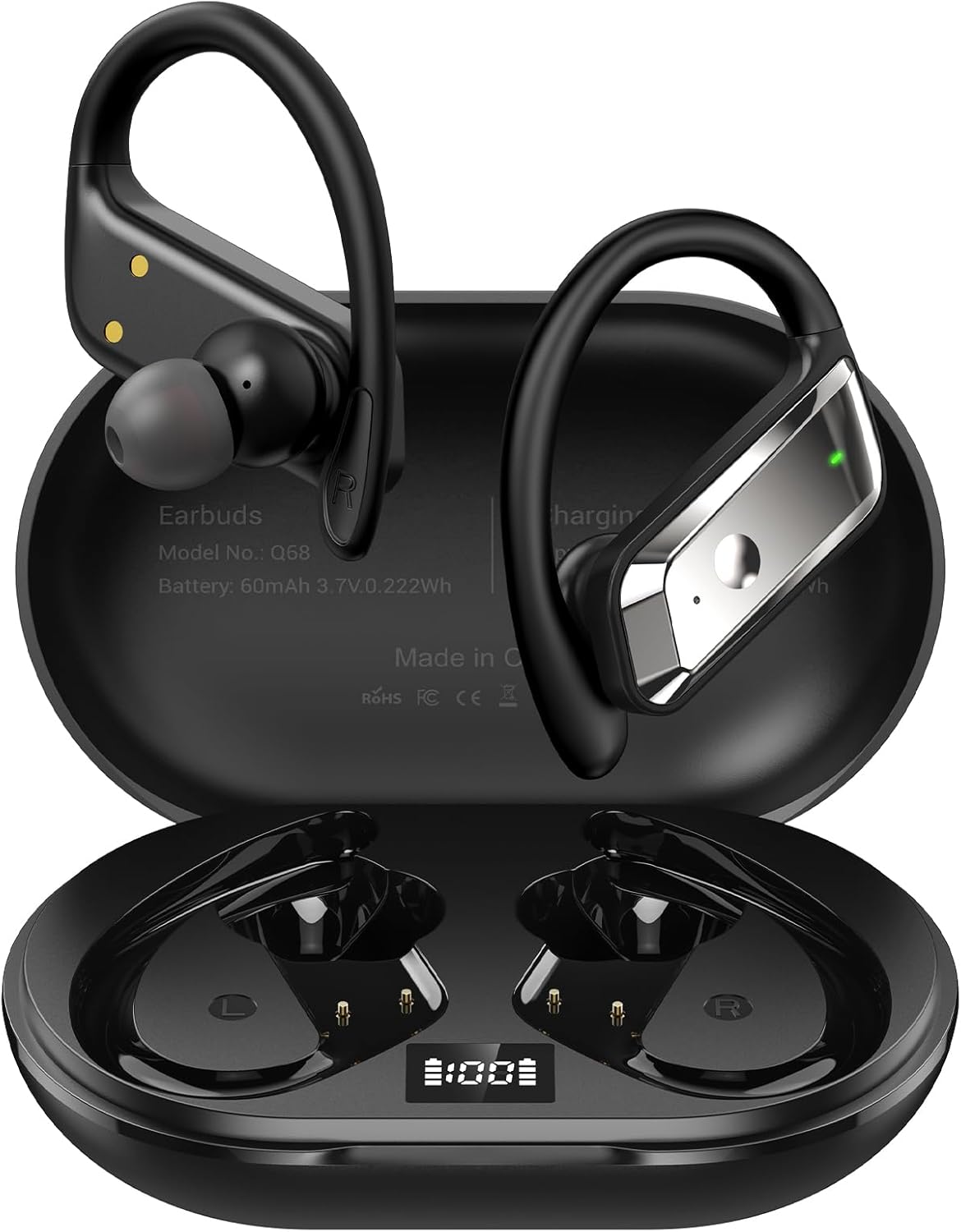
Image: Hulaed Q68 Wireless Earbuds in their charging case, displaying the LED battery indicator.
Setup
1. Unboxing and Initial Charge
- Open the package and verify all components are present: Earbuds (2), Charging Case, Eartips, Type-C Charging Cable, User Manual.
- Before first use, place both earbuds into the charging case and connect the Type-C charging cable to a power source. Ensure the charging case and earbuds are fully charged. The LED display on the charging case will indicate the battery level.
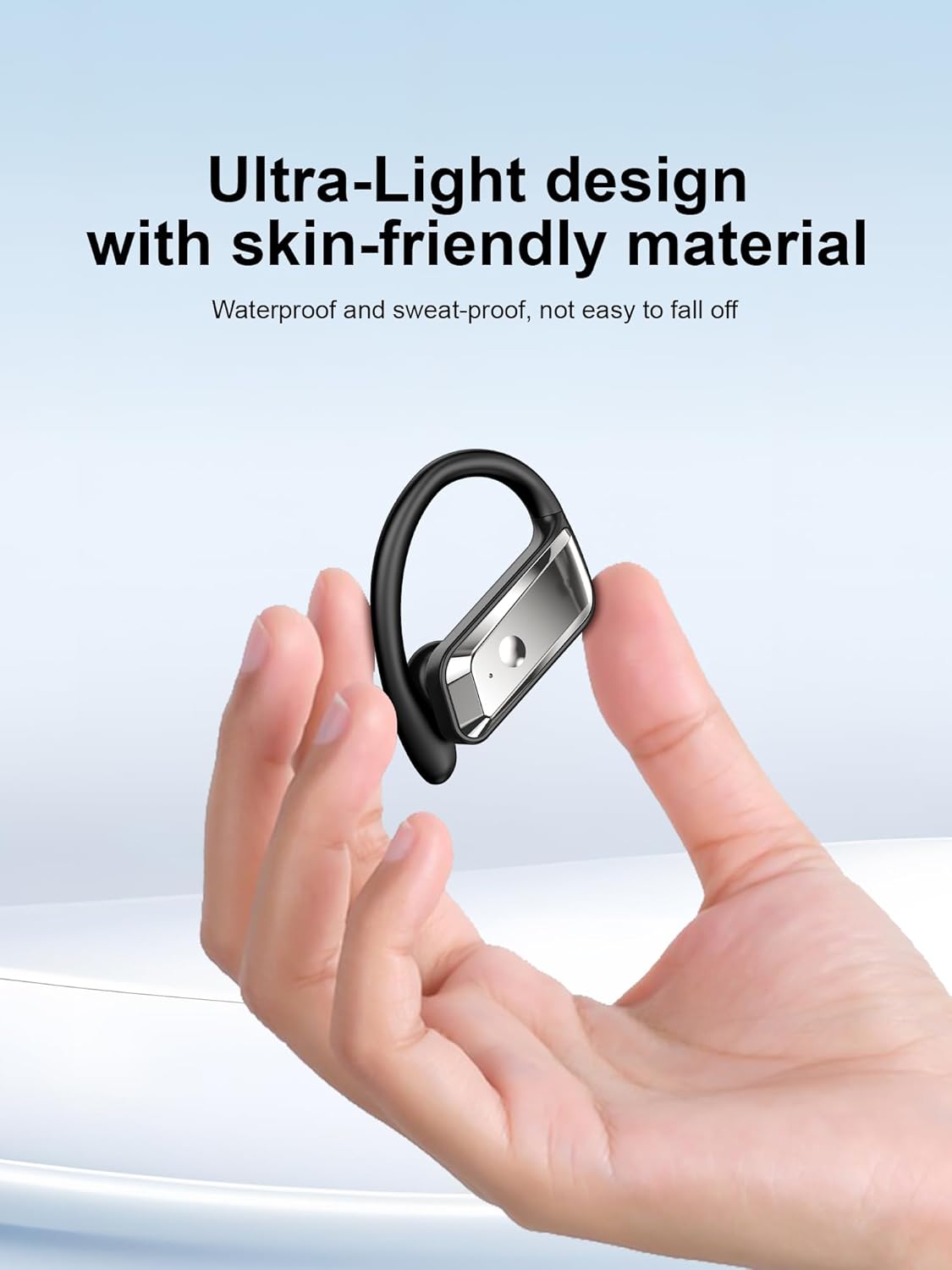
Image: Contents of the Hulaed Q68 Earbuds package, including earbuds, charging case, eartips, Type-C cable, and user manual.
2. Wearing the Earbuds
- Identify the left (L) and right (R) earbuds.
- Gently place the earbud into your ear canal and rotate the over-ear hook behind your ear until it sits comfortably and securely.
- Adjust the earbud angle for optimal sound and comfort.
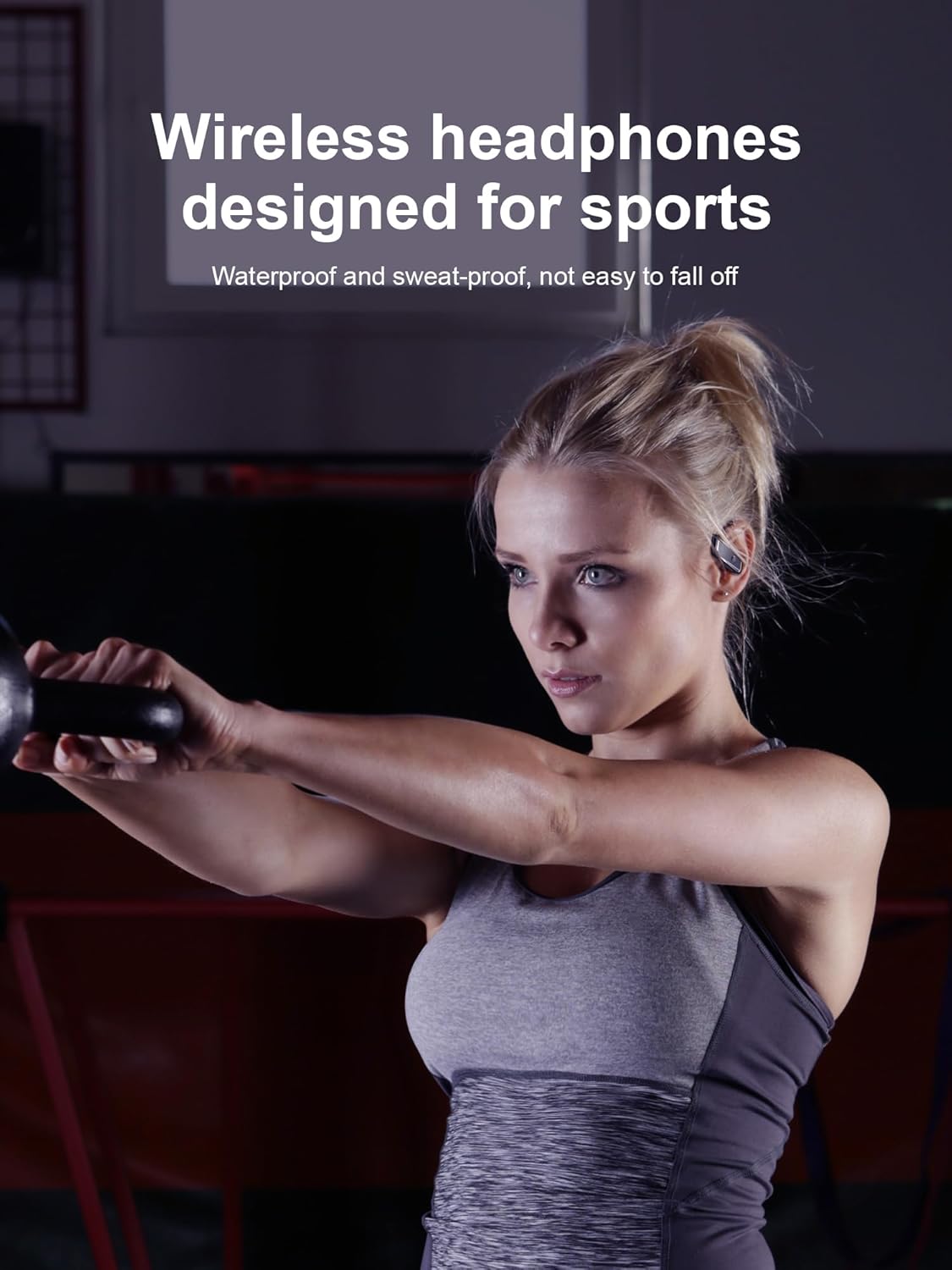
Image: Step-by-step guide on how to correctly position the Hulaed Q68 earbuds with their over-ear hooks.
3. Bluetooth Pairing
- Ensure the earbuds are charged and removed from the charging case. They will automatically enter pairing mode.
- On your device (smartphone, tablet, computer), enable Bluetooth.
- Search for available devices and select "Q68" from the list.
- Once connected, a voice prompt will confirm successful pairing.
- The earbuds will automatically reconnect to the last paired device when removed from the case, if Bluetooth is enabled on the device.

Image: A smartphone screen showing the Bluetooth settings with "Q68" selected for pairing, next to the earbuds and charging case.
Operating Instructions
1. Power On/Off
- Power On: Remove the earbuds from the charging case. They will power on automatically. Alternatively, press and hold the touch control area on both earbuds for 2 seconds.
- Power Off: Place the earbuds back into the charging case. They will power off automatically. Alternatively, press and hold the touch control area on both earbuds for 5 seconds.
2. Touch Controls
The Hulaed Q68 earbuds feature sensitive touch controls for managing audio playback and calls.

Image: Visual representation of the touch control functions for music playback and call management on the Hulaed Q68 earbuds.
| Function | Action |
|---|---|
| Play/Pause | Press once on either earbud |
| Volume Up | Double-click right earbud |
| Volume Down | Double-click left earbud |
| Next Track | Long-press right earbud for 2 seconds |
| Previous Track | Long-press left earbud for 2 seconds |
| Answer/End Call | Press once on either earbud |
| Reject Call | Long-press either earbud for 2 seconds |
| Activate Voice Assistant | Triple-click either earbud |
3. Charging the Earbuds and Case
- Charging Earbuds: Place the earbuds into the charging case. They will automatically begin charging. The LED display on the case will show the charging status of each earbud.
- Charging Case: Connect the provided Type-C USB cable to the charging port on the case and to a USB power adapter (not included). The LED display will show the case's battery percentage.
- A full charge provides approximately 53 hours of total playtime with the charging case.

Image: The Hulaed Q68 charging case with its digital LED display indicating the battery percentage of the case and individual earbuds.
Maintenance
1. Cleaning
- Regularly clean the earbuds, especially the eartips and charging contacts, with a soft, dry, lint-free cloth.
- Do not use harsh chemicals, cleaning solvents, or strong detergents.
- Ensure the charging contacts on both the earbuds and the case are free of dust and debris to maintain proper charging.
2. Storage
- When not in use, store the earbuds in their charging case to protect them and keep them charged.
- Store the device in a cool, dry place, away from extreme temperatures and direct sunlight.
3. Water Resistance (IPX7)
- The earbuds are rated IPX7 waterproof, meaning they can withstand immersion in water up to 1 meter for 30 minutes.
- This rating makes them suitable for workouts and light rain exposure. However, they are not designed for swimming or prolonged submersion.
- Ensure the earbuds are completely dry before placing them back into the charging case to prevent damage.

Image: The Hulaed Q68 earbuds shown with water droplets, highlighting their IPX7 waterproof capability for sports and outdoor use.
Troubleshooting
- Earbuds not pairing: Ensure both earbuds are out of the case and in pairing mode. Turn off Bluetooth on other nearby devices. Try resetting the earbuds (refer to manufacturer's website for specific reset instructions if needed).
- Only one earbud working: Place both earbuds back into the charging case, then take them out again. Ensure both are charged. If the issue persists, try re-pairing them.
- No sound: Check the volume level on both your device and the earbuds. Ensure the earbuds are properly connected to your device. Try playing audio from a different application.
- Charging issues: Ensure the charging cable is securely connected to both the case and the power source. Check if the charging contacts on the earbuds and case are clean. Try a different charging cable or power adapter.
- Poor call quality: Ensure the earbuds are positioned correctly. Check for environmental noise. Ensure your device's microphone access is granted to the earbuds if prompted.
Specifications
| Feature | Detail |
|---|---|
| Model Name | Q68 |
| Connectivity Technology | Wireless (Bluetooth) |
| Bluetooth Version | 5.4 |
| Wireless Communication Technology | Bluetooth |
| Battery Life | Up to 53 Hours (with charging case) |
| Water Resistance Level | Waterproof (IPX7) |
| Noise Control | Sound Isolation, ENC Noise-Canceling Mic |
| Audio Driver Type | 14.2mm Dynamic Driver |
| Frequency Range | 20 Hz - 20,000 Hz |
| Control Method | Touch |
| Ear Placement | In Ear (with Over-Ear Hook) |
| Material | Plastic |
| Item Weight | 0.12 Kilograms (4.2 ounces) |
| Compatible Devices | Laptops, Desktops, Tablets, Telephones, Smartphones |

Image: An exploded view diagram showcasing the internal components and stereo diaphragm technology of the earbud, highlighting sound quality features.

Image: A detailed view of a microchip labeled 'Bluetooth 5.4', representing the advanced connectivity technology used in the earbuds.
Warranty and Support
Hulaed products are designed for reliability and performance. This product is covered by a standard manufacturer's warranty against defects in materials and workmanship. For specific warranty terms and conditions, please refer to the warranty card included in your product packaging or visit the official Hulaed support website.
If you encounter any issues or require assistance, please contact Hulaed customer support through the retailer's platform or the contact information provided in your product documentation. Please have your model number (Q68) and purchase details ready when contacting support.