
1. Introduction
The Yuanj YJ-N6 Sleep Headphones are designed to provide a comfortable audio experience while promoting restful sleep. These invisible earbuds feature a compact, ergonomic design ideal for side sleepers, offering passive noise isolation to block out unwanted sounds. Equipped with Bluetooth 5.3, they ensure a stable connection for your audio needs.

Image: YJ-N6 Sleep Headphones and charging case, illustrating their use for sleep.
2. What's in the Box
Please check the package contents to ensure all items are present:
- 1 x Type-C Charging Cable
- 1 x Charging Case
- 2 x Sleep Earbuds (Left and Right)
- 1 x User Manual

Image: Package contents and product dimensions.
3. Product Overview
The YJ-N6 Sleep Headphones are engineered for comfort and effective noise isolation, making them suitable for various scenarios, especially sleeping.
Key Features:
- Invisible Design: Compact and low-profile, designed to be worn comfortably without protrusion.
- Passive Noise Isolation: The earbuds are designed to seal the ear canal, reducing ambient noise by up to 24 dB. Note: These headphones do not feature Active Noise Cancellation (ANC).
- Comfort for Side Sleepers: Made from ultra-soft silicone material with an ergonomic shape to ensure pressure-free comfort even when sleeping on your side.
- Bluetooth 5.3 Connectivity: Provides a stable and efficient wireless connection for seamless audio streaming.
- Extended Playback Time: Up to 4 hours of playback on a single charge, with the charging case providing up to 40 hours of total listening time.
- Clear Sound: Equipped with 12mm drivers for a clear audio experience.

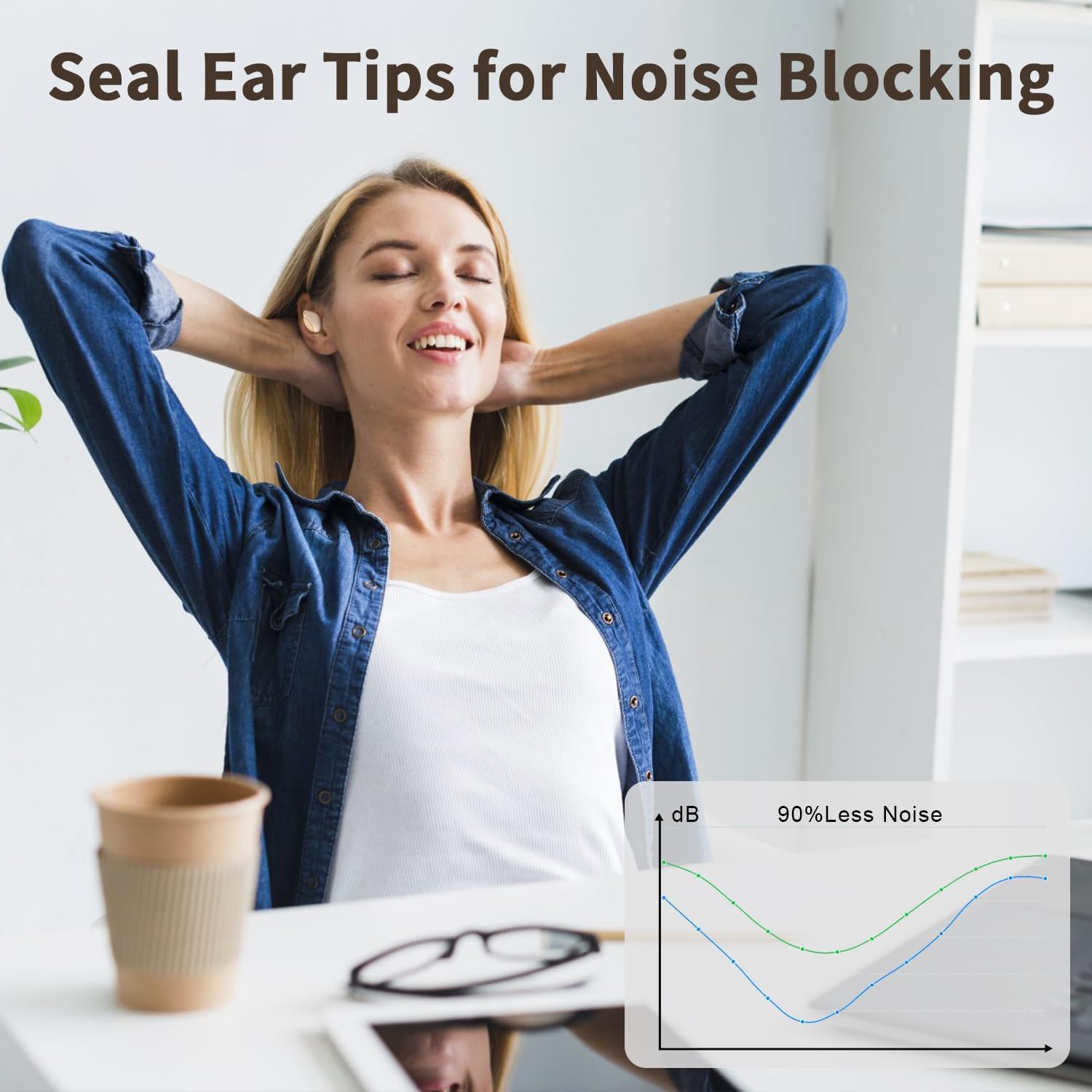
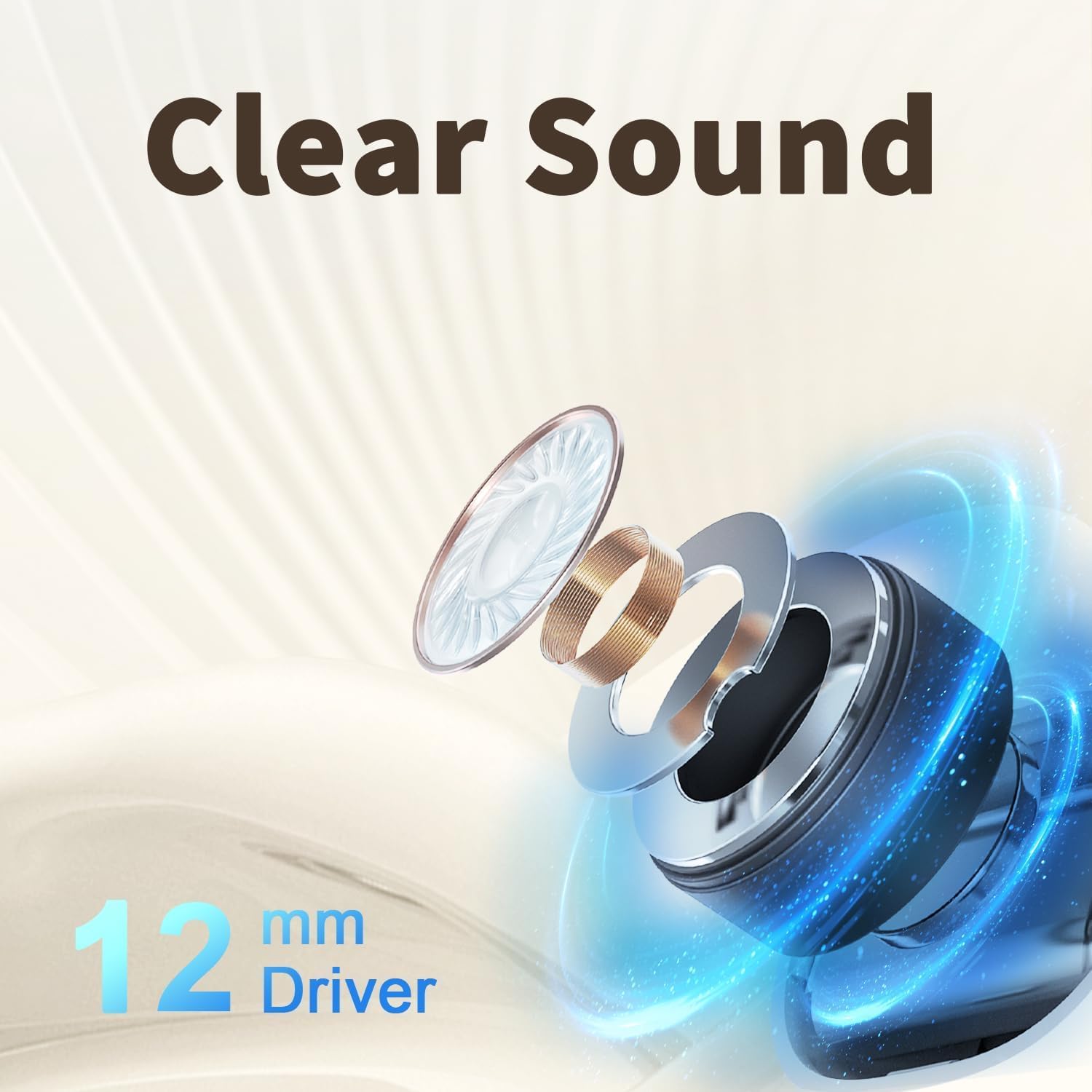
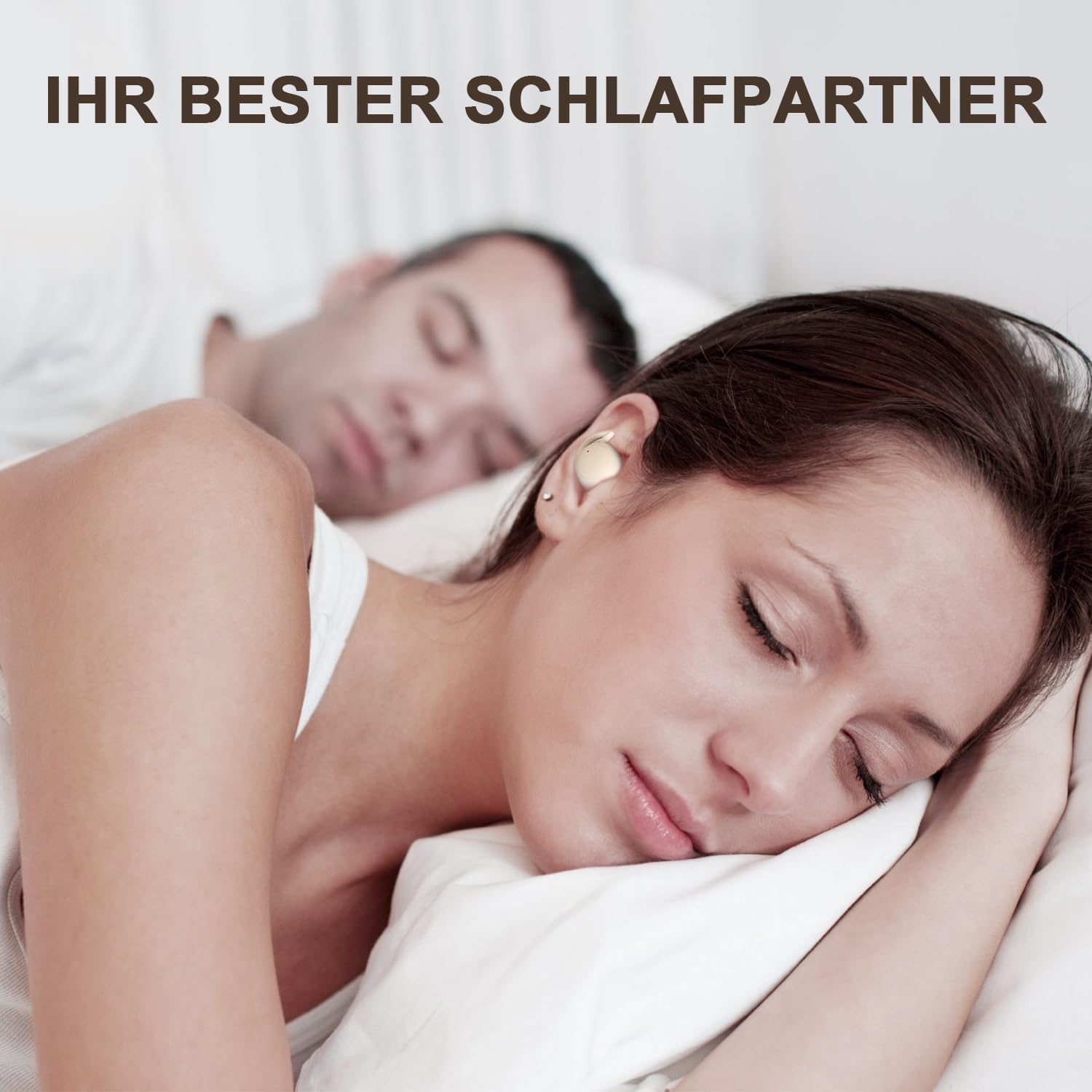

Image: Overview of noise-masking, ergonomic design, battery life, and material.

Image: Detailed view of the passive noise cancellation system.
4. Setup
4.1 Charging the Earbuds and Case
Before first use, fully charge the earbuds and the charging case. Place the earbuds into the charging case. Connect the Type-C charging cable to the charging case and a power source. The LED indicator on the case will show the charging status.
- Earbuds Battery: 30mAh (approx. 4 hours playtime)
- Charging Case Battery: 350mAh (provides multiple charges for earbuds)

Image: Earbuds in charging case, highlighting 4 hours of playtime.

Image: Battery specifications for earbuds and charging case.
4.2 Bluetooth Pairing
To pair your YJ-N6 Sleep Headphones with your device:
- Ensure the earbuds are charged.
- Open the charging case. The earbuds will automatically enter pairing mode.
- On your device (smartphone, tablet, etc.), enable Bluetooth.
- Search for "YJ-N6" in the list of available Bluetooth devices.
- Select "YJ-N6" to connect. Once connected, you will hear a confirmation tone.
The earbuds will automatically reconnect to the last paired device when taken out of the case, if Bluetooth is enabled on the device.
5. Operating Instructions
The YJ-N6 Sleep Headphones feature intuitive touch controls on each earbud. There is no inductive tone when using touch controls.
| Action | Control | Function |
|---|---|---|
| Play/Pause | Touch Twice | Toggle playback. |
| Volume Up/Down | Touch Three Times (Right/Left) | Increase volume (Right earbud), Decrease volume (Left earbud). |
| Next/Previous Track | Touch Four Times | Skip to next track (Right earbud), Go to previous track (Left earbud). |
| Answer/End Call | Press 1 second | Answer incoming call, End current call. |
| Reject Call | Press 2 seconds | Reject incoming call. |
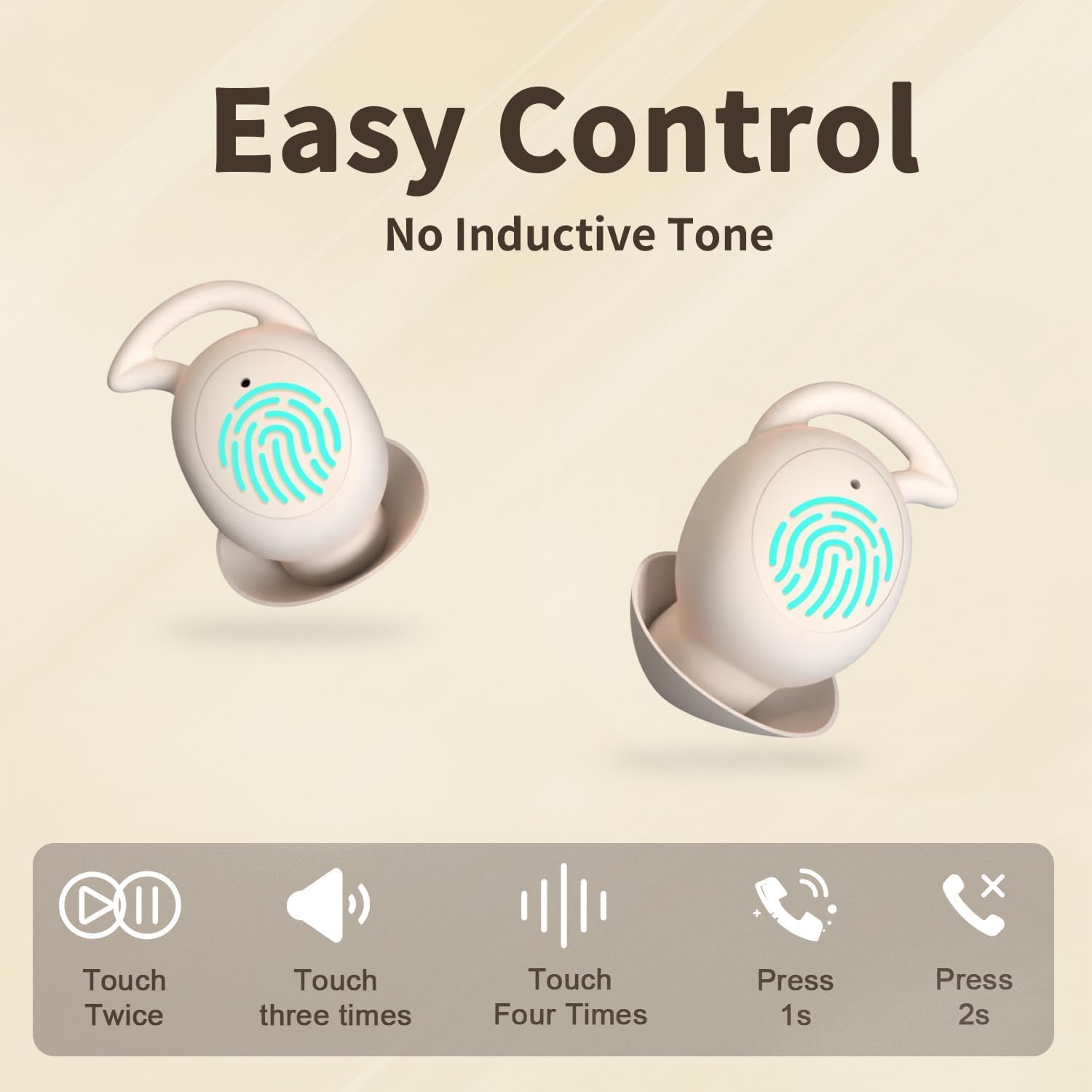
Image: Visual guide to the touch controls on the earbuds.

Image: Another visual representation of the earbud touch controls.
6. How to Wear
For optimal comfort and noise isolation, ensure the earbuds are properly inserted and tucked into your ear.
- Insert: Gently insert the earbud into your ear canal.
- Tuck: Rotate and tuck the earbud so that the soft silicone wing fits securely into the concha (outer ear bowl). This ensures a snug fit and maximizes noise isolation.
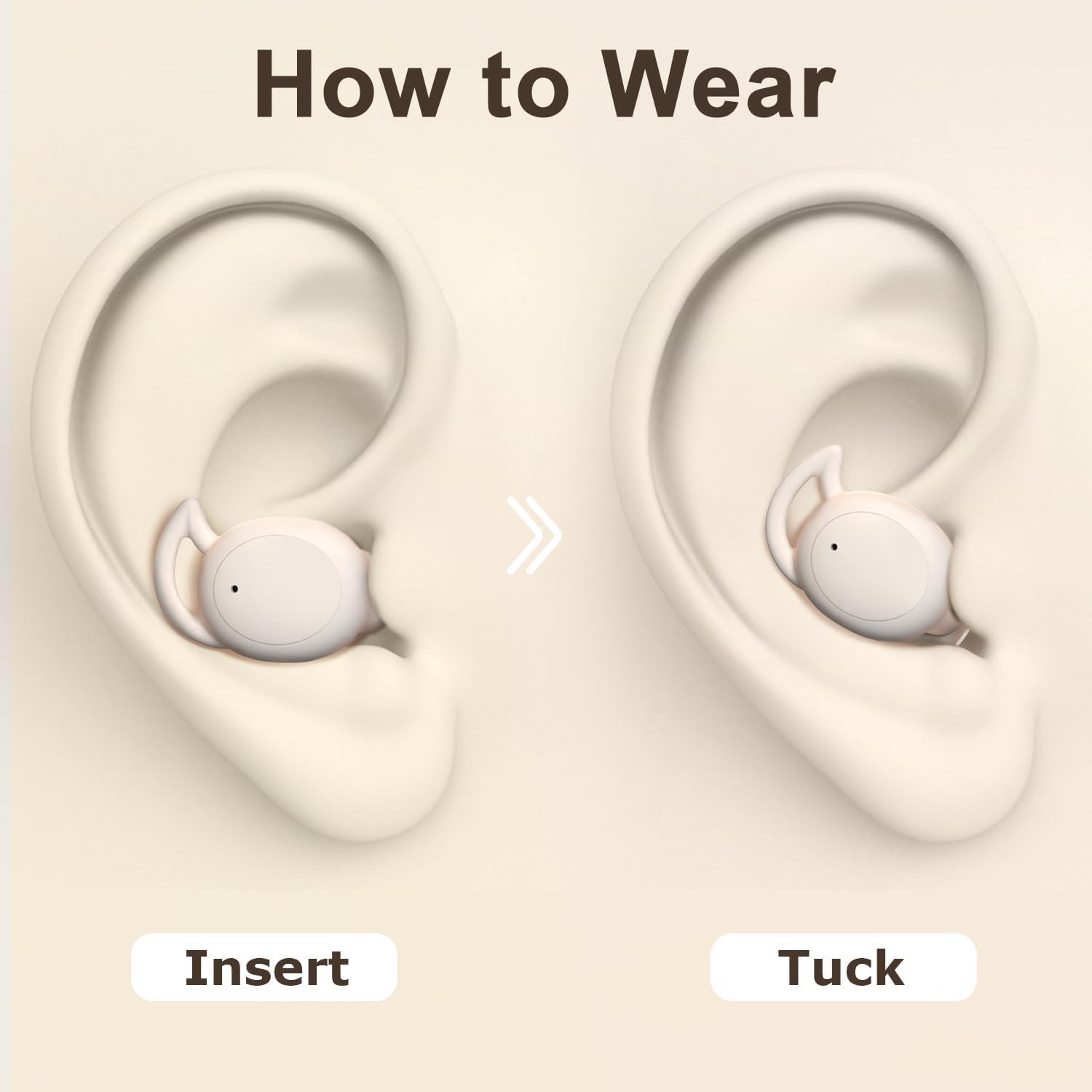
Image: Step-by-step guide on how to wear the earbuds.

Image: Illustration of the earbud correctly positioned in the ear.

Image: Highlighting the feather-light comfort of the earbuds (2.2g).
7. Maintenance
Proper maintenance ensures the longevity and performance of your YJ-N6 Sleep Headphones.
- Cleaning: Regularly wipe the earbuds and charging case with a soft, dry, lint-free cloth. Do not use harsh chemicals or abrasive materials.
- Storage: When not in use, store the earbuds in their charging case to protect them from dust and damage. Keep them in a cool, dry place away from direct sunlight and extreme temperatures.
- Avoid Water: The earbuds are not waterproof. Avoid exposure to water or excessive moisture.
8. Troubleshooting
If you encounter issues with your YJ-N6 Sleep Headphones, refer to the following common solutions:
- No Sound:
- Ensure earbuds are charged.
- Check if the earbuds are properly paired with your device.
- Adjust the volume on both your device and the earbuds.
- Cannot Pair:
- Ensure Bluetooth is enabled on your device.
- Make sure the earbuds are in pairing mode (taken out of the case).
- Turn off Bluetooth on other nearby devices that might be trying to connect.
- Try forgetting the device in your phone's Bluetooth settings and re-pairing.
- Earbuds Not Charging:
- Ensure the charging cable is securely connected to both the case and the power source.
- Check if the charging case itself has power.
- Clean the charging contacts on both the earbuds and the case with a dry cotton swab.
- Intermittent Connection:
- Ensure there are no obstructions between the earbuds and your device.
- Move closer to your device.
- Avoid strong electromagnetic interference.
9. Specifications
| Feature | Detail |
|---|---|
| Model Name | YJ-N6 |
| Connectivity Technology | Wireless (Bluetooth) |
| Wireless Communication Technology | Bluetooth 5.3 |
| Ear Placement | In Ear |
| Form Factor | In Ear |
| Noise Control | Sound Isolation (Passive) |
| Material | Silicone |
| Earbud Battery Life | Up to 4 Hours |
| Total Playtime (with case) | Up to 40 Hours |
| Frequency Range | 20Hz - 20,000Hz |
| Item Weight | 3.2 ounces (total package) |
| Manufacturer | YUANJ |
| Compatible Devices | Smartphones, Tablets, Laptops, Smart Speakers |
10. Warranty and Support
For warranty information or technical support, please refer to the contact details provided with your product packaging or visit the official Yuanj website. Keep your purchase receipt as proof of purchase for any warranty claims.