
1. Product Overview
The INIU 30W PD QC 3.0 Dual Port Fast Charging USB C Charger (Model A12-E1) is designed for efficient and safe charging of multiple devices. It features both USB-C (Power Delivery) and USB-A (Quick Charge 3.0) ports, allowing simultaneous charging. Its compact design with a foldable plug makes it ideal for travel and everyday use. Advanced GaN technology ensures safe operation by preventing overcharge, excessive heat, and leakage risks.
Key Features:
- 30W Fast Charging: Capable of charging compatible devices rapidly, such as an iPhone 16 series to 71% in 30 minutes. Supports MacBook Air charging speeds.
- Dual Device Charging: Equipped with one USB-C PD port and one USB-A QC 3.0 port to charge two devices simultaneously.
- Ultra-Compact Design: Approximately 30% smaller than standard 30W chargers, featuring a foldable plug for enhanced portability.
- GaN Technology: Utilizes Gallium Nitride technology for efficient power delivery, reduced heat generation, and enhanced safety features against overcharging and leakage.
- Wide Compatibility: Supports a broad range of devices including iPhones, iPads, MacBooks, Android phones, tablets, AirPods, and more.
2. What's in the Box
- INIU 30W Wall Charger (Model A12-E1) x 1
- 60W Fast Charging USB-C Cable x 1
- User Manual x 1

Image: Contents of the INIU 30W Wall Charger package, showing the charger, USB-C cable, and user manual.
3. Setup and Connection
- Unfold the Plug: Gently pull out the foldable prongs from the charger body until they lock into place.
- Connect to Power Outlet: Insert the charger into a standard wall outlet.
- Connect Charging Cable: Plug one end of your USB-C or USB-A charging cable into the corresponding port on the INIU charger.
- Connect to Device: Plug the other end of the charging cable into your device (e.g., smartphone, tablet, laptop). The device should begin charging automatically.

Image: The INIU 30W USB C Charger connected to a wall outlet, with a USB-C cable extending to a smartphone, illustrating the charging process.

Image: The INIU 30W USB C Charger demonstrating dual-port charging, with a tablet connected to the USB-C port and a smartphone to the USB-A port.
4. Operating Instructions
Fast Charging:
The INIU 30W charger supports Power Delivery (PD) via its USB-C port and Quick Charge 3.0 (QC) via its USB-A port. For optimal fast charging, ensure your device and charging cable are compatible with PD or QC standards. When charging a single device via the USB-C port, it can deliver up to 30W. When both ports are in use, the power output is distributed.
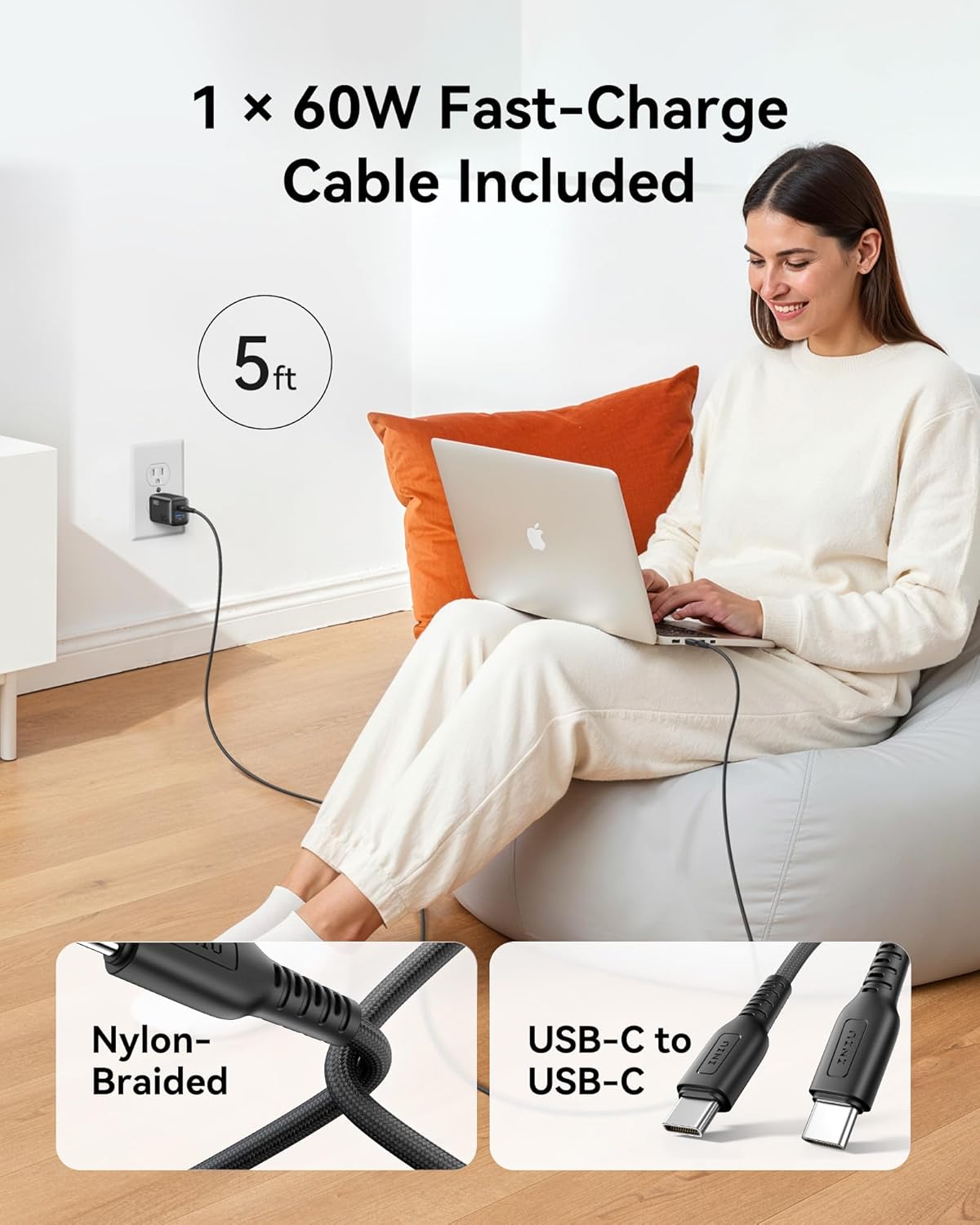
Image: A user charging a device with the INIU 30W USB C Charger and the included 5ft USB-C cable, highlighting the cable's nylon-braided design.
GaN Technology for Safety:
This charger incorporates GaN (Gallium Nitride) technology, which allows for a smaller, more efficient charger that generates less heat. This technology, combined with INIU's SmartProtect System, provides comprehensive protection against overcharging, overheating, and short circuits, ensuring the longevity of your devices' batteries.

Image: The INIU 30W USB C Charger, illustrating its GaN technology and its role in preventing overcharging and battery damage, as indicated by a phone's battery health display.
5. Compatibility
The INIU 30W charger is designed for broad compatibility with a wide range of electronic devices. It supports:
- Apple Devices: iPhone 16 / 16 Pro / iPhone 15 / 15 Pro / 14 / 14 Plus / 14 Pro / 14 Pro Max / 13 mini / 13 / 13 Pro / 13 Pro Max / 12 mini / 12 / 12 Pro / 12 Pro Max / SE (2nd Gen), iPad Pro/Air/Mini, MacBook Air.
- Samsung Galaxy Devices: S24 Ultra / S24+ / S24 / S23 Ultra / S23+ / S23 / S22 Ultra / S22+ / S22 / S21 FE / S21 Ultra / S21+ / S21 / S20 FE 5G / S20 Ultra / S20+ / S20 / S10, Note 20 Ultra / Note 20 / Note 10, Z Flip5 / Z Fold5 / Z Flip4 / Z Fold4 / Z Fold3 / Z Flip3 5G, A53 5G / A52, W23 Flip / W23 5G / W22 5G.
- Google Pixel Devices: Pixel 8/8 Pro/7/7 Pro/6/5/4/4 XL/3/3XL/3A/3A XL/2/XL.
- Other Devices: LG G7/ G6 / ThinQ / G5/ Stylo 4, V20 / V30 / V35 / V30S / V40 ThinQ Plus, Steam Deck, Cellphones, Tablets, AirPods, and other devices requiring USB-C or USB-A charging.

Image: A visual representation of the INIU 30W USB C Charger's wide compatibility with different device types and brands.
6. Maintenance and Care
- Keep Dry: Avoid exposing the charger to water or high humidity.
- Clean Gently: Use a dry, soft cloth to clean the charger. Do not use liquid cleaners or aerosols.
- Avoid Extreme Temperatures: Do not operate the charger in extremely hot or cold environments.
- Proper Storage: When not in use, fold the prongs for compact storage and to prevent damage. Store in a cool, dry place.
- Handle Cables Carefully: Avoid bending or twisting the charging cable excessively to prevent internal damage.
7. Troubleshooting
Common Issues and Solutions:
- Device not charging:
- Ensure the charger is securely plugged into a working wall outlet.
- Verify that the charging cable is firmly connected to both the charger and your device.
- Try using a different charging cable or a different device to isolate the issue.
- Check if your device's charging port is clean and free of debris.
- Slow charging:
- Confirm that your device and cable support fast charging standards (PD for USB-C, QC for USB-A).
- If charging two devices simultaneously, the power output is shared, which may result in slower charging for each device.
- Ensure the cable used is rated for the appropriate wattage (e.g., the included 60W USB-C cable).
- Charger getting warm:
- It is normal for the charger to become slightly warm during operation, especially during fast charging.
- If the charger becomes excessively hot, disconnect it immediately and contact customer support.
8. Specifications
| Feature | Detail |
|---|---|
| Model Number | A12-E1 |
| Brand | INIU |
| Total USB Ports | 2 (1x USB Type-C PD, 1x USB Type-A QC) |
| Input Voltage | 240 Volts |
| Amperage | 5 Amps |
| Item Weight | 4 ounces |
| Package Dimensions | 4.13 x 3.62 x 1.46 inches |
| Special Feature | Fast Charging, Lightweight Design, Multi Device Charging, Travel, Foldable Plug, GaN Technology |
9. Warranty and Support
INIU provides an Industry-Leading 3-Year INIU Care warranty for this product, along with Lifetime Technical Support. If you encounter any quality issues within 3 years of purchase, INIU offers a replacement. For support, please refer to the contact information provided in your product packaging or visit the official INIU website.
Video: An official INIU video titled "INIU 30W PD Fast Charging USB C Charger Block" by SimpleLife LLC, demonstrating the product's features and highlighting its 3-year warranty.


