
Introduction
The Y-Brush New Ultra Premium 2025 Sonic Toothbrush is designed to provide an efficient and comprehensive oral hygiene experience. This device features a patented Y-shaped brush head for simultaneous cleaning of all teeth, six brushing modes, and a long-lasting battery. This manual provides essential information for the proper setup, operation, and maintenance of your Y-Brush.

Image: The Y-Brush New Ultra Premium 2025 Sonic Toothbrush, including the handle, Y-shaped brush head, traditional brush head, charging cable, and travel case, displayed with its retail packaging.
Safety Information
- This toothbrush is intended for adult use only. Do not give this toothbrush to children.
- Do not use this product for purposes other than oral hygiene.
- Keep the device away from excessive heat and direct sunlight.
- Ensure the charging port is dry before connecting the USB-C cable.
What's Included
Your Y-Brush New Ultra Premium 2025 package includes the following components:
- Y-Brush Handle (Ultrablack Premium)
- Clean240 Head Brush (Y-shaped)
- Classic Brush Head
- USB-C Charging Cable
- Travel Case
- Drying Stand for brush heads
- Toothpaste Applicator

Image: A visual representation of all components included in the Ultra Premium Pack, clearly labeled for identification.
Setup
- Initial Charge: Before first use, fully charge your Y-Brush handle using the provided USB-C cable. Connect the cable to the charging port on the handle and a compatible USB power source. A full charge can last up to 6 months.
- Attach Brush Head: Select either the Clean240 (Y-shaped) or the Classic brush head. Align the brush head with the handle and push it firmly until it clicks into place.
- Apply Toothpaste: For the Clean240 head, apply a small amount of toothpaste evenly along the inside of the Y-shaped bristles. For the Classic brush head, apply toothpaste as you would with a traditional toothbrush.

Image: A user demonstrating how to hold and prepare the Y-Brush with both the traditional and Y-shaped brush heads.
Operating Instructions
Using the Clean240 (Y-shaped) Brush Head
- Insert the Y-shaped brush head into your mouth, ensuring it covers one arch of your teeth (either upper or lower).
- Press the power button to turn on the device. Select your desired brushing mode (see 'Brushing Modes' section).
- Gently bite down on the brush head and make small, light chewing motions while the brush vibrates. The device will clean all teeth simultaneously in approximately 20 seconds.
- After 20 seconds, remove the brush, rinse your mouth, and repeat the process for the other arch of your teeth.
Using the Classic Brush Head
- Place the Classic brush head against your teeth at a 45-degree angle to the gum line.
- Press the power button and select your desired brushing mode.
- Move the brush gently across your teeth in small, circular motions, covering all surfaces. The integrated timer will guide you through the recommended brushing duration.
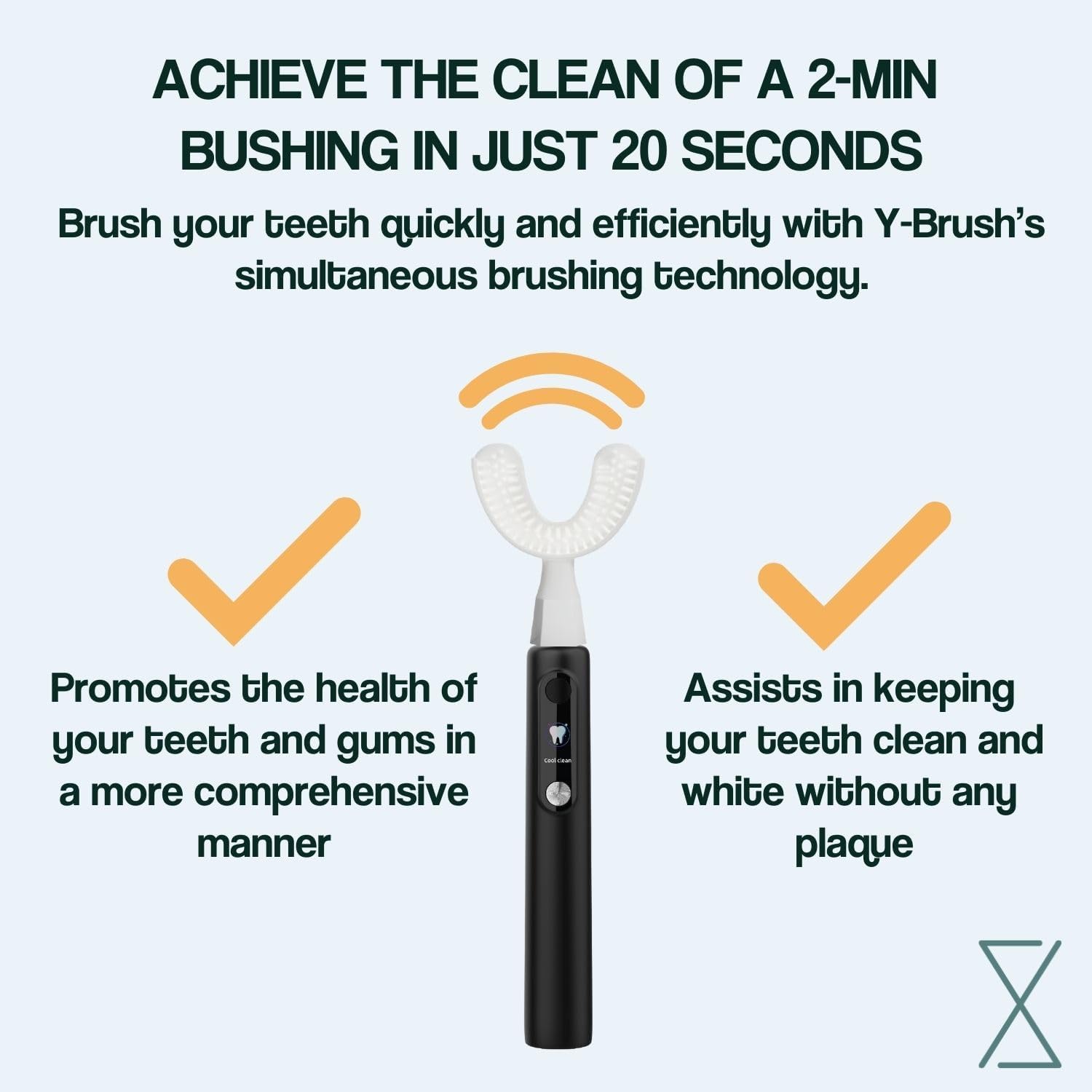
Image: An infographic explaining the efficiency of the Y-Brush in achieving comprehensive cleaning in a short duration.
Brushing Modes
The Y-Brush New Ultra Premium 2025 offers six advanced cleaning modes to personalize your oral care routine. These modes range from gentle cleaning for sensitive teeth to intense modes for deep cleaning and whitening. Refer to the device's display or accompanying quick start guide for specific mode indicators and recommended uses.

Image: A visual summary of the Y-Brush Ultra Premium's core features, including its multiple brushing modes and battery longevity.
Maintenance
- Cleaning Brush Heads: After each use, rinse the brush head thoroughly under running water to remove any toothpaste residue and debris. Allow it to air dry on the provided drying stand.
- Cleaning Handle: Wipe the handle with a damp cloth as needed. Do not submerge the handle in water.
- Storage: Store the Y-Brush and its accessories in a clean, dry place. Use the travel case for protection when traveling.
- Brush Head Replacement: For optimal hygiene and effectiveness, it is recommended to replace brush heads every 3 months, or sooner if bristles appear worn.
Troubleshooting
- Device Not Turning On: Ensure the device is fully charged. Connect it to the USB-C charger and allow it to charge for at least 30 minutes before attempting to power it on again.
- Weak Vibrations: Check the battery level. If low, recharge the device. Ensure the brush head is securely attached to the handle.
- Ineffective Cleaning: Ensure you are applying toothpaste correctly and using the appropriate brushing technique for your chosen brush head. Consider replacing the brush head if it is old or worn.
- Charging Issues: Verify that the USB-C cable is properly connected to both the device and the power source. Try using a different USB-C cable or power adapter if issues persist.
Specifications
| Feature | Detail |
|---|---|
| Model Number | Y2PckNBlackpremiumV3M |
| Product Dimensions | 5.71 x 10.83 x 1.57 inches |
| Weight | 1.1 Pounds |
| Battery Type | 1 Lithium Ion battery (required) |
| Battery Life | Up to 6 months per charge |
| Power Source | Battery Powered (USB-C rechargeable) |
| Brushing Modes | 6 |
| Special Feature | Brushing Timer |
| Bristle Firmness | Soft |
| Age Range | Adult |
Warranty and Support
For warranty activation and detailed support, please scan the QR code provided in your product packaging or visit the official Y-Brush website. The manufacturer provides support for product inquiries and assistance with any operational issues.

Image: A comparison of the Y-Brush with both brush head types, highlighting the warranty activation QR code.
Legal Disclaimer
Statements regarding dietary supplements have not been evaluated by the FDA and are not intended to diagnose, treat, cure, or prevent any disease or health condition.

