
1. Introduction
The HALO RapidPack 10K DLX is a portable power bank designed to charge your electronic devices on the go. Featuring a 10,000 mAh battery capacity, it provides reliable power for smartphones, tablets, and other USB-powered devices. Its compact design and synthetic leather finish offer both portability and a comfortable grip. This manual provides essential information for the safe and efficient use of your RapidPack 10K DLX.
2. What's Included
- HALO RapidPack 10K DLX Power Bank
- USB-C to USB-C Charging Cable
- User Manual

3. Setup: Initial Charging
Before first use, fully charge your HALO RapidPack 10K DLX. Use the included USB-C to USB-C cable and connect it to a compatible USB-C wall adapter (sold separately). The digital display will show the charging progress. A full charge ensures optimal performance.

4. Operating Instructions
4.1. Charging Your Devices
To charge a device, connect your device's charging cable to either the USB-A 'OUT' port or the bi-directional USB-C 'IN/OUT' port on the RapidPack. The power bank will automatically begin charging your device. The USB-C port supports up to 20W output for fast charging compatible devices.
4.2. Checking Battery Level
Press the power button located on the side of the RapidPack to activate the digital display. The screen will show the remaining battery percentage, allowing you to monitor the power bank's charge status accurately.

5. Key Features
- Portable Power: Compact and capable of charging phones and tablets multiple times.
- Multi-Device Charging: Features one standard USB-A output and one bi-directional USB-C port for charging two devices simultaneously.
- Stylish & Functional: Wrapped in synthetic leather with a digital display for easy battery level checks.
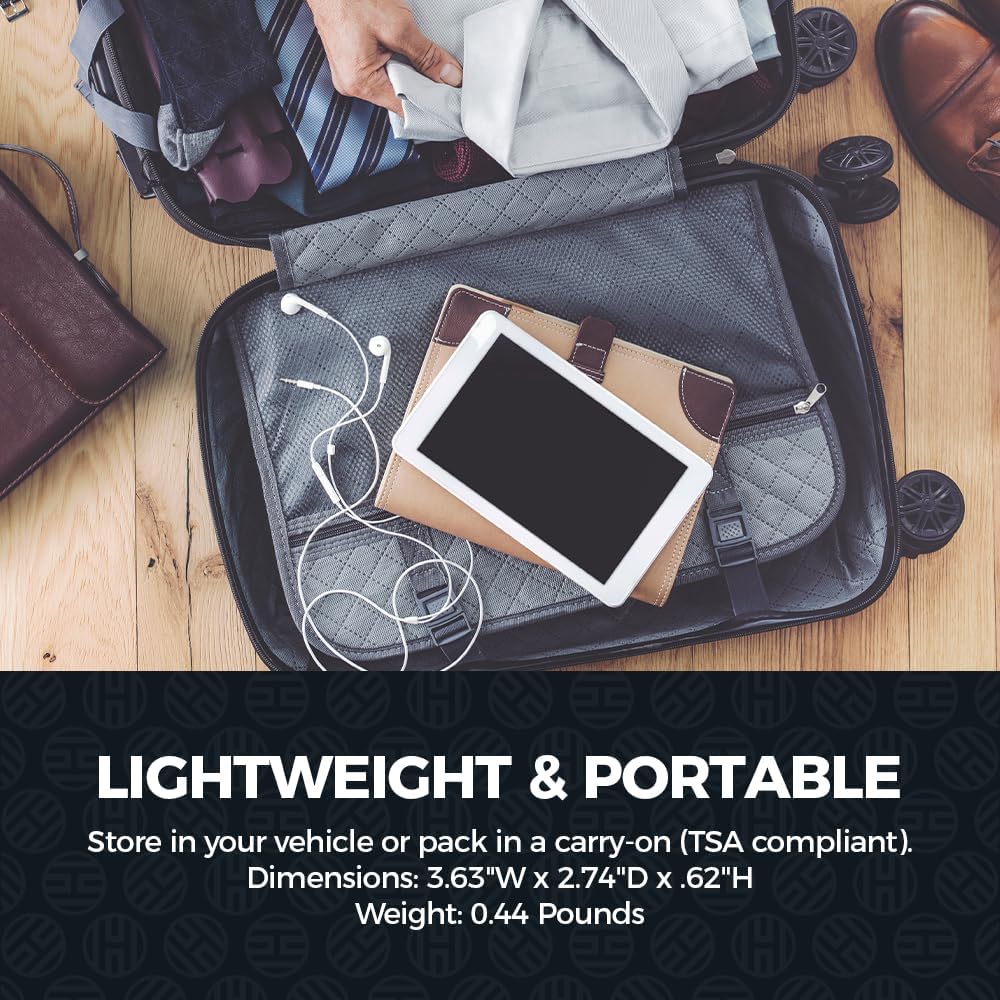
- TSA Carry-On Approved: Meets TSA and FAA regulations for air travel, featuring smart battery protection.
6. Safety Information
The HALO RapidPack 10K DLX is equipped with advanced safety features to protect both the power bank and your devices. These include protection against overcharging, short-circuiting, and over-discharging. Always use the product as intended and avoid exposing it to extreme temperatures or moisture. This device is TSA approved for carry-on luggage.

7. Specifications
| Feature | Detail |
|---|---|
| Model | RapidPack 10K DLX |
| Battery Capacity | 10,000mAh (37Wh) Lithium Polymer |
| Product Dimensions | 3.63 x 2.74 x 0.62 inches |
| Item Weight | 0.44 lbs (9.1 ounces) |
| USB-C Input/Output | Bi-directional, up to 20W output |
| USB-A Output | Standard, up to 18W output |
| Special Feature | Digital Display |
| Material | Synthetic Leather Wrapped |
8. Troubleshooting
- Device not charging: Ensure the RapidPack has sufficient charge. Verify that the charging cable is securely connected to both the power bank and your device. Try a different cable or port.
- RapidPack not charging: Ensure the USB-C cable is properly connected to a functional wall adapter and the power bank's 'IN/OUT' port. Check if the wall adapter is working correctly.
- Digital display not active: Press the power button once to activate the display and check the battery percentage.
- Overheating: If the power bank becomes excessively hot during charging or discharging, disconnect it immediately and allow it to cool down. Ensure it is used in a well-ventilated area.
9. Warranty and Support
The HALO RapidPack 10K DLX Power Bank typically comes with a manufacturer's limited warranty. Please refer to the warranty card included in your product packaging for specific terms and conditions, including the warranty period and coverage details.
For technical support, troubleshooting assistance, or warranty claims, please visit the official HALO support website or contact their customer service department. Keep your purchase receipt and product serial number handy for faster service.


