
1. Introduction
This manual provides essential information for the safe and effective operation, maintenance, and care of your Gaabor ER-T01A Razor Electric Shaver. Please read this manual thoroughly before first use and retain it for future reference.

Figure 1: Gaabor ER-T01A Razor Electric Shaver, main view.
2. Safety Instructions
To reduce the risk of electric shock, burns, fire, or injury, observe the following safety precautions:
- Do not immerse the charging cable or power adapter in water or other liquids.
- Keep the appliance away from children.
- Do not use the shaver if it is damaged or malfunctioning.
- Only use the provided charging cable and adapter.
- Ensure hands are dry when plugging or unplugging the charger.
- This appliance is designed for shaving facial hair. Do not use it for other purposes.
- Avoid using the shaver on irritated or broken skin.
3. Package Contents
Verify that all items are present in the package:
- Gaabor ER-T01A Razor Electric Shaver
- Protective Cap
- USB Charging Cable
- Cleaning Brush
- Travel Case
- User Manual (this document)
Video 1: Unboxing and overview of the Gaabor ER-T01A Shaver and its accessories.
4. Product Overview
The Gaabor ER-T01A is a compact and portable electric shaver designed for efficient and comfortable shaving. It features dual rotary blades and a smart touch activation system.

Figure 2: Front view of the shaver, highlighting the dual rotary blades.

Figure 3: Side view of the Gaabor ER-T01A Shaver.

Figure 4: Back view of the Gaabor ER-T01A Shaver.
5. Setup
5.1 Initial Charging
Before using your shaver for the first time, ensure it is fully charged. Connect the USB charging cable to the shaver's charging port and plug the other end into a compatible USB power source (e.g., computer, USB wall adapter). The charging indicator light will illuminate during charging and change color or turn off when fully charged.

Figure 5: The shaver connected to its USB charging cable.
6. Operating Instructions
6.1 Turning On/Off
The Gaabor ER-T01A shaver features a smart touch activation. To turn on the shaver, simply press and hold the power button for a few seconds until the blades start rotating. To turn it off, press and hold the power button again.
6.2 Shaving Technique
For optimal results, hold the shaver at a right angle to your skin and move it in small, circular motions. Stretch your skin with your free hand to ensure a smooth surface. Shave against the direction of hair growth for a closer shave. The shaver can be used for both dry and wet shaving.

Figure 6: The compact shaver held comfortably in hand.
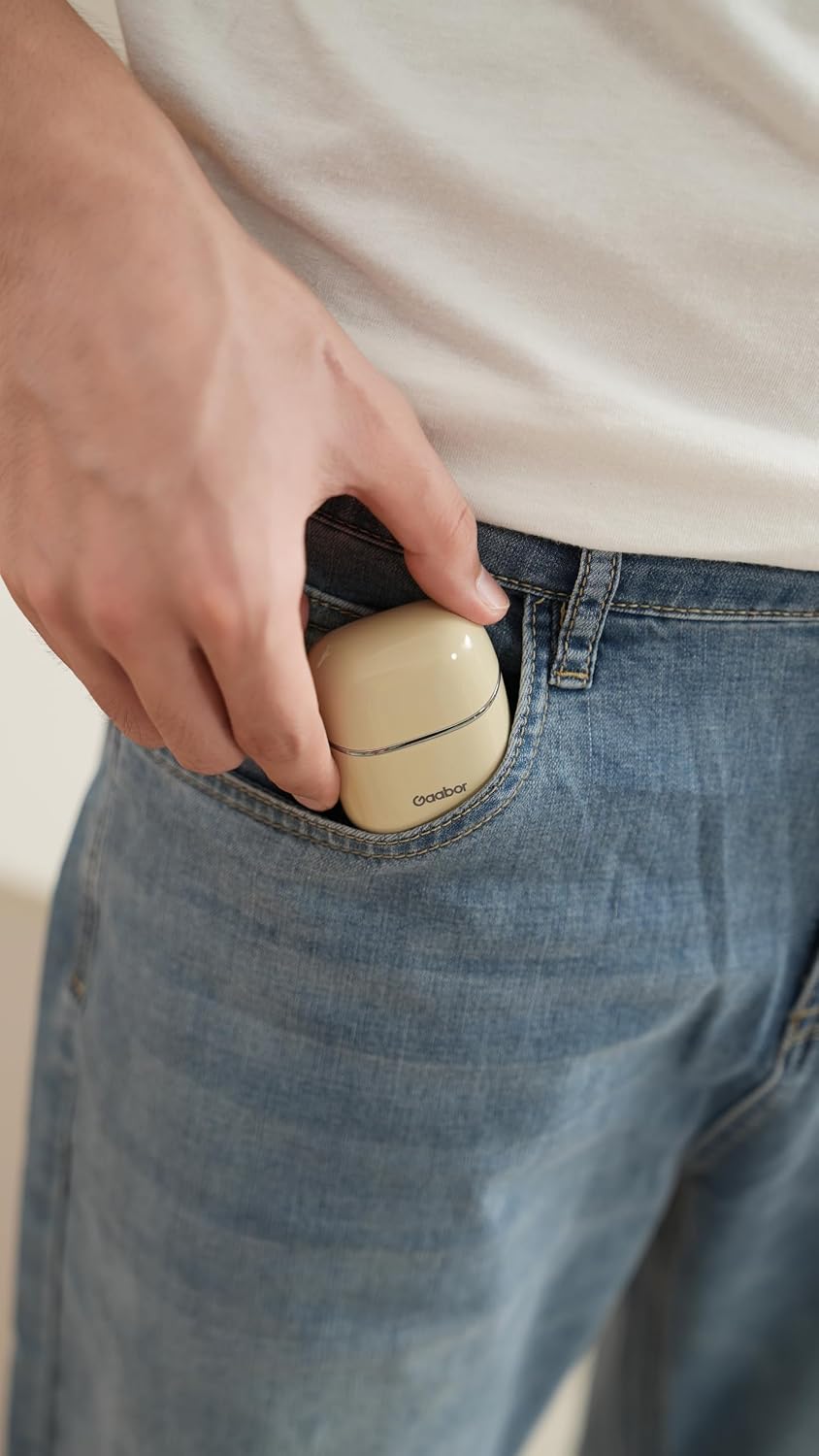
Figure 7: Demonstrating the shaver in use on facial hair.
7. Maintenance
7.1 Cleaning the Shaver
Regular cleaning ensures optimal performance and hygiene. Since the shaver is waterproof, you can rinse the shaving head directly under running water after each use. For a more thorough cleaning, detach the shaving head and use the provided cleaning brush to remove any accumulated hair. Ensure the shaver is turned off before cleaning.

Figure 8: The shaver being rinsed under running water for easy cleaning.
7.2 Storage
Store the shaver in a cool, dry place. Use the protective cap to cover the shaving head when not in use to prevent damage. The included travel case is ideal for storage and transport.
8. Troubleshooting
| Problem | Possible Cause | Solution |
|---|---|---|
| Shaver does not turn on. | Low battery or no charge. | Charge the shaver fully. |
| Poor shaving performance. | Blades are dirty or dull. | Clean the shaving head. Consider replacing blades if dull. |
| Shaver makes unusual noise. | Hair trapped in blades or internal issue. | Clean the blades thoroughly. If issue persists, contact customer support. |
9. Specifications
| Feature | Detail |
|---|---|
| Model Number | ER-T01A |
| Brand | Gaabor |
| Power (watts) | 5 watts |
| Dimensions (Product) | 6 x 3.2 x 5 cm |
| Weight (Product) | 0.08 g |
| Power Source | Battery operated (USB rechargeable) |
| Special Features | Low noise, Detachable head, USB charging, Portable, Cordless, Waterproof |
| Certification | INMETRO |
10. Warranty and Support
For warranty information, product support, or service inquiries, please refer to the warranty card included in your package or visit the official Gaabor website. Keep your proof of purchase for warranty claims.