1. Introduction
Thank you for choosing the XWNV AC Power Adapter. This adapter is designed to provide a reliable and efficient power supply for compatible devices, including the YIERBLUE YB-953 and YB-953S rechargeable spotlight flashlights. Please read this manual carefully before use to ensure proper operation and safety.

Figure 1: The XWNV AC Power Adapter. This image displays the main unit of the power adapter, featuring the wall plug on one end and the DC output cable with a round connector on the other, coiled neatly.
2. Safety Information
- Input Voltage: Ensure your power outlet provides 100-240 VAC, 50/60Hz. This adapter is designed for worldwide voltage use.
- Compatibility: Before connecting, always confirm the output voltage and plug size match your device's requirements. This adapter features a round connector type.
- Ventilation: If using the adapter for extended periods, ensure it is placed in a well-ventilated area with suitable humidity. Avoid covering the adapter.
- Placement: Do not place the adapter on skin products or other materials that could impede heat dissipation.
- Protection Features: The adapter includes built-in Over Voltage Protection, Over Current Protection, Short Circuit Protection, and Over Heat Protection for safe operation.
- Proposition 65 Warning: This product may contain chemicals known to the State of California to cause cancer and birth defects or other reproductive harm.
3. Package Contents
The package includes:
- 1 x XWNV AC/DC Power Adapter
4. Setup
- Inspect the Adapter: Before use, visually inspect the adapter and cable for any signs of damage.
- Verify Compatibility: Ensure your device's charging port is compatible with the adapter's round tip connector. Refer to Figure 2.
- Connect to Device: Carefully insert the round tip connector of the adapter into your device's charging port.
- Connect to Power Outlet: Plug the AC power adapter into a standard 100-240V wall outlet.

Figure 2: Charging Port Compatibility. This image illustrates the importance of checking the shape of your device's charging port. It clearly shows a round tip connector as compatible (green checkmark) and a U53-0 type connector as incompatible (red cross).
5. Operating Instructions
Once connected, the adapter will provide a consistent power supply to your device. For rechargeable devices like the YIERBLUE YB-953/YB-953S spotlight, the adapter will initiate charging. Monitor your device's charging indicator to confirm it is receiving power.
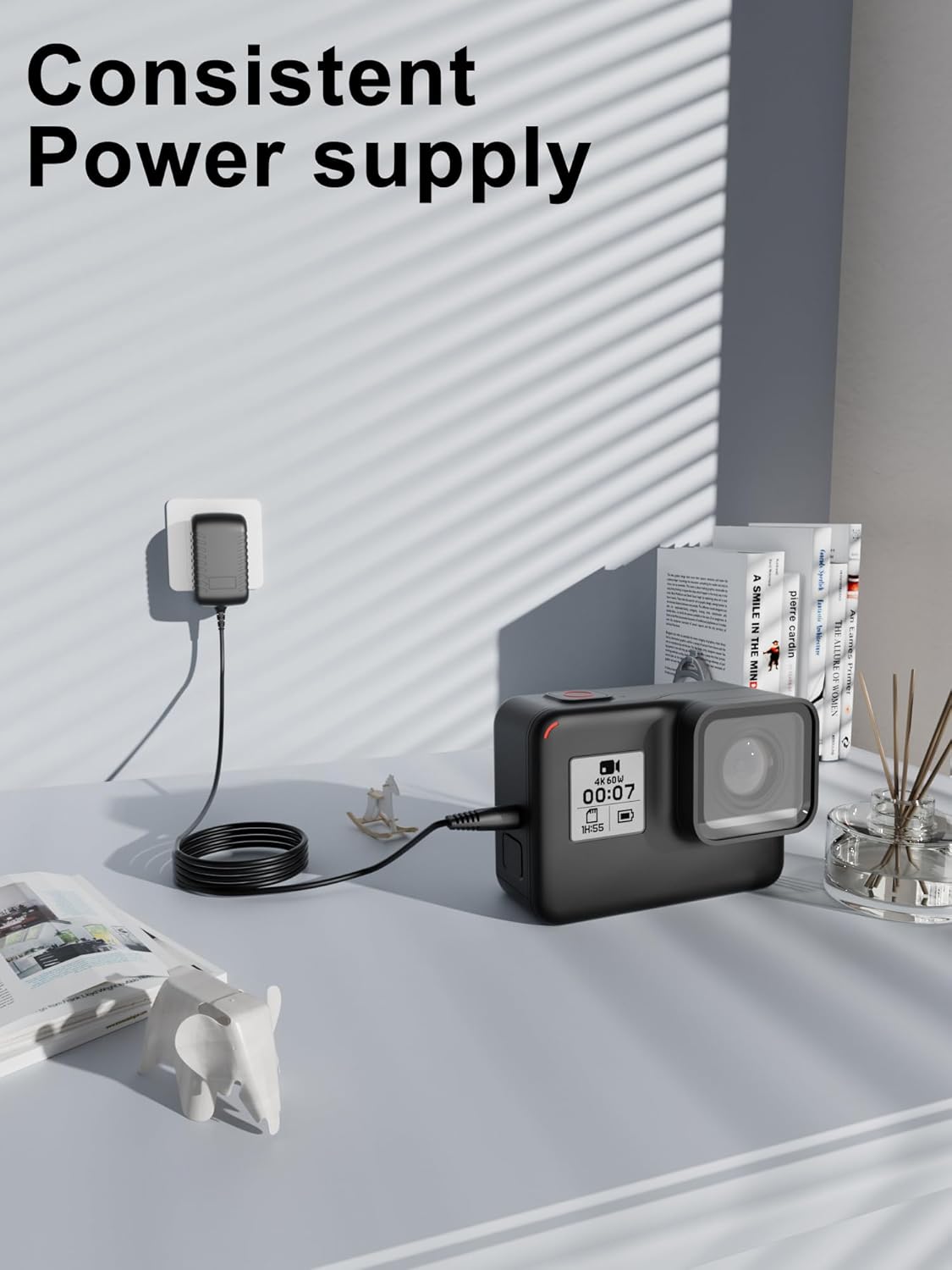
Figure 3: Consistent Power Supply. This image shows the XWNV AC Power Adapter plugged into a wall outlet, providing power to a device (resembling an action camera) on a desk, demonstrating its consistent power delivery.
6. Specifications
- Input: 100V - 240V AC, 50/60Hz
- Cable Length: 4ft (approximately 1.2 meters)
- Connector Type: Round Tip
- Protection Features: Over Voltage Protection, Over Current Protection, Short Circuit Protection, Over Heat Protection
- Color: Black
- Manufacturer: Shenzhen Qiannuo Tech Co., Ltd
- Compatible Devices: YIERBLUE YB-953, YB-953S Rechargeable Spotlight Flashlight, Laptops, Speakers, Tablets, Routers, Stereos, Game machines, Small desk lamps, Shavers, CCTV cameras, and other devices requiring a round tip AC/DC adapter.
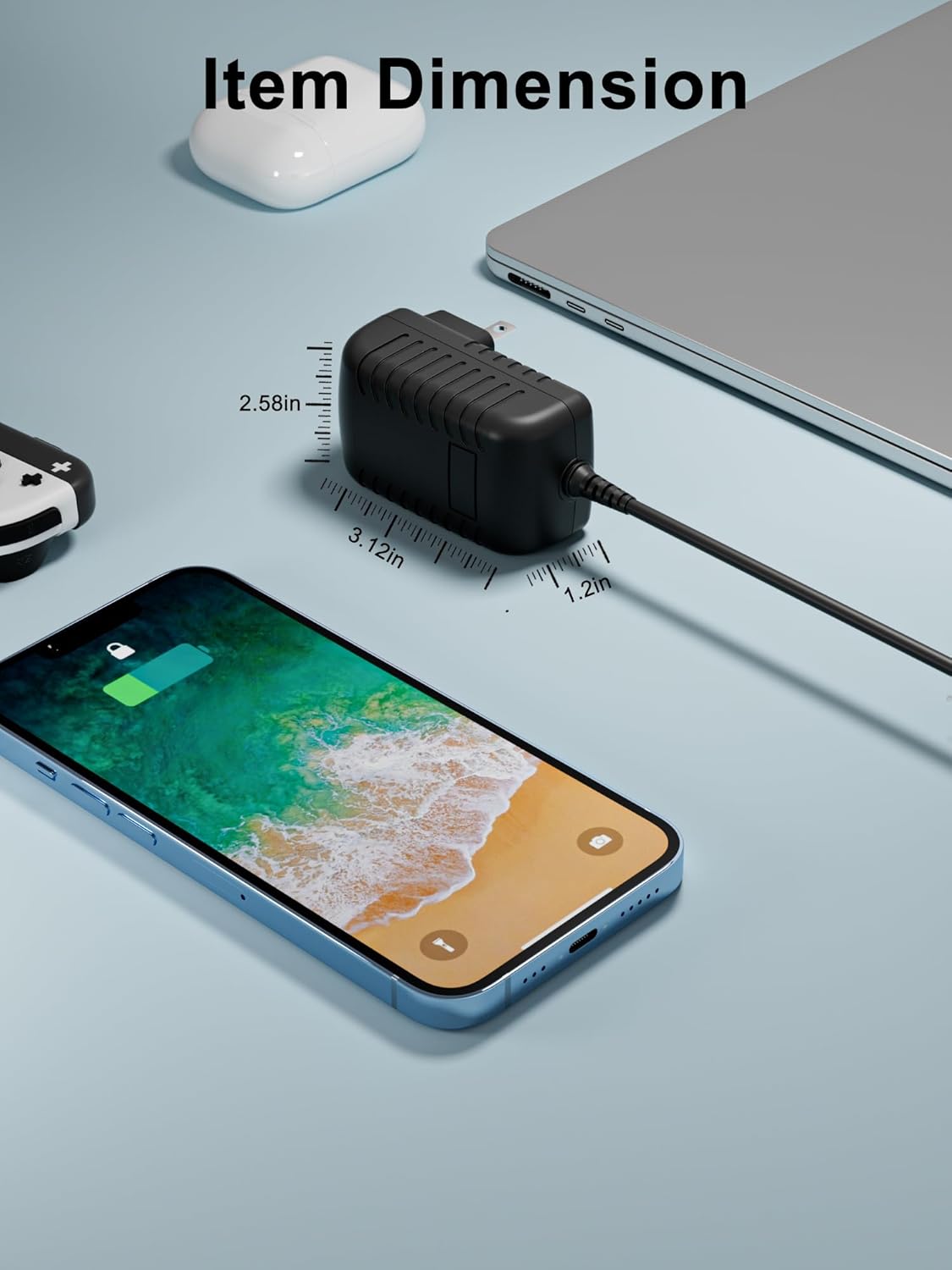
Figure 4: Item Dimensions. This image provides a visual representation of the adapter's dimensions, indicating its compact and portable size for ease of use and travel.

Figure 5: Multiple Protection Features. This image visually highlights the various safety protections integrated into the adapter, such as over voltage, over current, short circuit, and over heat protection, ensuring safe charging without device damage.

Figure 6: Device Compatibility. This image displays a range of devices compatible with the XWNV AC Power Adapter, including routers, stereos, game machines, small desk lamps, shavers, and CCTV cameras, in addition to the YIERBLUE spotlights.
7. Troubleshooting
- No Power Output:
- Ensure the adapter is securely plugged into a working wall outlet.
- Verify the adapter's connector is fully inserted into your device's charging port.
- Check if the wall outlet is functional by plugging in another device.
- Device Not Charging:
- Confirm that your device's power requirements (voltage and current) match the adapter's output.
- Ensure the charging port on your device is clean and free of debris.
- If your device has a battery, ensure it is not completely depleted or damaged.
- Adapter Overheating:
- Unplug the adapter immediately.
- Ensure the adapter is in a well-ventilated area and not covered.
- If overheating persists, discontinue use and contact customer support.
8. Maintenance
- Cleaning: Disconnect the adapter from the power source and your device before cleaning. Use a dry, soft cloth to wipe the surface. Do not use liquid cleaners.
- Storage: Store the adapter in a cool, dry place away from direct sunlight and extreme temperatures when not in use.
- Cable Care: Avoid sharp bends or kinks in the cable. Do not pull the cable to disconnect the adapter from the outlet or device; always grasp the plug.
9. Warranty and Support
For any questions, concerns, or assistance with your XWNV AC Power Adapter, please do not hesitate to contact us. We are committed to providing support and will be happy to help you.
Please refer to your purchase documentation for specific warranty details and contact information.


