
1. Introduction
This manual provides detailed instructions for the operation and maintenance of your Retekess TR606 AM/FM Cassette Player and Recorder. Please read this manual thoroughly before using the device to ensure proper function and longevity.
Package Contents
Upon unpacking, please verify that all items listed below are present and in good condition.

Image: The package includes one Retekess TR606 radio unit, one USB charging cable, and one user manual.
- 1 x Retekess TR606 AM/FM Cassette Player and Recorder
- 1 x USB Charging Cable
- 1 x User Manual (this document)
2. Product Overview
The Retekess TR606 is a versatile portable audio device combining an AM/FM radio tuner with a cassette player and recorder. It supports multiple modes for listening and recording, and offers flexible power options.

Image: Front view of the Retekess TR606 unit, showing the speaker grille, cassette compartment, and radio frequency display.
Key Features
- AM/FM Radio Tuner
- Cassette Player and Recorder
- Built-in Microphone for Voice Recording
- AUX Line-in Recording Capability
- 3.5mm Earphone Jack
- External Microphone (MIC) Jack
- Dual Power Options: DC (Type-C) or AA Batteries
- Integrated Speaker (8Ω 0.5W)

Image: An exploded view diagram highlighting the 8Ω 0.5W built-in speaker components within the Retekess TR606 unit.
3. Setup
Power Supply
The Retekess TR606 can be powered by either AA batteries or a Type-C USB power source.

Image: Diagram illustrating the two power options: connecting a Type-C USB cable for DC power and inserting AA batteries into the battery compartment.
- Battery Installation:
- Open the battery compartment cover located on the back of the unit.
- Insert the required number of AA batteries (refer to the compartment for polarity markings).
- Close the battery compartment cover securely.
- Type-C USB Power:
- Connect the provided USB charging cable to the Type-C port on the side of the unit.
- Connect the other end of the USB cable to a compatible USB power adapter (not included) or a computer USB port.
Note: Do not mix old and new batteries. Do not mix alkaline, standard (carbon-zinc), or rechargeable (nickel-cadmium) batteries. Remove batteries if the unit will not be used for an extended period.
4. Operating Instructions
Mode Selection
The Retekess TR606 supports AM radio, FM radio, and Cassette playback/recording modes. Use the mode switch on the unit to select your desired function.

Image: An illustration depicting the Retekess TR606 unit with icons representing its multi-mode capabilities: AM radio, FM radio, and cassette functions.
Cassette Playback
- Set the mode switch to "TAPE".
- Open the cassette compartment door.
- Insert a cassette tape with the exposed tape facing upwards.
- Close the cassette compartment door.
- Press the PLAY button to begin playback.
- Use the STOP, REW (rewind), and FF (fast forward) buttons to control playback.
- Adjust the VOLUME dial to your preferred listening level.
AM/FM Radio Operation
- Set the mode switch to "AM" or "FM" as desired.
- Extend the telescopic antenna for better FM reception. For AM reception, rotate the unit for optimal signal.
- Rotate the TUNING dial to scan for radio stations.
- Observe the frequency display window to identify the station frequency.
- Adjust the VOLUME dial to your preferred listening level.
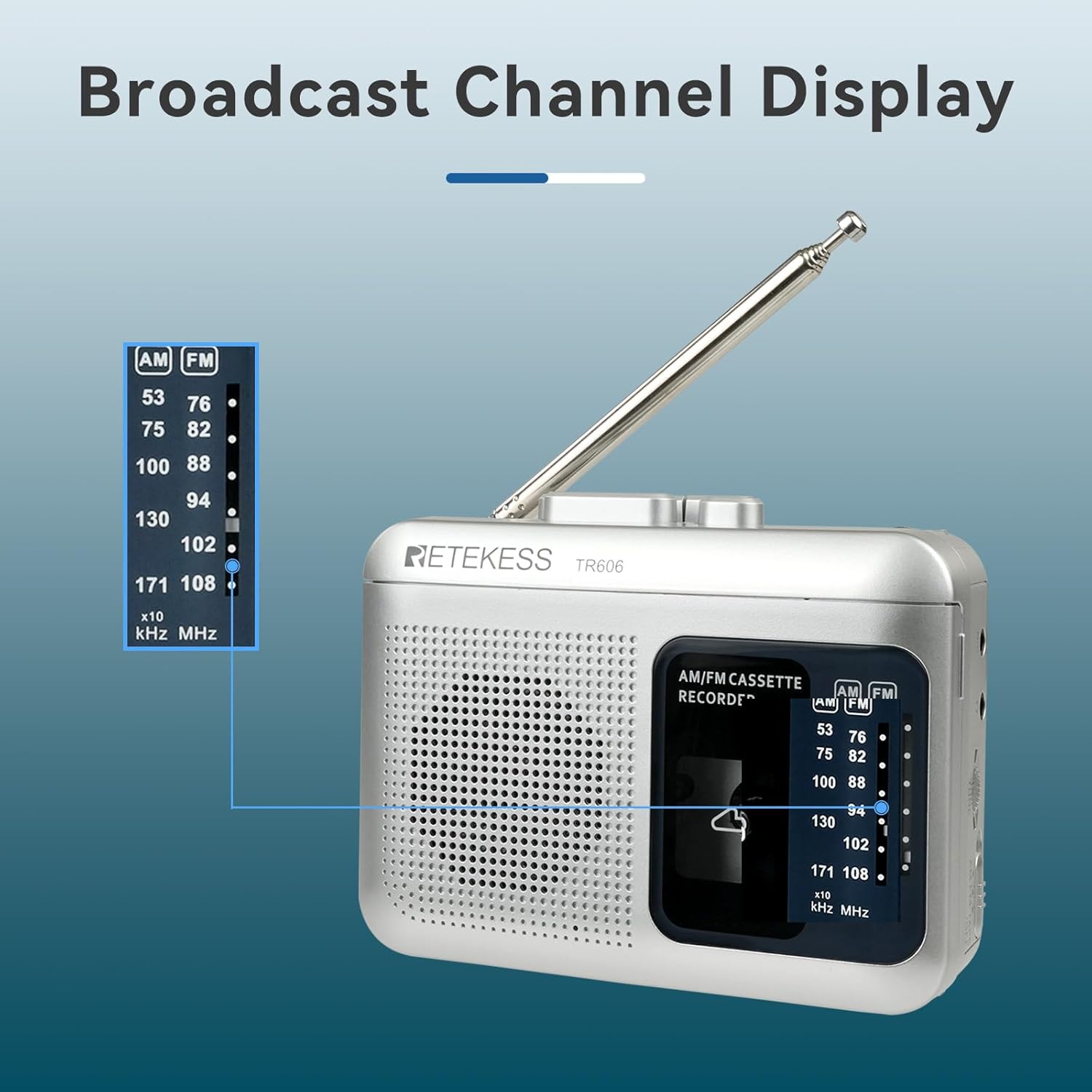
Image: A detailed view of the radio frequency display on the Retekess TR606, showing both AM (kHz) and FM (MHz) scales with a pointer indicating the tuned frequency.
Recording Functions
The TR606 allows recording from the built-in microphone, AUX line-in, or directly from the radio.
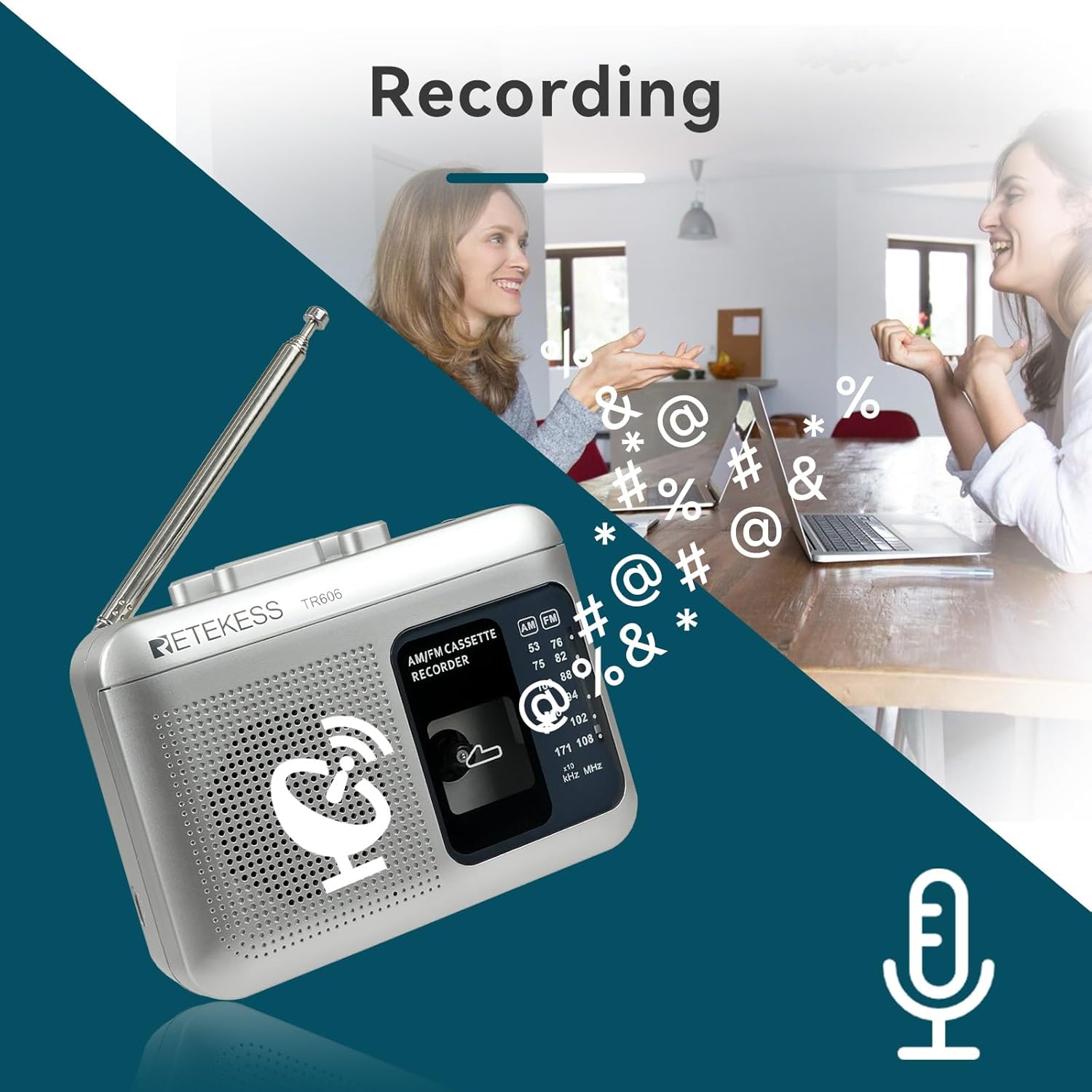
Image: An artistic representation of the recording capability of the Retekess TR606, featuring a microphone icon and individuals engaged in conversation, suggesting voice recording.
- Prepare for Recording:
- Insert a blank cassette tape into the cassette compartment.
- Ensure the tape is not at the end of its side.
- Voice Recording (Built-in Microphone):
- Set the mode switch to "TAPE".
- Press the RECORD button (usually red) simultaneously with the PLAY button. The unit will start recording from its built-in microphone.
- Speak clearly towards the unit.
- Press STOP to end recording.
- AUX Line-in Recording:
- Connect an external audio source (e.g., PC, MP3 player) to the AUX IN jack using a 3.5mm audio cable (not included).
- Set the mode switch to "TAPE".
- Press the RECORD button simultaneously with the PLAY button. The unit will record audio from the connected AUX source.
- Press STOP to end recording.
- Radio Recording:
- Tune to your desired AM or FM radio station (see "AM/FM Radio Operation" above).
- Set the mode switch to "TAPE".
- Press the RECORD button simultaneously with the PLAY button. The unit will record the currently tuned radio broadcast.
- Press STOP to end recording.
Using the External Microphone (MIC) Jack
The MIC jack allows you to connect an external microphone for enhanced recording quality or specific recording scenarios.
- Connect a 3.5mm external microphone (not included) to the MIC jack on the unit.
- When an external microphone is connected, it will override the built-in microphone for recording purposes.
- Follow the voice recording steps above to record using the external microphone.
Using the Earphone Jack
For private listening, connect standard 3.5mm earphones to the earphone jack.

Image: A visual guide showing how to connect 3.5mm earphones into the dedicated earphone jack on the side of the Retekess TR606 unit for private listening.
- Plug your 3.5mm earphones (not included) into the EARPHONE jack.
- The built-in speaker will be muted automatically when earphones are connected.
- Adjust the VOLUME dial for comfortable listening.
5. Maintenance
General Cleaning
- Wipe the exterior of the unit with a soft, dry cloth.
- Do not use abrasive cleaners, waxes, or solvents as they may damage the finish.
- Avoid exposing the unit to excessive dust, dirt, or moisture.
Cassette Head Cleaning
Regular cleaning of the cassette head, pinch roller, and capstan is recommended to ensure optimal sound quality and prevent tape damage.
- Open the cassette compartment.
- Using a cotton swab lightly dampened with isopropyl alcohol, gently clean the playback/record head, pinch roller, and capstan.
- Allow components to dry completely before inserting a tape.
Battery Care
- Remove batteries if the unit is not used for an extended period to prevent leakage.
- Dispose of used batteries responsibly according to local regulations.
6. Troubleshooting
If you encounter any issues with your Retekess TR606, please refer to the following common problems and solutions before seeking professional assistance.
| Problem | Possible Cause | Solution |
|---|---|---|
| Unit does not power on. |
|
|
| Poor radio reception. |
|
|
| Cassette playback sound is distorted or muffled. |
|
|
| Recording does not work. |
|
|
7. Specifications
The following are the technical specifications for the Retekess TR606 AM/FM Cassette Player and Recorder.

Image: A diagram showing the dimensions of the Retekess TR606 as 120mm (length), 91mm (height), and 42mm (width), with a stated weight of 215g.
| Feature | Detail |
|---|---|
| Brand | Retekess |
| Model | TR606 |
| Color | Silver |
| Special Feature | Supports Voice/AUX Line in Record |
| Connectivity Technology | USB (for power) |
| Product Dimensions (L x W x H) | 4.72" x 1.65" x 3.58" (120mm x 42mm x 91mm) |
| Tuner Technology | AM FM |
| Power Source | Battery Powered (AA) / Type-C DC |
| Radio Bands Supported | AM/FM |
| Included Components | TR606 radio, USB charging cable, User manual |