
Introduction
This manual provides detailed instructions for the operation and maintenance of your Retekess TR606 Tape Recorder Cassette Player. Please read this manual thoroughly before using the device to ensure proper function and longevity.
Product Overview
The Retekess TR606 is a versatile portable audio device featuring a cassette player, AM/FM radio, and recording capabilities. It supports multiple modes for flexible listening and recording needs.

Image: The Retekess TR606 device highlighting its multi-mode capabilities including Cassette, AM, and FM radio functions.
The compact design makes it easy to carry. Its dimensions are approximately 4.72 inches (L) x 1.65 inches (W) x 3.58 inches (H), and it weighs about 0.55 pounds.

Image: The Retekess TR606 with its physical dimensions (120mm length, 91mm height, 42mm width) and weight (215g) indicated.
Package Contents
Upon unpacking, please ensure all items listed below are present:
- 1 x TR606 radio
- 1 x USB charging cable
- 1 x User manual
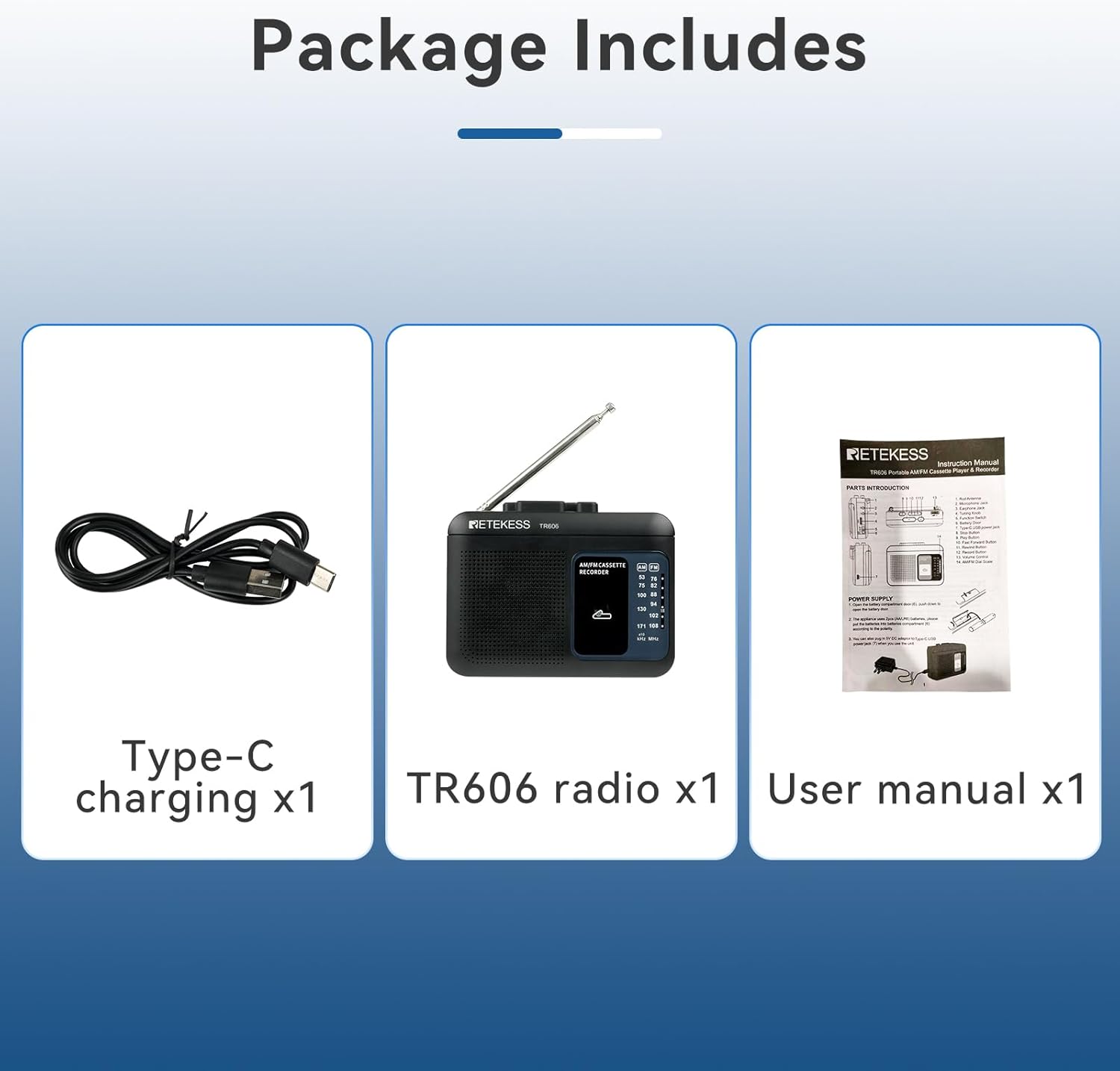
Image: The complete package contents, showing the TR606 radio, a Type-C charging cable, and the user manual.
Setup
Power Supply
The Retekess TR606 offers two convenient power options:
- Battery Power: For portable use, insert 2 AA batteries (not included) into the battery compartment located on the back of the device.
- Type-C Power: For continuous use or charging, connect the provided USB Type-C cable to the device and a compatible 5V power source.

Image: The Retekess TR606 illustrating its two power supply methods: AA batteries and a Type-C charging port.
Operating Instructions
Cassette Playback
- Open the cassette compartment door.
- Insert a cassette tape with the exposed tape facing upwards.
- Close the cassette compartment door securely.
- Slide the function switch to 'TAPE'.
- Press the PLAY button to start playback.
- Use the STOP, REW (Rewind), and FF (Fast Forward) buttons to control playback.
- Adjust the volume using the volume knob.
Radio Operation (AM/FM)
- Extend the telescopic antenna for optimal FM reception. For AM, the internal antenna is usually sufficient.
- Slide the function switch to 'AM' or 'FM' to select your desired band.
- Rotate the TUNE knob to scan for radio stations.
- Adjust the volume using the volume knob.

Image: The Retekess TR606 displaying its radio frequency dial for AM and FM bands.

Image: A hand demonstrating the precise tuning of the Retekess TR606 using its rotary dial controls.
Recording Function
The TR606 allows recording from various sources onto a blank cassette tape.
- Voice Recording (Built-in Microphone): Insert a blank cassette tape. Press the RECORD button (usually red) along with the PLAY button. The built-in microphone will capture ambient sound.
- AUX Line-in Recording: Connect an external audio source (e.g., PC, MP3 player) to the AUX-in port using a 3.5mm audio cable. Insert a blank cassette tape. Press RECORD and PLAY simultaneously.
- External Microphone Recording: Connect an external microphone to the MIC jack. Insert a blank cassette tape. Press RECORD and PLAY simultaneously.
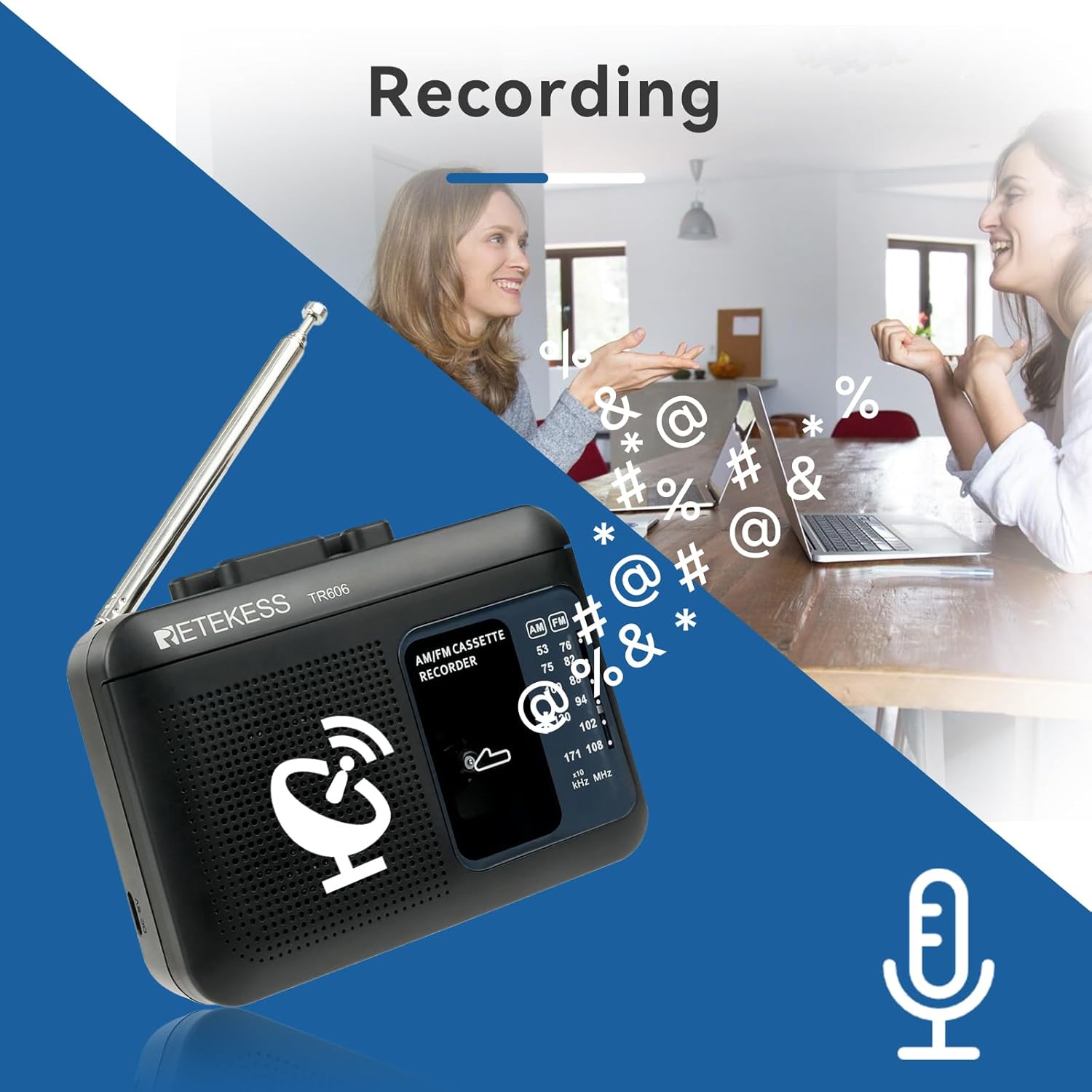
Image: The Retekess TR606 illustrating its recording capabilities from voice and AUX line-in sources to a cassette tape or PC.

Image: The Retekess TR606 showing an external microphone connected to its dedicated MIC jack for enhanced recording options.
Audio Output
- Built-in Speaker: The device features an 8Ω 0.5W built-in speaker for direct audio playback.
- 3.5mm Earphone Jack: For private listening, connect standard 3.5mm earphones (not included) to the earphone jack.

Image: The Retekess TR606 highlighting its built-in 8Ω 0.5W speaker for clear audio output.

Image: The Retekess TR606 with headphones connected to its 3.5mm earphone jack for private listening.
Maintenance
To ensure the longevity and optimal performance of your Retekess TR606, follow these maintenance guidelines:
- Keep the device clean by wiping it with a soft, dry cloth. Avoid using liquid cleaners or solvents.
- Regularly clean the tape head and pinch roller with a cotton swab lightly dampened with isopropyl alcohol to prevent sound distortion and tape damage.
- Store the device in a cool, dry place away from direct sunlight and extreme temperatures.
- Remove batteries if the device will not be used for an extended period to prevent leakage.
Troubleshooting
If you encounter any issues with your TR606, refer to the following common solutions:
- No Power: Ensure batteries are correctly inserted and not depleted, or that the Type-C cable is securely connected to a working power source.
- Poor Radio Reception: Extend the telescopic antenna fully and try repositioning the device. For AM, rotate the device for better signal.
- Cassette Playback Issues (e.g., muffled sound, tape jamming): Clean the tape head and pinch roller. Ensure the tape is not damaged or tangled.
- Recording Issues: Verify a blank tape is inserted and the RECORD and PLAY buttons are pressed simultaneously. Check microphone connection if using an external mic.
- No Sound from Speaker/Headphones: Check volume level. Ensure headphones are fully plugged in.
Specifications
| Brand | Retekess |
| Model Number | FF9230C (Mfr Part Number: FF9230B) |
| Color | Black |
| Product Dimensions | 4.72"L x 1.65"W x 3.58"H |
| Item Weight | 0.55 Pounds |
| Power Source | Battery Powered (2 AA batteries required) / Type-C USB |
| Tuner Technology | AM FM |
| Special Features | Supports Voice/AUX Line in Record, Built-in Microphone, 3.5mm Earphone Jack, MIC Jack |
| Enclosure Material | Plastic |
| Included Components | TR606 radio, USB charging cable, User manual |
Warranty and Support
Warranty Information
The Retekess TR606 comes with a 1-year warranty. Additionally, a 30-day no-reason return policy is provided for your convenience. Please retain your proof of purchase for warranty claims.
Customer Support
For further assistance, technical support, or warranty inquiries, please contact Retekess customer service through their official website or the retailer where the product was purchased.