
1. Introduction
Thank you for choosing the CNBRO 668 Wireless Neckband Bluetooth Headphones. These headphones are designed to provide a comfortable and high-quality audio experience with features such as Bluetooth 5.3 connectivity, ENC noise cancellation for clear calls, and TF card support for direct music playback. Please read this manual carefully to ensure proper use and optimal performance of your device.
2. Package Contents
Please check the package contents to ensure all items are present:
- 1 x CNBRO 668 Neckband Headphones
- 1 x TYPE-C Charging Cable
- 1 x User Manual
- 1 x Exquisite Packaging Box
3. Product Overview
Familiarize yourself with the components of your CNBRO 668 headphones.

A full view of the CNBRO 668 Wireless Neckband Bluetooth Headphones in green, showcasing the neckband design and in-ear earbuds.
The neckband features control buttons, a charging port, and an LED indicator. The earbuds are connected via wires to the neckband.
4. Setup
4.1 Charging the Headphones
- Connect the provided TYPE-C charging cable to the charging port on the neckband.
- Connect the other end of the cable to a USB power adapter (not included) or a computer's USB port.
- The LED indicator will show the charging status. A full charge typically takes about 1.5 hours.
An illustration highlighting the ultra-long battery life of the CNBRO 668 headphones, showing a 100% charge indicator and a large '30H' for 30 hours of playback.
4.2 Bluetooth Pairing
To connect your headphones to a Bluetooth-enabled device:
- Ensure the headphones are fully charged and powered off.
- Press and hold the Power button on the neckband until the LED indicator flashes, indicating pairing mode.
- On your device (smartphone, tablet, etc.), enable Bluetooth and search for available devices.
- Select "CNBRO 668" from the list of found devices.
- Once connected, the LED indicator will change, and you may hear an audible confirmation.
4.3 Wearing the Headphones
For optimal comfort and sound quality:
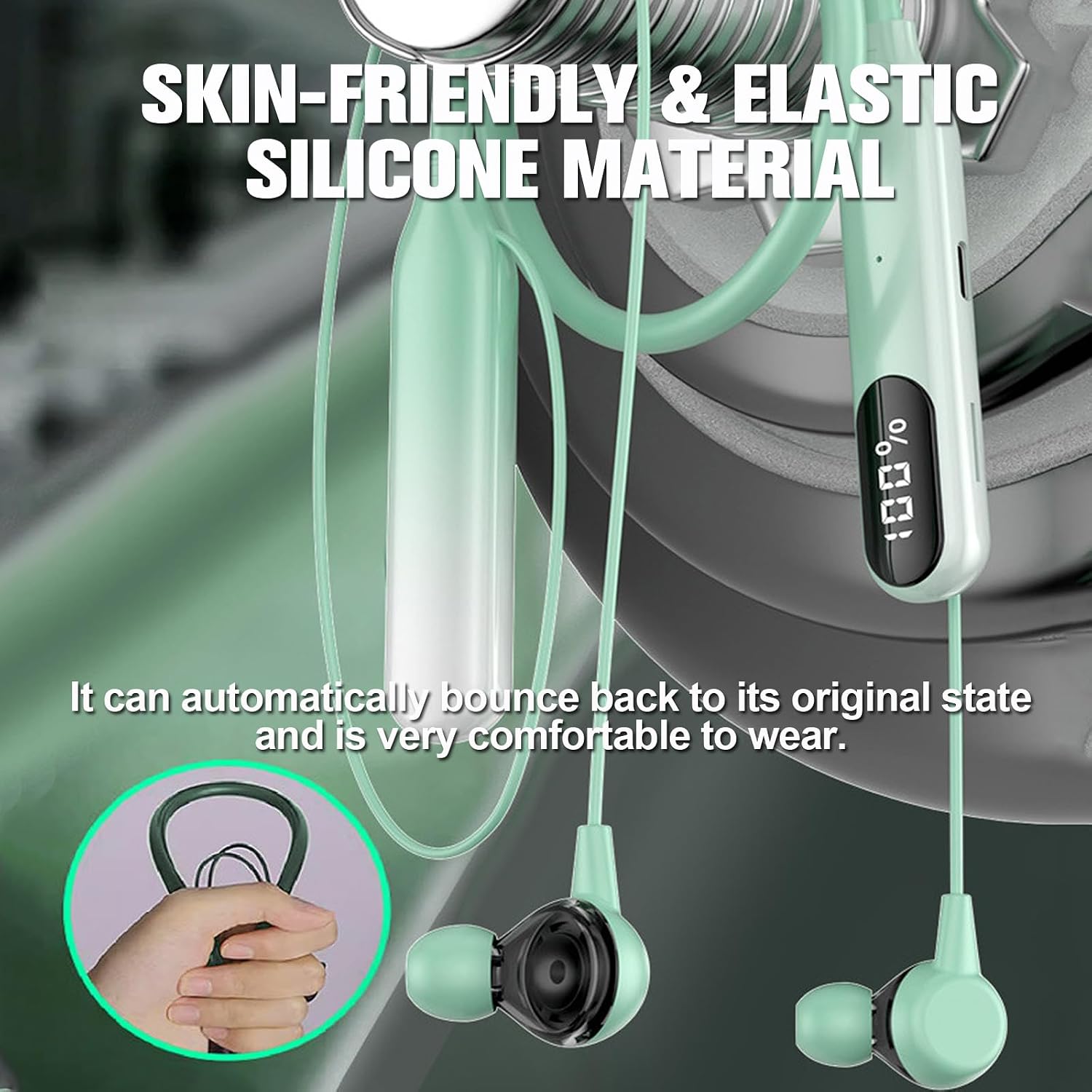
- Place the flexible neckband comfortably around your neck.
- Insert the earbuds gently into your ears. Adjust them for a secure and comfortable fit.

A person wearing the CNBRO 668 neckband headphones, demonstrating the stable and secure fit suitable for sports and active use.
5. Operating Instructions
5.1 Power On/Off
- Power On: Press and hold the Power button for approximately 3 seconds.
- Power Off: Press and hold the Power button for approximately 5 seconds.
5.2 Music Playback
- Play/Pause: Press the Play/Pause button once.
- Volume Up: Press the Volume Up (+) button.
- Volume Down: Press the Volume Down (-) button.
- Next Track: Press and hold the Volume Up (+) button.
- Previous Track: Press and hold the Volume Down (-) button.
5.3 Call Management
- Answer/End Call: Press the Play/Pause button once during an incoming call or to end an active call.
- Reject Call: Press and hold the Play/Pause button for 2 seconds during an incoming call.
5.4 TF Card Mode
The headphones support direct music playback from a TF (MicroSD) card.
- Insert a TF card with music files into the designated slot on the neckband.
- The headphones will automatically detect the TF card and switch to TF card playback mode.
- Use the music playback controls (Play/Pause, Next/Previous, Volume) to manage your music.

A visual representation of the TF card slot on the CNBRO 668 neckband headphones, indicating its capability for direct music playback from a memory card.
5.5 ENC Noise Cancelling
The CNBRO 668 headphones feature Environmental Noise Cancellation (ENC) technology. This technology helps to filter out ambient noise during calls, providing clearer communication for both you and the person you are speaking with.
6. Maintenance
6.1 Cleaning
Wipe the headphones with a soft, dry cloth. Do not use abrasive cleaners or solvents.
6.2 Storage
Store the headphones in a cool, dry place away from direct sunlight and extreme temperatures. The magnetic design of the earbuds helps prevent tangling when stored.

An image illustrating the magnetic design of the CNBRO 668 earbuds, allowing them to clasp together to prevent tangling and loss when not in use.
6.3 Waterproofing
The headphones have an IPX5 waterproof rating, meaning they are resistant to sweat and light splashes of water. They are not designed for submersion in water. Avoid exposing them to heavy rain or swimming.

A person wearing the CNBRO 668 headphones in a rainy environment, demonstrating their waterproof and sweatproof design for outdoor activities.
7. Troubleshooting
- Headphones will not power on: Ensure the headphones are fully charged. Connect them to the charging cable and a power source for at least 1.5 hours.
- No sound: Check that the headphones are properly paired with your device. Ensure the volume on both the headphones and your device is turned up.
- Cannot pair with device: Make sure the headphones are in pairing mode (LED flashing). Turn off Bluetooth on your device and turn it back on. Try restarting both the headphones and your device. Ensure the headphones are not already connected to another device.
- Poor sound quality: Ensure the headphones are within the 10m Bluetooth range of your device. Check for any obstructions between the headphones and your device.
8. Specifications
| Feature | Specification |
|---|---|
| Bluetooth Version | 5.3 |
| Headphone Battery Capacity | 1000mAh |
| Transmission Distance | Approximately 10 meters (33 feet) |
| Playing Time | Up to 30 hours |
| Charging Time | Approximately 1.5 hours |
| Waterproof Level | IPX5 |
| Compatible Devices | All Bluetooth-enabled devices |
| Item Weight | 0.64 ounces |
| Product Dimensions | 1 x 1 x 1 inches |
| Material | Plastic, Silicone |
| Model Name | 668 |
9. Safety Information
- Do not expose the headphones to extreme temperatures or humidity.
- Avoid listening at high volume levels for extended periods to prevent hearing damage.
- Keep the headphones away from children and pets.
- Do not attempt to disassemble or modify the headphones. This may void the warranty and cause damage.
- Dispose of the product responsibly according to local regulations.
10. Warranty and Support
If you receive a defective product or have any questions during use, please feel free to contact the seller or manufacturer for assistance. Please refer to your purchase documentation for specific warranty terms and contact information.