
Misby MB-M61-GR
Contents
Misby Bladeless Desk Fan User Manual
Model: MB-M61-GR
Brand: Misby
Introduction
Thank you for choosing the Misby Bladeless Desk Fan. This compact and portable fan is designed to provide a comfortable and quiet cooling experience for various indoor environments. Its space-saving design, long-lasting battery, and safety features make it an ideal choice for offices, bedrooms, living rooms, and more.

Figure 1: Misby Bladeless Desk Fan, highlighting its sleek design and key components.
Safety Instructions
- Do not insert fingers or foreign objects into the fan's air outlet or inlet.
- Keep the fan away from water or other liquids to prevent electric shock.
- Do not block the air inlets or outlets during operation.
- Ensure the fan is placed on a stable, flat surface to prevent tipping.
- Unplug the fan before cleaning or when not in use for extended periods.
- This appliance is not intended for use by persons (including children) with reduced physical, sensory or mental capabilities, or lack of experience and knowledge, unless they have been given supervision or instruction concerning use of the appliance by a person responsible for their safety.
- The fan features overheat protection and will automatically shut off after 12 hours of continuous operation.
Package Contents
- Misby Bladeless Desk Fan (Model: MB-M61-GR)
- USB Charging Cable (Type-C)
- User Manual

Figure 2: Contents included in the product packaging.
Setup
First Use & Charging
Before first use, it is recommended to fully charge the fan. The fan is equipped with a 4000mAh rechargeable battery.
- Locate the Type-C charging port on the base of the fan.
- Connect the provided USB charging cable to the fan's Type-C port.
- Connect the other end of the USB cable to a compatible power source (e.g., USB adapter, computer, power bank). Note: A power adapter is not included.
- The digital display screen will show the battery percentage during charging. A full charge typically takes 3.5-4 hours.
- The fan can be used while charging.

Figure 3: Built-in 4000mAh rechargeable battery details, showing working and charging times.

Figure 4: Multiple charging methods for convenience.
Operating Instructions
The Misby Desk Fan features a touch control panel with a digital display for easy operation.

Figure 5: Smart Digital LED Technology for monitoring status.
Control Buttons:
- 1. Power Button (
 ):
- Short press to power on the fan.
- Short press again to switch between 3 speed levels (Low, Medium, High).
- Long press to power off the fan.
- 2. Oscillation Button ():
- Short press to activate 90° horizontal oscillation.
- Short press again to deactivate oscillation.
- 3. Timer Button ():
- Short press to set the timer for 1, 2, 4, 6, or 8 hours.
- The fan will automatically shut off after the set time.
- Default setting is continuous operation for 12 hours if no timer is set.
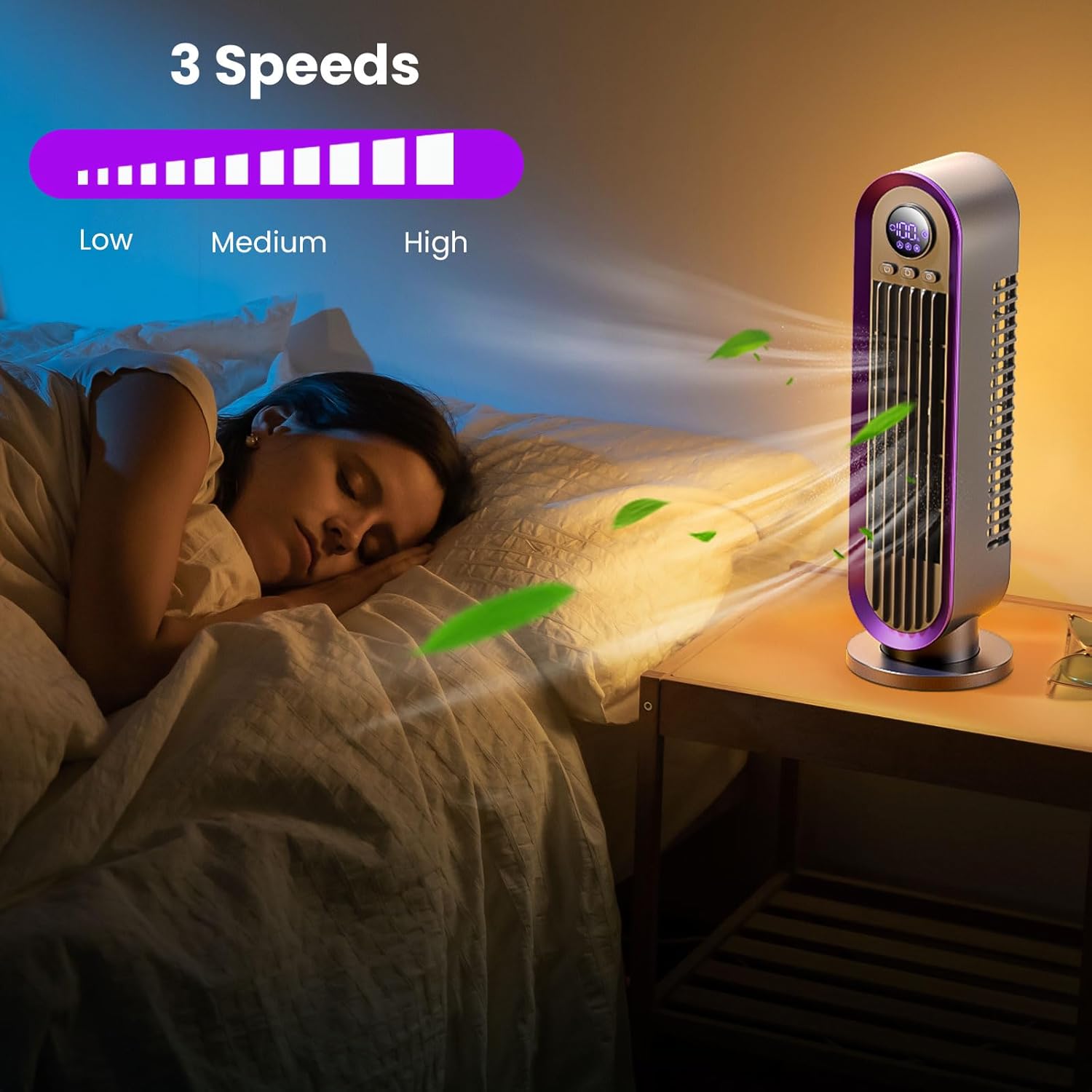
Figure 6: Adjusting fan speed for optimal comfort.

Figure 7: 90° Oscillation Airflow for broader cooling.
Bladeless Design for Safety:
The bladeless design ensures a gentler and more stable airflow, making it safe for households with children and pets. There are no exposed blades to worry about.
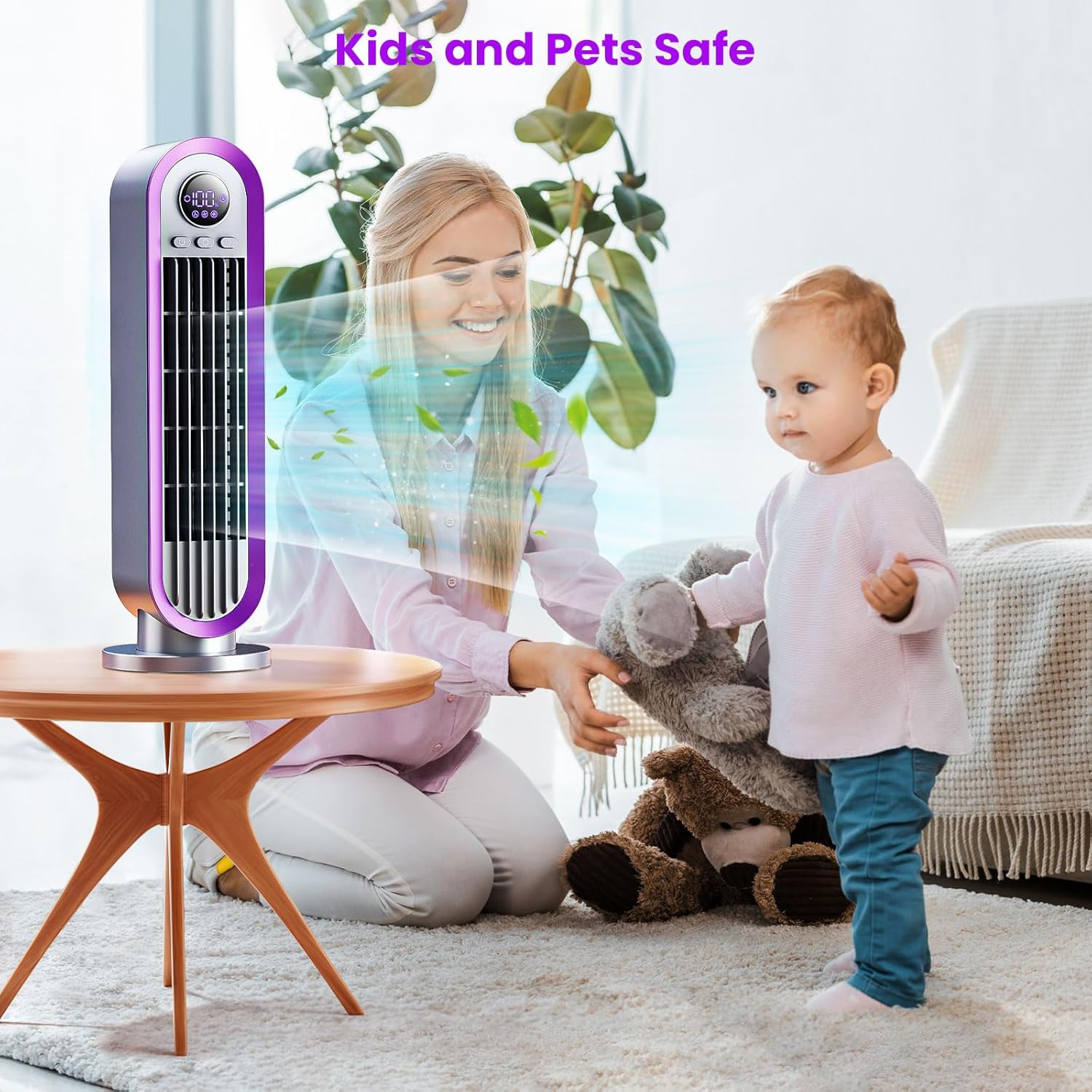
Figure 8: Bladeless design ensures safety for kids and pets.
Quiet Operation:
The fan operates quietly, with noise levels as low as 46dB at the highest speed, allowing for undisturbed work, reading, or sleep.

Figure 9: Enjoy quiet cooling for focused work or restful sleep.
Maintenance
- Ensure the fan is powered off and unplugged before cleaning.
- Wipe the exterior of the fan with a soft, damp cloth. Do not use abrasive cleaners or solvents.
- Do not immerse the fan in water or any other liquid.
- Regularly check the air inlets and outlets for dust accumulation and gently clean with a soft brush or vacuum cleaner if necessary.
- Store the fan in a cool, dry place when not in use.
Troubleshooting
| Problem | Possible Cause | Solution |
|---|---|---|
| Fan does not turn on. | Battery is depleted or not charged. | Connect the fan to a power source using the USB cable and allow it to charge. |
| Weak airflow. | Fan is on a low speed setting or air inlets/outlets are obstructed. | Increase the speed setting. Check and clear any obstructions from the air inlets/outlets. |
| Fan stops unexpectedly. | Overheat protection activated (after 12 hours of continuous use) or low battery. | If due to overheat protection, allow the fan to cool down before restarting. If low battery, recharge the fan. |
| Oscillation not working. | Oscillation function is not activated. | Press the oscillation button to activate the feature. |
Specifications
- Brand: Misby
- Model Name: MB-M61-GR
- Color: Grey
- Product Dimensions: 4.33"D x 4.33"W x 13.38"H
- Item Weight: 1.94 pounds
- Power Source: Battery Powered (4000mAh Lithium Ion battery included)
- Number of Power Levels: 3 (Low, Medium, High)
- Oscillation: 90° Horizontal
- Control Method: Touch
- Special Features: Rechargeable, Portable, Lightweight, Space Saving, Bladeless Design, Timer Function, Overheat Protection
- Included Components: Fan, User Manual, USB cable
Warranty and Support
Misby is dedicated to providing high-quality products and exceptional customer service. If you encounter any issues during use, please reach out to us. We are committed to offering a satisfactory solution within 12 hours.
For further assistance, please visit the official Misby Store: Misby Store on Amazon.
Product Videos
Video 1: "How to quickly cool down?" - An official video from Misby Direct demonstrating the fan's cooling capabilities and features.
Ask a question about this manual
Ask about setup, troubleshooting, compatibility, parts, safety, or missing instructions. Manuals+ will review the question and use this page’s manual context to help answer it.