
Introduction
The aonidi 12000mAh Portable Charger Power Bank (Model AC-02E) is designed for convenient and versatile charging on the go. It features a built-in AC wall plug for easy recharging, integrated USB-C and iOS cables, and additional USB-A and USB-C ports for multi-device compatibility. The LED digital display provides real-time battery status, ensuring you always know your power levels.
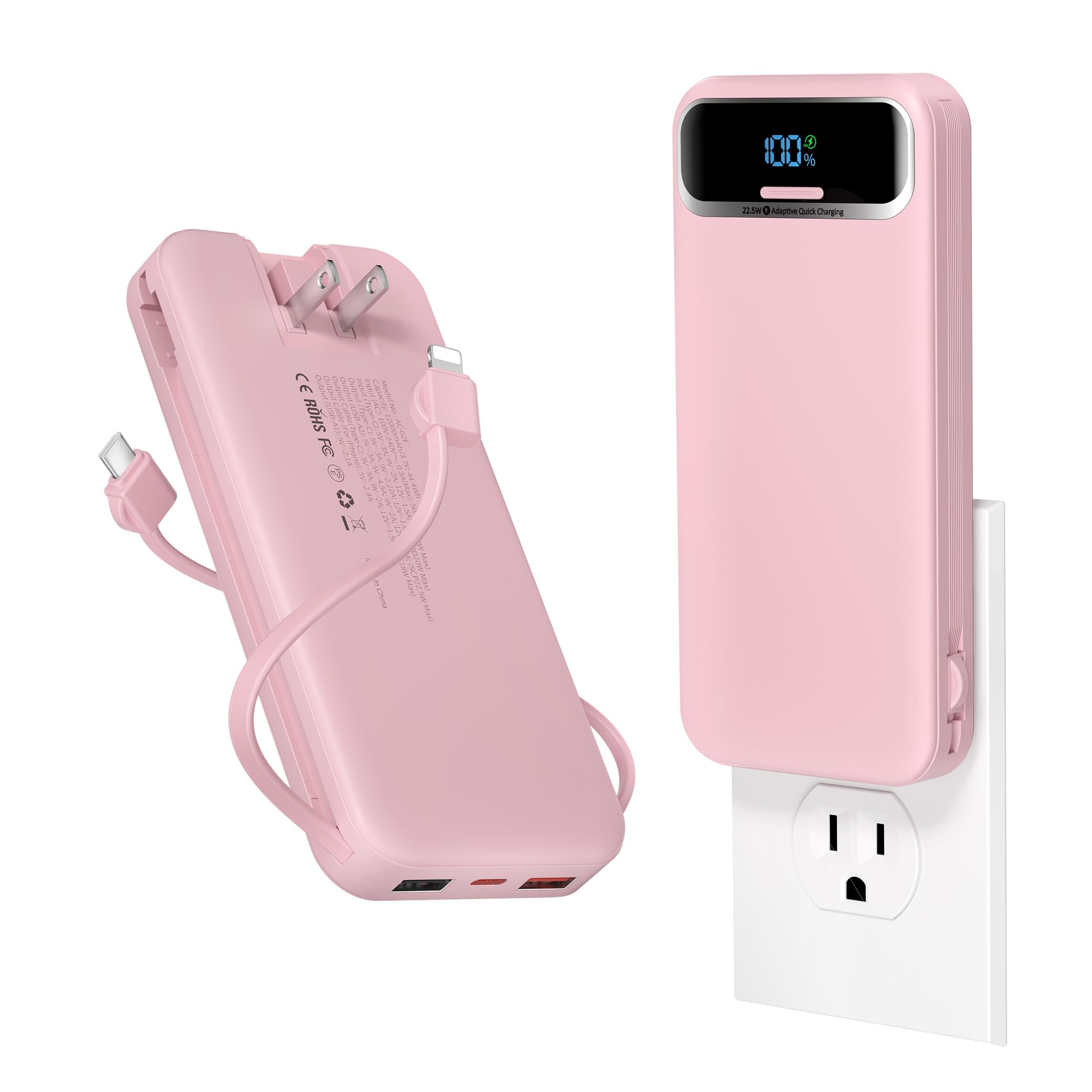
Figure 1: aonidi 12000mAh Portable Charger Power Bank
Setup
Charging the Power Bank
Before first use, fully charge your power bank. There are two primary methods to recharge the device:
- Using the Built-in AC Wall Plug: Extend the foldable AC prongs located on the back of the power bank and plug it directly into any standard wall outlet. The LED display will show the charging progress. This method takes approximately 5 hours for a full charge.
- Using the USB-C Input Port: Connect a USB-C cable to the power bank's USB-C input port and plug the other end into a compatible power adapter (not included) or a computer's USB port. This method supports PD18W input and can fully charge the power bank in about 2.5 hours.
The LED digital display will indicate the battery percentage, allowing you to monitor the charging status accurately.
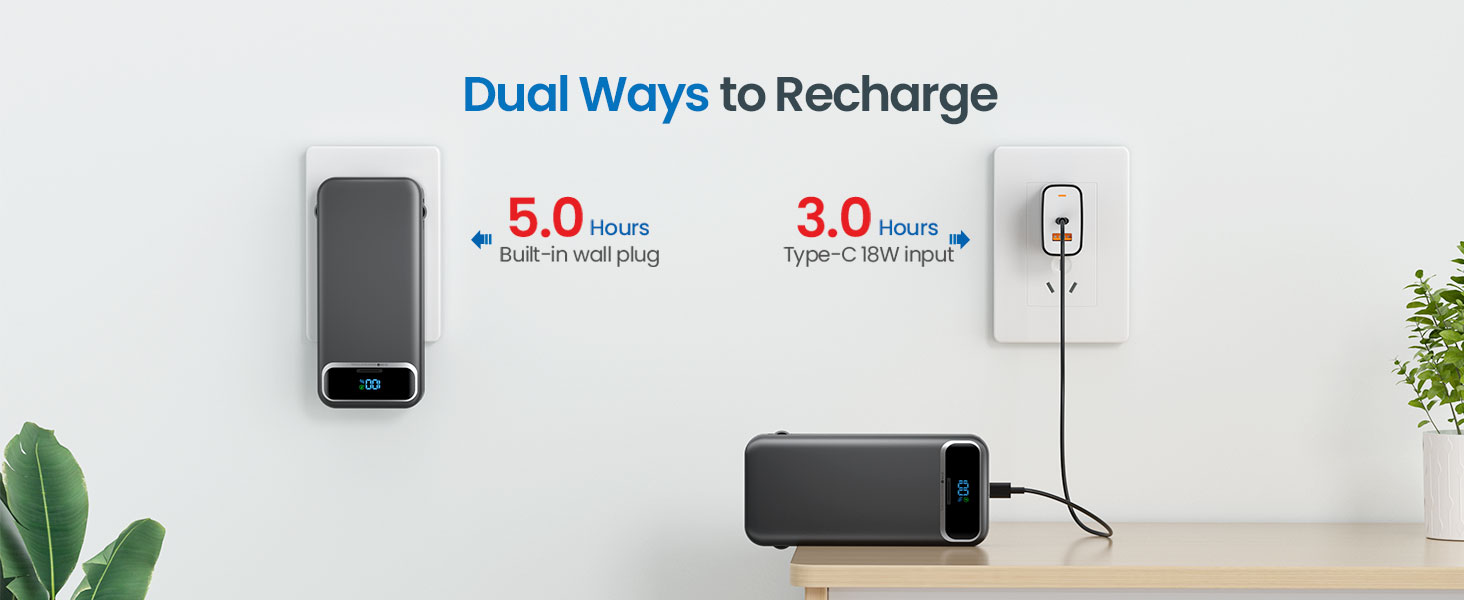
Figure 2: Recharging the power bank via built-in AC wall plug
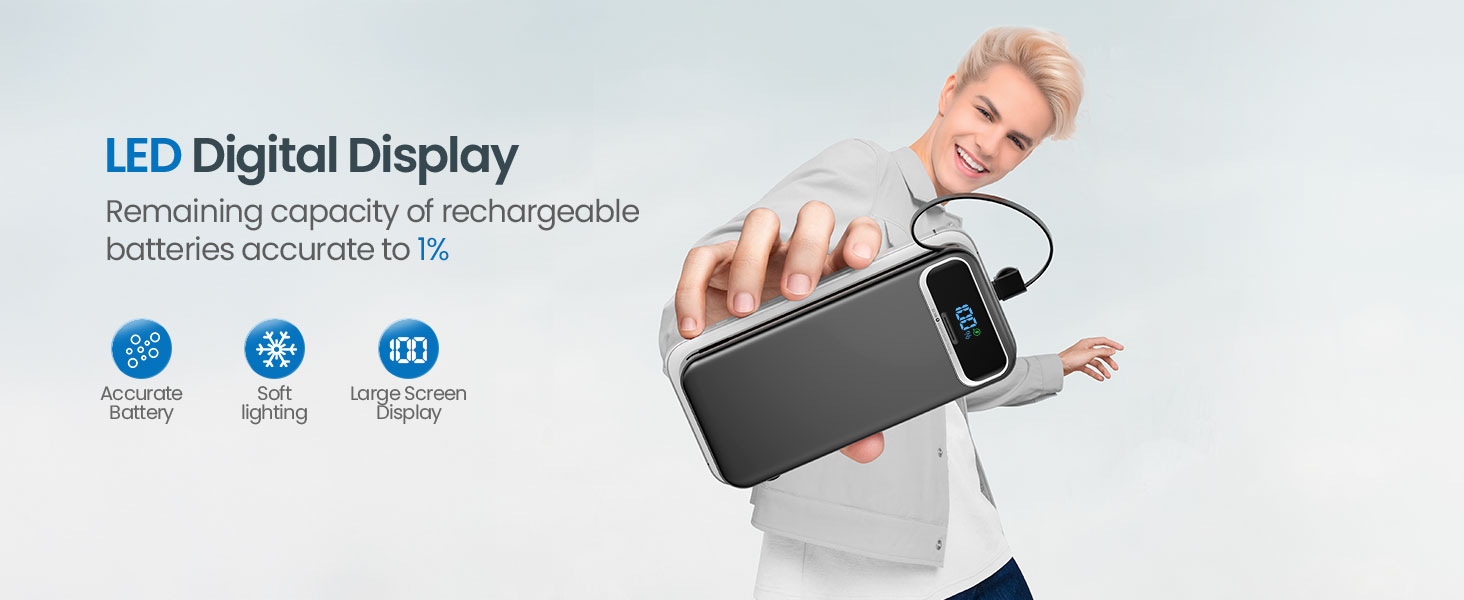
Figure 3: LED Digital Display for real-time power monitoring
Operating Instructions
Charging Your Devices
The power bank offers multiple ways to charge your electronic devices:
- Using Built-in Cables: The power bank includes two integrated cables: one USB-C cable and one iOS (Lightning) cable. Simply pull out the appropriate cable from its slot and connect it to your device.
- Using USB Ports: For other devices or if you prefer to use your own cables, the power bank provides additional ports:
- One PD20W USB-C output port.
- Two USB-A output ports (one supporting SCP 22.5W fast charging).
The power bank supports simultaneous charging of up to 5 devices (2 built-in cables + 3 external ports). The 12000mAh capacity can provide approximately 2-3 full charges for most smartphones.

Figure 4: Built-in USB-C and iOS cables for convenient charging
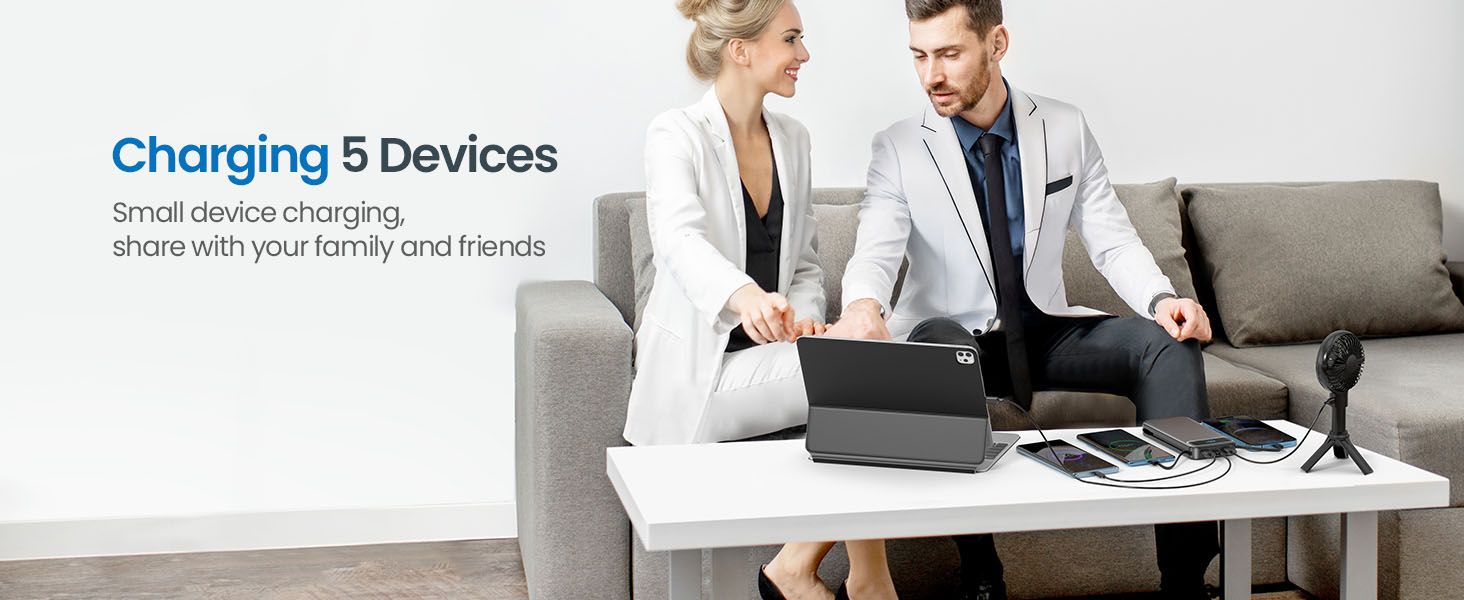
Figure 5: Charging up to 5 devices at once
Video: 12000mAh Portable-Charger-Power-Bank with Cables & Wall Plug
This video demonstrates the features of the 12000mAh Portable Charger Power Bank, including its built-in cables and AC wall plug, and how it can be used to charge various devices.
Maintenance
To ensure the longevity and optimal performance of your aonidi Power Bank, follow these maintenance guidelines:
- Storage: Store the power bank in a cool, dry place away from direct sunlight and extreme temperatures.
- Cleaning: Use a soft, dry cloth to clean the exterior of the power bank. Avoid using harsh chemicals or abrasive materials.
- Avoid Drops: Protect the device from drops and impacts, which can damage internal components.
- Regular Use: For best battery health, use and recharge the power bank regularly, even if not fully depleted.
Troubleshooting
If you encounter issues with your power bank, try the following solutions:
- Device not charging: Ensure the power bank is sufficiently charged. Check all cable connections to both the power bank and your device. Try a different cable or port.
- Power bank not recharging: Verify that the AC wall plug is fully inserted into a live outlet, or that the USB-C charging cable is securely connected to both the power bank and a working power source.
- Slow charging: Ensure you are using appropriate cables and that your device supports fast charging. Some devices or cables may limit charging speed.
- LED display not working: Press the power button to activate the display. If it remains unresponsive, the power bank may be fully depleted or require service.
If problems persist, please refer to the Warranty & Support section for further assistance.
Specifications
| Feature | Description |
|---|---|
| Model Number | AC-02E |
| Battery Capacity | 12000 Milliamp Hours (mAh) |
| Connector Types | Built-in USB-C, Built-in iOS (Lightning), USB-A Output (x2), USB-C Output/Input, AC Wall Plug |
| Fast Charging | PD20W (USB-C), SCP 22.5W (USB-A) |
| Power Bank Recharge Time | Approx. 5 hours (AC Wall Plug), Approx. 2.5 hours (PD18W USB-C Input) |
| Output Current | 4.5 Amps (Max) |
| Item Dimensions | 5.91 x 2.93 x 0.72 inches |
| Item Weight | 0.48 Pounds (7.7 oz) |
| Special Features | LED Digital Display, Over Charging Protection, Short Circuit Protection, Auto Shut-off, Scratch Resistant, Airplane Approved |
| Compatible Devices | iPhone 6-17 series, Samsung Galaxy S/Z/Note/A series, other Smartphones, Tablets, Earbuds, etc. |
Warranty & Support
Your aonidi 12000mAh Portable Charger Power Bank comes with a 1-year warranty. For any product issues, technical assistance, or customer service inquiries, please contact us. Our friendly customer service team is available 7 days a week, 24 hours a day, and aims to resolve issues within 24 hours.
Package Content:
- 1 x aonidi 12000mAh Portable Charger Power Bank
- 1 x User Manual
- 1 x USB-C Cable (for recharging the power bank via USB-C input)
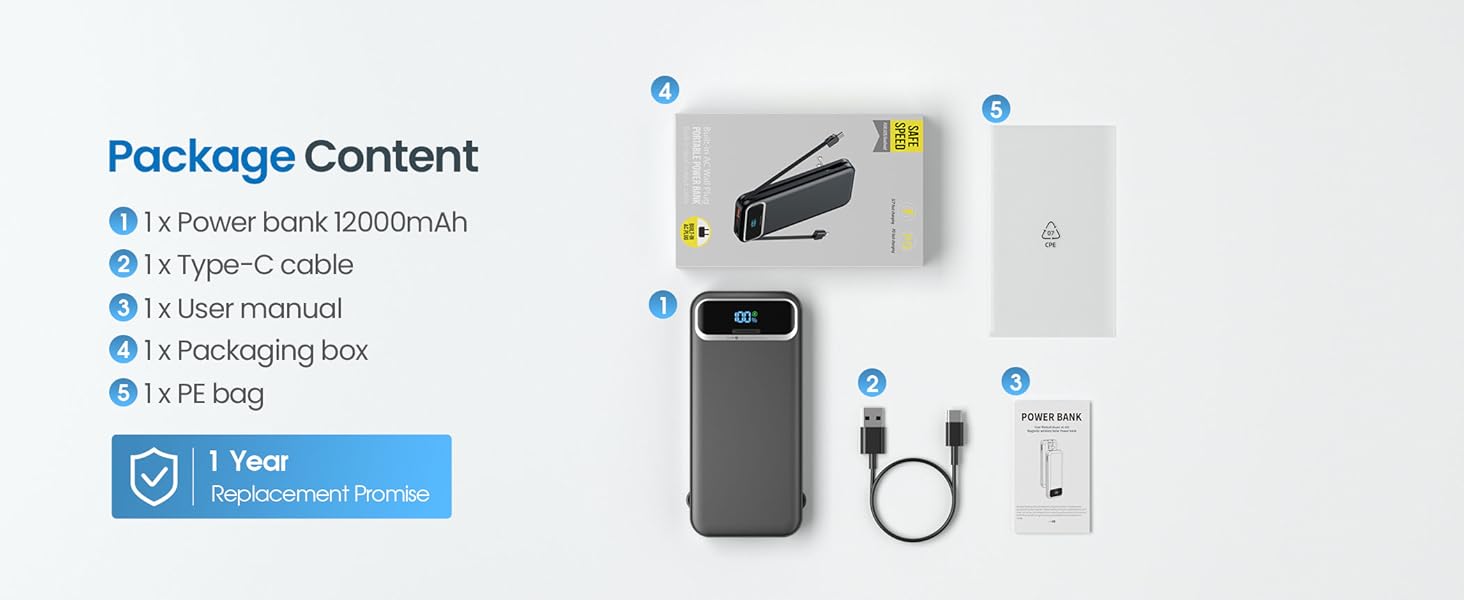
Figure 6: Package Contents