
Introduction
This manual provides detailed instructions for the setup, operation, and maintenance of your CNBRO Smart Ring with Display. This device is designed to monitor various health and fitness metrics, offering convenience and insights directly from your finger.
Product Features
- Integrated Display: Touch screen shows time, steps, heart rate, sleep duration, and battery level directly on the ring.
- 24-Hour Heart Rate Tracking: Continuous monitoring of heart rate during daily activities and exercise.
- Automatic Sleep Tracking: Monitors sleep duration and provides analysis of deep sleep, light sleep, and wake-up times.
- Multiple Sport Modes: Tracks steps, calories, distance, and offers detailed data for various exercise types via the app.
- Portable Charging Case: Comes with a compact charging case for convenient power on the go.
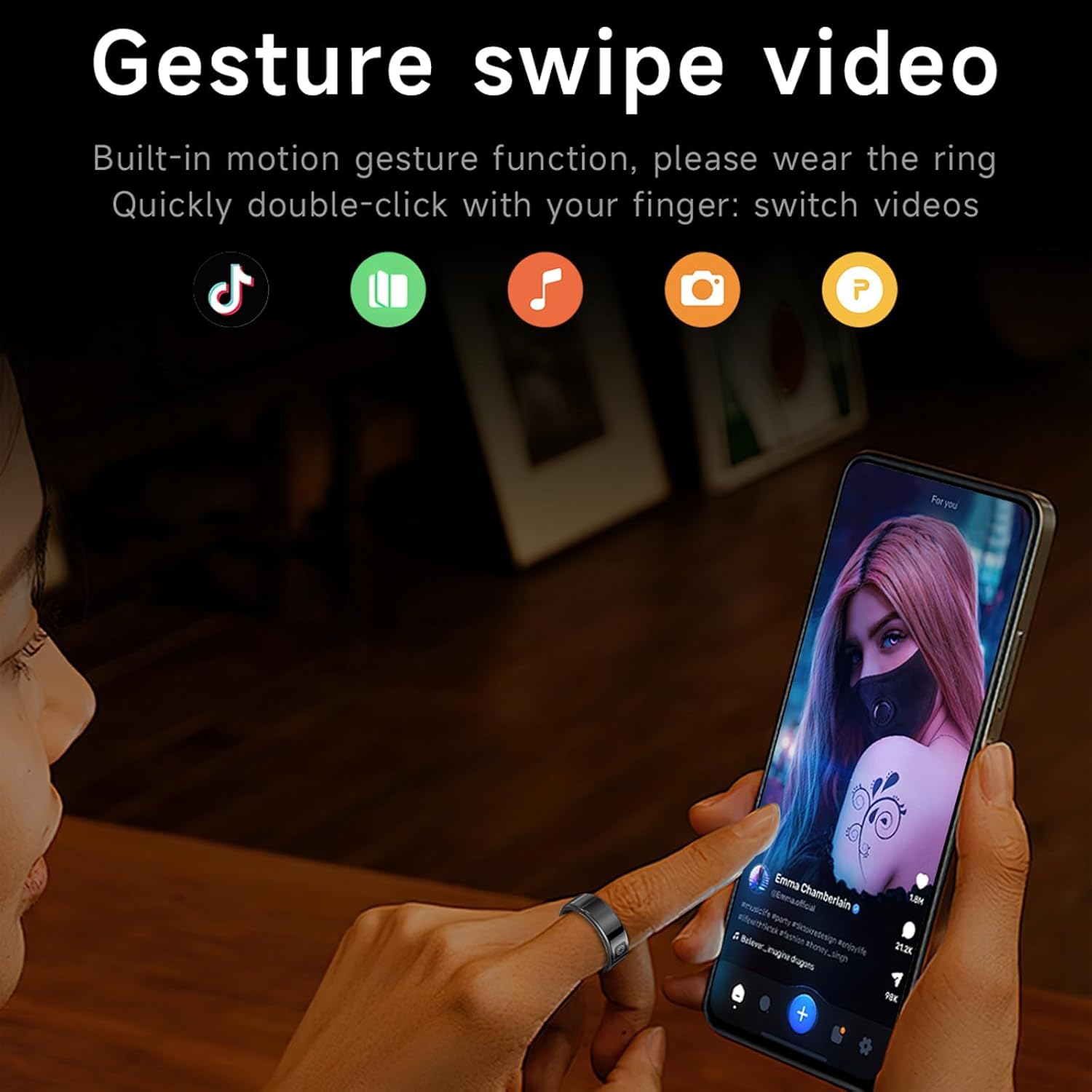
- Gesture Control: Supports remote photo capture, short video switching, and music control.
- IP68 Waterproof: Suitable for cold showering, hand washing, and rain exposure.
- Free Jring App: Access exercise records and health data without subscription fees. Compatible with Android 9.0+ and iOS 10.0+.
Setup Guide
1. Charging the Smart Ring
Before first use, ensure your Smart Ring is fully charged. The ring comes with a portable charging case.
- Place the Smart Ring into the charging case, ensuring the charging contacts align.
- Connect the charging case to a power source using the provided charging cable.
- The indicator on the charging case will show charging status. A full charge typically takes approximately 1-2 hours.
2. App Installation and Pairing
To access all features and data, download the "Jring" app on your smartphone.
- Search for "Jring" in your smartphone's app store (Google Play Store for Android, Apple App Store for iOS).
- Download and install the app.
- Open the Jring app and follow the on-screen instructions to create an account or log in.
- Ensure your phone's Bluetooth is enabled. In the app, navigate to the device pairing section and select your Smart Ring from the list of available devices.
- Confirm the pairing request on both your phone and, if prompted, on the ring's display.
3. Ring Sizing and Placement
For accurate readings, ensure the ring fits snugly on your finger. It is recommended to wear the ring on your index finger.

Refer to the sizing chart and measurement method to find your ideal fit. A proper fit is crucial for consistent data collection.
Operation
1. Display Interaction and Data Viewing
The Smart Ring features a touch screen for quick access to various data points.

- Single Touch: Displays the current time.
- Double Touch: Shows your step count.
- Touch Three Times: Displays your heart rate.
- Touch Four Times: Displays blood oxygen level.
- Touch Five Times: Displays sleep mode information.
- Touch Six Times: Shows the current battery level.
2. Health Monitoring
The ring continuously monitors key health metrics.

- Heart Rate: The ring tracks your heart rate 24/7. View real-time data on the ring or detailed historical data in the Jring app.
- Blood Oxygen: Monitor your blood oxygen saturation levels.
- Sleep Tracking: The ring automatically detects your sleep patterns, recording deep sleep, light sleep, and wake-up times. Access comprehensive sleep analysis in the app.

3. Fitness Tracking and Sport Modes
The Smart Ring functions as a pedometer and fitness tracker.
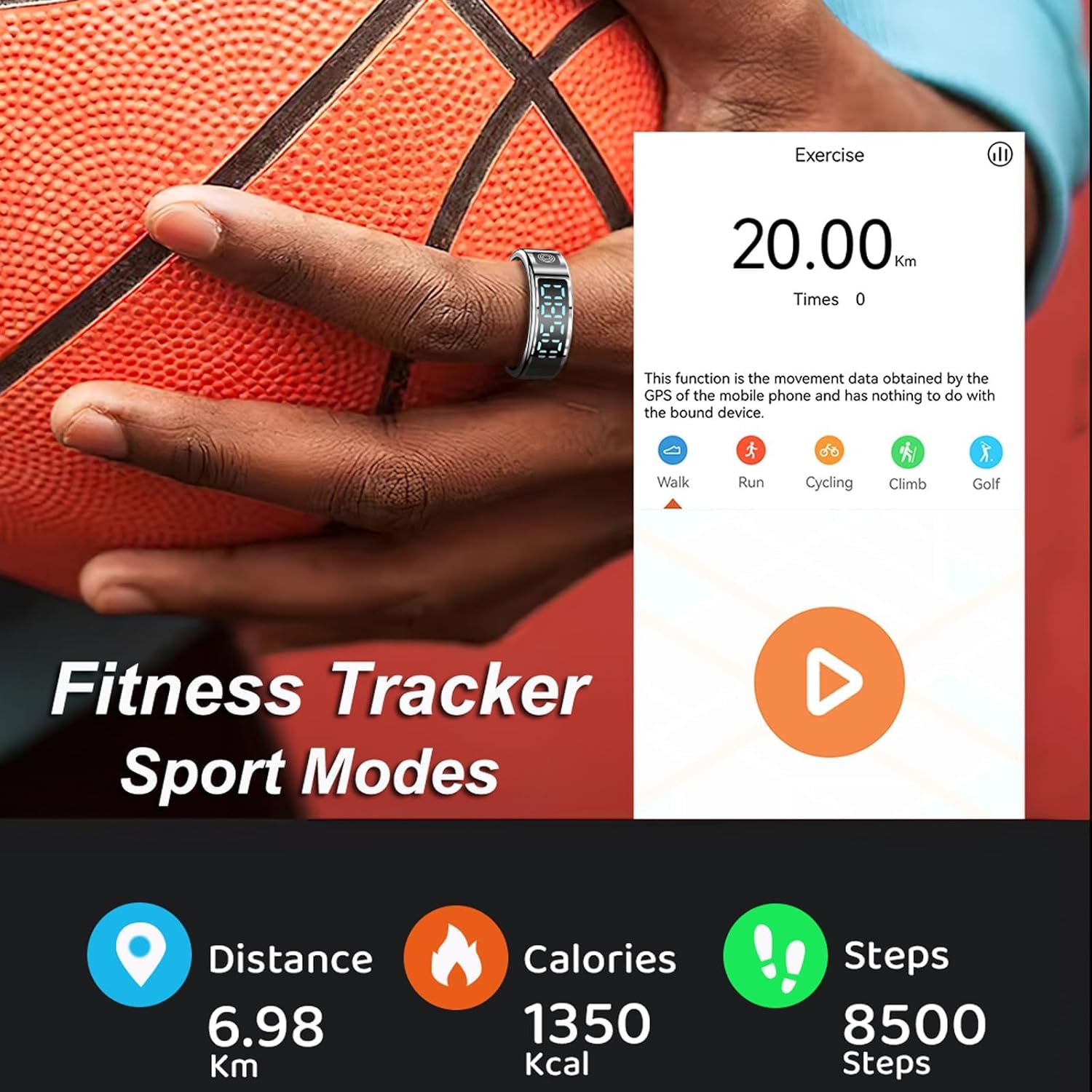
- Daily Activity: Automatically tracks steps, calories burned, and distance throughout the day.
- Sport Modes: Activate specific sport modes within the Jring app to track detailed metrics like activity time, heart rate zones, and sport routes during workouts.
4. Gesture Control
Utilize gesture controls for convenient interaction with your smartphone.

- Remote Camera: Take photos on your phone remotely using specific ring gestures.
- Media Control: Switch short videos, pause, or play music with simple gestures.
Maintenance
1. Waterproofing
The Smart Ring is IP68 waterproof.
- It can withstand cold showers, hand washing, and rain.
- Important: It is not suitable for hot water, saunas, or diving. Exposure to hot water may damage the device.
2. Cleaning and Care
- Wipe the ring with a soft, damp cloth to remove dirt or sweat.
- Avoid using harsh chemicals or abrasive materials.
- Keep the charging contacts clean and dry to ensure efficient charging.
Troubleshooting
- Ring not connecting to phone:
Ensure Bluetooth is enabled on your phone and the ring is charged. Try restarting both the ring (if applicable) and your phone. Re-open the Jring app and attempt to pair again. If issues persist, try forgetting the device in your phone's Bluetooth settings and re-pairing.
- Charging issues:
Verify that the ring is correctly seated in the charging case and the charging contacts are clean. Ensure the charging cable is securely connected to both the case and a working power source. Try a different charging cable or power adapter if available. If the charging case itself is not working, contact customer support.
- Inaccurate data readings:
Ensure the ring is worn snugly on your index finger. Loose fit can affect sensor accuracy. Clean the sensors on the inside of the ring. Ensure the Jring app is up-to-date.
- Display not responding:
Ensure the ring is charged. If the display is unresponsive, try charging it for a few minutes. If the issue persists, contact customer support.
Specifications
| Feature | Detail |
|---|---|
| Model Number | 81b74024-b0a1-4f3f-8d21-256082ecf07e |
| Battery Capacity | 16mAh (Lithium Polymer) |
| Connectivity | Bluetooth 5.1 |
| Compatibility | iOS 10.0 or above, Android 9.0 or above |
| Waterproof Rating | IP68 |
| Charging Type | Magnetic Charging Case |
| Operating System | Android & iOS |
| Special Features | Activity Tracker, Gesture Control, Lightweight, Time Display, Touchscreen |
| Item Weight | 100 Grams (approx. 3.53 ounces) |
Official Product Video
Warranty and Support
For warranty information or technical support, please refer to the contact details provided with your product packaging or visit the official CNBRO website. Please retain your proof of purchase for any warranty claims.