
Introduction
This manual provides detailed instructions for the setup, operation, and maintenance of your Loekneue Smartwatch G93. Please read this manual thoroughly to ensure proper use and to maximize the features of your device. The Loekneue Smartwatch G93 is designed to assist with health monitoring, fitness tracking, and smart notifications.

Image: Loekneue Smartwatch G93 with interchangeable bands.
What's in the Box
Upon opening the package, verify that all items listed below are present:
- 1 x Smartwatch Dial (Loekneue G93)
- 2 x Interchangeable Straps (e.g., metal mesh, silicone)
- 1 x User Manual
- 1 x Magnetic Charging Cable

Image: Package contents of the Loekneue Smartwatch G93.
Setup Guide
1. Charging the Smartwatch
Before initial use, fully charge your smartwatch. Connect the magnetic charging cable to the charging points on the back of the watch and plug the USB end into a power adapter (not included) or a computer's USB port. A full charge typically takes approximately 2.5 hours.
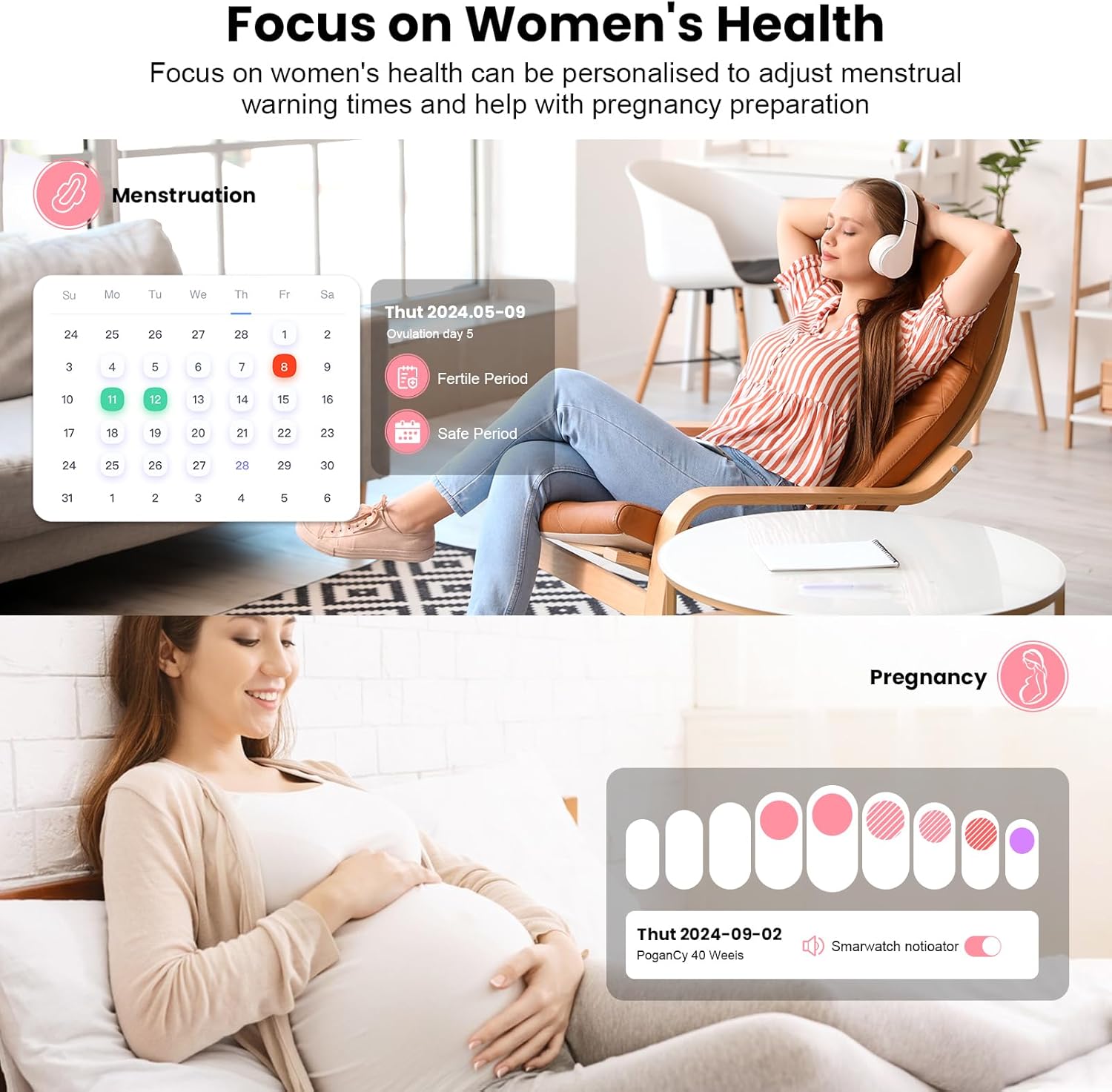
Image: Smartwatch connected to its magnetic charger.
2. App Installation and Pairing
To unlock the full functionality of your smartwatch, download and install the companion application on your smartphone. The app is compatible with Android 5.0 / iOS 9.0 and higher.
- Download the App: Scan the QR code provided in the manual or search for "Da Fit" in your smartphone's app store (Google Play Store for Android, Apple App Store for iOS).
- Create Account: Open the app and follow the on-screen instructions to create an account or log in.
- Pairing:
- Ensure Bluetooth is enabled on your smartphone.
- Make sure the watch is within Bluetooth range (approx. 10 meters).
- Open the app and navigate to the "Device" or "Add Device" section.
- The app will search for available devices. Select "G93" or the corresponding device name from the list.
- Confirm the pairing request on both your smartphone and the smartwatch if prompted.
- Permissions: Grant necessary permissions (e.g., notifications, location, contacts) to the app for full functionality.
Operating Instructions
Basic Navigation
- Touch Screen: Swipe left, right, up, or down to navigate through menus and features.
- Side Button: Press the side button to return to the home screen or wake the device.
- Tap: Tap on icons or options to select them.
Customization
Personalize your smartwatch experience:
- Watch Faces: Choose from over 200 dial designs via the companion app. You can also upload your own photos to create custom watch faces.
- Interchangeable Bands: The smartwatch comes with multiple bands (e.g., rose gold metal, pink, white) that can be easily swapped to match your style.

Image: Smartwatch with various interchangeable strap options.
Health Monitoring
The smartwatch features optical sensors for comprehensive health tracking:
- Heart Rate Monitoring: Tracks your heart rate continuously throughout the day.
- Blood Oxygen (SpO2) Monitoring: Measures your blood oxygen saturation levels.
- Blood Pressure Monitoring: Provides estimates of your blood pressure.
- Sleep Monitoring: Analyzes sleep stages (deep, light, awake) and provides detailed sleep quality reports.
- Female Cycle Tracking: Helps manage menstrual cycles, ovulation, and fertile periods.

Image: Female cycle tracking interface on the smartwatch.

Image: Sleep record analysis feature on the smartwatch.
Important Note: The health monitoring features are for general wellness and fitness purposes only and should not be used for medical diagnosis or treatment. Consult a healthcare professional for any health concerns.
Sports Modes
The smartwatch supports 107 sports modes to track your physical activities. It records steps, calories burned, and distance. GPS tracking is available via your connected smartphone.
- Activity Tracking: Select your desired sport mode from the watch menu to start tracking.
- Data Sync: Sync your workout data with the companion app for detailed analysis and progress tracking.

Image: Smartwatch tracking sports activities.
Smart Connectivity & Notifications
Stay connected with your smartphone directly from your wrist:
- Calls: Make and receive calls directly on the smartwatch. You can answer, reject, or hang up calls without taking out your phone.
- Messages & Social Media Alerts: View SMS, Facebook, WhatsApp, and Twitter notifications in real-time.
- Voice Assistant: Compatible with voice assistants for hands-free control.
- Other Features: Weather push, remote camera control (shake to take a picture), find your phone, breathing exercises, calculator, pedometer, stopwatch.

Image: Smartwatch displaying an incoming call.

Image: Smartwatch displaying various app notifications.
Battery and Charging
The Loekneue G93 Smartwatch is equipped with a 250 mAh battery. Battery life varies based on usage:
- Standby Time: Up to 25 days
- Light Use: Approximately 6 days
- Heavy Use: Approximately 4 days
To charge, use the provided magnetic charging cable. Ensure the charging pins align correctly with the contacts on the back of the watch. Avoid using damaged chargers or cables.
Image: Smartwatch charging process.
Water Resistance (IP68)
The smartwatch has an IP68 water resistance rating, meaning it is protected against dust ingress and can withstand immersion in water up to 1.5 meters for up to 30 minutes. This makes it suitable for daily activities such as handwashing, rain exposure, and workouts.
Note: While IP68 rated, the smartwatch is not suitable for swimming, diving, or exposure to hot water/steam (e.g., showers, saunas). Prolonged exposure to water or use in conditions beyond its rating may cause damage.

Image: Smartwatch demonstrating IP68 water resistance.
Maintenance
- Cleaning: Regularly clean the watch and straps with a soft, dry cloth. If necessary, use a slightly damp cloth and mild soap, then dry thoroughly.
- Avoid Chemicals: Do not use harsh chemicals, solvents, or abrasive cleaners, as these can damage the watch's finish and seals.
- Storage: Store the smartwatch in a cool, dry place when not in use.
- Charging Contacts: Keep the charging contacts on the back of the watch clean and free of debris to ensure proper charging.
Troubleshooting
| Problem | Solution |
|---|---|
| Watch does not turn on | Ensure the watch is fully charged. Connect it to the charger for at least 30 minutes. |
| Cannot pair with smartphone |
|
| Notifications not received |
|
| Inaccurate health data |
|
| Short battery life |
|
Specifications
| Feature | Detail |
|---|---|
| Model Number | G93 |
| Brand | Loekneue |
| Screen Size | 1.83 Inches (visible screen diagonal 2" / 4 cm) |
| Display Type | FullTouch HD |
| Battery Capacity | 250 Milliamp Hours (mAh) |
| Connectivity | Bluetooth |
| Operating System Compatibility | Android 5.0 / iOS 9.0 and higher |
| Water Resistance Rating | IP68 |
| Memory Storage Capacity | 128 MB |
| Item Weight | 6.4 ounces / 0.18 Kilograms |
| Special Features | Heart Rate Monitor, Blood Oxygen Monitor, Blood Pressure Monitor, Sleep Monitor, Female Cycle Tracking, 107 Sports Modes, Bluetooth Calls, Notifications, Voice Assistant, Weather Forecast, Remote Camera, Find Phone, Breathing Exercises, Calculator, Pedometer, Stopwatch. |
Warranty and Support
For warranty information or technical support, please refer to the contact details provided with your purchase documentation or visit the official Loekneue website. Keep your purchase receipt as proof of purchase for any warranty claims.
For additional assistance, you may also contact the seller directly through the platform where the product was purchased.