1. Introduction
The SHJ H28Y 4G PoC Radio is designed for reliable and efficient communication over 4G LTE cellular networks. This device utilizes Push-to-Talk Over Cellular (PoC) technology, enabling instant voice communication across wide areas. This manual provides essential information for setting up, operating, maintaining, and troubleshooting your radio.

Image 1.1: The SHJ H28Y 4G PoC Radio, highlighting its ultra-compact design and Push-to-Talk Over Cellular capabilities.
Key Features:
- Push-to-Talk Over Cellular (PoC): Instant communication over 4G LTE networks.
- Nationwide Coverage: Operates wherever 4G LTE cellular data is available.
- Durable Construction: Built with metal materials for resilience in various environments.
- Long Battery Life: Extended operational time for continuous use.
- Clear Display: Intuitive interface for easy navigation.
- Type-C Charging: Convenient and versatile charging options.
2. Package Contents
Upon opening the package, verify that all items are present:
- SHJ H28Y 4G PoC Radio
- Lithium Ion Battery (pre-installed or separate)
- SIM Card (pre-installed or separate)
- Type-C USB Charging Cable
- Power Adapter
- Belt Clip
- Wrist Strap
- Antenna

Image 2.1: Contents of the SHJ H28Y 4G PoC Radio package, including the radio, SIM card, battery, charger, and other accessories.
3. Setup Guide
3.1. SIM Card Installation
The SHJ H28Y radio requires a SIM card for 4G LTE connectivity. The SIM card may be pre-installed or included separately. If separate, follow these steps:
- Ensure the radio is powered off.
- Locate the battery compartment on the back of the radio.
- Remove the battery cover and the battery.
- Identify the SIM card slot, typically located beneath the battery.
- Carefully insert the SIM card into the slot, ensuring correct orientation. Refer to the diagram below for guidance.
- Reinsert the battery and replace the battery cover.

Image 3.1: Illustration of the 4G PoC radio and SIM card, demonstrating the concept of cellular network integration.
3.2. Battery Installation and Charging
- If the battery is not pre-installed, align the battery with the contacts in the compartment and press it gently until it clicks into place.
- Replace the battery cover.
- Connect the Type-C USB charging cable to the radio's charging port and the other end to the power adapter.
- Plug the power adapter into a wall outlet. The radio's indicator light will show charging status.
- Allow the radio to charge fully before first use.
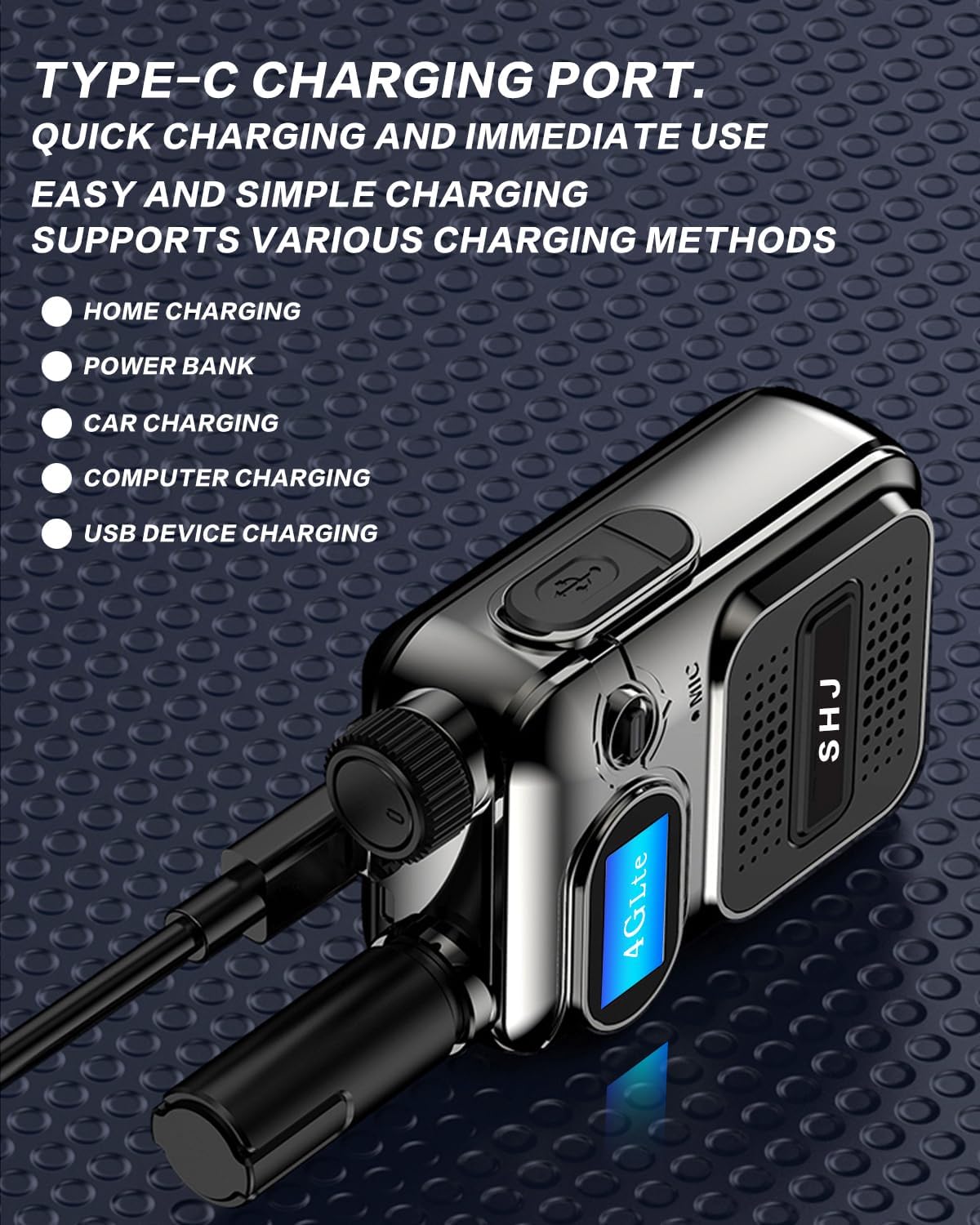
Image 3.2: The SHJ H28Y radio being charged via its Type-C port, illustrating various charging methods.
3.3. Initial Activation
To ensure full functionality and network access, your radio may require activation. This typically involves providing specific device information to the service provider. Follow these steps:
- Power on the radio. The startup display screen will show the IMEI (International Mobile Equipment Identity) number. Note this number.
- Locate the SIM card number (ICCID), usually printed on the SIM card itself.
- Contact your service provider or the seller with both the IMEI and SIM card number to complete the activation process.
- Once activated, the radio will connect to the 4G LTE network, indicated by a network signal icon on the display.
Important: Activation is crucial for the radio to function correctly on the cellular network. Without proper activation, communication features may be unavailable.
4. Operating Instructions
4.1. Power On/Off
- Power On: Rotate the power/volume knob clockwise until the display illuminates.
- Power Off: Rotate the power/volume knob counter-clockwise until the display turns off.
4.2. Adjusting Volume
Rotate the power/volume knob to adjust the audio output level. Turn clockwise to increase volume, counter-clockwise to decrease. Find a comfortable listening level.
4.3. Push-to-Talk (PTT) Communication
The SHJ H28Y uses a dedicated PTT button for instant communication:
- Ensure the radio is powered on and connected to the network.
- Press and hold the PTT button located on the side of the radio.
- Speak clearly into the microphone.
- Release the PTT button to listen for a response.
Note: Due to the digital nature of PoC communication, there may be a slight delay (approximately 2 seconds) between pressing the PTT button and the transmission of your voice. Wait briefly after pressing PTT before speaking.
4.4. Group and Private Calls
The radio supports both group and private communication modes. Specific instructions for switching between modes or creating private groups are typically managed through the network's dispatch software or by contacting your service provider. Refer to your service agreement for details on configuring these features.

Image 4.1: Visual representation of the radio's ability to facilitate group and private calls over a cellular network.

Image 4.2: Depiction of nationwide communication capabilities, emphasizing operation within 4G LTE coverage areas.
5. Maintenance
5.1. Cleaning the Radio
To maintain optimal performance and appearance:
- Wipe the radio's exterior with a soft, damp cloth.
- Do not use harsh chemicals, solvents, or abrasive cleaners.
- Ensure the charging port and speaker/microphone grilles are free of dust and debris.
Caution: The SHJ H28Y radio is not water resistant. Avoid exposing it to water or excessive moisture.
5.2. Battery Care
- Charge the battery fully before first use.
- Avoid completely draining the battery regularly to prolong its lifespan.
- Store the radio and battery in a cool, dry place when not in use for extended periods.
- If the battery needs replacement, use only genuine SHJ replacement batteries.
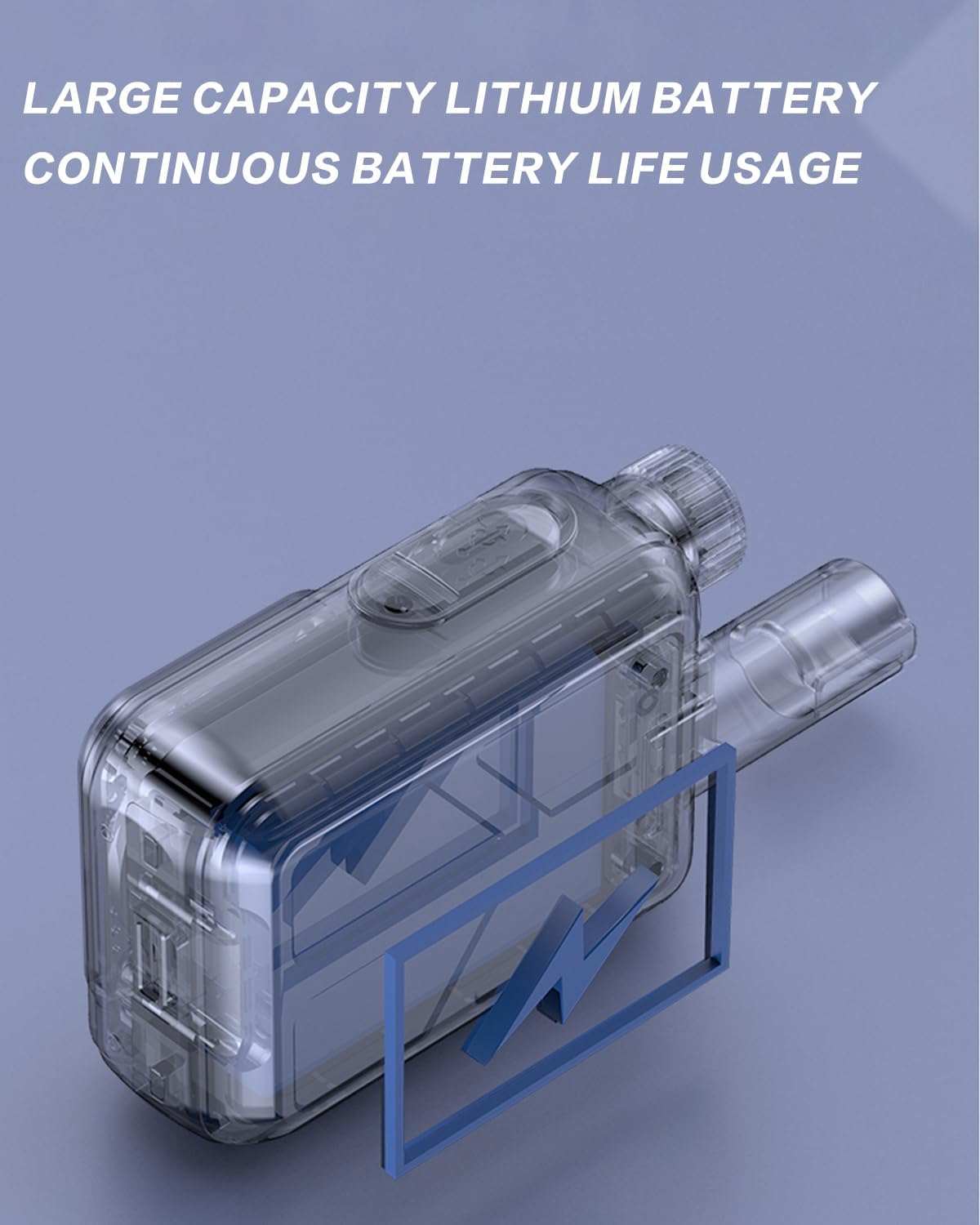
Image 5.1: Internal view of the radio emphasizing the large capacity lithium battery for continuous usage.
6. Troubleshooting
| Problem | Possible Cause | Solution |
|---|---|---|
| Radio does not power on. | Low or depleted battery. Incorrect battery installation. | Charge the battery fully. Ensure the battery is correctly installed. |
| No network signal / Cannot communicate. | SIM card not installed correctly. SIM card not activated. Out of 4G LTE coverage area. Service interruption. | Verify SIM card installation. Contact service provider for activation status. Move to an area with 4G LTE coverage. Contact service provider for network status. |
| Audio is too loud or too low. | Volume knob setting. | Adjust the volume knob to a comfortable level. |
| Cannot make private calls / Group call issues. | Incorrect configuration. Network service limitations. | Contact your service provider for assistance with private/group call setup and configuration. |
| Radio stopped working after a few days. | SIM card deactivation. Device malfunction. | Verify SIM card activation status with your service provider. If issues persist, contact SHJ customer support. |
7. Specifications
| Feature | Detail |
|---|---|
| Model Number | H28Y |
| Item Weight | 15.8 ounces (approximately 448 grams) |
| Package Dimensions | 8.66 x 5.51 x 1.77 inches |
| Battery Type | 1 Lithium Ion battery (included) |
| Number of Channels | 299 |
| Special Feature | 4G PoC (Push-to-Talk Over Cellular) |
| Frequency Range | 136-174 MHz, 400-470 MHz, 700-2600 MHz |
| Talking Range Maximum | 5000 Kilometers (network dependent) |
| Water Resistance Level | Not Water Resistant |
| Compatible Devices | 'RM' devices |
| Manufacturer | Lisheng (Fujian) Communications Co., Ltd. |
8. Warranty Information
The SHJ H28Y 4G PoC Radio comes with a 2-year warranty. This warranty covers manufacturing defects and malfunctions under normal use. It does not cover damage caused by misuse, accidents, unauthorized modifications, or exposure to water (as the device is not water resistant).
For warranty claims or detailed terms and conditions, please refer to the warranty card included in your package or contact SHJ customer support.
9. Customer Support
If you encounter any issues or have questions regarding your SHJ H28Y 4G PoC Radio that are not addressed in this manual, please contact SHJ customer support. When contacting support, please have your device's IMEI number and SIM card number ready for faster assistance.
For specific contact information, please refer to the documentation included with your product or visit the official SHJ website.


