
1. Introduction
The HW HAOWORKS S100 Wireless Voice Amplifier is a versatile and portable PA speaker system designed for clear and powerful audio projection. With 70W output, Bluetooth 5.3 connectivity, and multiple input options, it is ideal for teachers, public speakers, performers, and anyone needing amplified sound for events, karaoke, or parties. Its robust metal construction ensures durability and portability.

Figure 1: HW HAOWORKS S100 Wireless Voice Amplifier and Microphone
This image displays the main components of the S100 system: the portable PA speaker unit with a handle and a wireless handheld microphone. Both are black with metallic accents, highlighting the product's sleek design and portability.
2. What's in the Box
Please verify that all items are present upon unboxing:
- 1 x PA System Speaker
- 1 x Wireless Handheld Microphone
- 1 x Type-C Charging Cable
- 1 x Aux Cable
- 1 x User Manual
3. Setup
3.1 Initial Charging
Before first use, fully charge the PA system speaker and the wireless microphone using the provided Type-C charging cable. The speaker's LED display will indicate charging status. The microphone also has an indicator light.
3.2 Connecting the Wireless Microphone
The wireless handheld microphone is pre-paired with the S100 speaker. Simply power on both devices, and they should automatically connect. If connection issues occur, refer to the troubleshooting section.
3.3 Bluetooth Pairing (Optional)
To connect a Bluetooth device (e.g., smartphone, tablet):
- Power on the S100 speaker.
- Ensure the speaker is in Bluetooth mode (indicated on the LED display). If not, press the 'Mode' button to cycle through input modes until Bluetooth is selected.
- On your device, enable Bluetooth and search for 'S100'.
- Select 'S100' to pair. A confirmation sound will indicate successful pairing.
4. Operation
4.1 Power On/Off
Press and hold the power button on the speaker and microphone to turn them on or off.
4.2 Control Panel Overview
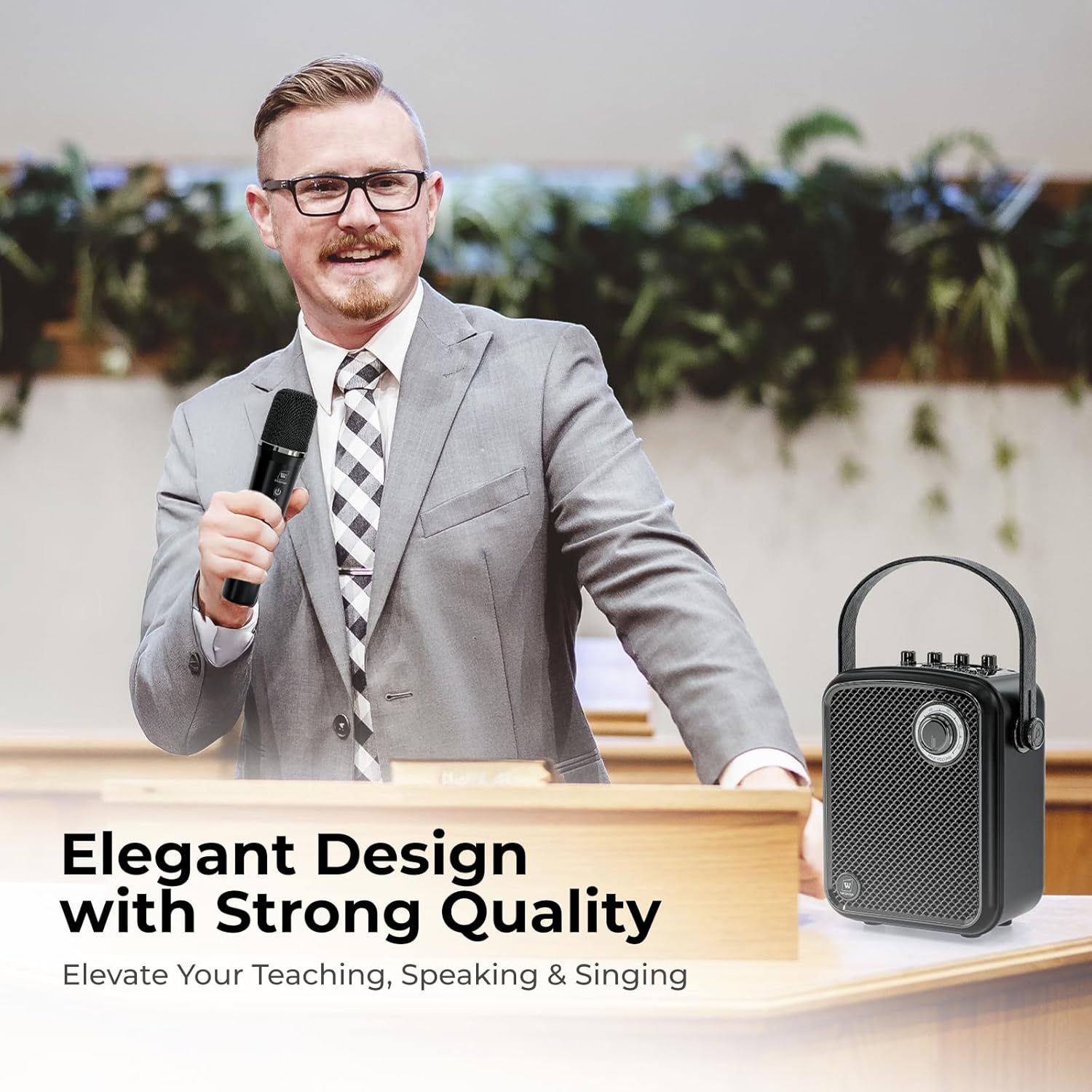
Figure 2: S100 Control Panel and Ports
This diagram illustrates the top control panel and rear ports of the S100 speaker. It highlights the various knobs for volume control (Monitor, Microphone, Echo, Instrument, Master), the LED display, and input/output ports including Type-C, USB, TF Card, Live, Monitor, AUX, Microphone, and Instrument inputs.
The S100 features an intuitive 5-dial control panel:
- Master Volume: Controls the overall output volume of the speaker.
- Microphone Volume: Adjusts the volume of the connected microphone.
- Instrument Volume: Adjusts the volume for connected instruments (e.g., guitar).
- Monitor Volume: Controls the volume for headphone monitoring.
- ECHO: Adjusts the echo effect level for the microphone.
A one-touch mute function is available for quick audio cutoff during presentations or performances.
4.3 Microphone Modes

Figure 3: Wireless Microphone Sound Modes
This image focuses on the wireless handheld microphone, detailing its four selectable sound effect modes: Acoustic, Professional, Popular, and Hip-hop. Icons represent each mode, indicating the versatility of the microphone for different audio needs.
The wireless handheld microphone offers four distinct sound modes:
- Acoustic Mode: Provides a natural and clear sound profile.
- Professional Mode: Delivers a polished and refined sound, suitable for formal presentations.
- Popular Mode: Enhances sound for a lively and engaging atmosphere.
- Hip-hop Mode: Offers a dynamic and rhythmic sound, ideal for music performances.
Switch between modes by pressing the dedicated button on the microphone.
4.4 Input Modes and Connectivity

Figure 4: S100 Connectivity Options
This graphic illustrates the comprehensive connectivity options of the S100, including Bluetooth 5.3, Headphone Jack, 4 Sound Effects, Musical Instrument input, Mute function, Microphone Port, Single/All loop playback, USB/TF Card/AUX inputs, and Live streaming capability.
The S100 supports various audio input methods:
- Bluetooth 5.3: For wireless connection to compatible devices.
- USB: Play audio files directly from a USB drive.
- TF Card: Play audio files from a TF (microSD) card.
- AUX: Connect external audio sources via the 3.5mm AUX cable.
- 6.35mm Mic Interface: For wired microphones (if preferred).
- Instrument Input: Dedicated input for connecting musical instruments like guitars.
Use the 'Mode' button to switch between these input sources.
4.5 Headphone Monitoring & Live Streaming
The S100 includes a headphone jack for real-time audio monitoring. Additionally, dedicated live streaming ports allow for direct connection to streaming devices, making it suitable for online broadcasts or recordings.
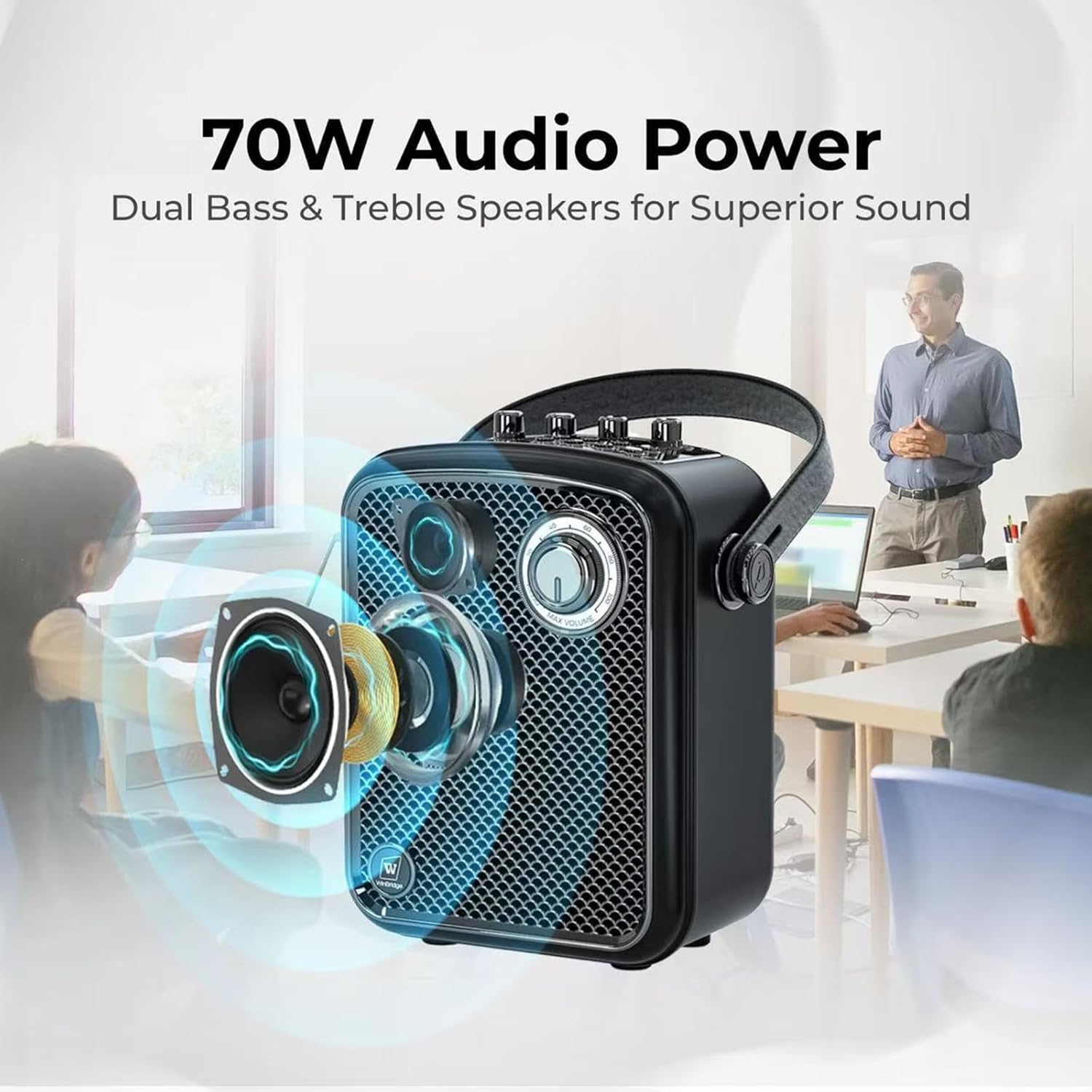
Figure 5: S100 Audio Power and Speaker Design
This image visually represents the 70W audio power of the S100, highlighting its dual bass and treble speakers for superior sound quality. The speaker's internal components are shown in an exploded view, emphasizing its acoustic design.
5. Maintenance
5.1 Cleaning
Wipe the device with a soft, dry cloth. Do not use liquid cleaners or abrasive materials, as they may damage the surface or internal components.
5.2 Storage
Store the S100 in a cool, dry place away from direct sunlight and extreme temperatures. When storing for extended periods, ensure the battery is partially charged (around 50%) to prolong its lifespan.
5.3 Battery Care
The S100 speaker provides up to 6 hours of battery life, and the wireless microphone offers over 10 hours. To maximize battery longevity:
- Avoid fully discharging the battery frequently.
- Charge the device regularly, even if not in constant use.
- Use only the provided charging cable or a certified equivalent.

Figure 6: S100 Portability and Battery Life
This image highlights the portable and rechargeable nature of the S100, showing its compact dimensions (7.6"L x 4.9"W x 8.9"H) and weight (5.04 lbs). It also indicates the battery life: up to 6 hours for the speaker and over 10 hours for the microphone.
6. Troubleshooting
| Problem | Possible Cause | Solution |
|---|---|---|
| No sound from speaker | Speaker is off; Volume is too low; Incorrect input mode; Microphone not connected/paired. | Ensure speaker is on and charged. Increase Master Volume. Select correct input mode (Bluetooth, AUX, USB, TF). Power on and pair microphone. |
| Microphone not working | Microphone is off; Battery low; Not paired with speaker; Microphone volume too low. | Ensure microphone is on and charged. Re-pair microphone if necessary. Increase Microphone Volume on speaker. |
| Bluetooth pairing failed | Device too far; Bluetooth not enabled on device; Speaker not in pairing mode. | Ensure devices are within range. Enable Bluetooth on your device. Set speaker to Bluetooth mode. Forget 'S100' on your device and try pairing again. |
| Sound distortion/feedback | Microphone too close to speaker; Volume too high; ECHO setting too high. | Increase distance between microphone and speaker. Reduce Master or Microphone Volume. Adjust ECHO level. |
| Short battery life | Battery not fully charged; Old battery. | Ensure full charge before use. If battery life significantly degrades, contact support. |
7. Specifications
| Feature | Detail |
|---|---|
| Model Number | S100 |
| Power Source | Battery Powered |
| Output Power | 70W |
| Connectivity Technology | Bluetooth 5.3, AUX, USB, Wireless |
| Connector Type | Aux, USB |
| Number of Channels | 2 |
| Material | Acrylonitrile Butadiene Styrene (ABS), Metal |
| Color | Black |
| Item Weight | 4.93 pounds |
| Package Dimensions | 12.87 x 9.06 x 6.14 inches |
| Speaker Battery Life | Up to 6 hours |
| Microphone Battery Life | Over 10 hours |
| Compatible Devices | Guitar, Headphone, Microphone, Smartphone, Tablet |
| Recommended Uses | Events, Karaoke, Lecturer, Party, Performer, Presentation, Public speaking, Singing, Speech, Teachers, Training |
8. Warranty & Support
HW HAOWORKS is committed to providing uncompromising quality and responsive service. Every amplifier is built to last and is backed by lifetime after-sales support.
8.1 Customer Support
For any inquiries, technical assistance, or support needs, please contact HW HAOWORKS customer service. We aim for a 24-hour response time to ensure your satisfaction.
Visit the official HW HAOWORKS store for more information and support resources: HW HAOWORKS Store


