Introduction
Thank you for choosing the KOPUO 12V Lithium Car Jump Starter Battery. This portable and powerful device is designed to safely jump start your vehicle's battery and serve as a versatile power bank for your electronic devices. With its robust design and emergency lighting features, it is an essential tool for any vehicle owner.
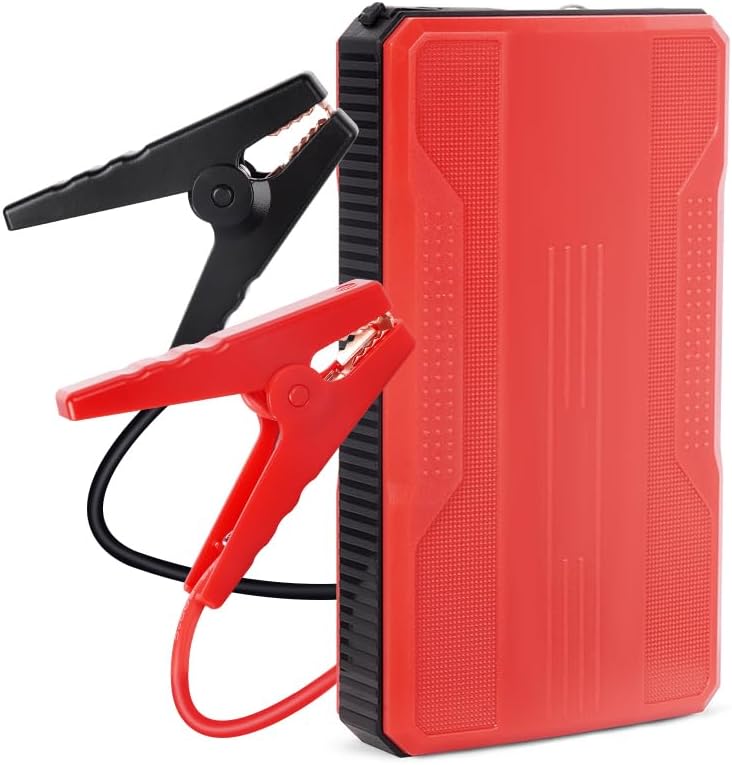
Image: The KOPUO 12V Lithium Car Jump Starter, a compact red and black unit, shown with its accompanying red and black heavy-duty jumper cables.
Safety Information
Please read all safety warnings and instructions before using this product. Failure to follow the warnings and instructions may result in electric shock, fire, and/or serious injury.
- Always wear eye protection and gloves when jump starting a battery.
- Do not allow the red and black clamps to touch each other.
- Do not jump start a frozen battery.
- Ensure the jump starter is fully charged before use for optimal performance.
- Keep out of reach of children.
- Do not expose the product to rain or wet conditions.
- Do not disassemble the unit. Refer all servicing to qualified service personnel.
Package Contents
- KOPUO 12V Lithium Car Jump Starter
- Heavy-Duty Jumper Cables (Red and Black Clamps)
- USB-C Charging Cable
- Multi-end USB Charging Cable (for devices)
- User Manual
Setup
Initial Charging
Before first use, fully charge the KOPUO jump starter. Use the provided USB-C charging cable to connect the jump starter to a USB wall adapter (not included) or a powered USB port. The indicator lights will show charging progress and full charge status.
A full charge ensures maximum power for jump starting and extends the battery's lifespan.
Operating Instructions
Jump Starting a Vehicle
- Prepare the Vehicle: Ensure the vehicle's ignition is off and all accessories (lights, radio, A/C) are turned off. Engage the parking brake.
- Connect the Jumper Cables:
- Connect the red (positive +) clamp to the positive (+) terminal of the vehicle's dead battery.
- Connect the black (negative -) clamp to the negative (-) terminal of the vehicle's dead battery.
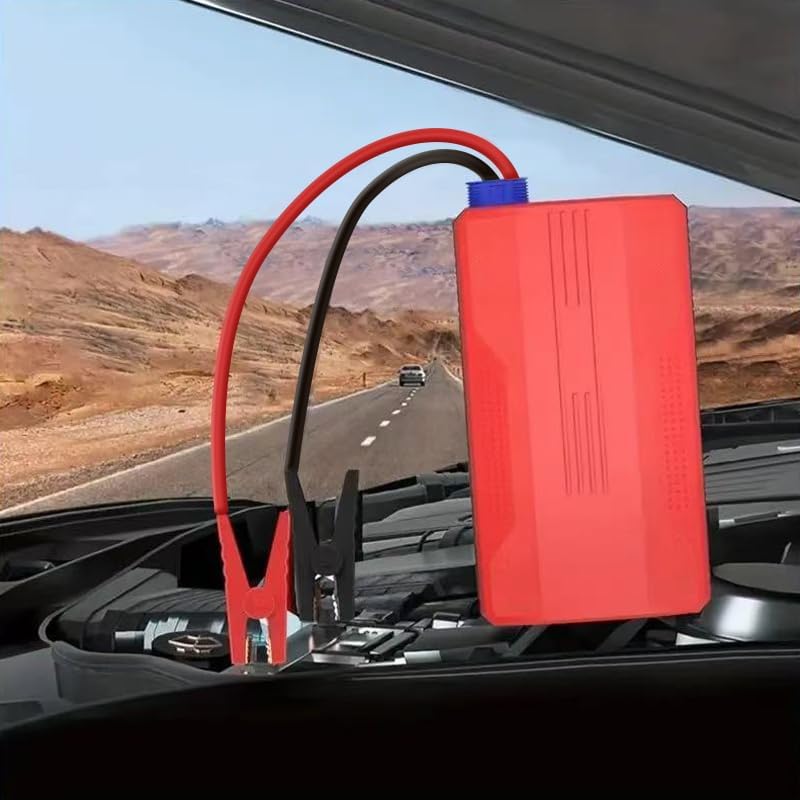
Image: The KOPUO jump starter connected to a car battery under the hood, demonstrating proper clamp placement on the positive (red) and negative (black) terminals.
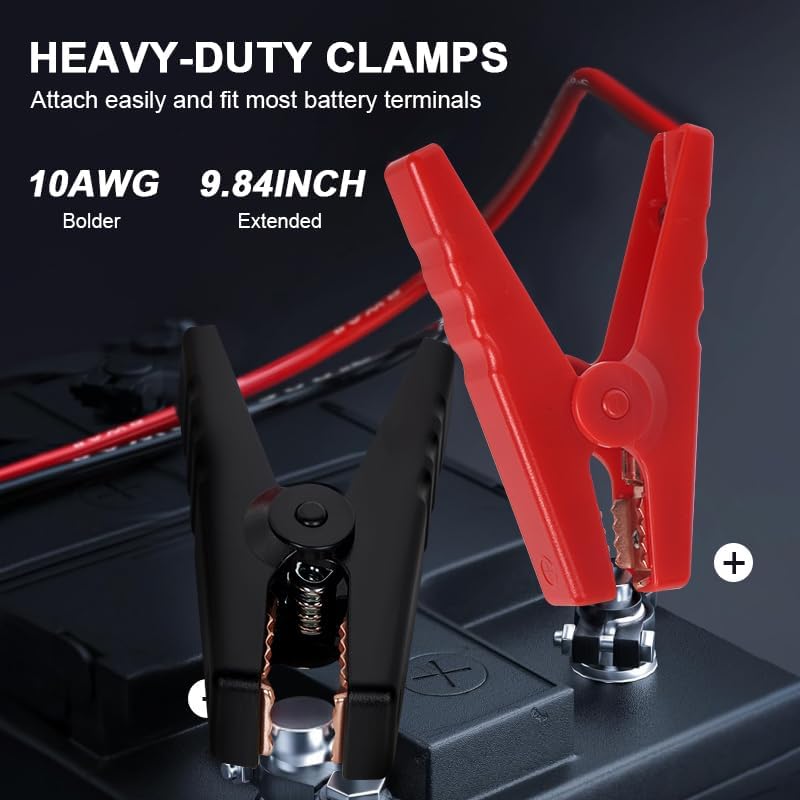
Image: A close-up of the heavy-duty jumper clamps, highlighting their robust construction and the 10AWG, 9.84-inch cable length for easy attachment to most battery terminals.
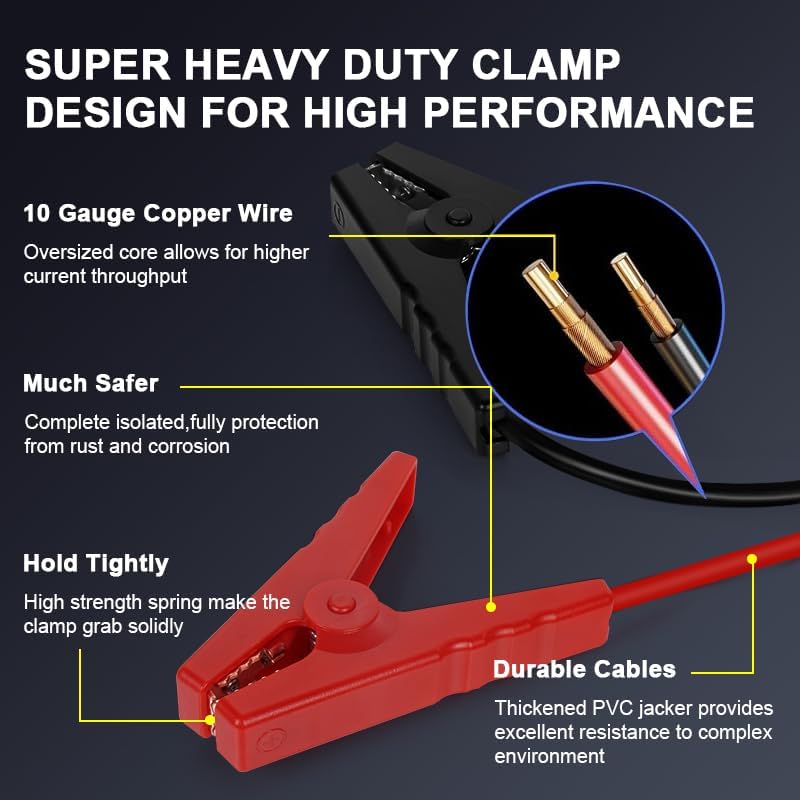
Image: An illustration detailing the "Super Heavy Duty Clamp Design," showing 10 Gauge Copper Wire for higher current throughput, complete isolation for safety, strong spring for tight grip, and durable PVC jacketed cables for resistance to harsh environments.
- Connect to Jump Starter: Plug the jumper cable connector into the jump starter's port. Ensure a secure connection.
- Start the Vehicle: Once connected, start your vehicle's engine. If it doesn't start immediately, wait 30 seconds and try again. Do not crank for more than 3 seconds per attempt.
- Disconnect Cables: Once the vehicle starts, immediately disconnect the jumper cables from the jump starter, then disconnect the black (negative) clamp from the battery, followed by the red (positive) clamp.
Using as a Portable Power Bank
The KOPUO jump starter features dual USB output ports to charge your electronic devices.
- Connect your device's USB charging cable to one of the jump starter's USB output ports.
- The jump starter will automatically begin charging your device.
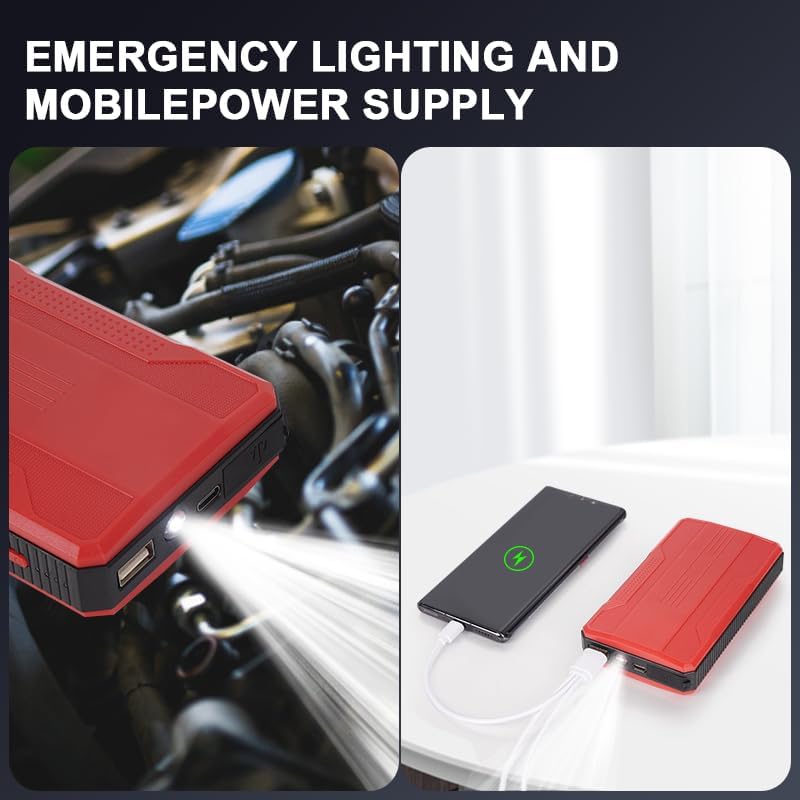
Image: The KOPUO jump starter shown with its LED light active and also connected via USB cable to charge a mobile phone, illustrating its dual functionality as an emergency light and power bank.
Using the LED Flashlight
The built-in LED flashlight has three modes: Flashlight, Strobe, and SOS.
- Press the power button once to turn on the flashlight.
- Press again to cycle through Strobe mode.
- Press a third time for SOS mode.
- Press a fourth time to turn off the flashlight.
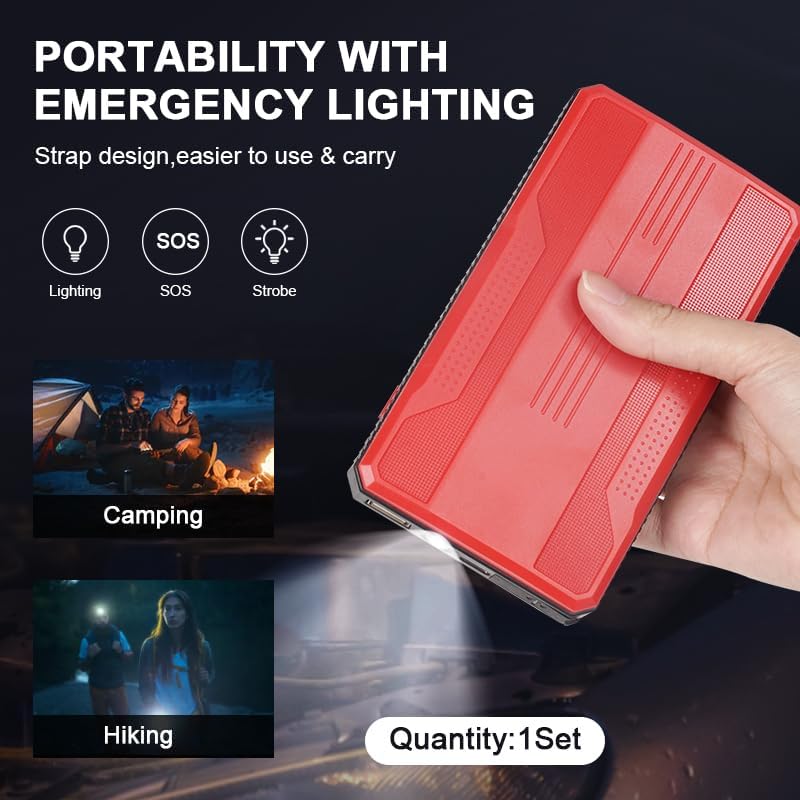
Image: The KOPUO jump starter highlighting its portability and emergency lighting features, showing icons for Lighting, SOS, and Strobe modes, with illustrative scenarios like camping and hiking where the light would be useful.
Maintenance
Charging
To maintain optimal performance and battery life, it is recommended to fully charge the jump starter every 3-6 months, even if not in use.
Storage
Store the jump starter in a cool, dry place away from direct sunlight and extreme temperatures. Ensure it is disconnected from all cables when stored.
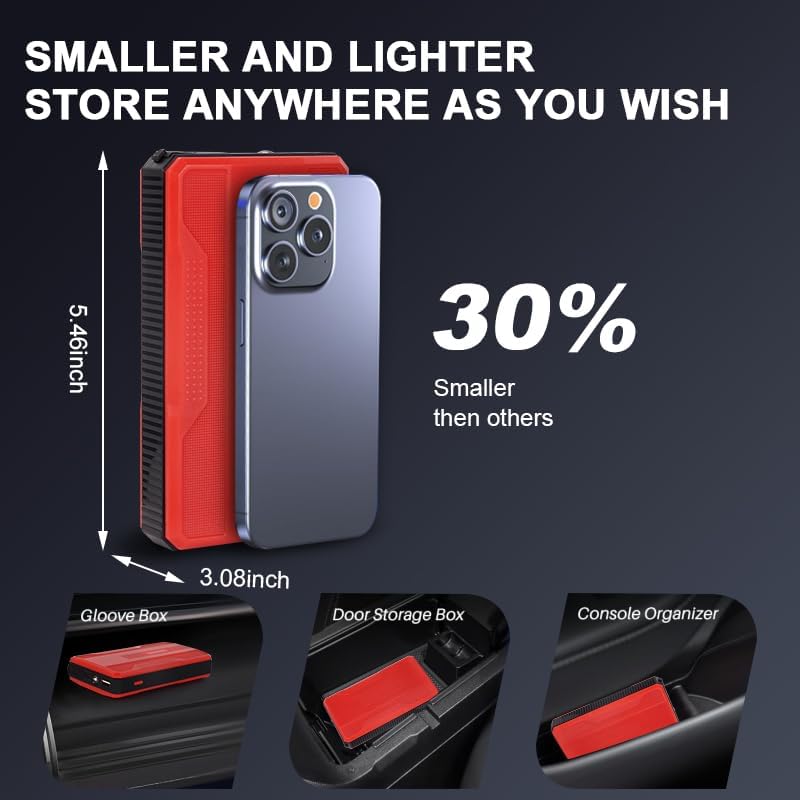
Image: The KOPUO jump starter compared in size to a smartphone, illustrating its compact dimensions (5.46 inches tall, 3.08 inches wide) and showing it stored conveniently in a glove box, door storage box, and console organizer, emphasizing its portability and ease of storage.
Cleaning
Wipe the unit with a soft, damp cloth. Do not use harsh chemicals or abrasive cleaners.
Troubleshooting
| Problem | Possible Cause | Solution |
|---|---|---|
| Vehicle does not start. | Jump starter battery is low. Incorrect clamp connection. Vehicle battery is severely damaged. | Fully charge the jump starter. Ensure clamps are connected to correct terminals (+ to +, - to -). Consult a professional mechanic. |
| Jump starter not charging. | Faulty charging cable or adapter. Charging port issue. | Try a different USB-C cable and adapter. Contact customer support. |
| LED flashlight not working. | Battery is completely drained. Malfunction. | Charge the jump starter. Contact customer support. |
Specifications
- Brand: KOPUO
- Model: R23
- Peak Current: 3000A
- Battery Capacity: 6400mAh
- Engine Compatibility: Up to 6.0L Gas or 5.5L Diesel Engine
- Input: USB-C
- Output: Dual USB (for charging devices), Jump Start Port
- Dimensions: 1.97 x 5.51 x 7.87 inches (approx.)
- Weight: 15.5 ounces (approx.)
- LED Light Modes: Flashlight, Strobe, SOS
Warranty and Support
KOPUO products are designed for reliability and performance. For any questions, technical support, or warranty inquiries, please contact KOPUO customer service through the retailer's platform or the official KOPUO website. Please have your model number (R23) and purchase information ready when contacting support.
For more information, visit: KOPUO Brand Page on Amazon


