
1. Introduction
Thank you for choosing the Alwtniet HY300PRO Mini Projector. This portable smart projector is designed to provide a versatile and immersive viewing experience with its Android 11 operating system, dual-band WiFi 6, Bluetooth 5.4, and 4K support. This manual will guide you through the setup, operation, maintenance, and troubleshooting of your new device.

Figure 1: The Alwtniet HY300PRO Mini Projector, demonstrating its compact and portable design.
2. Setup
2.1 What's in the Box
- Alwtniet HY300PRO Mini Projector
- Adapter
- User Manual
- Remote Control
2.2 Physical Placement
The HY300PRO features a 180° rotatable design, allowing for flexible projection angles. It can be used for ceiling projection, tabletop use, or mounted on a tripod.

Figure 2: Flexible placement options for the projector, including ceiling, tabletop, and tripod mounting.
2.3 Power Connection
Connect the provided adapter to the DC port on the projector and then plug it into a power outlet. The projector requires an external power supply and does not have a built-in battery.

Figure 3: Rear view of the projector showing the power input and other connectivity ports.
2.4 Initial Power On
Press and hold the power button on the projector or the remote control to turn on the device.
2.5 Focus Adjustment
The projector features manual focus. Rotate the focus ring on the lens to achieve a clear image.
2.6 Keystone Correction
The projector supports auto horizontal keystone correction and manual trapezoid correction functions to help you set up a properly proportioned image.

Figure 4: Illustration of the projector's quick adjust features for perfect image alignment.
3. Operating Instructions
3.1 Navigation and Android 11
The projector runs on Android 11, providing access to various applications. Use the remote control to navigate the interface. For smoother streaming experiences, especially with certain apps, it is recommended to switch to Air Mouse mode if available.
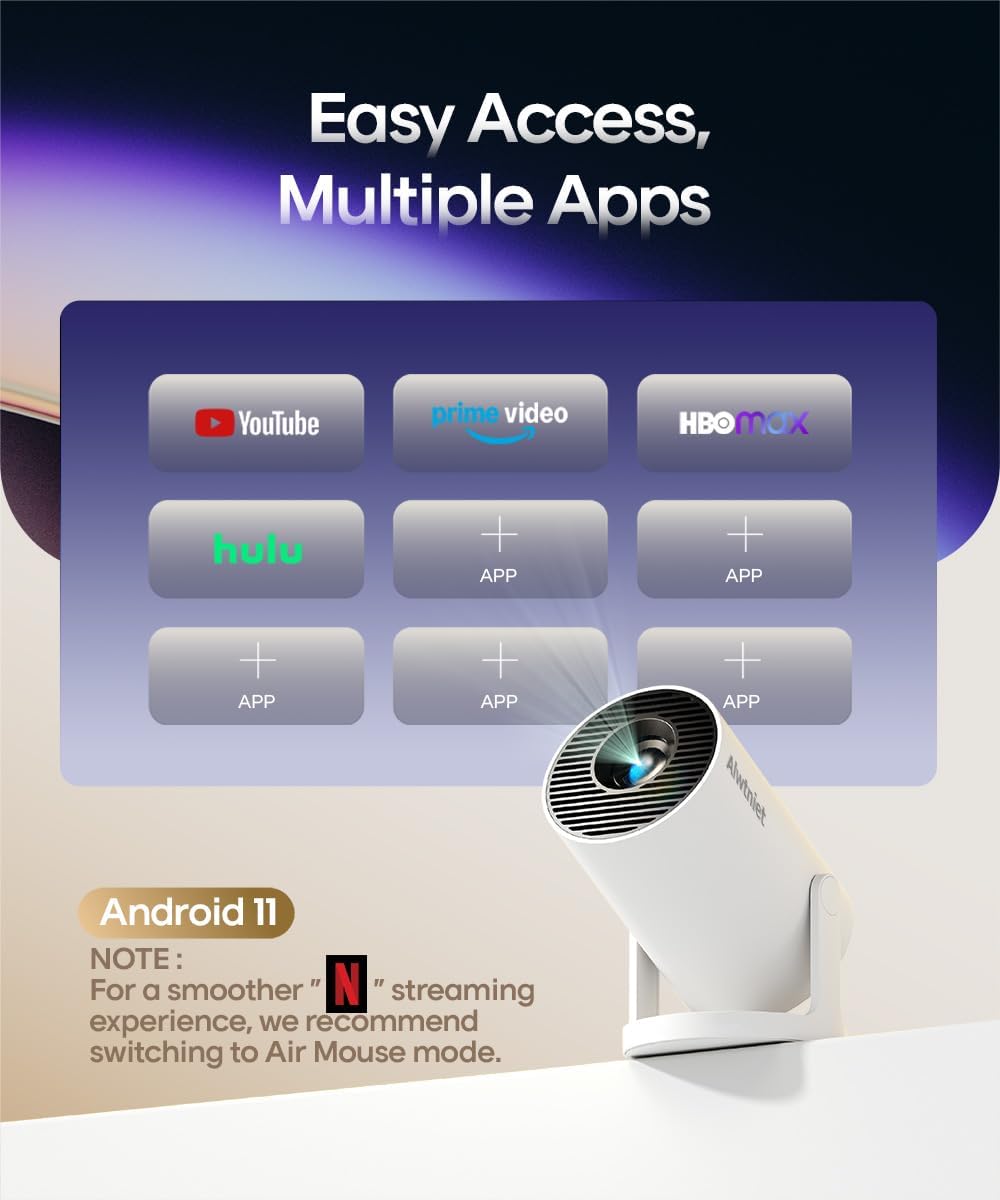
Figure 5: The projector's Android 11 interface, showing easy access to multiple streaming applications.
3.2 Connectivity
- Wi-Fi: Built-in dual-band 5G WiFi 6 ensures reduced latency and improved responsiveness for streaming and online applications.
- Bluetooth: BT 5.4 allows easy connection to wireless speakers, headphones, or soundbars for enhanced audio.
- Screen Mirroring: Wirelessly cast content from iOS, Windows, and Android devices.
- Wired Connections: Utilize the HDMI port for connecting devices like TV sticks, PCs, gaming consoles (PS4/PS5), or TV boxes. The USB port supports U Disk and phone connections.

Figure 6: Overview of the projector's wired and wireless connection capabilities.
3.3 Projection Quality
The projector delivers a native 720P Full HD resolution with 4K support, 200 ANSI lumens (8000 Lumens), and a 10000:1 contrast ratio for sharp and clear images. The optimal projection size ranges from 80 to 130 inches.

Figure 7: Details on image quality, including brightness, contrast, and 4K support.
3.4 Audio
The projector includes built-in speakers, eliminating the need for external audio equipment for basic use. For a more immersive experience, connect external Bluetooth speakers.
4. Maintenance
4.1 Cleaning
- Lens: Use a soft, lint-free cloth specifically designed for optical lenses to gently wipe the projector lens. Avoid abrasive materials or harsh chemicals.
- Exterior: Wipe the exterior casing with a soft, dry cloth. Do not use liquid cleaners directly on the projector.
4.2 Storage
When not in use, store the projector in a cool, dry place away from direct sunlight and extreme temperatures. Protect it from dust and moisture.
4.3 Light Source Life
The projector's light source has a life expectancy of up to 50,000 hours, ensuring long-term use.
5. Troubleshooting
- Software Incompatibility: If you encounter software incompatibility problems, please upgrade the system. If the issue persists, contact customer service.
- Remote Control Issues: Ensure you are within close proximity to the projector and press buttons firmly.
- Network Connection: If the projector loses network connection, try resetting your Wi-Fi router or the projector's network settings.
- Image Quality: For the best image quality, especially in terms of brightness and contrast, use the projector in a completely dark room.
- Fan Noise: A certain level of fan noise is normal during operation. If the sound is distracting, consider connecting external Bluetooth speakers for a louder audio experience.
For any persistent issues not covered here, please refer to the Warranty and Support section for contact information.
6. Specifications
| Brand | Alwtniet |
| Model Number | HY300PRO |
| Item Weight | 1.43 pounds |
| Product Dimensions | 7 x 7 x 13 inches |
| Color | White |
| Special Features | Portable, Speakers |
| Connectivity Technology | Bluetooth, Wi-Fi |
| Display Resolution | 1280 x 720 (Native), 4K Support |
| Recommended Uses | Home Cinema |
7. Warranty and Support
Alwtniet offers comprehensive support for your HY300PRO Mini Projector:
- Warranty: Enjoy a 1-year product replacement warranty and a 100% satisfaction guarantee.
- Technical Support: Lifetime technical support is provided for your convenience.
- Customer Service: For any inquiries or assistance, our customer service team is available for quick and professional support within 24 hours.
Please contact us if you have any problems while using your projector.
8. Product Videos
Video 1: This video demonstrates the Alwtniet HY300PRO Mini Projector's interface, remote control functionality, and various connectivity ports, including HDMI and USB. It highlights the ease of navigation and setup.

