
1. Product Overview
The Dasqua 1320-0005 is an 18-piece angle gage set designed for precise measurement and inspection of angles. This set is ideal for checking primary, 1/2 primary, and complementary angles, as well as internal (I.D.) and external (O.D.) chamfers, both in and out of a machine environment. Each gage is constructed from durable stainless steel to ensure accuracy and longevity.
The set includes a range of angles:
- Primary Angles: 5 degrees to 90 degrees, in 5-degree increments.
- 1/2 Primary Angles: 2.5 degrees to 45 degrees.
- Complementary Angles: 17.5 degrees to 90 degrees, in 5-degree increments.

Figure 1: Complete Dasqua 18 Piece Angle Gage Set.
2. Product Components
Your Dasqua 1320-0005 Angle Gage Set includes the following:
- 18 individual stainless steel angle gages.
- A protective storage case (typically blue) for organization and protection.

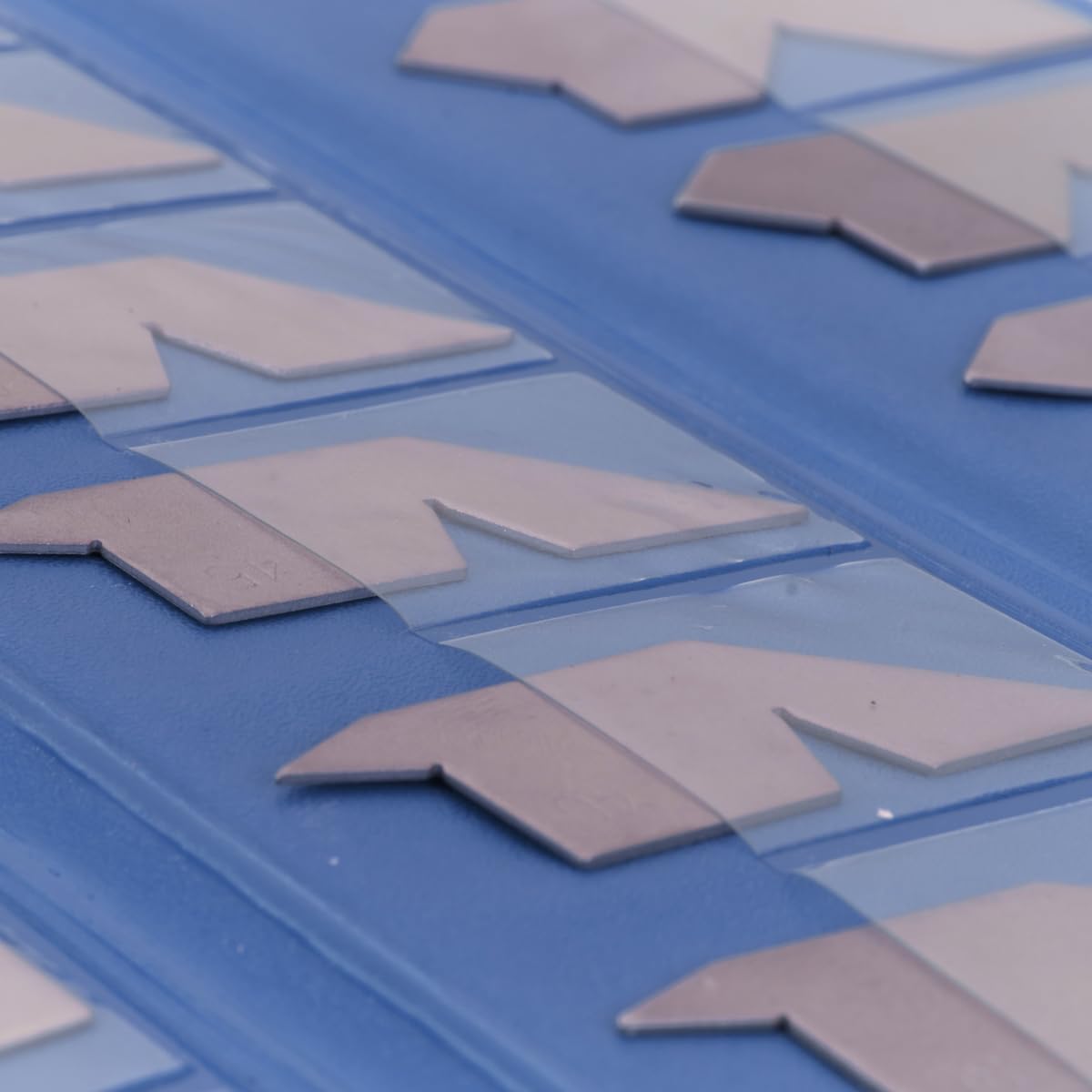
Figure 2: The protective storage case and gages within their tray.
3. Setup
The Dasqua 18 Piece Angle Gage Set requires minimal setup before use.
- Unpack: Carefully remove the angle gage set from its packaging.
- Inspect: Check all 18 gages for any signs of damage or manufacturing defects. Ensure they are clean and free from debris.
- Familiarize: Identify the different angle values marked on each gage. The set is organized to allow for quick selection of the required angle.
- Storage: Keep the gages in their provided protective case when not in use to prevent damage and maintain accuracy.
4. Operating Instructions
The angle gages are used for quick and accurate inspection of various angles and chamfers.
4.1 Understanding Angle Types
Each gage is designed to check primary, 1/2 primary, and complementary angles. Refer to the diagram below for a visual explanation of these angle types on a typical gage profile.

Figure 3: Diagram explaining angle definitions on a gage.
4.2 Measuring Angles and Chamfers
- Select the Correct Gage: Identify the angle you need to measure or verify. Choose the corresponding gage from the set.
- Position the Gage: Carefully place the edge of the selected angle gage against the workpiece's angle or chamfer.
- Inspect for Fit: Observe the contact between the gage and the workpiece.
- If light passes through, the angle on the workpiece is smaller than the gage.
- If the gage rocks or does not sit flush, the angle on the workpiece is larger than the gage.
- A perfect fit, with no visible gaps, indicates the workpiece angle matches the gage angle.
- Chamfer Inspection: For I.D. or O.D. chamfers, align the appropriate edge of the gage with the chamfered surface. The gage allows for quick visual confirmation of the chamfer angle.
- Repeat: For critical applications, repeat the measurement multiple times or use different gages to confirm accuracy.
5. Maintenance
Proper maintenance ensures the longevity and accuracy of your angle gage set.
- Cleaning: After each use, wipe the gages with a clean, soft cloth to remove any dirt, oil, or fingerprints. For stubborn grime, use a mild cleaning solution and dry thoroughly.
- Rust Prevention: As the gages are stainless steel, they are resistant to rust, but prolonged exposure to moisture or corrosive substances should be avoided. If storing for extended periods in humid environments, a light coat of rust preventative oil can be applied.
- Storage: Always store the gages in their original protective case. This prevents physical damage, scratches, and exposure to environmental elements that could affect their precision.
- Handling: Handle gages with care. Avoid dropping them or subjecting them to impacts, as this can deform the edges and compromise accuracy.
6. Troubleshooting
Angle gages are passive tools, so troubleshooting is generally straightforward.
- Inaccurate Readings:
- Ensure the gage and workpiece surfaces are clean and free of debris. Even small particles can affect the fit.
- Verify that the correct gage has been selected for the angle being measured.
- Check the gage for any visible damage, such as nicks or bends, which could compromise its accuracy.
- Gage Does Not Fit:
- Confirm that the workpiece angle is within the range of the gage set.
- If the angle is slightly off, consider using a different measurement tool for finer adjustments or verification.
7. Specifications
| Feature | Detail |
|---|---|
| Model Number | 1320-0005 |
| Material | Stainless Steel |
| Primary Angles | 5° to 90° (in 5° steps) |
| 1/2 Primary Angles | 2.5° to 45° |
| Complementary Angles | 17.5° to 90° (in 5° steps) |
| Number of Pieces | 18 |
| Manufacturer | HHIP |
| Package Dimensions | 15.24 x 7.62 x 2.54 cm |
| Package Weight | 181.44 g |
8. Warranty and Support
For information regarding warranty coverage, technical support, or replacement parts for your Dasqua 1320-0005 Angle Gage Set, please contact the manufacturer, HHIP, or your authorized Dasqua dealer. Keep your purchase receipt as proof of purchase.