
1. Introduction
The KAMRUI AM21 Mini Gaming PC is a powerful and compact desktop computer designed for both gaming and productivity. Featuring an AMD Ryzen 9 6900HX processor and integrated Radeon 680M GPU, it supports quad 4K displays and offers high-speed connectivity with WiFi 6 and Bluetooth 5.2. Its efficient cooling system ensures stable performance.

Figure 1: KAMRUI AM21 Mini Gaming PC with dual LAN connections.
2. Setup and Installation
Follow these steps to set up your KAMRUI AM21 Mini PC and connect it to your display.
2.1. Package Contents
Before you begin, ensure all items are present in the box:
- KAMRUI AM21 Mini Computer AMD Ryzen 9 6900HX
- 1 x HDMI Cable
- 1 x VESA Mount
- 1 x Power Adapter
- 1 x User Manual
2.2. VESA Mount Installation
The VESA mount allows you to attach the mini PC to the back of a compatible monitor, saving desk space.
Video 1: Installation guide for the KAMRUI AM21 Mini PC, demonstrating VESA mount setup.
- Prepare Tools: Gather a screwdriver and the VESA mounting bracket.
- Install Bracket on Display: Attach the VESA mounting bracket to the back of your display using a screwdriver, aligning it with the VESA mounting holes.
- Mount Mini PC: Align the back of the mini PC with the bracket and secure it using the provided screws or fasteners.
2.3. Initial Connection
Connect your peripherals and power cable.
- Connect the HDMI cable from the mini PC to your monitor.
- Connect your keyboard and mouse to the available USB ports.
- Plug in the power adapter to the mini PC and then to a power outlet.
- Press the power button on the front of the mini PC to turn it on.

Figure 2: Front and back view of the KAMRUI AM21 Mini PC, highlighting various ports for connectivity.
3. Operating Your Mini PC
Your KAMRUI Mini PC comes pre-installed with Windows 11 Pro, ready for immediate use. This section covers basic operation and display configurations.
3.1. Multi-Screen Display
The mini PC supports up to four 4K displays simultaneously, ideal for multitasking, gaming, and professional design work. Utilize the USB 4, USB 3.2 Type-C, and two HDMI 2.1 ports for extended display setups.
Video 2: Demonstration of 4K output support on the AM21 Mini PC.
Video 3: Illustrates the multi-screen 4K display capabilities of the KAMRUI AM21 Mini PC.
To configure multiple displays, right-click on your desktop, select "Display settings," and arrange your monitors as desired.
3.2. High-Speed Connectivity
Benefit from fast and stable wireless connections with built-in WiFi 6 and Bluetooth 5.2. For wired connections, the dual Ethernet ports (1x 2.5Gbps, 1x 1Gbps) provide reliable network access.

Figure 3: High-speed processing capabilities with USB4 and USB3.2 Type-C ports.
4. Maintenance and Upgrades
The KAMRUI AM21 Mini PC is designed for easy maintenance and upgrades, allowing you to enhance its performance or storage capacity.
4.1. SSD and RAM Replacement/Upgrade
You can upgrade the M.2 NVMe PCIe SSD (up to 4TB supported) or the DDR5 SO-DIMM RAM (up to 64GB supported across two slots).
Video 4: Guide on replacing or upgrading the SSD and DDR memory in the AM21 Mini PC.
- Prepare Tools: Ensure you have a suitable screwdriver and the new SSD/RAM modules.
- Access Internals: Carefully remove the bottom cover of the mini PC by unscrewing the retaining screws.
- Remove Old Components: If replacing, unscrew or unclip the existing SSD/RAM and gently pull them out.
- Install New Components: Insert the new SSD into the M.2 slot, ensuring proper alignment, and secure it. For RAM, align the new DDR memory with the slot, insert it vertically, and fasten the clips tightly.
- Reassemble: Replace the bottom cover and secure it with the screws.
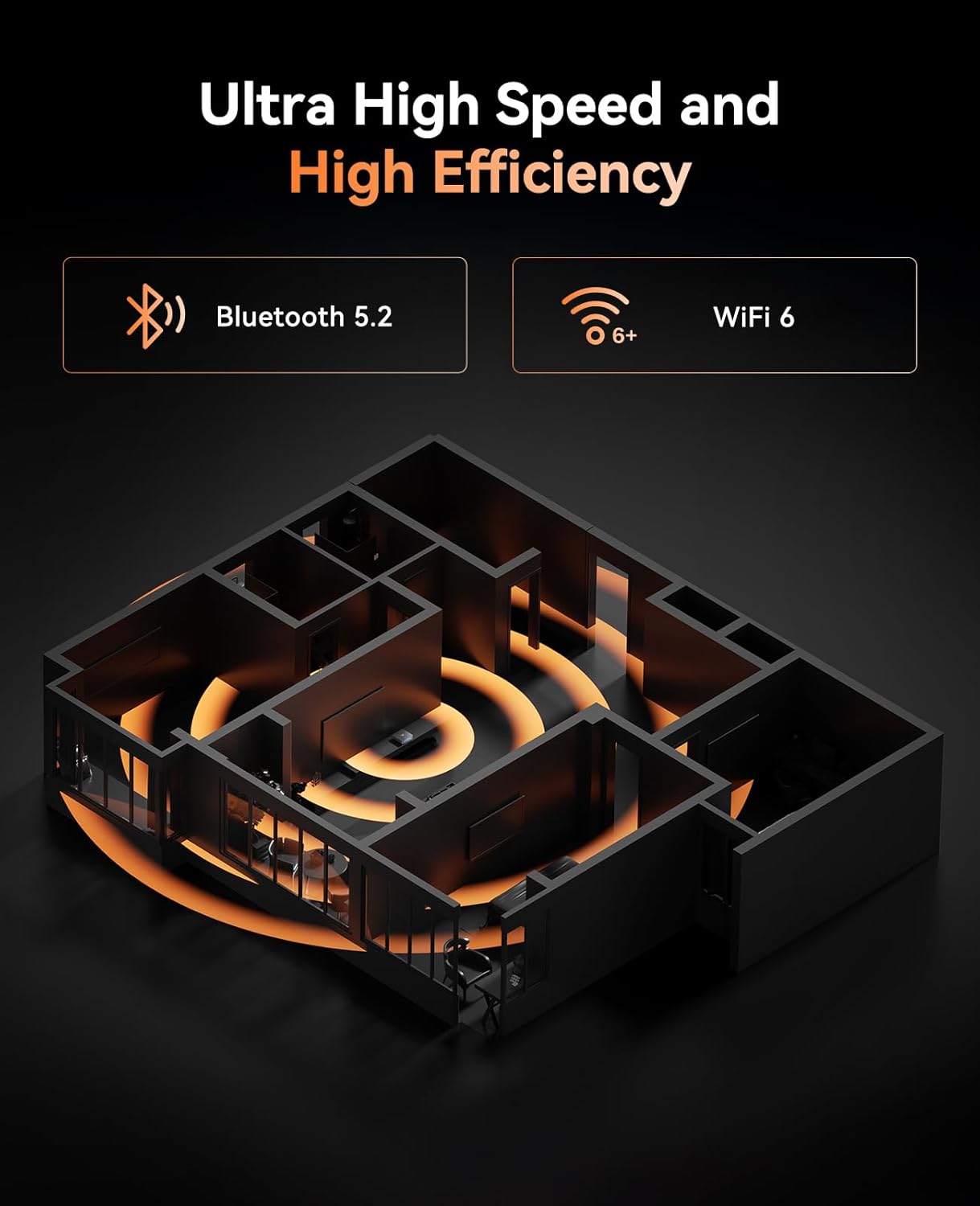
Figure 4: Internal view of the mini PC, showing the M.2 NVMe PCIe SSD and SO-DIMM DDR5 slots.
4.2. Cleaning and Cooling
To maintain optimal performance, regularly clean the exterior of the mini PC with a soft, dry cloth. Ensure the ventilation holes are free from dust and obstructions to allow for proper airflow and efficient heat dissipation.
The mini PC features an all-metal cooling system with a 4500 RPM high-speed silent fan, designed to keep the system cool and stable even under load.
5. Troubleshooting
If you encounter issues with your KAMRUI Mini PC, refer to the following common troubleshooting tips:
- No Power: Ensure the power adapter is securely connected to both the mini PC and a working power outlet. Try a different outlet.
- No Display: Check that the HDMI or USB-C display cables are securely connected to both the mini PC and the monitor. Ensure the monitor is powered on and set to the correct input source.
- System Unresponsive: If the system freezes, press and hold the power button for 5-10 seconds to force a shutdown, then restart the PC.
- Peripheral Issues: If a keyboard, mouse, or other USB device is not working, try connecting it to a different USB port. Ensure drivers are up to date if necessary.
- Network Connectivity Problems: For wired connections, check Ethernet cables and router status. For Wi-Fi, ensure the Wi-Fi adapter is enabled and you are connected to the correct network with the correct password.
- Operating System Issues: If Windows is not booting correctly or experiencing errors, you may need to reinstall the operating system. Refer to the "Installation System" video for guidance.
Video 5: Instructions for installing the operating system on the KAMRUI AM21 Mini PC.
For persistent issues, please contact KAMRUI customer support.
6. Specifications
| Feature | Detail |
|---|---|
| Model | AM21 |
| Processor | AMD Ryzen 9 6900HX (up to 4.9 GHz, 8 Cores, 16 Threads) |
| Graphics | AMD Radeon 680M (2400MHz, 12 units) |
| RAM | 16GB DDR5 4800MHz (2 SO-DIMM slots, up to 64GB) |
| Storage | 512GB M.2 2280 NVMe PCIe SSD (2 M.2 2280 Slots, PCIe3.0/4.0) |
| Operating System | Windows 11 Pro |
| Display Output | USB 4 (4K@60Hz), USB3.2 Gen2 Type-C (4K@60Hz), 2x HDMI 2.1 (4K@60Hz) - Supports Quad 4K Display |
| Networking | WiFi 6, Bluetooth 5.2, 1x 2.5Gbps Ethernet, 1x 1Gbps Ethernet |
| Ports | 2x USB Type-C (USB 4, USB3.2 Gen2), 4x USB3.2 Type-A, 2x HDMI 2.1, 1x 3.5mm Audio Jack |
| Cooling | 4500 RPM high-speed silent fan, all-metal cooling |
| Dimensions | 6.93 x 6.89 x 3.9 inches |
| Weight | 2.64 pounds |
7. Warranty and Support
KAMRUI is committed to providing high-quality products and excellent customer service.
- Warranty: Please refer to the warranty information provided with your purchase documentation for specific terms and conditions.
- 30-Day Lowest Price Guarantee: Contact KAMRUI customer service for details regarding this guarantee.
- Customer Support: For any technical assistance, troubleshooting, or product inquiries, please contact our support team.
Email: support@kamrui.com


