Introduction
Thank you for choosing the ZERFUN Mini Karaoke Machine. This portable system is designed to provide hours of entertainment for both children and adults, featuring high-fidelity sound, colorful LED lights, and versatile connectivity options. Please read this manual carefully to ensure proper use and maintenance of your device.
Package Contents
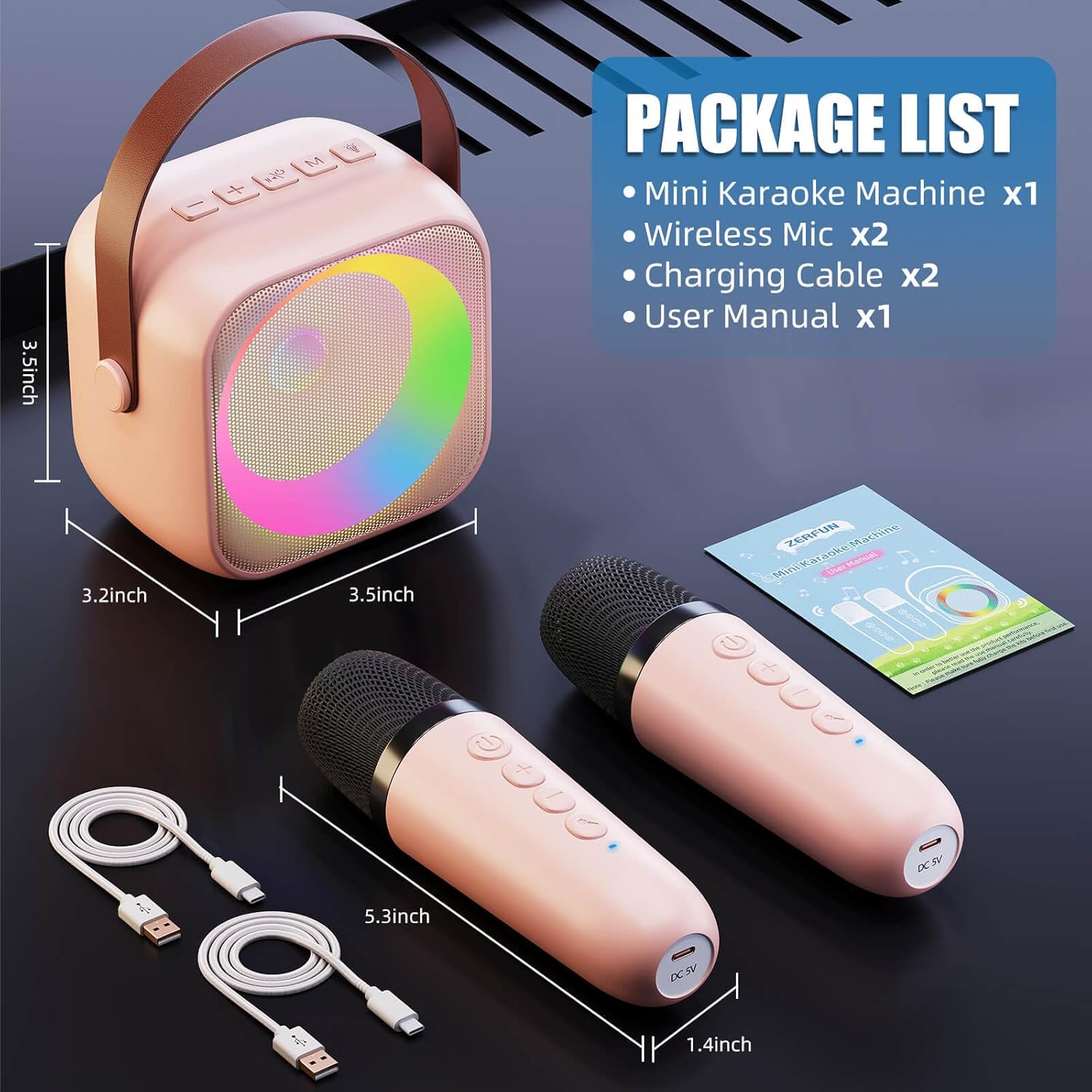
Image: Package contents of the ZERFUN Mini Karaoke Machine.
Please check the box for the following items:
- Mini Karaoke Machine x 1
- Wireless Microphone x 2
- Charging Cable x 2
- User Manual x 1
Product Features
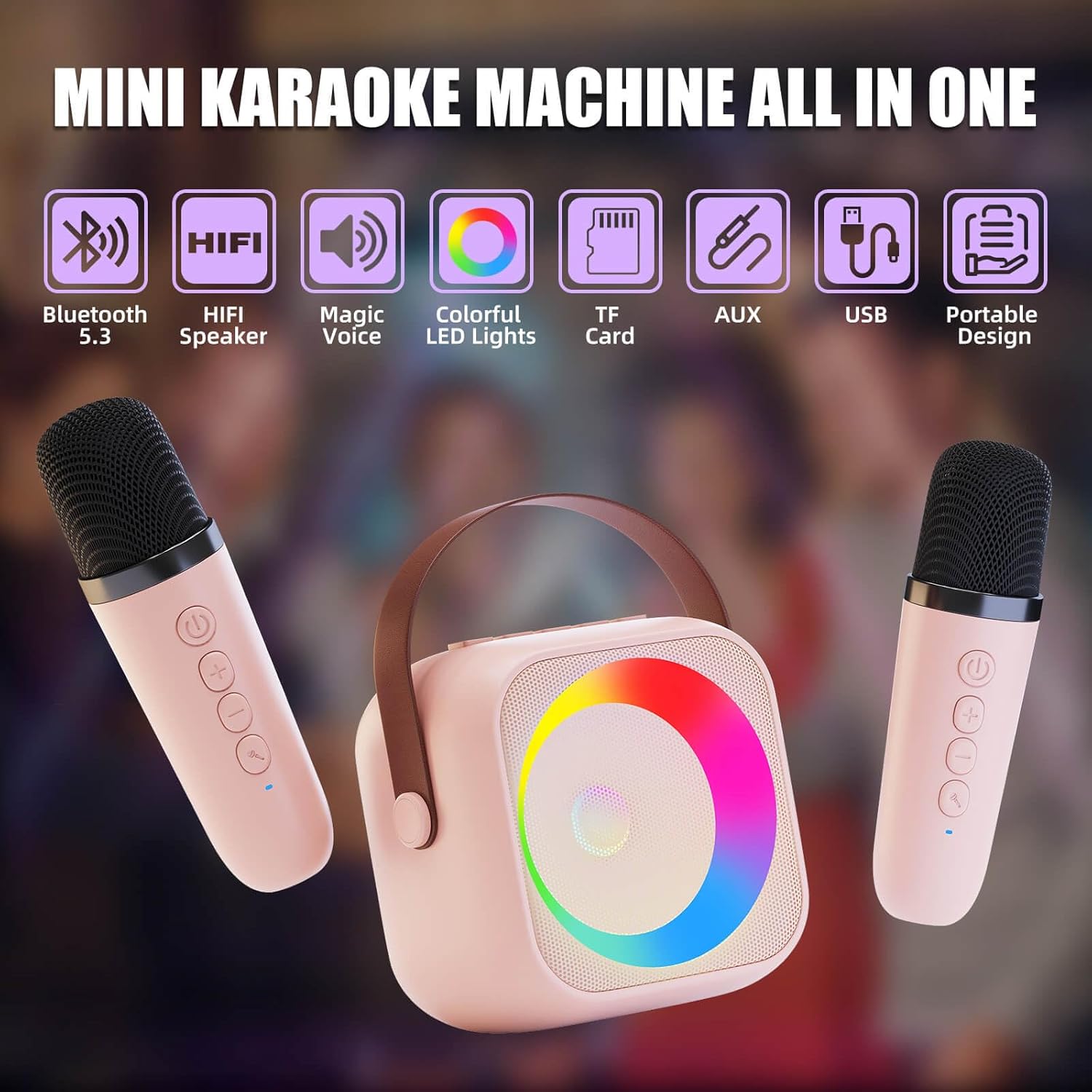
Image: Overview of the ZERFUN Mini Karaoke Machine's key features.
- Family-Friendly Entertainment: Includes 2 rechargeable handheld wireless microphones and Bluetooth 5.3 connectivity for smartphones, tablets, or TVs. Features built-in voice-changing effects (Original, Baby, Female, Male, Monster 5 modes).
- Club-Quality Sound & Colorful Dynamic Lighting: High-fidelity speaker with adjustable reverb/volume mics for balanced audio. Built-in colorful LED light ring creates a vibrant karaoke atmosphere.
- All-Day Playtime with Smart Power: Equipped with a rechargeable battery offering 5-10 hour runtime at 50% volume and USB-C fast charging (3-4 hours for full charge). Includes 3.5mm AUX input, headphone monitoring, and USB/TF card slot. Auto-shutoff after 5 minutes of inactivity.
- Child-Safe & Adventure-Ready Design: Constructed with shock-resistant ABS plastic and rounded edges, lightweight (0.7lbs/320g) with a non-slip silicone base. Materials meet CE/FCC/CPC safety standards.
Setup
1. Charging the Device
Before first use, fully charge the karaoke machine and both microphones. Use the provided USB-C charging cables.
- Connect the USB-C cable to the charging port on the karaoke machine and a compatible USB power adapter (not included).
- Connect the smaller USB-C cables to the charging ports on each microphone and a compatible USB power adapter.
- The indicator lights will show charging status and turn off when fully charged. Charging typically takes 3-4 hours.
2. Powering On/Off
- To power on the karaoke machine, press and hold the power button until the LED lights illuminate.
- To power on each microphone, press and hold the power button on the microphone until the indicator light turns on.
- To power off, press and hold the respective power buttons again.
3. Bluetooth Connection
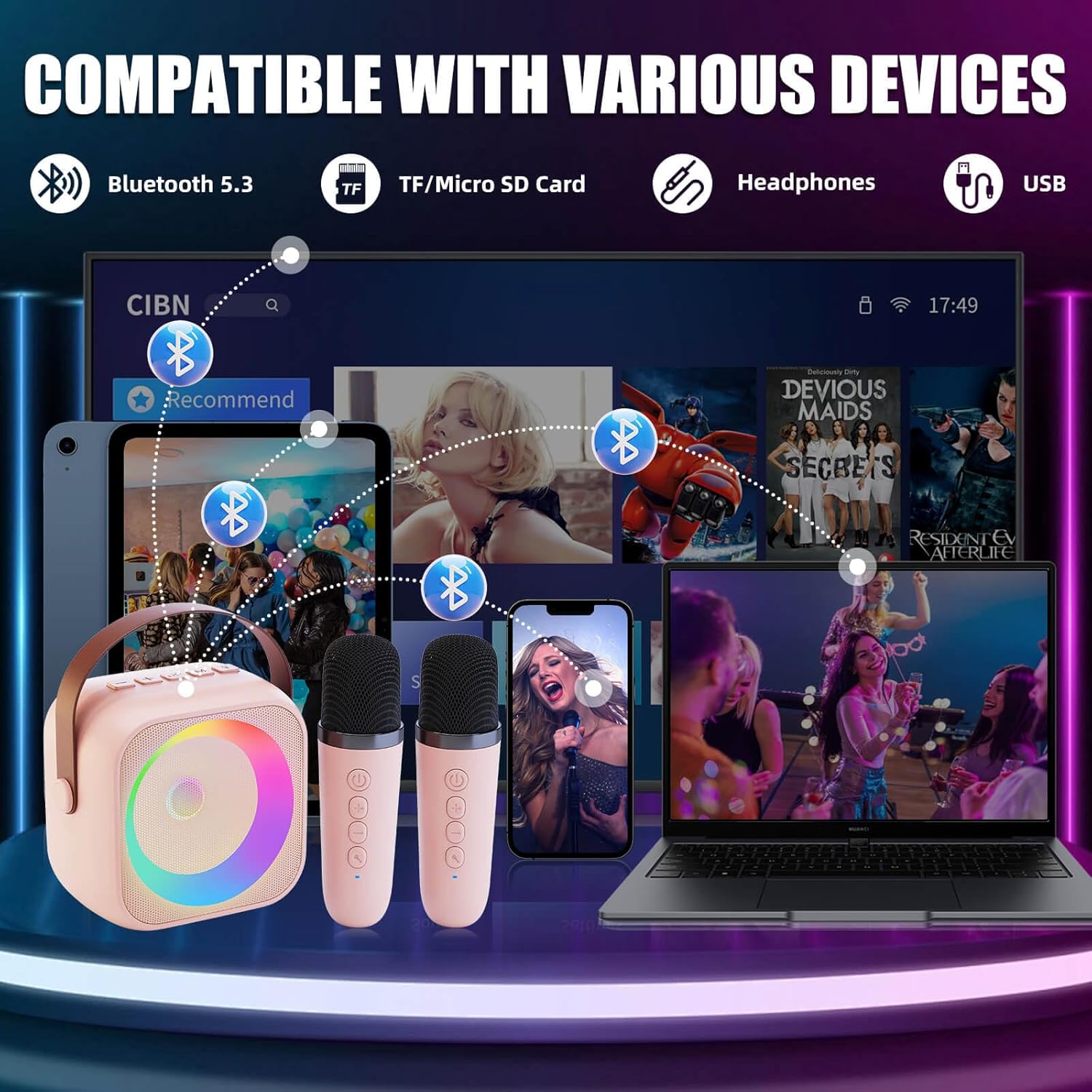
Image: Bluetooth connectivity options for the karaoke machine.
- Ensure the karaoke machine is powered on. It will automatically enter Bluetooth pairing mode.
- On your smartphone, tablet, or TV, enable Bluetooth and search for "ZERFUN K29" (or similar name).
- Select the device to pair. A confirmation sound will indicate successful pairing.
- The microphones will automatically connect to the karaoke machine when both are powered on.
Operating Instructions
1. Music Playback
- Bluetooth: Once paired, play music from your connected device.
- AUX Input: Connect non-Bluetooth devices using a 3.5mm AUX cable (not included) to the AUX port.
- USB/TF Card: Insert a USB drive or TF/Micro SD card into the respective slot for offline music playback.
2. Volume Control
- Use the '+' and '-' buttons on the karaoke machine to adjust the speaker volume.
- Use the '+' and '-' buttons on the microphones to adjust individual microphone volume.
3. Voice Changing Effects

Image: Voice changing effects available on the karaoke machine.
Press the voice change button on the microphone to cycle through the 5 available modes:
- Original
- Baby
- Female
- Male
- Monster
4. LED Light Ring
The built-in LED light ring automatically illuminates and changes colors during operation, enhancing the karaoke experience. There are no manual controls for the light patterns.
Maintenance
- Cleaning: Wipe the device with a soft, dry cloth. Do not use abrasive cleaners or immerse in water.
- Storage: Store the karaoke machine and microphones in a cool, dry place away from direct sunlight and extreme temperatures.
- Battery Care: To prolong battery life, charge the device regularly, even if not in frequent use. Avoid fully discharging the battery for extended periods.
Troubleshooting
| Problem | Possible Cause | Solution |
|---|---|---|
| No sound from speaker. | Volume too low; not connected via Bluetooth/AUX; device off. | Increase volume; ensure proper connection; power on device. |
| Microphones not working. | Microphones not powered on; low battery; out of range. | Power on microphones; charge microphones; ensure close proximity to speaker. |
| Cannot connect via Bluetooth. | Device not in pairing mode; Bluetooth off on source device; interference. | Restart karaoke machine; ensure Bluetooth is enabled on source device; move closer to speaker. |
| Short battery life. | Not fully charged; high volume usage; aging battery. | Ensure full charge; reduce volume; contact support if issue persists. |
Specifications
| Feature | Detail |
|---|---|
| Model Number | K29 |
| Item Weight | 1.21 pounds (approx. 0.55 kg) |
| Package Dimensions | 6.1 x 5.59 x 3.46 inches |
| Battery Type | Lithium Ion (1 AA battery required for operation, included) |
| Power Source | Battery Powered |
| Connectivity | Bluetooth 5.3, USB Type C, 3.5mm AUX, TF Card |
| Compatible Devices | Television, Smartphone, Tablet |
| Speaker Count | 1 |
| Special Features | Portable, Indicator Light, Lightweight, Built-In Amplifier, Voice Changer |
Warranty and Support
The ZERFUN Mini Karaoke Machine comes with a 1-year warranty from the date of purchase, covering manufacturing defects. Please retain your proof of purchase for warranty claims.
For technical support, troubleshooting assistance, or warranty inquiries, please contact ZERFUN customer service through the retailer's platform or visit the official ZERFUN website for contact information.
Note: This warranty does not cover damage caused by misuse, accident, unauthorized modification, or normal wear and tear.


