
TIMU M10-M10(light blue)
Contents
TIMU Bluetooth Speaker User Manual
Model: M10-M10(light blue)
1. Introduction
Thank you for choosing the TIMU Bluetooth Speaker. This portable speaker is designed to deliver high-fidelity 360° stereo sound with powerful 30W output, dual bass drivers, and vibrant RGB lighting. Featuring Bluetooth 5.4, IPX7 waterproofing, and TWS pairing, it is perfect for outdoor activities, parties, and travel. Please read this manual carefully to ensure proper use and to maximize your listening experience.

Image: The TIMU Bluetooth Speaker, highlighting its robust and waterproof design.
2. Safety Information
- Do not expose the speaker to extreme temperatures or direct sunlight for extended periods.
- Avoid dropping or subjecting the speaker to strong impacts.
- Keep the speaker away from medical devices.
- Do not attempt to disassemble, repair, or modify the speaker yourself.
- Ensure the charging port cover is securely closed when near water to maintain IPX7 waterproof rating.
- Use only the provided or certified charging cables.
3. Package Contents
Please check the box for the following items:
- 1 x TIMU Bluetooth Speaker
- 1 x Type-C Charging Cable
- 1 x AUX Audio Cable (3.5mm)
- 1 x Quick Start Guide
4. Product Overview: Controls and Ports
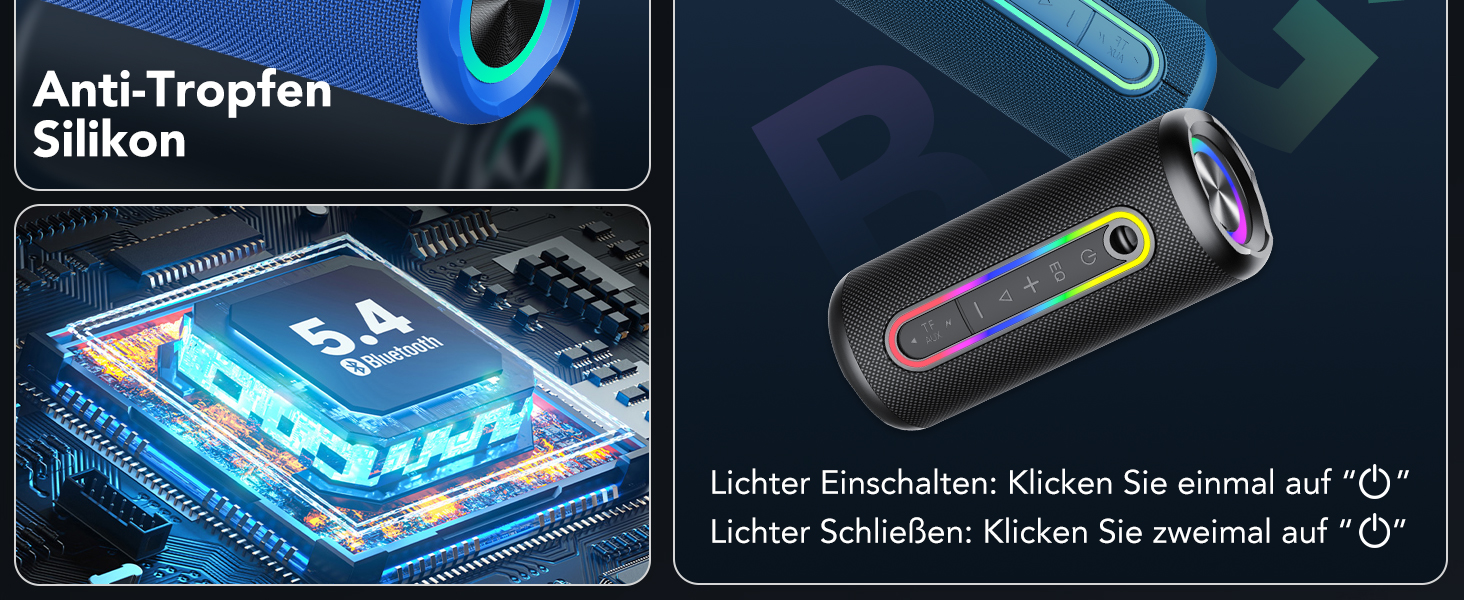
Image: Intelligent Button Control layout on the speaker.
| Button/Port | Function |
|---|---|
| Power Button (U) | Press and hold for 2 seconds to Power ON/OFF. |
| Light Button (Lightbulb icon) | Press once to turn lights ON. Press twice to turn lights OFF. |
| EQ Button (EQ) | Press once to cycle through equalizer modes (Bass, Vocal, Treble). |
| Volume Up (+) | Press once to increase volume. Hold to skip to next track. |
| Volume Down (-) | Press once to decrease volume. Hold to skip to previous track. |
| Play/Pause Button (►▮▮) | Press once to Play/Pause music. |
| TWS Button (TWS) | Press twice to initiate TWS pairing. |
| Call Button (Phone icon) | Press once to Answer/End call. Press and hold for 2 seconds to Reject call. |
| Mode Button (TF/AUX) | Press once to switch between Bluetooth, TF Card, and AUX modes. |
| Type-C Charging Port | For charging the speaker. |
| TF Card Slot | For playing music directly from a TF (MicroSD) card. |
| AUX Input | For wired audio connection via 3.5mm AUX cable. |
5. Getting Started
5.1 Charging the Speaker
Before first use, fully charge the speaker. Connect the provided Type-C charging cable to the speaker's charging port and the other end to a USB power adapter (not included). The speaker is equipped with a 4000mAh battery, providing over 30 hours of playtime on a single charge.
5.2 Powering On/Off
- Power On: Press and hold the Power button (U) for 2 seconds. You will hear an audible prompt.
- Power Off: Press and hold the Power button (U) for 2 seconds. You will hear an audible prompt.
6. Operating Instructions
6.1 Bluetooth Pairing
The speaker will automatically enter Bluetooth pairing mode when powered on for the first time or if no device is connected.
- Turn on the TIMU Bluetooth Speaker. It will enter pairing mode, indicated by a flashing light.
- Enable Bluetooth on your device (smartphone, tablet, computer).
- Search for "TIMU Speaker" in the list of available Bluetooth devices.
- Select "TIMU Speaker" to connect. Once connected, you will hear a confirmation sound, and the light will stop flashing.

Image: Illustration of the speaker's dual drivers for immersive sound.
6.2 True Wireless Stereo (TWS) Pairing
You can pair two TIMU Bluetooth Speakers for a true wireless stereo experience. This feature is limited to the same model and Bluetooth mode.

Image: Two speakers paired for TWS, enhancing the audio experience.
- Ensure both TIMU speakers are powered on and not connected to any other Bluetooth device.
- On one speaker (this will be the primary speaker), quickly press the TWS button twice. It will enter TWS pairing mode.
- The primary speaker will automatically search for and connect to the second speaker. Once connected, you will hear a confirmation sound.
- Now, connect your device to the primary speaker via Bluetooth as described in section 6.1. Both speakers will play audio in stereo.
6.3 AUX Mode
To play audio from a device without Bluetooth, use the AUX input:
- Connect one end of the 3.5mm AUX audio cable to the speaker's AUX port and the other end to your audio device's headphone jack.
- Press the Mode button (TF/AUX) once to switch to AUX mode.
6.4 TF Card Mode
To play music directly from a TF (MicroSD) card:
- Insert a TF card (with music files) into the TF card slot.
- The speaker will automatically switch to TF card mode and begin playing music. If not, press the Mode button (TF/AUX) to select TF card mode.
6.5 RGB Light Control
The speaker features dynamic RGB lighting that syncs with the music.
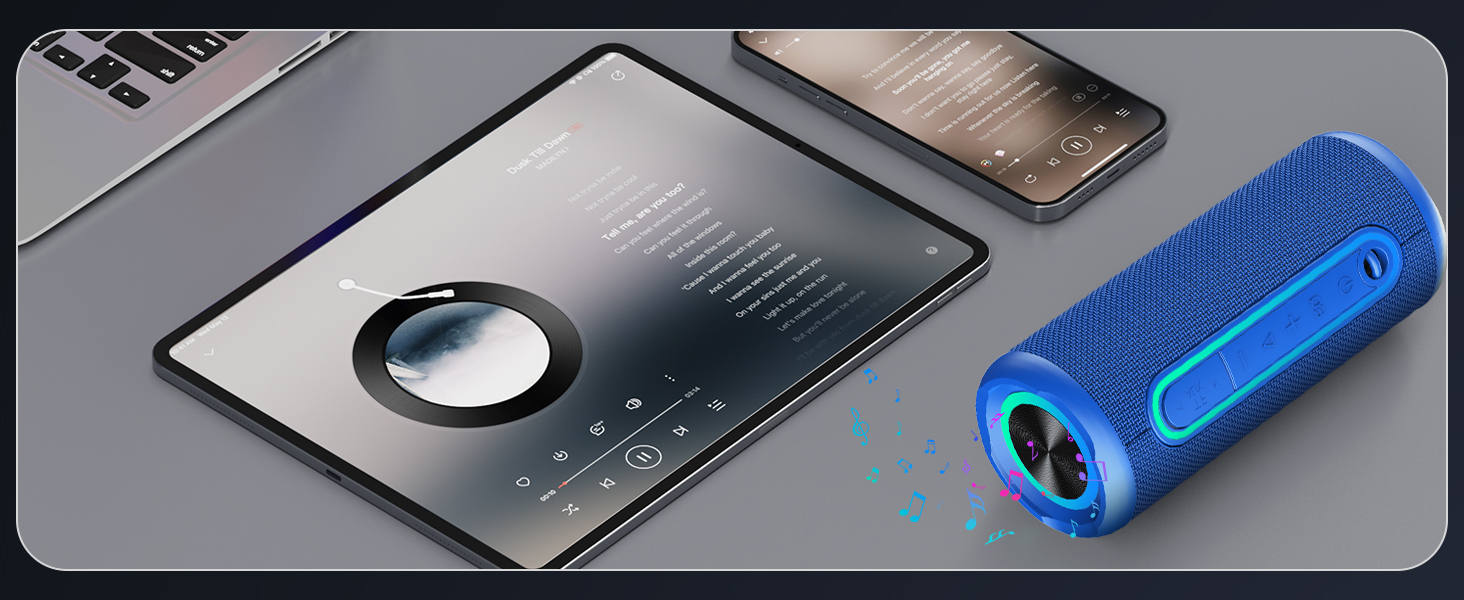
Image: The speaker's vibrant RGB lighting in action.
- Turn Lights ON: Press the Light button (Lightbulb icon) once.
- Turn Lights OFF: Press the Light button (Lightbulb icon) twice.
6.6 Hands-free Calling
The built-in microphone allows for hands-free calls when connected to your smartphone.
- Answer/End Call: Press the Call button (Phone icon) once.
- Reject Call: Press and hold the Call button (Phone icon) for 2 seconds.
7. Maintenance
To ensure the longevity and performance of your TIMU Bluetooth Speaker:
- Cleaning: Wipe the speaker with a soft, damp cloth. Do not use harsh chemicals or abrasive cleaners.
- Waterproof Care: The speaker has an IPX7 waterproof rating, meaning it can be submerged in up to 1 meter of water for 30 minutes. Always ensure the charging port cover is tightly sealed before exposing it to water. Do not expose to saltwater or other corrosive liquids.

Image: The speaker's IPX7 waterproof feature, suitable for various environments.
7.1 Portability
The compact and durable design makes the speaker easy to carry for any adventure.

Image: The speaker easily fits into a backpack, emphasizing its portable design.
8. Troubleshooting
| Problem | Possible Cause | Solution |
|---|---|---|
| Speaker does not turn on. | Low battery. | Charge the speaker fully. |
| Cannot pair with Bluetooth device. | Speaker is not in pairing mode or already connected to another device. | Ensure speaker is in pairing mode (flashing light). Disconnect from other devices if necessary. Restart both speaker and device. |
| No sound. | Volume too low; incorrect mode; device not playing. | Increase speaker and device volume. Ensure correct mode (Bluetooth, AUX, TF Card) is selected. Check if audio is playing on the connected device. |
| TWS pairing fails. | Speakers are too far apart; not the same model; already paired. | Ensure speakers are within 10 meters of each other. Confirm both are the same model. Reset both speakers and try TWS pairing again. |
| Poor sound quality/distortion. | Device too far from speaker; interference; volume too high. | Move device closer to speaker. Avoid obstacles. Reduce volume on speaker or device. |
9. Specifications
| Feature | Detail |
|---|---|
| Brand | TIMU |
| Model Name | M10 pro max |
| Model Number | M10-M10(light blue) |
| Product Dimensions | 8 x 8 x 19 cm; 770 Grams |
| Speaker Type | Portable Speaker |
| Connectivity Technology | Bluetooth 5.4 |
| Maximum Speaker Output Power | 30W (Dual Speakers) |
| Audio Output Mode | Stereo |
| Battery Life | Up to 30 hours (4000mAh) |
| Waterproof Rating | IPX7 |
| Special Features | Integrated Microphone, Bass Enhancement, RGB LED Light, TWS Pairing, AUX Input, TF Card Support |
| Compatible Devices | Smartphone, Tablet, Computer, TV |
| Mounting Type | Tabletop |
10. Warranty and Support
For warranty information or technical support, please refer to the contact details provided with your purchase or visit the official TIMU website. Keep your purchase receipt as proof of purchase.
Documents and downloads
Ask a question about this manual
Ask about setup, troubleshooting, compatibility, parts, safety, or missing instructions. Manuals+ will review the question and use this page’s manual context to help answer it.