
Introduction
This manual provides detailed instructions for the installation, operation, and maintenance of your xmartO 10X Zoom Mesh WiFi6 PTZ AI Tracking Security Camera System, Model WNP816-W6. Please read this manual thoroughly before using the product to ensure proper setup and functionality.
Product Overview
The xmartO WNP816-W6 system is a comprehensive surveillance solution featuring 16 2K dual-lens PTZ cameras and a 16-channel 4K expandable NVR. It offers advanced features such as 10X hybrid zoom, AI auto-tracking, dual night vision modes, and two-way audio for enhanced security.
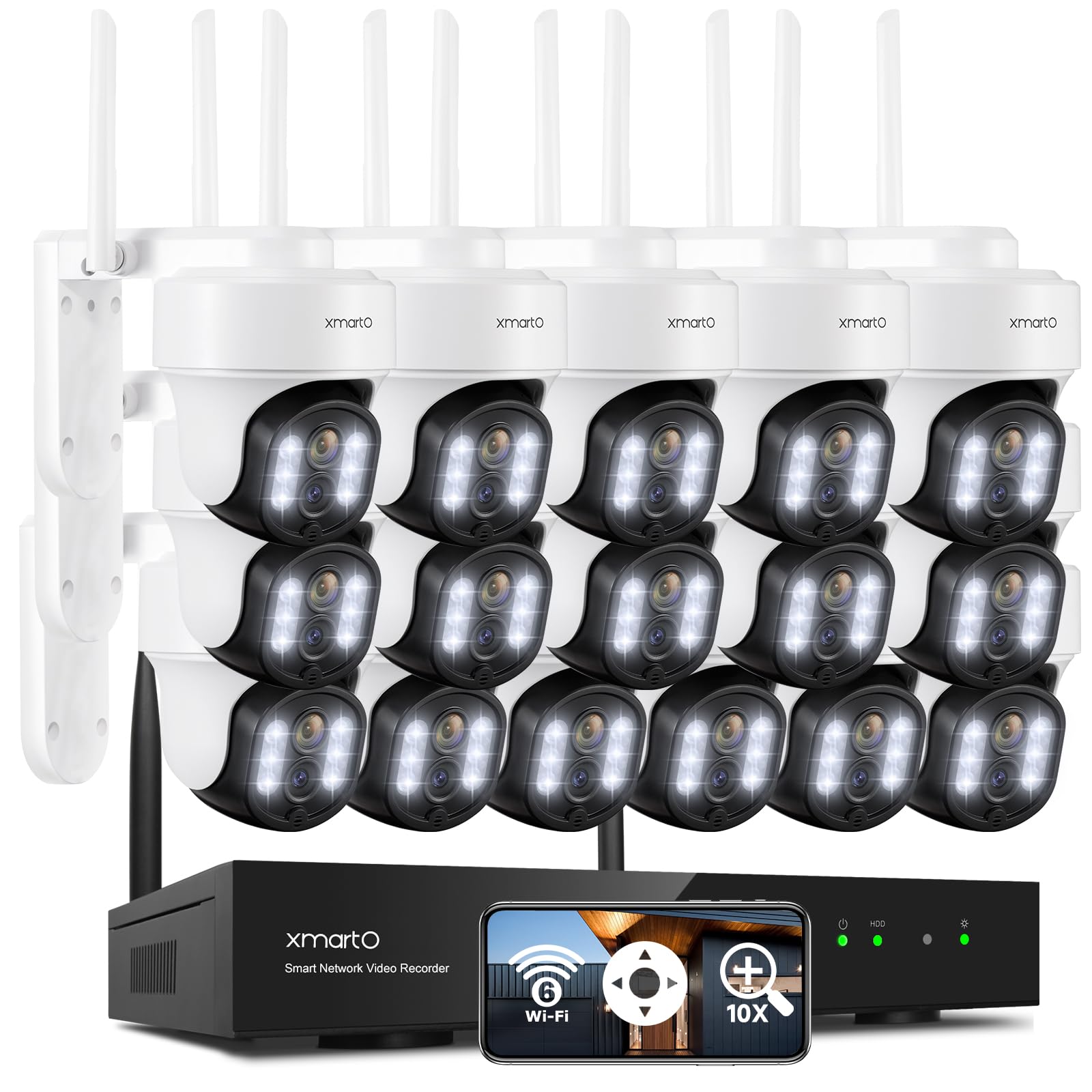
Image: The xmartO 10X Zoom Mesh WiFi6 PTZ AI Tracking Security Camera System, Model WNP816-W6.
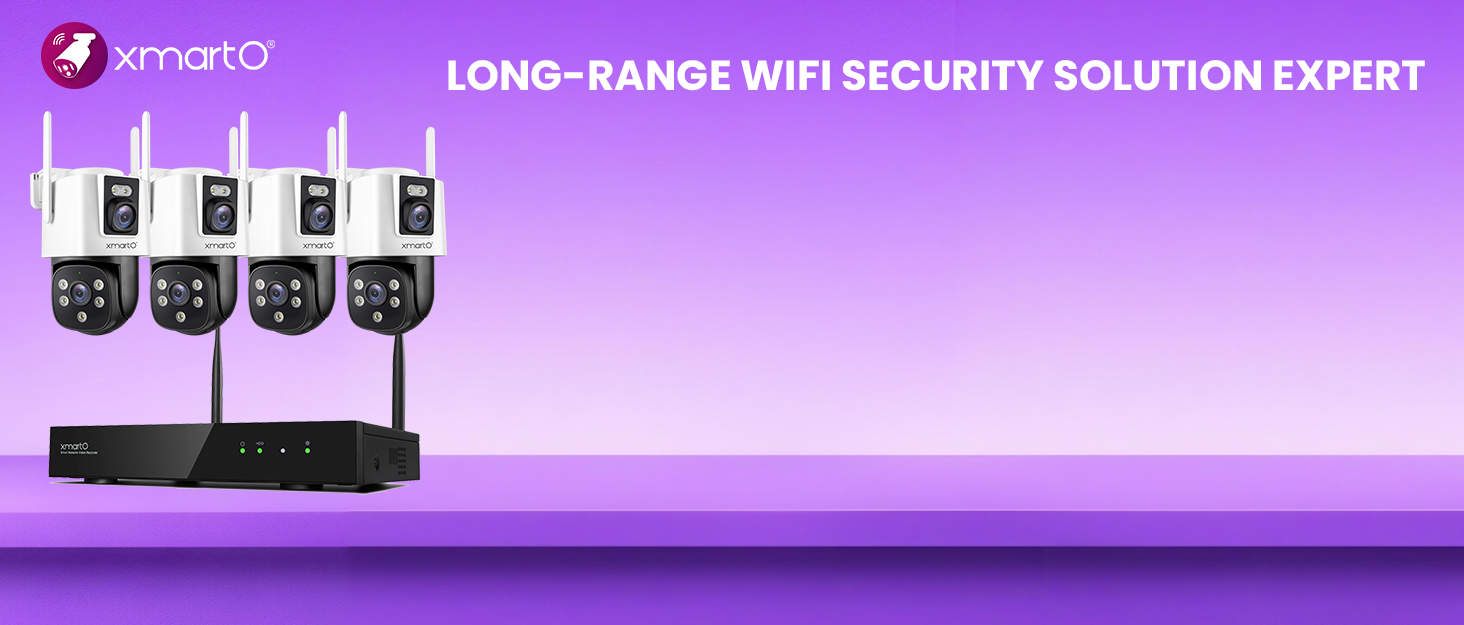
Image: The xmartO camera features a dual-lens design for 10X hybrid zoom capability, allowing for both wide and detailed views.

Image: Overview of the xmartO system highlighting dual-lens technology, 10X zoom, pan-tilt-zoom, 10-channel 4K NVR, 5G dual-band WiFi, IP66 weatherproofing, AI tracking, 2-way audio, and 24/7 surveillance.
Setup Guide
Package Contents:
- 16 x DY3034 2K Dual Lens PTZ Cameras
- 1 x 16-Channel 4K Expandable WNP816-W6 NVR (Hard Drive not included)
- Power Adapters for Cameras and NVR
- Mounting Screws and Hardware
- Ethernet Cable
- Quick Start Guide
Initial Setup:
- Connect NVR: Connect the NVR to a power source and to a monitor via HDMI or VGA. Connect the NVR to your router using an Ethernet cable for internet access (optional, for remote viewing).
- Power On Cameras: Plug each camera into a power outlet. The cameras are designed for plug-and-play operation with the NVR via a dedicated WiFi network.
- NVR Configuration: Follow the on-screen prompts on the monitor connected to the NVR to complete the initial setup, including setting up a password and time zone.
- Camera Pairing: The cameras should automatically pair with the NVR. If not, refer to the NVR's on-screen menu for manual pairing instructions.
Installation Locations:
Cameras can be mounted indoors or outdoors. Ensure cameras are within the NVR's/router's WiFi range for stable connection. The system supports long-range transmission up to 1300ft (400m) in open areas.

Image: Examples of camera installation: wall, ceiling, and indoor mounting options are available.

Image: The camera system provides 24/7 indoor and outdoor surveillance with 360-degree coverage, color night vision, weatherproofing, and infrared night vision.
Operation
Remote Viewing:
Download the WallPixel App on your iOS/Android device or install the client software on your PC/Mac. Add the system to the app by following the on-screen instructions. You can view up to 16 cameras simultaneously from anywhere.
Image: The system is compatible with iPhone/iPad, Android, Mac, PC, Monitor/TV, and Alexa for easy multi-device control and viewing.
AI Auto-Tracking and Zoom:
The 2K dual-lens PTZ cameras feature 10X hybrid zoom, allowing you to zoom in on distant objects or capture close-up details. AI auto-tracks people, animals, and vehicles, automatically returning to a settable home point after tracking is complete.
Video: This video demonstrates the camera's 10X hybrid zoom and automatic tracking of movement, following a car as it drives past and zooming in on details.

Image: The camera system features AI-powered auto-tracking, identifying and following moving targets with 360-degree pan and 90-degree tilt.

Image: Configure preset points for quick access to key areas. The first preset serves as the home point, to which the camera returns after tracking.
Night Vision:
The cameras offer two night vision modes: 150ft IR black and white night vision and 20ft floodlight color night vision. You can select the mode that best suits your surveillance needs.

Image: Comparison of night vision modes: infrared LEDs provide black and white vision, while spotlights enable color night vision.
Two-Way Audio and Siren:
Built-in microphones and speakers allow for real-time two-way audio communication. A one-tap siren alarm on the app can deter unwanted visitors, providing audio-visual protection.
Image: The camera supports two-way audio for communication and a siren alarm for deterrence.
Storage Options
The WNP816-W6 NVR supports a surveillance hard drive (HDD not included). Each camera also supports individual SD card storage (up to 256GB, not included). Secure cloud storage is available with an optional subscription, ensuring flexible and reliable data security.

Image: Available storage options include NVR with HDD (up to 6TB), micro SD card (up to 256GB per camera), and cloud storage with a free trial.
Image: The system utilizes H.265+ HEVC compression, which saves up to 75% storage space compared to H.264.
Connectivity
The system features 5G/2.4G Dual Band WiFi 6 for faster speeds and larger coverage. Cameras stream and record 24/7 via a dedicated WiFi network, operating smoothly even offline. Far cameras can automatically use closer cameras as Wi-Fi repeaters to extend the Wi-Fi range, providing stable transmission up to 1300ft (400m) in open areas.
Image: Illustration of 5G/2.4G Dual Band WiFi 6 performance, showing improved speed and coverage.

Image: Cameras can act as WiFi repeaters to boost signal strength and extend coverage across larger properties.
Maintenance
- Regular Cleaning: Gently clean camera lenses with a soft, dry cloth to ensure clear image quality.
- Firmware Updates: Periodically check for and install firmware updates via the WallPixel App or NVR interface to ensure optimal performance and security.
- Power Supply: Ensure all cameras and the NVR have a stable power supply for continuous 24/7 operation.
- Storage Management: Regularly review recorded footage and manage storage space on your NVR HDD or SD cards. Back up important footage as needed.
Troubleshooting
- No Video Feed:
- Check power connections for both the camera and NVR.
- Verify WiFi signal strength to the camera. Consider repositioning cameras or using the repeater function.
- Ensure the camera is properly paired with the NVR.
- Poor Image Quality:
- Clean the camera lens.
- Check for obstructions in the camera's field of view.
- Ensure adequate lighting for night vision modes.
- Remote Access Issues:
- Verify your NVR is connected to the internet.
- Check your mobile device's internet connection.
- Ensure the WallPixel App is updated to the latest version.
- AI Tracking Malfunction:
- Ensure the camera's view is clear of excessive foliage or moving objects that could cause false triggers.
- Check for firmware updates.
Specifications
| Feature | Detail |
|---|---|
| Brand | xmartO |
| Model | WNP816-W6 |
| Connectivity Technology | Wired, Wireless (WiFi 6, 5G/2.4G Dual Band) |
| Video Capture Resolution | 4K (NVR), 2K (Cameras) |
| Special Features | Human Detection, PTZ Control, AI Auto-Tracking, 10X Hybrid Zoom, 2-Way Audio |
| Number of Channels | 16 |
| Memory Storage Capacity | NVR: Up to 6 TB (HDD not included); Camera: Up to 256GB Micro SD Card (not included) |
| Compatible Devices | XMARTO cameras, DDY3034 2K Auto Track PTZ WiFi camera |
| Night Vision Range | 150 Feet (IR B&W), 20 Feet (Floodlight Color) |
| Frame Rate | 30 fps |
| Recording Mode | Continuous |
| Hardware Interface | 802.11 ac/b/g/n (WiFi), RJ45 (Video Input) |
| Lens Type | Dual Lens, Zoom |
| Weatherproofing | IP66 |
Warranty and Support
Your xmartO security camera system comes with a 1-Year Limited Warranty. xmartO also offers a 30-Day Money Back Guarantee and Free Return policy. For any technical assistance or inquiries, 24/7 online support is available.
Image: Details on after-sales support, including 30-day money-back guarantee, 1-year limited warranty, and 24/7 online support.
For further assistance, please visit the official xmartO website or contact their customer service directly.

