
Introduction
The Xmenha YX36 RGB Mecha True Wireless Gaming Earbuds are designed to provide an immersive audio experience for gaming and music. Featuring Bluetooth 5.4 connectivity, low latency, and a unique mecha-inspired design, these earbuds offer enhanced sound quality and comfortable wear. This manual provides instructions for setup, operation, maintenance, and troubleshooting to ensure optimal performance.
Package Contents
Please check the box for the following items:
- Gaming Earbuds (L/R)
- 2 Sizes of Ear Caps
- Charging Case
- USB Charging Cable (Type-C)
- User Manual (2 copies)
Product Overview
The Xmenha YX36 earbuds feature a distinctive mecha design with RGB lighting, housed in a compact charging case. They are engineered for comfort and performance, especially for gaming.

Image: The Xmenha YX36 Winter-Blue earbuds are shown inside their open charging case, highlighting the unique design and glowing elements.
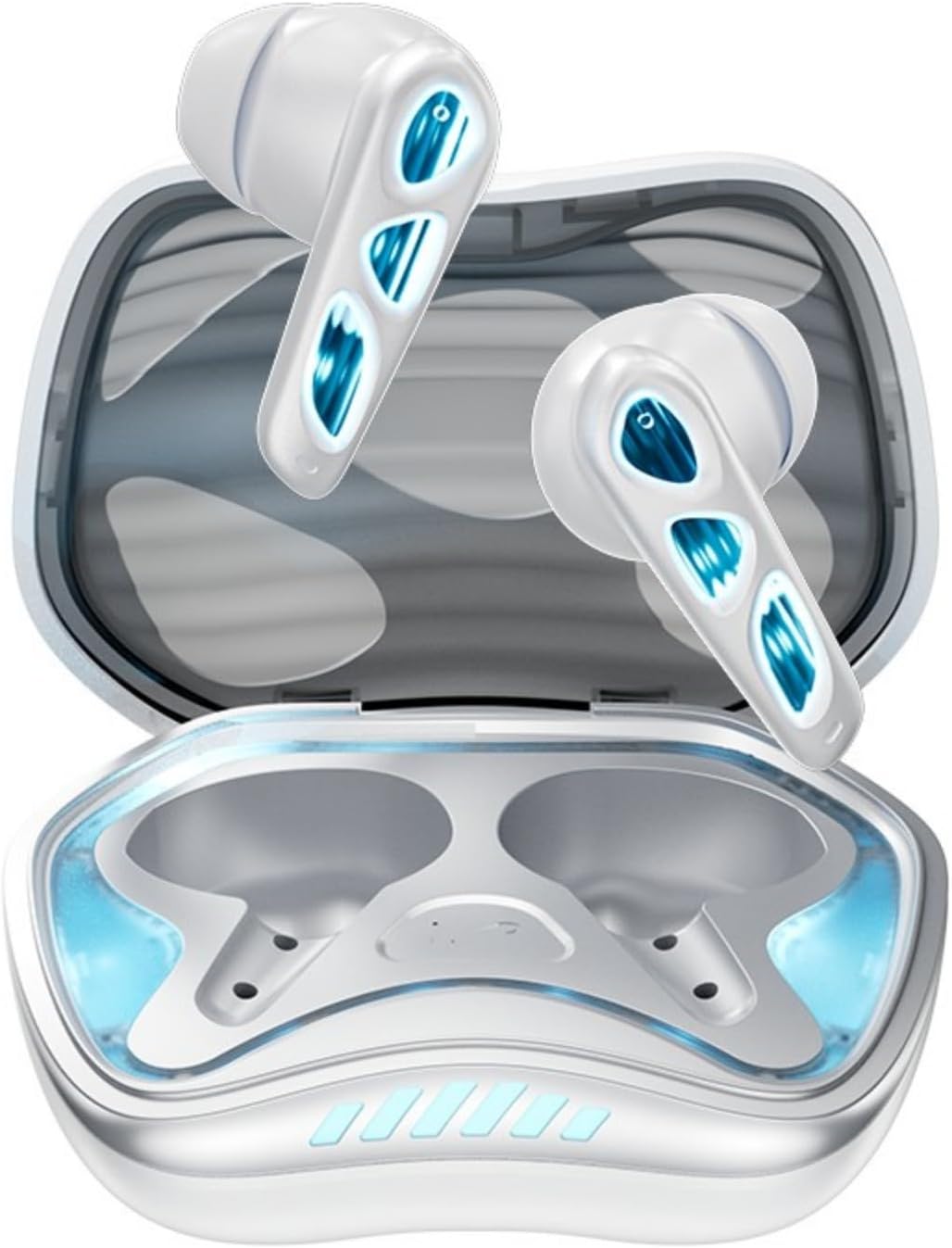
Image: A top-down view of the Winter-Blue earbuds resting in their charging case, showcasing the internal layout and design details.

Image: This graphic highlights the gaming-specific features of the earbuds, including Bluetooth 5.4 for smooth connection, a polymer diaphragm for sound quality, super heavy bass, and comfortable noise reduction.
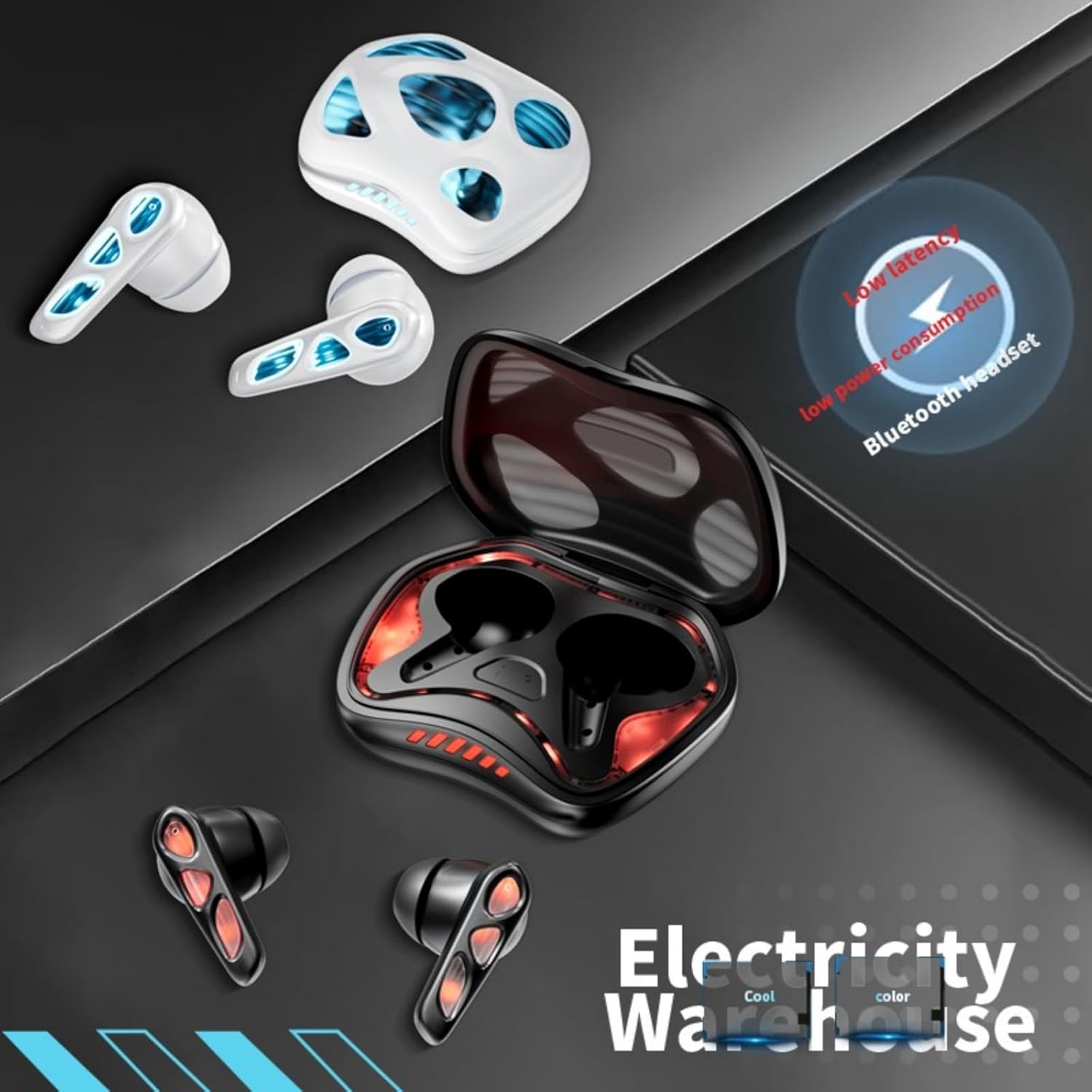
Image: The earbuds and charging case are depicted alongside text indicating low latency and low power consumption, emphasizing efficient performance for gaming and extended use.
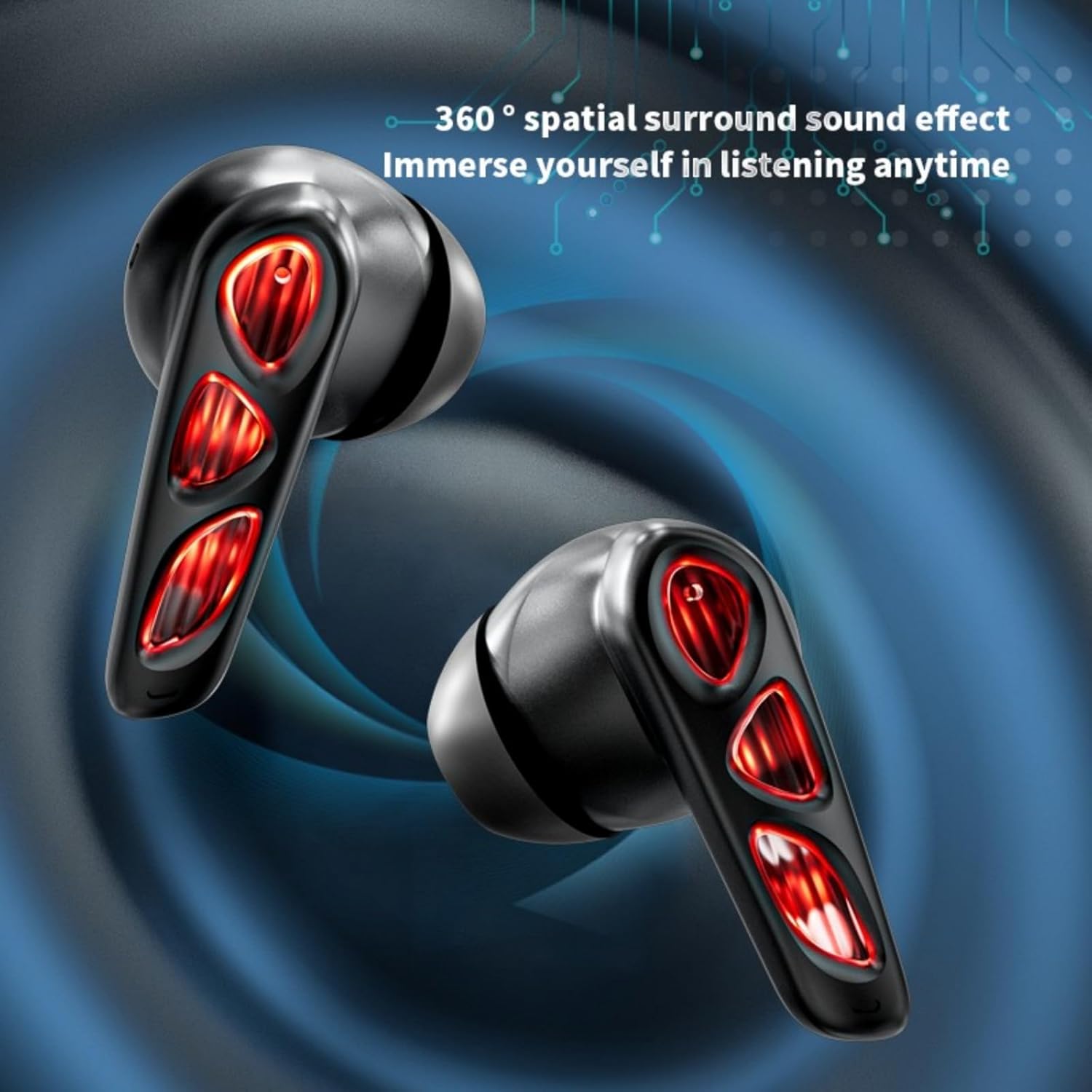
Image: A close-up of the earbuds (in the Flame-Red variant) highlights the 360-degree spatial surround sound effect, designed to immerse the user in their audio experience.

Image: This image showcases the Winter-Blue earbuds in their charging case, emphasizing the ultra-long battery life and strong power reserve for extended gaming sessions.

Image: A person is shown wearing the earbuds, illustrating the ergonomic design for comfortable and worry-free use during play.
Setup
1. Charging the Earbuds and Case
Before first use, fully charge the earbuds and charging case.
- Connect the provided USB Type-C charging cable to the charging port on the case and to a power source.
- The charging case will indicate its charging status. A full charge for the case typically takes approximately 2 hours.
- Place the earbuds into the charging case. They will begin charging automatically. The earbuds provide approximately 5.5 hours of continuous playtime on a single charge, with the charging case offering an additional 36 hours of battery life.
2. Bluetooth Pairing
The earbuds feature one-step pairing for convenience.
- Open the charging case. The earbuds will automatically power on and enter pairing mode.
- On your device (smartphone, tablet, PC), enable Bluetooth and search for available devices.
- Select "YX36" (or similar name) from the list of found devices to connect.
- Once paired, the earbuds will automatically connect to the last paired device when removed from the case.
Operating Instructions
Touch Controls
The Xmenha YX36 earbuds utilize intelligent touch controls for various functions:
- Play/Pause Music: Single tap on either earbud.
- Next Song: Double tap on the right earbud.
- Previous Song: Double tap on the left earbud.
- Answer/End Call: Single tap on either earbud during an incoming call.
- Reject Call: Press and hold either earbud for 2 seconds during an incoming call.
- Activate Voice Assistant: Triple tap on either earbud (functionality may vary by device).
Gaming Mode
The earbuds are designed with a low-latency connection (55ms) for an optimized gaming experience. This ensures audio and video synchronization with near-zero delay.
Maintenance
Cleaning
To maintain optimal performance and hygiene:
- Gently wipe the earbuds and charging case with a soft, dry, lint-free cloth.
- Do not use abrasive cleaners, alcohol, or chemical solvents.
- Ensure charging contacts on both earbuds and case are clean and dry.
Storage
When not in use, store the earbuds in their charging case to protect them and keep them charged. Avoid storing in extreme temperatures or humid environments.
Troubleshooting
If you encounter issues with your Xmenha YX36 earbuds, please refer to the following common solutions:
| Problem | Solution |
|---|---|
| Earbuds not pairing |
|
| No sound from one earbud |
|
| Charging case not charging |
|
| Low volume or poor sound quality |
|
Specifications
| Feature | Detail |
|---|---|
| Model Number | YX36 |
| Bluetooth Version | 5.4 |
| Transmission Distance | >10 Meters |
| Earbud Battery Capacity | 30mAh (each) |
| Charging Case Battery Capacity | 380mAh |
| Play Time | Approx. 5.5 hours (earbuds), 36 hours (with charging case) |
| Charging Time | Approx. 2 hours (charging case) |
| Charging Port | Type-C |
| Low Latency | 55ms |
| Control Method | Touch |
| Water Resistance Level | Waterproof |
| Compatible Devices | iPhone, Android, PC |
| Material | Plastic |
| Item Weight | 3.8 Ounces |
Warranty and Support
Xmenha is committed to providing quality products and customer satisfaction. While specific warranty details are not provided in this manual, if you receive a defective product or have any questions during use, please contact Xmenha customer support. We aim to respond and provide a solution within 24 hours.
For support, please refer to the contact information provided with your purchase or visit the official Xmenha store page on Amazon.