
1. Product Overview
The TJOY Smart RGB Light Bars are designed to enhance your environment with dynamic and colorful ambient lighting. Featuring RGB+IC technology, these light bars offer over 16 million colors and multiple lighting modes, enriching your TV, computer, party, and gaming experiences. With a brightness of 60 lumens, they are ideal for mood lighting rather than illuminating an entire room. The light bars are made from durable plastic and are intended for indoor use.
Key features include music synchronization, various scene modes, and flexible control options via a smartphone app, remote control, or integrated buttons.
2. What's in the Box
- Light bar x 2
- Light base x 2
- Remote Controller
- User Manual
3. Setup Instructions
3.1 Placement Options
The TJOY Smart Light Bars offer versatile placement to suit your needs. They can be:
- Laid Flat: Position horizontally on a surface.
- Stood Vertically: Use the included bases to stand them upright.
- Mounted: Attach behind a monitor or TV using the provided brackets.
Adjust the angle as needed to achieve the desired lighting effect. The light bars can be rotated up to 90 degrees for optimal light direction.
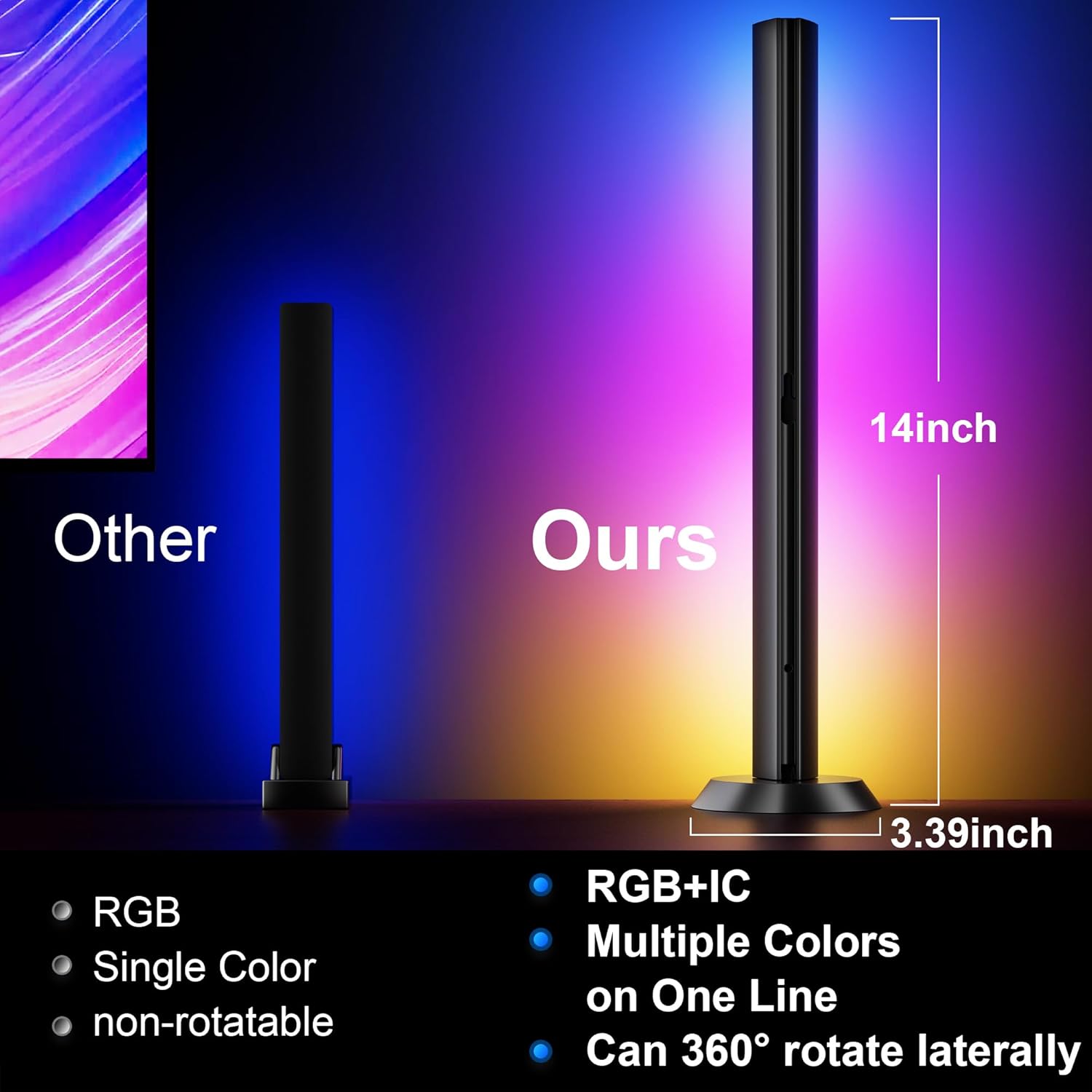
Figure 3.1: The TJOY light bars feature RGB+IC technology for dynamic multi-color effects and a rotatable base for flexible positioning.
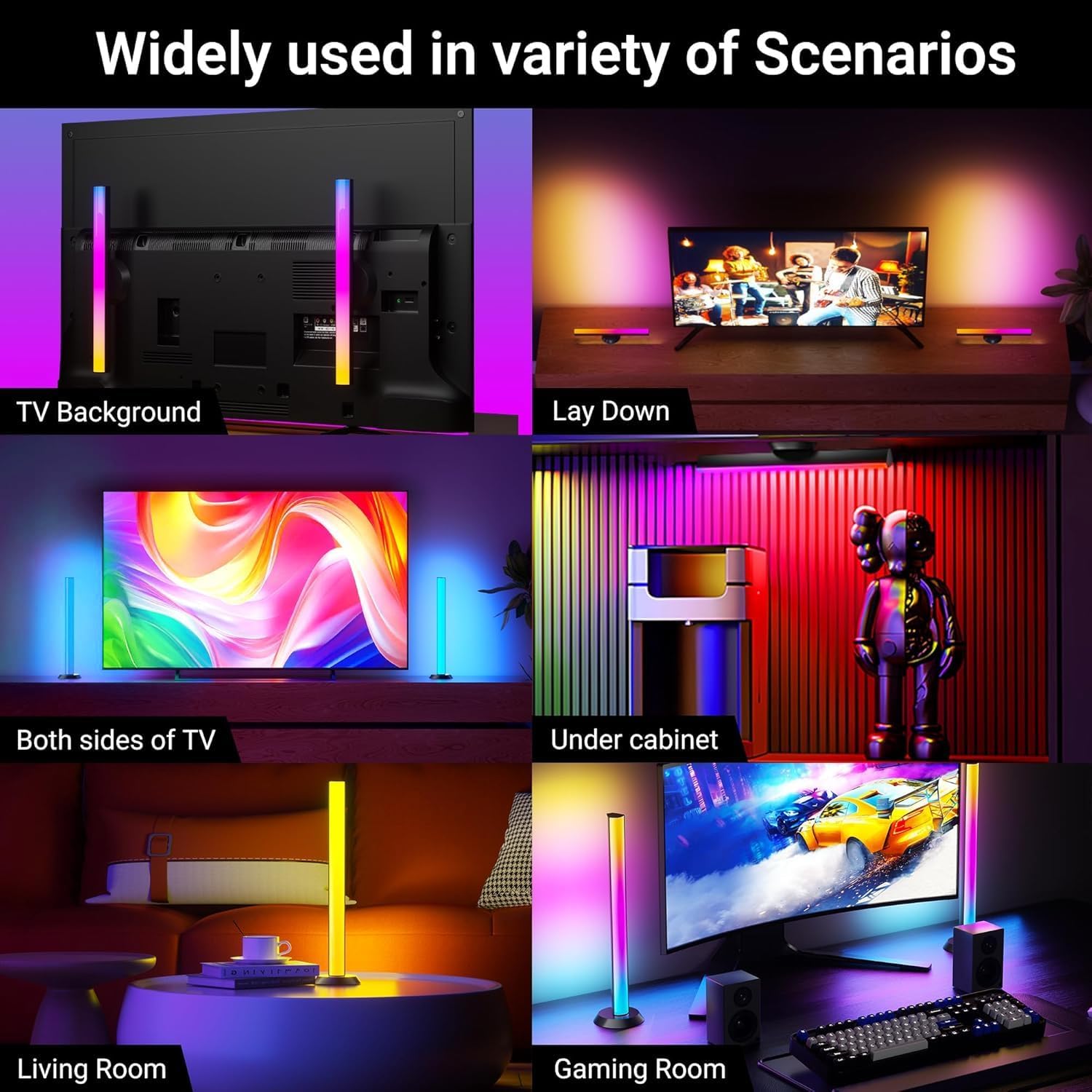
Figure 3.2: The versatile design allows for placement in multiple indoor settings to create different lighting moods.
3.2 Power Connection
Connect the light bars to a power source using the USB cable. The two light bars are connected by a 6ft cable and cannot be used separately.
3.3 App Installation
For advanced control and customization, download the dedicated TJOY app on your smartphone. The app connects via Bluetooth (does not support Alexa/Google Assistant/Smart life).
Video 3.1: Official product video demonstrating the features and various uses of the TJOY Smart Light Bars, including music synchronization and placement options.
4. Operating Instructions
4.1 Control Methods
The TJOY Smart Light Bars can be controlled using three methods:
- Smartphone App: Offers comprehensive control including timer functions, DIY color customization, various scene modes, and music synchronization.
- Remote Control: Use the included remote for basic functions such as power, color selection, and mode changes.
- Button Control: The USB cable features inline buttons for quick access to power and basic lighting adjustments.
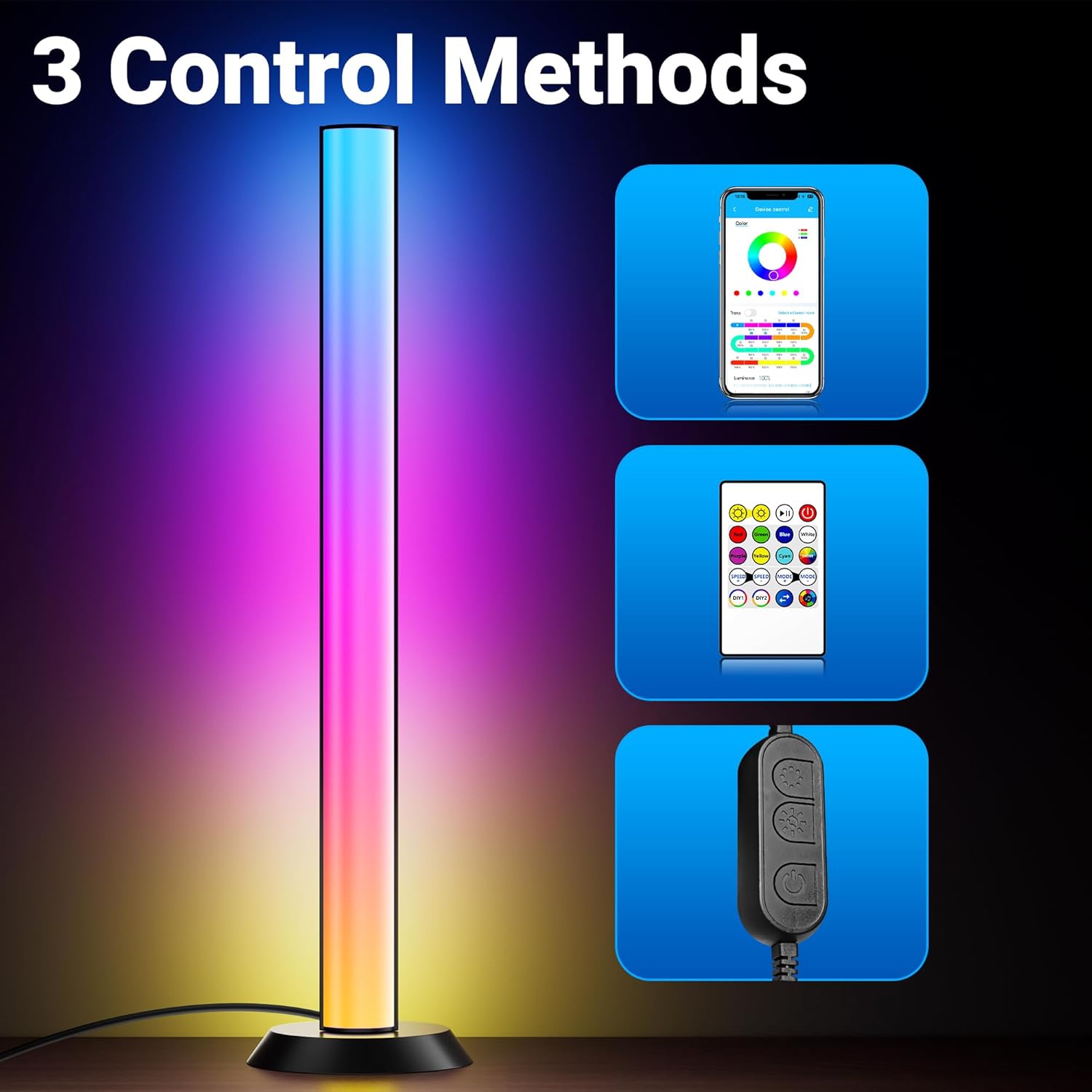
Figure 4.1: Control your light bars conveniently using the dedicated app, the included remote, or the physical buttons on the cable.
4.2 Music Synchronization
With an internal high-sensitivity microphone, the RGB light bars can react and move to the beat of your music, TV, PC, or gaming audio. This creates an immersive sound and light experience.
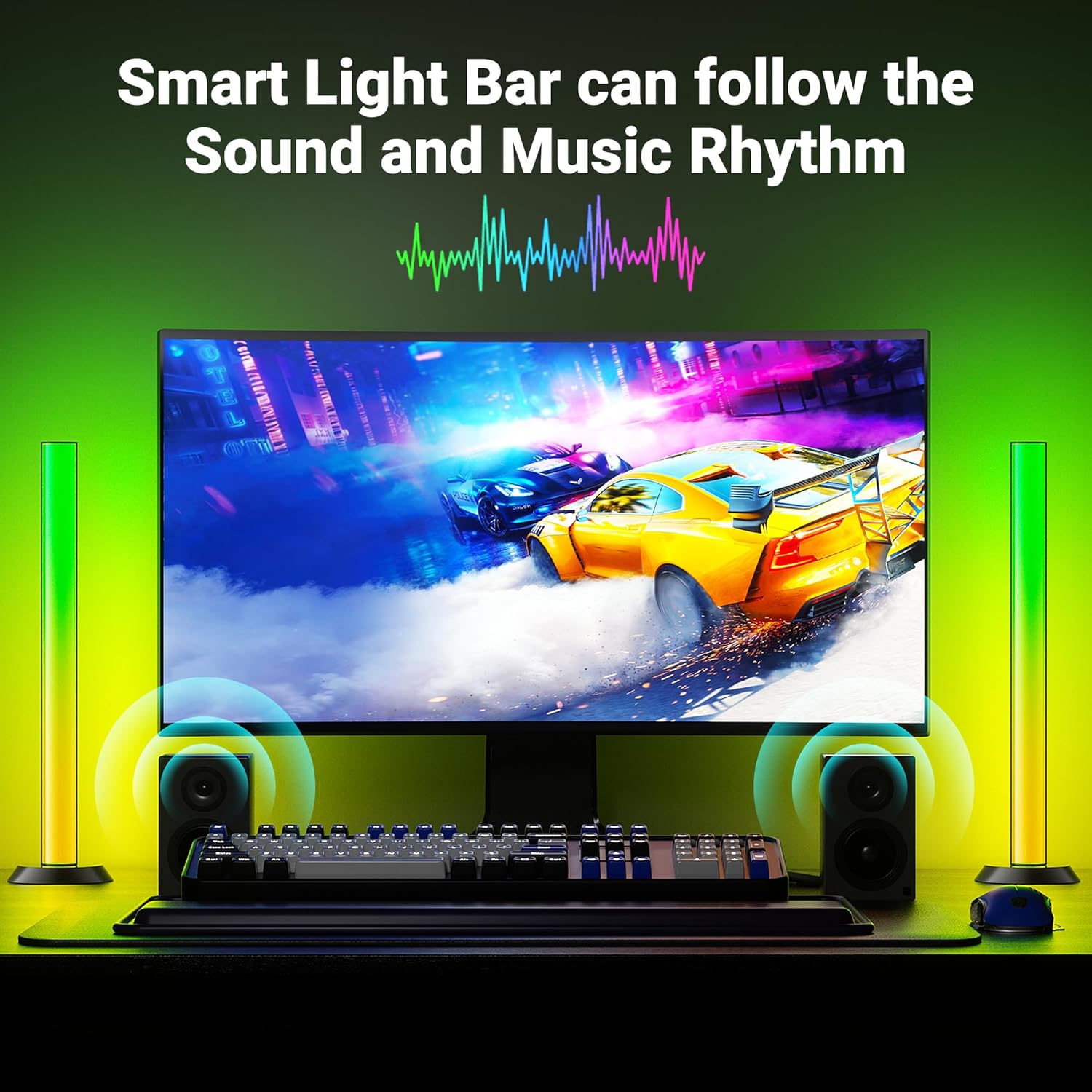
Figure 4.2: The smart light bars react to sound and music, creating an immersive experience for gaming or media consumption.
5. Maintenance
To ensure the longevity and optimal performance of your TJOY Smart Light Bars, follow these simple maintenance guidelines:
- Cleaning: Gently wipe the light bars with a soft, dry cloth to remove dust. Avoid using abrasive cleaners or solvents, as these can damage the plastic material.
- Storage: If storing the light bars for an extended period, ensure they are clean and dry. Store them in a cool, dry place away from direct sunlight.
- Handling: Handle the light bars with care to prevent physical damage. Avoid bending or applying excessive force to the units or cables.
6. Troubleshooting
If you encounter any issues with your TJOY Smart Light Bars, please refer to the following common troubleshooting steps:
- Lights Not Turning On: Ensure the USB cable is securely connected to a working power source. Check if the power button on the inline controller or remote is pressed.
- Connectivity Issues (App): Make sure Bluetooth is enabled on your smartphone and the light bars are within range. Try restarting the app and reconnecting.
- Incorrect Colors/Modes: Use the app or remote to cycle through different colors and modes. Ensure the light bars are not in a custom DIY mode if you expect standard colors.
- Music Sync Not Working: Verify that the internal microphone is not obstructed. Adjust the sensitivity settings in the app if available. Ensure the audio source is playing clearly.
- One Light Bar Not Working: Remember that the two light bars are connected by a single cable and cannot be used separately. Check the cable connection between the two bars.
If problems persist after attempting these steps, please contact TJOY customer support for further assistance.
7. Specifications
| Feature | Specification |
|---|---|
| Brand | TJOY |
| Model Number | SLLB2P |
| Color | Black |
| Indoor/Outdoor Usage | Indoor |
| Special Feature | Corded |
| Light Source Type | LED |
| Power Source | Corded Electric |
| Light Color | Multicolor |
| Theme | Music |
| Occasion | Game, Desk, Table, TV back, Under cabinet |
| Style | Game&Music |
| Material | Plastic |
| Controller Type | App Control, Button Control, Remote Control |
| Number of Light Sources | 40 |
| Voltage | 5 Volts |
| Wattage | 5 watts |
| Item Weight | 1.11 pounds (0.51 Kilograms) |
| Number of Items | 2 |
| Luminous Flux | 60 Lumen |
| UPC | 786408092549 |
8. Warranty and Support
The TJOY Smart RGB Light Bars come with a one-year warranty from the date of purchase. Our service team is dedicated to providing 100% satisfaction with a 24-hour quick response to any inquiries or issues you may have.
For support, please refer to the contact information provided in your product packaging or visit the official TJOY website.