Introduction
Thank you for choosing the Philco USB to USB C Cable. This high-quality silicone cable is designed for fast charging and high-speed data transfer, offering universal compatibility with a wide range of devices. Its durable, tangle-free design ensures reliable performance for everyday use.
Key Features
- Universal Compatibility: Supports a wide array of devices including MacBook Air/Pro, iPhone 16 series, iPad Air/Pro, Samsung Galaxy S series, Google Pixel, and other USB-C enabled devices.
- Ultra-Durable Design: Features a premium silicone exterior that resists fraying and splitting, along with reinforced connectors. Engineered for over 10,000 bend cycles for long-lasting performance.
- Fast Charging & High-Speed Data Transfer: Supports up to 20W (20V/5A) Power Delivery (PD) fast charging and USB 2.0 data transfer speeds of up to 480Mbps.
- Safe Charging: Equipped with E-Mark chip technology to ensure safe power regulation, preventing overheating and delivering efficient, reliable charging.
- Soft-Touch & Tangle-Free: High-quality liquid silicone coating provides a smooth, soft feel and prevents tangling, making it easy to store and handle.
Product Overview


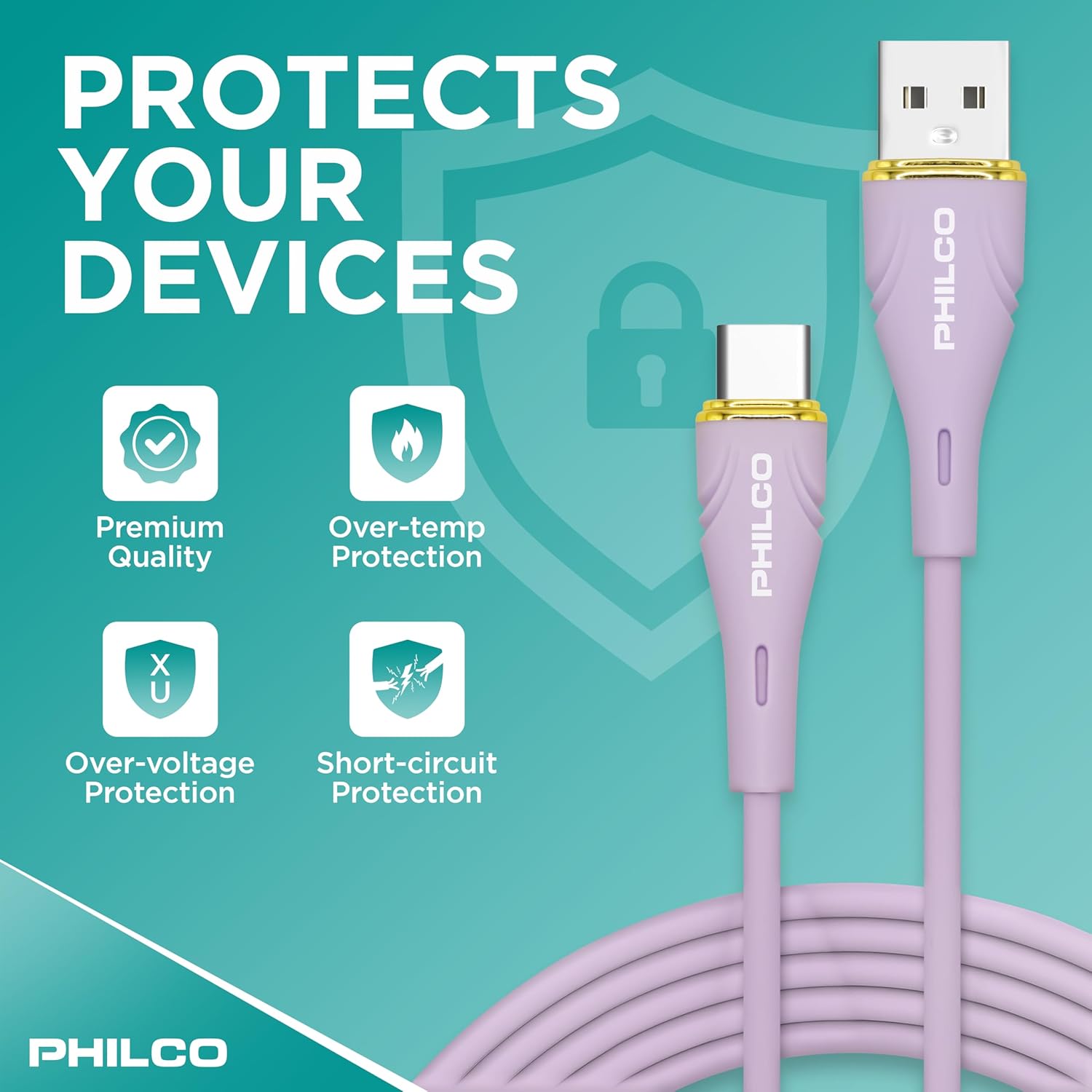

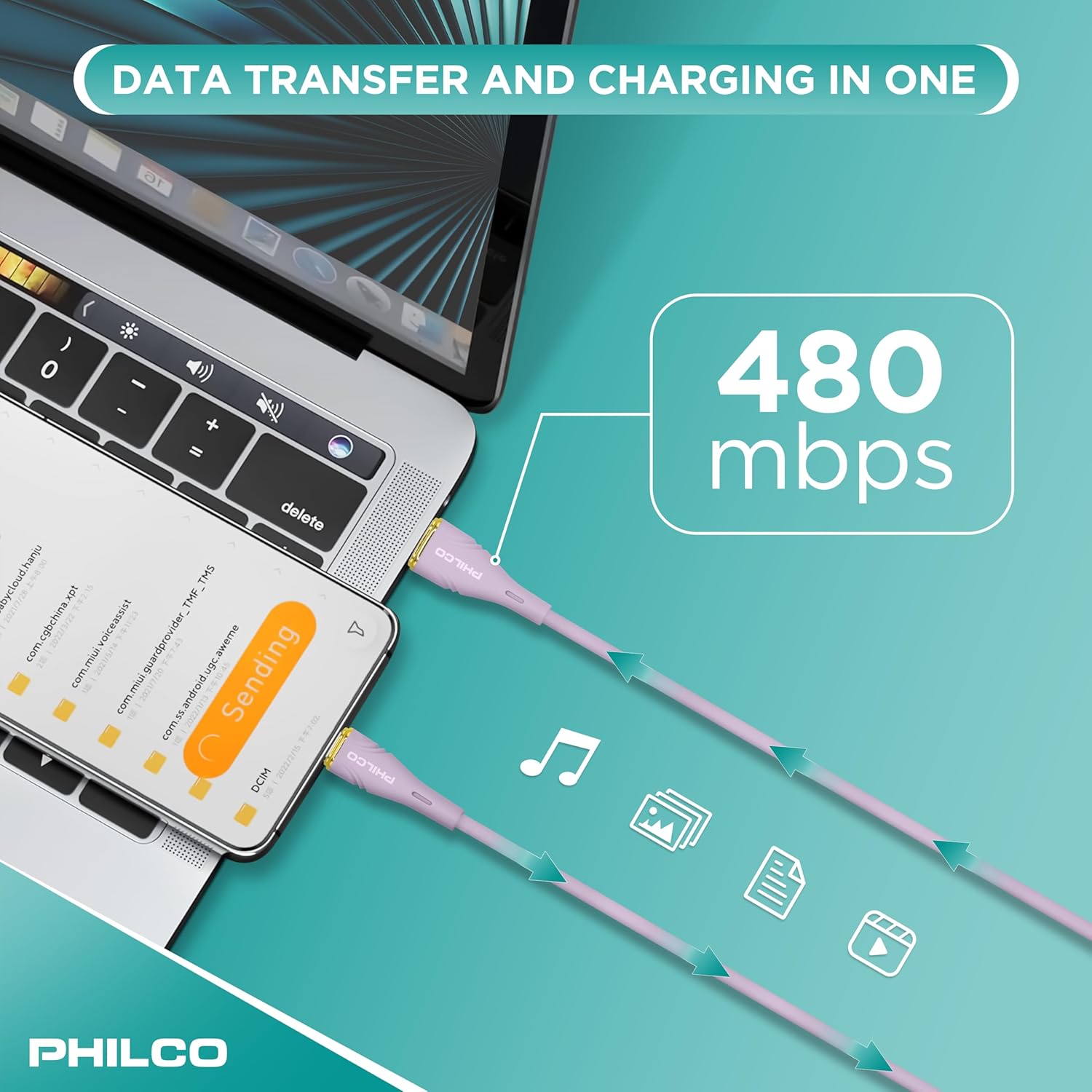

Setup and Connection
- Identify Ports: Locate the USB-A port on your power adapter, computer, or power bank, and the USB-C port on your device (e.g., smartphone, tablet, laptop).
- Connect USB-A: Insert the USB-A end of the Philco cable into the USB-A port of your power source.
- Connect USB-C: Insert the USB-C end of the Philco cable into the USB-C port of your device.
- Verify Connection: Ensure both ends are securely connected. Your device should indicate that it is charging or connected for data transfer.
Operating Instructions
Charging Your Device
Connect the Philco USB to USB C cable to a compatible power source (wall adapter, power bank, computer USB-A port) and your USB-C enabled device. The cable supports Power Delivery (PD) up to 20W for fast charging. Charging speed may vary depending on your power source and device's charging capabilities.
Data Transfer
To transfer data, connect the Philco USB to USB C cable between your computer's USB-A port and your USB-C enabled device. Ensure your device is set to "File Transfer" or "MTP" mode if prompted. The cable supports data transfer speeds of up to 480Mbps (USB 2.0 standard).
Maintenance
- Cleaning: Wipe the cable with a soft, dry cloth to remove dust or dirt. Avoid using harsh chemicals or abrasive materials.
- Storage: Store the cable in a cool, dry place away from direct sunlight and extreme temperatures. Its tangle-free silicone design allows for easy coiling and storage.
- Handling: While durable, avoid excessive force when plugging or unplugging the cable. Do not bend the connectors at sharp angles.
Troubleshooting
| Problem | Possible Cause | Solution |
|---|---|---|
| Device not charging. | Loose connection, incompatible power source, or device issue. | Ensure both ends of the cable are securely plugged in. Try a different power adapter or USB-A port. Test with another device to rule out device-specific issues. |
| Slow charging speed. | Power source not providing sufficient wattage, or device not supporting fast charging. | Use a power adapter that supports 20W Power Delivery. Ensure your device is compatible with fast charging. |
| Data transfer not working. | Device not in data transfer mode, or driver issues on computer. | Check your device's notification panel and select "File Transfer" or "MTP" mode. Try connecting to a different USB port on your computer. Ensure necessary drivers are installed. |
Specifications
- Brand: Philco
- Model Number: FLC2608C
- Connector Type: USB Type-A to USB Type-C
- Cable Type: USB
- Power Delivery: Up to 20W (20V/5A)
- Data Transfer Speed: Up to 480Mbps (USB 2.0)
- Material: Soft-Touch Silicone
- Special Features: Data Transfer, High Speed, Tangle Free, Lightweight, Fast Charging, E-Mark Chip
- Compatible Devices: Laptop, DVD Player, Charging Adapter, Headphone, Smartphone (Universal USB-C compatibility)
- Length: 4FT (1.2m)
- Package Dimensions: 7.68 x 2.01 x 1.46 inches
- Item Weight: 1.45 ounces
Warranty and Support
For warranty information or technical support, please contact Philco customer service through the retailer's platform or visit the official Philco website. Please retain your proof of purchase for warranty claims.
Philco Store: Visit the Philco Store on Amazon