
1. Introduction
This manual provides detailed instructions for the proper use and maintenance of your AiBaoQi HAMTOD T8 4G Volte Flip Phone. Please read this manual thoroughly before operating the device to ensure optimal performance and longevity. The HAMTOD T8 is designed for ease of use, featuring a classic flip design, dual screens, and essential communication functions.
2. Package Contents
Verify that all items listed below are present in your product package:
- HAMTOD T8 Mobile Phone (1 unit)
- USB Data Cable (1 unit)
- Charger (1 unit)
- Rechargeable Battery (1 unit)
- Instruction Manual (1 unit)
- Packaging Box (1 unit)
3. Product Overview
The HAMTOD T8 features a compact flip design with dual displays and an intuitive button layout.

Figure 3.1: HAMTOD T8 Flip Phone (Closed View)
The phone, when closed, displays an external 1.77-inch colorful HD screen for quick access to time, date, and notifications. The rear features a prominent SOS button for emergency situations.

Figure 3.2: Key Features Overview
Internally, the phone is equipped with a 1500mAh battery, 4G VoLTE connectivity, an RTOS operating system, and a T107 Quad-core 1.0GHz processor.

Figure 3.3: HAMTOD T8 Flip Phone (Open View)
When opened, the main 2.8-inch HD display provides a clear interface for navigation and interaction. The large buttons and simple menu are designed for user convenience.
4. Setup
4.1 Battery Installation
- Remove the back cover of the phone by gently prying it open from the designated notch.
- Insert the 1500mAh Li-ion battery into the battery compartment, ensuring the gold contacts align with the phone's terminals.
- Replace the back cover, pressing firmly until it clicks into place.
4.2 SIM Card and TF Card Installation
The HAMTOD T8 supports dual Micro SIM cards and one TF (MicroSD) card up to 64GB.
- With the battery removed, locate the SIM card slots (SIM1 and SIM2) and the TF card slot.
- Carefully insert your Micro SIM cards into the respective slots with the gold contacts facing down.
- If desired, insert a TF card into its dedicated slot.
- Reinstall the battery and back cover.
4.3 Initial Charging
Before first use, fully charge the phone's battery.
- Connect the USB data cable to the phone's USB Type C port.
- Connect the other end of the USB data cable to the provided charger.
- Plug the charger into a power outlet.
- The charging indicator will appear on the screen. Allow the phone to charge until the battery icon shows full.
5. Operating Instructions
5.1 Power On/Off
- To Power On: Press and hold the Power/End Call button until the screen lights up.
- To Power Off: Press and hold the Power/End Call button, then select 'Power Off' from the options.
5.2 Making and Receiving Calls
- Making a Call: Open the flip, dial the number using the keypad, and press the Green Call button.
- Receiving a Call: Open the flip to answer an incoming call, or press the Green Call button. Press the Red End Call button to reject or end a call.
- Handsfree: During a call, you can activate the handsfree speaker function.
5.3 SOS Emergency Button
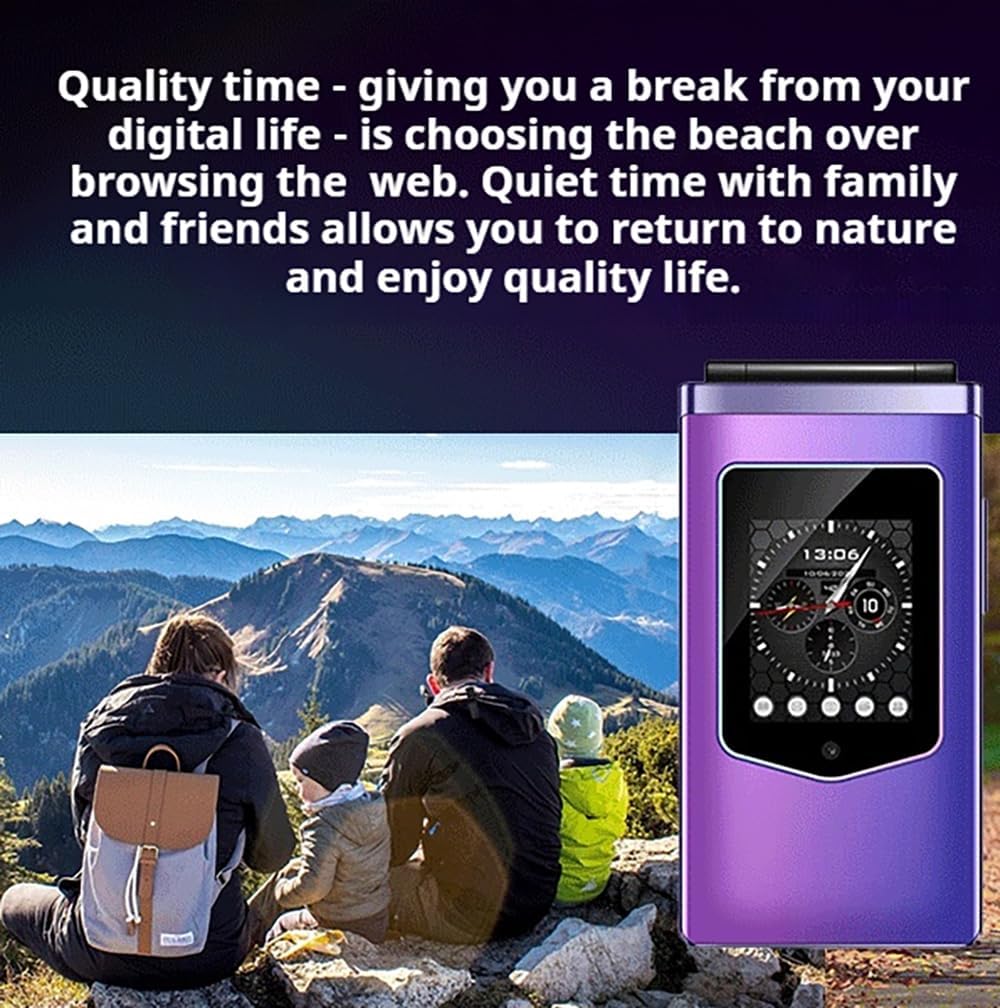
Figure 5.1: SOS Button Detail
The dedicated SOS button is located on the back of the phone. In an emergency:
- Press and hold the SOS button for a few seconds.
- The phone will automatically dial up to 5 pre-set emergency contacts sequentially until one answers.
- An emergency SMS message will also be sent to these contacts.
To set up SOS contacts, navigate to the 'SOS Settings' menu in the phone's settings.
5.4 Messaging
Access the 'Messages' menu to compose, send, and read SMS messages.
5.5 Contacts
Store and manage your contacts in the 'Phonebook' or 'Contacts' menu. You can save numbers to the phone's memory or to the SIM card.
5.6 Multimedia and Applications
The HAMTOD T8 includes various multimedia features and supports basic applications:
- Music Player: Play audio files stored on your TF card.
- Video Player: View video files.
- FM Radio: Listen to local radio stations.
- Sound Recorder: Record audio memos.
- Video Recorder: Capture short videos.
- Whatsapp/Facebook: Access these applications (requires data connection).
5.7 Display and Navigation
The phone features a 2.8-inch HD main display and a 1.77-inch external colorful HD screen. Both displays support large fonts and icons for improved readability. Navigation is done through a simple, list-based menu system using the directional keys and central selection button.
6. Maintenance
- Keep the phone dry. Moisture can damage electronic circuits.
- Do not expose the phone to extreme temperatures.
- Clean the phone with a soft, dry cloth. Avoid using harsh chemicals or cleaning agents.
- Handle the phone gently. Avoid dropping or subjecting it to strong impacts.
- Use only approved batteries, chargers, and accessories.
7. Troubleshooting
| Problem | Possible Cause | Solution |
|---|---|---|
| Phone does not power on | Low battery; Battery not installed correctly | Charge the battery; Reinstall the battery, ensuring proper contact. |
| Cannot make or receive calls | No SIM card; SIM card not installed correctly; No network signal | Install SIM card; Reinstall SIM card; Move to an area with better network coverage. |
| Poor call quality | Weak network signal; Obstructions | Move to an area with better signal; Avoid using in enclosed spaces. |
| Battery drains quickly | Excessive usage; Many background applications | Reduce screen brightness; Close unused applications; Limit continuous usage. |
| SOS button not working | SOS contacts not set up; Incorrect numbers | Ensure SOS contacts are correctly configured in settings. |
8. Specifications
| Feature | Specification |
|---|---|
| Brand | AiBaoQi |
| Model | T8 |
| Main Display | 2.8 inch HD LCD |
| External Display | 1.77 inch Colorful HD |
| Processor | T107 Quad-core, 1.0GHz |
| Operating System | RTOS |
| Cellular Technology | 4G VoLTE |
| SIM Card Slots | Dual Micro SIM |
| Expandable Storage | Supports up to 64GB TF card |
| Internal Flash Memory | 48 MB |
| Battery Capacity | 1500mAh Lithium Ion |
| Standby Time | Up to 2 weeks |
| Charging Port | USB Type C |
| Form Factor | Foldable Case (Flip Phone) |
| Special Features | SOS Button, Big Buttons, Loud Speaker, Simple Menu, Whatsapp, Facebook |

Figure 8.1: Battery Life Overview
9. Warranty and Support
For warranty information and technical support, please refer to the documentation provided with your purchase or contact your retailer. Keep your proof of purchase for any warranty claims.