
vibeadio SE7
vibeadio SE7 Active Noise Cancelling Headphones User Manual
Model: SE7
Introduction
Thank you for choosing the vibeadio SE7 Active Noise Cancelling Headphones. This manual provides essential information for setting up, operating, and maintaining your headphones. Please read it carefully to ensure optimal performance and longevity of your device.
What's in the Box
- 1 x vibeadio SE7 ANC Headphone
- 1 x Protective Case
- 1 x Charging Cable
- 1 x 3.5mm Audio Cable
- 1 x User Manual (this document)

Image: The vibeadio SE7 headphones neatly folded inside their protective case, alongside the charging and audio cables.
Setup Guide
1. Charging the Headphones
Before first use, fully charge your headphones. Connect the provided charging cable to the charging port on the headphones and the other end to a USB power adapter (not included) or a computer's USB port. The LED indicator will show charging status.
- Charging Time: Approximately 2-3 hours for a full charge.
- LED Indicator: Red light indicates charging; blue light indicates fully charged.
2. Bluetooth Pairing
To connect your headphones to a Bluetooth-enabled device:
- Ensure the headphones are turned off.
- Press and hold the Multifunctional Button for approximately 5 seconds until the LED indicator flashes blue and red alternately. This indicates pairing mode.
- On your device (smartphone, tablet, laptop), enable Bluetooth and search for available devices.
- Select "vibeadio SE7" from the list of found devices.
- Once connected, the LED indicator will flash blue slowly, and you will hear an audible confirmation.
The headphones will automatically attempt to reconnect to the last paired device when powered on.
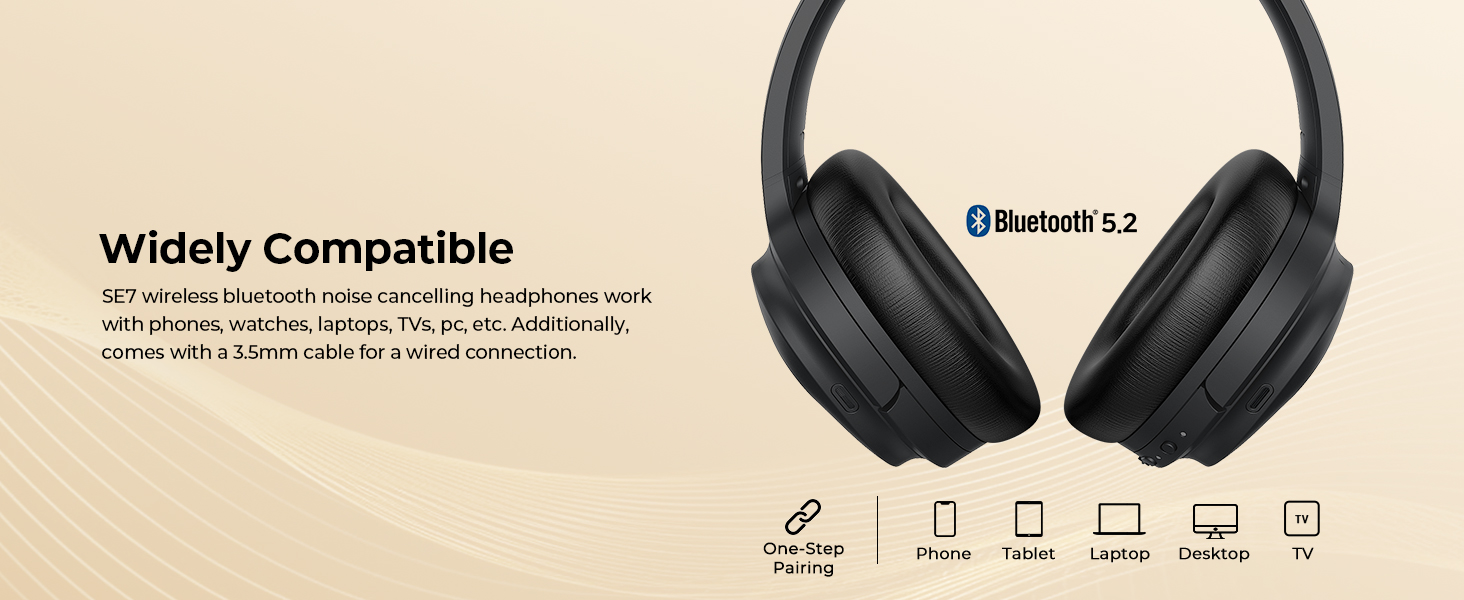
Image: The vibeadio SE7 headphones demonstrating wide compatibility with various devices such as phones, tablets, laptops, desktops, and televisions.
Operating Instructions
Button Functionality Overview
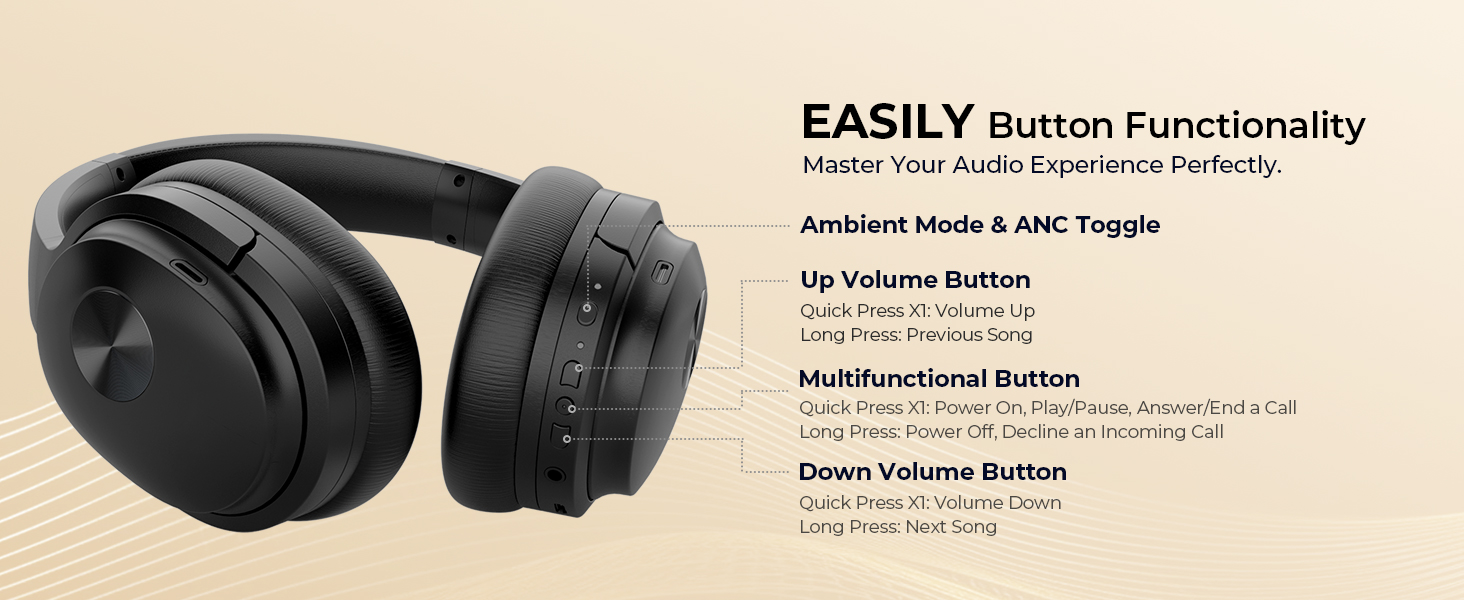
Image: A detailed diagram illustrating the location and function of each button on the vibeadio SE7 headphones.
| Button/Action | Function |
|---|---|
| Multifunctional Button (Long Press) | Power On / Power Off / Decline Incoming Call |
| Multifunctional Button (Quick Press x1) | Play / Pause Music / Answer / End a Call |
| Up Volume Button (Quick Press x1) | Volume Up |
| Up Volume Button (Long Press) | Previous Song |
| Down Volume Button (Quick Press x1) | Volume Down |
| Down Volume Button (Long Press) | Next Song |
| Ambient Mode & ANC Toggle (Quick Press x1) | Toggle Active Noise Cancellation (ANC) On/Off |
| Ambient Mode & ANC Toggle (Double-click) | Activate Transparency Mode |
Active Noise Cancellation (ANC)
The vibeadio SE7 headphones feature advanced ANC technology to reduce up to 95% of low-frequency background noise. This is ideal for travel, commuting, or focusing in noisy environments.
- To activate ANC, press the Ambient Mode & ANC Toggle button once.
- To deactivate ANC, press the Ambient Mode & ANC Toggle button again.
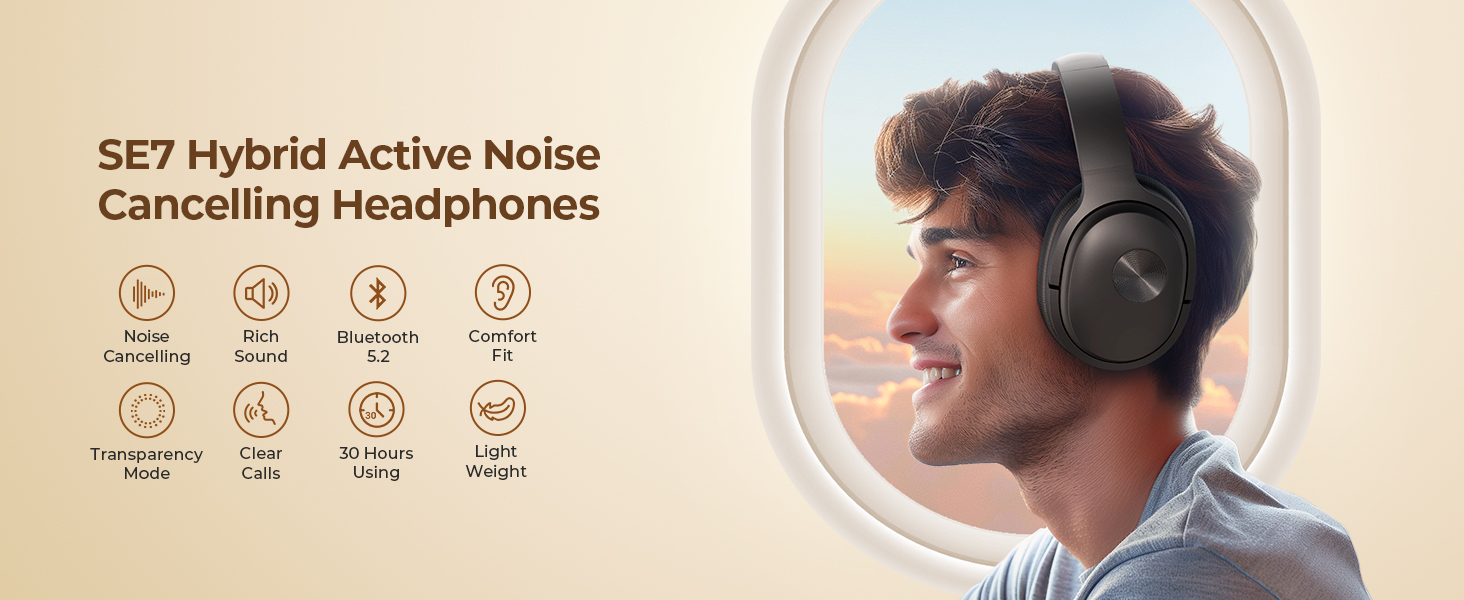
Image: A man wearing vibeadio SE7 headphones in a bustling train station, highlighting the premium noise cancellation feature.
Transparency Mode
Transparency Mode allows you to hear your surroundings without removing your headphones, useful for conversations or being aware of announcements.
- To activate Transparency Mode, double-click the Ambient Mode & ANC Toggle button.
- To exit Transparency Mode, double-click the button again.
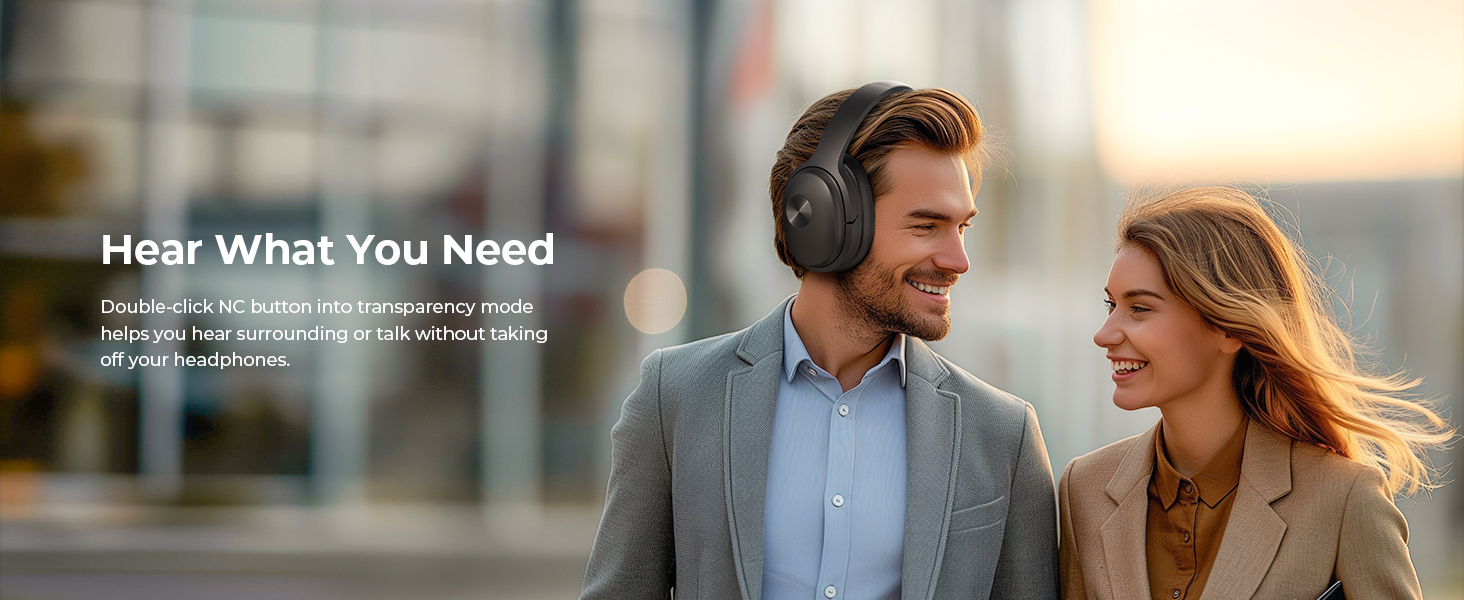
Image: A man wearing vibeadio SE7 headphones engaging in conversation with a woman, demonstrating the 'Hear What You Need' transparency mode.
Wired Connection
For a wired audio experience or when the battery is depleted, connect the provided 3.5mm audio cable to the headphone's audio jack and your device's audio output.
Maintenance
Cleaning
- Use a soft, dry cloth to wipe the surface of the headphones.
- For ear cushions, gently wipe with a slightly damp cloth and mild soap if necessary, then dry thoroughly.
- Do not use harsh chemicals, solvents, or abrasive cleaners.
Storage
- When not in use, store the headphones in the provided protective case to prevent damage.
- Avoid exposing the headphones to extreme temperatures, humidity, or direct sunlight.
Troubleshooting
| Problem | Possible Solution |
|---|---|
| Headphones won't turn on. | Ensure the headphones are charged. Connect to a power source and check the charging indicator. |
| Cannot pair via Bluetooth. | Make sure the headphones are in pairing mode (LED flashing blue and red). Turn off and on your device's Bluetooth. Forget "vibeadio SE7" from your device's Bluetooth list and try pairing again. Ensure headphones are within 10 meters of the device. |
| No sound. | Check if the headphones are properly paired and connected. Adjust the volume on both the headphones and your device. If using a wired connection, ensure the 3.5mm cable is fully inserted. |
| ANC not working effectively. | Ensure ANC is activated. ANC is most effective against low-frequency, constant noises. It may not completely cancel out human voices or sudden, high-frequency sounds. |
| Poor call quality. | Ensure the microphone is not obstructed. Move closer to your connected device to improve signal strength. Check your device's call settings. |
Specifications
| Feature | Detail |
|---|---|
| Brand | vibeadio |
| Model | SE7 |
| Connectivity | Wireless (Bluetooth), Wired (3.5mm Jack) |
| Bluetooth Version | 5.2 |
| Noise Control | Active Noise Cancellation (ANC) |
| Driver Size | 40mm Dynamic Driver |
| Frequency Range | 20Hz - 20,000Hz |
| Playtime | Up to 30 hours (Bluetooth mode), Up to 25 hours (ANC mode) |
| Ear Placement | Over Ear |
| Earpad Material | Protein Leather |
| Built-in Microphone | Yes, with call technology |
| Control Type | Call Control, Remote |
| Water Resistance Level | Not Water Resistant |
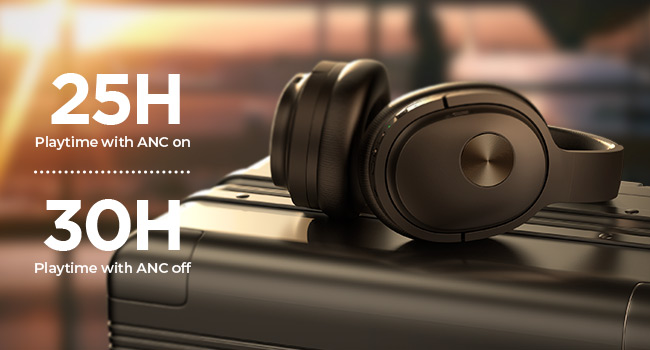
Image: The vibeadio SE7 headphones resting on a suitcase, illustrating the impressive battery life of 25 hours with ANC on and 30 hours with ANC off.
Warranty Information
The vibeadio SE7 Active Noise Cancelling Headphones come with an 18-month warranty from the date of purchase. This warranty covers manufacturing defects and workmanship under normal use. It does not cover damage caused by misuse, accidents, unauthorized modifications, or normal wear and tear.
Please retain your proof of purchase for warranty claims.
Customer Support
If you encounter any issues or have questions regarding your vibeadio SE7 headphones, please contact our customer support team. For the fastest service, please have your model number (SE7) and proof of purchase ready.
Contact Information:
- Email: support@vibeadio.com
- Website: www.vibeadio.com/support
Ask a question about this manual
Ask about setup, troubleshooting, compatibility, parts, safety, or missing instructions. Manuals+ will review the question and use this page’s manual context to help answer it.