1. Introduction
The WayPonDEV TFS20-L is a compact, high-performance single-point Lidar sensor designed for accurate distance measurement. It integrates a highly sensitive infrared-enhanced SPAD sensor, offering a ranging capability of up to 20 meters. This module is suitable for various applications requiring precise distance sensing, such as robotics, drones, and IoT devices. Its small size (21x15x7.87mm) and light weight (1.35g) make it ideal for micro-small dToF (Direct Time-of-Flight) applications. The sensor features excellent distance measurement ability even under strong ambient light conditions (up to 100Klux) and includes a reflectivity correction function.

Image: The WayPonDEV TFS20-L Lidar sensor module shown with its included connecting cable. The sensor is a compact, rectangular unit with a black housing for the optical components, mounted on a green circuit board.
2. Product Overview
The TFS20-L Lidar sensor is a fully integrated single-channel DToF rangefinder module. It incorporates a SPAD chip solution with a histogram statistical algorithm and fast TDC architecture for high-accuracy ranging. The module operates on a 3.3V single power supply and includes a built-in temperature compensation function. It supports both I²C and UART interfaces for easy integration.

Image: An infographic highlighting the versatile applications and key features of the TFS20-L Lidar sensor. Icons represent detection range (20m), precision (2cm), frame rate (250Hz), power consumption (≤0.35W), anti-glare (100Klux), FoV (2°), weight (1.35g), and small size (21x15x7.87mm).
3. Setup
To set up the TFS20-L sensor, connect it to your host device (e.g., Arduino, Raspberry Pi, Pixhawk) using either the UART or I²C interface. The sensor requires a 3.3V power supply. Ensure correct pin connections as per the diagram below.

Image: Detailed diagram showing the dimensions of the TFS20-L Lidar sensor and its 6-pin connector pinout. The pinout includes 3V3 LASER (Laser Power Supply), 3V3 (Power Supply Positive), UART_TX/I2C_SDA (Receive/Data), UART_RX/I2C_SCL (Send/Clock), GPIO (Communication Chip Select), and GND (Power Supply Ground).
Pinout Description:
| Number | Function | Description |
|---|---|---|
| 1 | 3V3 LASER | Laser Power Supply |
| 2 | 3V3 | Power Supply Positive |
| 3 | UART_TX/I2C_SDA | Receive/Data |
| 4 | UART_RX/I2C_SCL | Send/Clock |
| 5 | GPIO | Communication Chip Select |
| 6 | GND | Power Supply Ground |
4. Operating Instructions
The TFS20-L supports both UART and I²C communication interfaces.
UART Communication:
- Baud rate: 115200
- Data bit: 8
- Stop bit: 1
- Parity: None
I²C Communication:
- Max transmission rate: 400kbps
- Master/Slave mode: Slave
- Default address: 0x10
- Address range: 0x10~0x7F
For detailed programming and data interpretation, refer to the official SDK documentation available from WayPonDEV.
5. Specifications
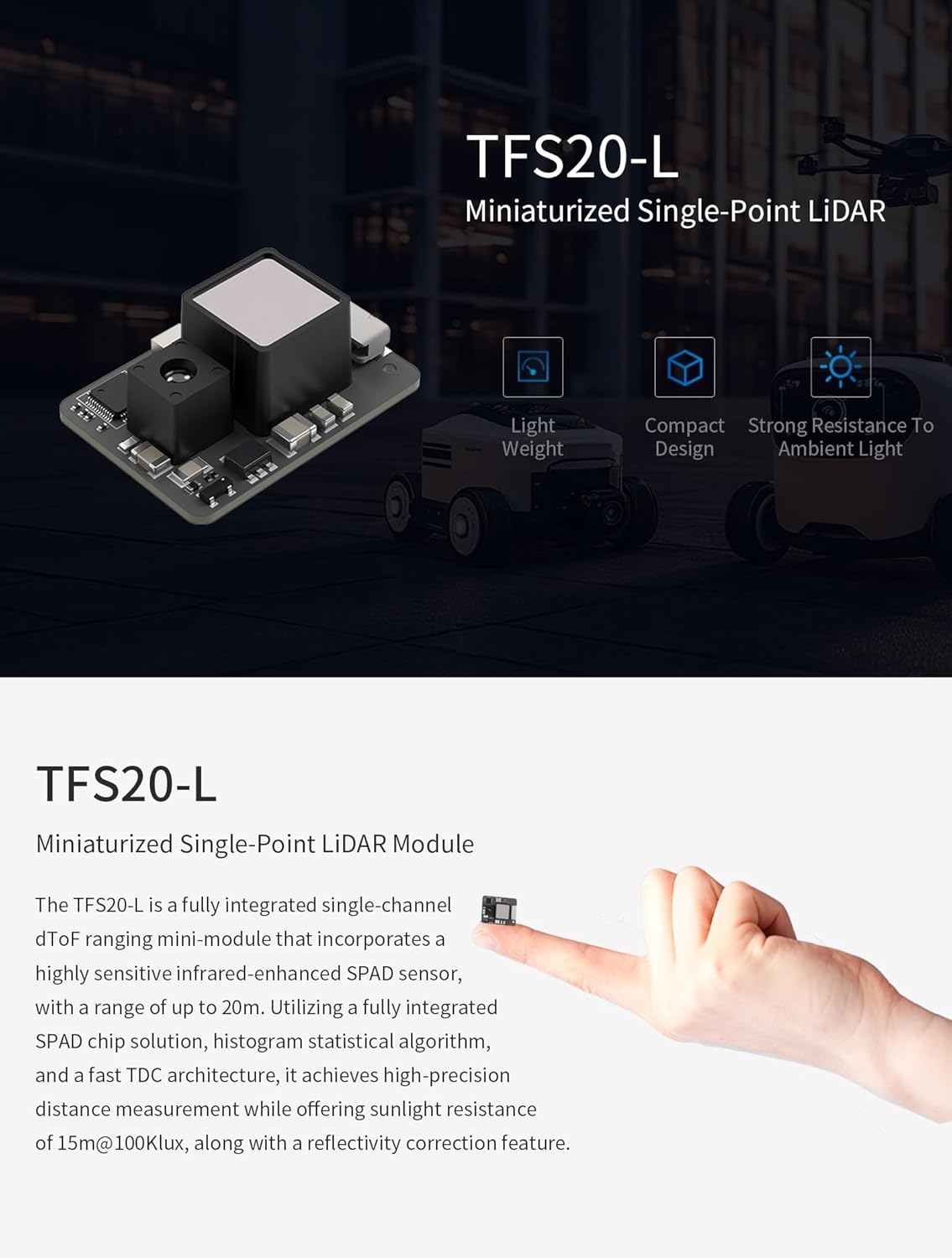
Image: Table detailing the communication protocol (UART and I2C), laser parameters (light source, wavelength, eye safety), and mechanical/electrical specifications (power consumption, current, operating/storage temperature) for the TFS20-L Lidar sensor.
Performance Parameters:
- Detection Range: 0.2-20m (90% reflectivity @ 0Klux), 0.2-15m (90% reflectivity @ 100Klux), 0.2-12m (10% reflectivity @ 0Klux), 0.2-9m (10% reflectivity @ 100Klux)
- Accuracy: ±6cm (0.2~6m), 1% (≥6m)
- Precision: 2cm (0.2-6m)
- Default Frame Rate: 0/20/50/100 (Default)/250Hz
- Ambient Light Resistance: 100Klux
Laser Parameters:
- Light Source: VCSEL
- Central Wavelength: 905nm
- Field of View (FoV): <2°
- Eye Safety: Class I Eye-safe [EN60825]
Mechanical/Electrical:
- Average Power Consumption: ≤0.35W
- Peak Current: 115mA @ 3.3V
- Power Supply: DC 3.3V ±9%
- Communication Level: LVTTL (3.3V)
- Operating Temperature: -20°C ~ +60°C
- Storage Temperature: -40°C ~ +85°C
Physical Dimensions:
- Size: 21mm (D) x 15mm (W) x 7.87mm (H)
- Weight: 1.35g
6. Applications
The TFS20-L Lidar sensor is suitable for a wide range of applications, including:
- Consumer Drones (altitude hold, assisted landing)
- Service Robots (obstacle avoidance, navigation)
- Robotics (obstacle avoidance, fall prevention)
- Internet of Things (IoT) devices
- Object Detection
- Smart Transportation
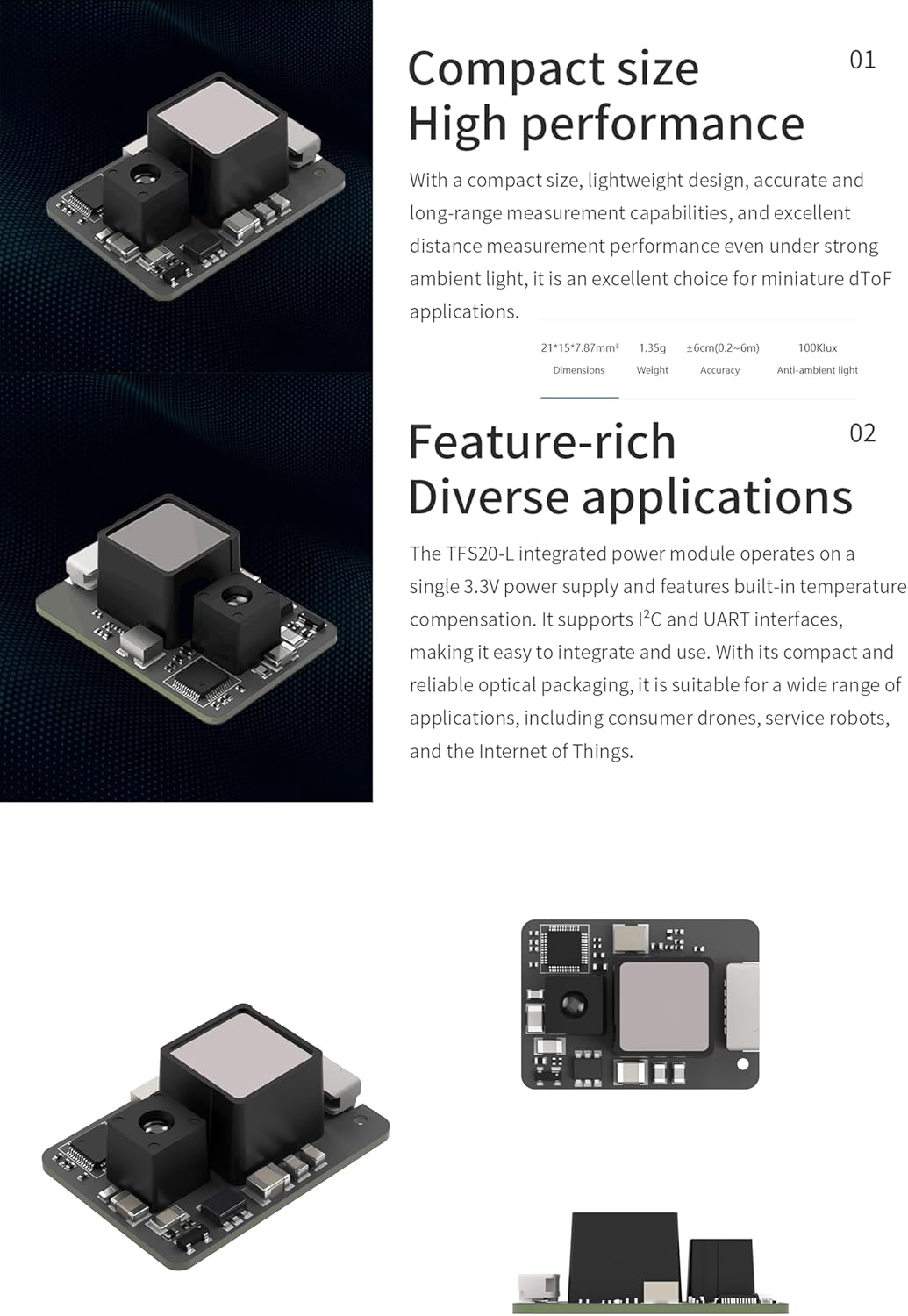
Image: Visual examples of the TFS20-L Lidar sensor's applications, such as robot obstacle avoidance, drone altitude hold, drone assisted landing, and general use in drones, robots, and IoT.
7. Maintenance
The TFS20-L Lidar sensor is designed for reliable operation. To ensure optimal performance:
- Keep the sensor lens clean and free from dust or obstructions. Use a soft, dry cloth for cleaning.
- Avoid exposing the sensor to extreme physical shock or vibration.
- Operate within the specified temperature and humidity ranges.
8. Troubleshooting
If you encounter issues with the TFS20-L Lidar sensor:
- No Data Output: Verify power supply connections (3.3V) and ensure the sensor is correctly wired to the host device's communication pins (UART/I²C). Check communication settings (baud rate, address).
- Inaccurate Readings: Ensure the sensor lens is clean. Check for any physical obstructions in the measurement path. Verify that ambient light conditions are within the sensor's operating limits.
- Intermittent Operation: Inspect all wiring for loose connections. Ensure the power supply is stable and provides sufficient current.
For more in-depth troubleshooting and technical support, refer to the SDK documentation or contact WayPonDEV support.
9. Warranty and Support
For technical documentation, including the SDK, please visit the official WayPonDEV store or contact their support team.
Technical and after-sales questions can be directed to: wpd@youyeetoo.com
Please note that specific warranty details may vary. Refer to your purchase documentation for warranty information.