
1. Introduction
This manual provides detailed instructions for the installation, operation, and maintenance of your INSEETECH 6MP WiFi Dual Lens Outdoor Security Camera. Please read this manual thoroughly before use to ensure proper functionality and safety.

Image 1.1: INSEETECH 6MP WiFi Dual Lens Outdoor Security Camera.
2. Product Overview
Key Features
- Dual Lens System: Features a fixed wide-angle lens and a PTZ (Pan/Tilt/Zoom) tracking lens for comprehensive coverage.
- 6MP HD Resolution: Delivers clear and detailed images and video.
- 2.4GHz WiFi Connectivity: Ensures stable wireless connection.
- AI Human Detection & Auto-Tracking: Intelligently identifies human movement and tracks subjects.
- Three Night Vision Modes: Full-Color, Infrared, and Dual-Light Alarm for optimal visibility in low light.
- Two-Way Audio: Built-in microphone and speaker for communication.
- IP66 Weatherproof: Designed for outdoor use, resistant to rain and dust.
- Local Storage: Supports MicroSD card up to 128GB for 24/7 recording.
Package Contents
- 1 x Outdoor Security Camera
- 1 x Camera Bracket
- 1 x User Manual
- 1 x Power Adapter
- 1 x Accessories (screws, wall plugs)

Image 2.1: Illustration of package contents and connection methods.
3. Setup Guide
3.1 Physical Installation
- Choose a Location: Select an outdoor location with a clear view of the area you wish to monitor and within range of your 2.4GHz WiFi network. Ensure a power outlet is accessible.
- Mount the Bracket: Use the provided screws and wall plugs to securely attach the camera bracket to a wall or ceiling.
- Attach the Camera: Secure the camera to the mounted bracket. Adjust the camera angle as needed.
- Connect Power: Plug the power adapter into the camera and then into a power outlet. The camera will power on and initiate self-test.

Image 3.1: The camera is IP66 waterproof, suitable for outdoor installation.
3.2 App Installation and Network Connection
- Download the App: Search for 'INSEECam' in your smartphone's app store (iOS or Android) and download the application.
- Register/Log In: Open the INSEECam app and follow the on-screen instructions to register a new account or log in if you already have one.
- Add Device: Tap the '+' icon in the app to add a new device. Select your camera model or scan the QR code on the camera if available.
- Connect to 2.4GHz WiFi: Follow the app's prompts to connect the camera to your 2.4GHz WiFi network. Note: This camera requires a 2.4GHz Wi-Fi connection. 5GHz networks are not supported.
- Complete Setup: Once connected, name your camera and complete the setup process.

Image 3.2: The camera connects via a stable 2.4GHz WiFi network.
4. Operating Instructions
4.1 App Control and Dual Lens Functionality
The INSEECam app provides full control over your camera. You can view live feeds, adjust settings, and manage recordings.
- PTZ Control: Use the app to remotely pan the tracking camera 355° horizontally and tilt it 90° vertically.
- Monitoring Zones: Customize specific areas within the camera's view to focus on, reducing unnecessary alerts.
- Dual Lens Linkage: If the fixed wide-angle lens detects movement, the PTZ tracking lens will automatically adjust to follow and record the detected activity, providing comprehensive coverage.

Image 4.1: Dual lens system with 355° pan and 90° tilt capabilities.
4.2 AI Human Detection and Auto-Tracking
The camera's advanced AI technology is designed to enhance security by focusing on relevant events.
- Human Detection: The camera can differentiate human shapes from other moving objects, minimizing false alarms caused by animals or swaying branches.
- Auto-Tracking: Upon detecting human movement, the camera will automatically track the subject across its field of view, ensuring continuous recording of the event.

Image 4.2: The camera features auto-tracking and sends alerts upon human detection.
4.3 Night Vision Modes
The camera offers three distinct night vision modes to adapt to various lighting conditions:
- Full-Color Night Vision: Utilizes white-light LEDs to provide full-color video in dark environments.
- Infrared Night Vision: Uses infrared LEDs for clear black-and-white video in complete darkness.
- Dual-Light Alarm: Combines infrared for general monitoring with white-light activation upon motion detection, illuminating the area and deterring intruders.

Image 4.3: Visual representation of Full-Color, Infrared, and Dual-Light Alarm night vision modes.
4.4 Two-Way Audio
The integrated microphone and speaker allow for real-time two-way communication through the camera.
- Remote Communication: Speak to visitors or deter unwanted guests directly from your smartphone.
- Audio Monitoring: Listen to sounds from the camera's vicinity.
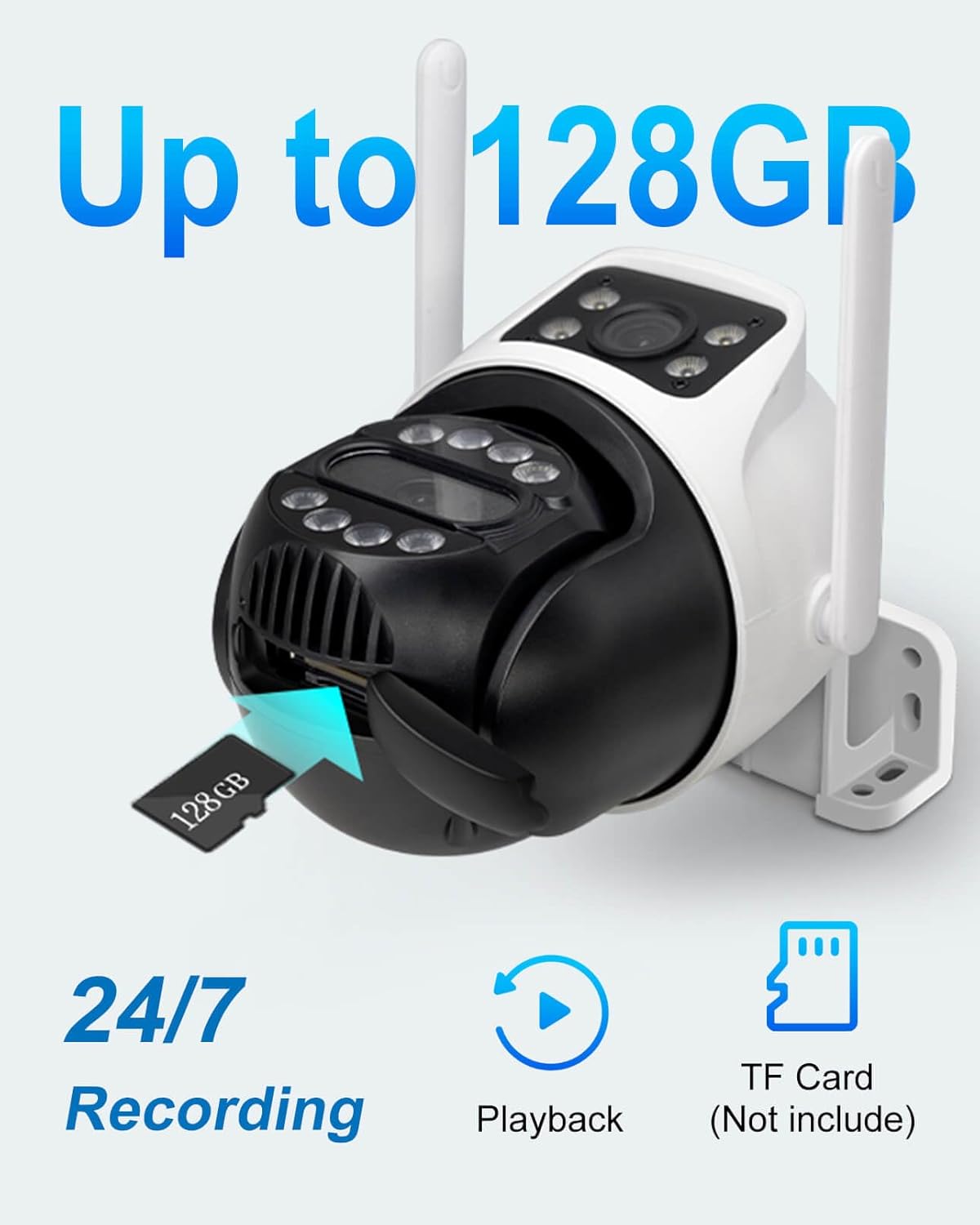
Image 4.4: Demonstrates two-way audio communication via the camera and app.
4.5 Video Recording and Storage
The camera supports continuous recording and event-triggered recording.
- MicroSD Card Storage: Insert a MicroSD card (up to 128GB, not included) into the designated slot for local storage of video footage.
- 24/7 Recording: Configure the camera for continuous recording to the MicroSD card.
- Playback: Access recorded footage directly through the INSEECam app, filtering by date and event.
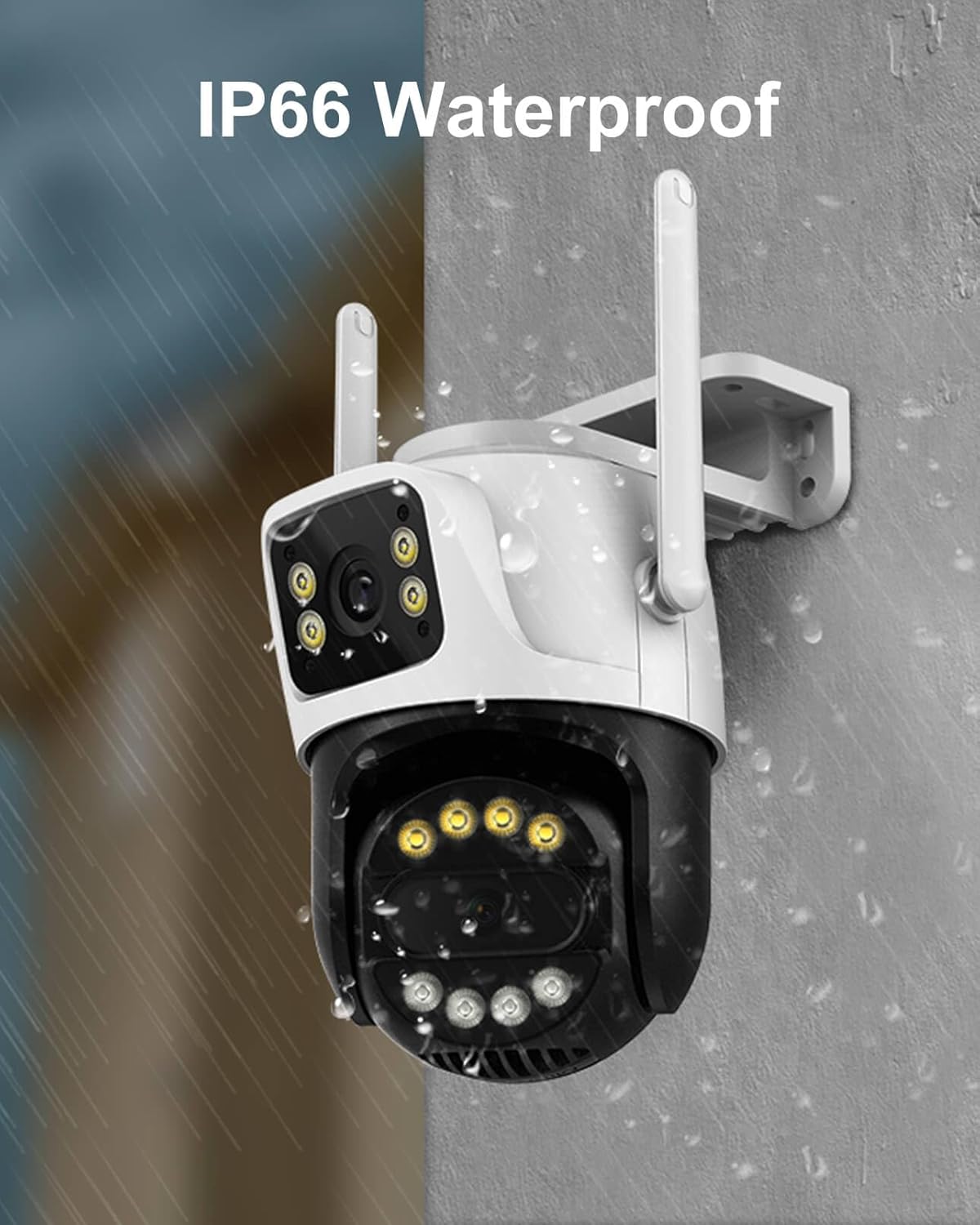
Image 4.5: The camera supports up to 128GB MicroSD card for local storage.
4.6 Family Sharing
Share access to your camera's live feed and recordings with trusted family members or friends through the INSEECam app.
5. Maintenance
- Cleaning: Regularly wipe the camera lens and body with a soft, damp cloth to remove dust and dirt. Do not use harsh chemicals.
- Firmware Updates: Check the INSEECam app periodically for firmware updates to ensure optimal performance and security.
- Power Supply: Ensure the power adapter and cable are free from damage.
6. Troubleshooting
| Issue | Possible Solution |
|---|---|
| Camera fails to power on. | Check the power adapter and cable connection. Ensure the power outlet is functional. |
| Unable to connect to WiFi. | Ensure your router is broadcasting a 2.4GHz WiFi signal. Verify the WiFi password. Move the camera closer to the router. |
| Frequent disconnections. | Check WiFi signal strength in the camera's location. Reduce interference from other electronic devices. Restart your router and camera. |
| No video recording to MicroSD card. | Ensure a MicroSD card (up to 128GB) is inserted correctly and formatted within the app. Check recording settings in the app. |
| False alarms from motion detection. | Adjust the motion detection sensitivity in the app. Utilize human detection features and customize monitoring zones to exclude irrelevant areas. |
| Two-way audio not working. | Check microphone and speaker permissions for the INSEECam app on your smartphone. Ensure volume levels are adequate. |
7. Technical Specifications
| Specification | Detail |
|---|---|
| Model Name | INC003B |
| Video Capture Resolution | 6MP (3MP+3MP) |
| Connectivity Technology | Wireless (2.4GHz Wi-Fi) |
| Pan/Tilt Range | 355° Pan, 90° Tilt |
| Night Vision Range | 66 Feet |
| Night Vision Modes | Full-Color, Infrared, Dual-Light Alarm |
| Human Detection | Yes, with Auto-Tracking |
| Two-Way Audio | Yes |
| Storage | MicroSD Card (up to 128GB) |
| International Protection Rating | IP66 (Weatherproof) |
| Power Source | Corded Electric (12V) |
| Material | Acrylonitrile Butadiene Styrene (ABS) |
| Dimensions (L x W x H) | 3.06 x 3.15 x 2.34 inches |
| Item Weight | 1.17 pounds (0.53 Kilograms) |
| Frame Rate | 20 frames per second |
| Video Encoding | H.265AI |
8. Warranty and Support
INSEETECH products are designed for reliability and performance. For warranty information, technical support, or any inquiries, please refer to the official INSEETECH website or contact customer service through the INSEECam app.
You can also visit the INSEETECH Store on Amazon for more information and support resources.