Introduction
This manual provides detailed instructions for setting up, operating, and maintaining your BRAIDOL Wireless HDMI Display Dongle Adapter. This portable device enables seamless high-definition wireless streaming and mobile screen mirroring from various devices to a larger display, supporting 1080P/60Hz Full HD output and 4K decoding capabilities.

Image: The BRAIDOL Wireless HDMI Display Dongle Adapter, a compact silver-gray device with an HDMI connector and a wrist strap, designed for wireless screen mirroring.
What's in the Box
Verify that all the following components are included in your package:
- Wireless HDMI Display Dongle Adapter Set
- HDMI Extension Cable
- Type-C Cable
- AC Adapter
- PU Wrist Strap

Image: A visual representation of all items included in the product package: the Wireless HDMI dongle, PU wrist strap, HDMI extension cable, Type-C cable, AC adapter, and user manual.
Setup Guide
The BRAIDOL Wireless HDMI Display Dongle Adapter is designed for plug-and-play functionality, requiring no additional apps, Bluetooth, or Wi-Fi for initial mirroring.
- Connect the Dongle: Insert the HDMI connector of the dongle into an available HDMI port on your TV, monitor, or projector.
- Provide Power: Connect the included Type-C cable to the dongle's power input and the AC adapter. Plug the AC adapter into a power outlet. Ensure the power supply is sufficient (Above 5V/2A).
- Select Input: On your display device (TV/monitor/projector), select the corresponding HDMI input source where the dongle is connected.
- On-Screen Instructions: The display will show a visual guide with instructions for connecting your mobile phone or laptop. Follow these steps to establish a connection.

Image: A diagram illustrating the simple plug-and-play setup, showing the dongle connected to a TV and powered via a wall adapter, with a smartphone mirroring content to the large screen.
Operating Instructions
Screen Mirroring Modes
The dongle supports two primary streaming modes:
- Mirror Mode: Replicates your device's screen directly onto the larger display. Ideal for presentations, sharing photos, or watching videos.
- Extend Mode: Allows you to use the larger display as a second screen, extending your desktop or mobile interface. This enables multitasking, such as watching a movie on the TV while browsing on your phone.

Image: A visual comparison of Mirror Mode, where the phone screen is duplicated on the TV, and Extend Mode, where the TV acts as a secondary display for multitasking.
Cross-Platform Compatibility
The dongle is compatible with a wide range of operating systems and devices:
- Apple Devices: Supports Airplay for iOS (iPhone, iPad) and macOS (MacBook) systems.
- Android Devices: Supports Miracast for Android smartphones and tablets.
- Windows Devices: Supports Miracast for Windows laptops and PCs.

Image: An illustration showing the dongle's broad compatibility with various devices including iPhones, Android phones, iPads, projectors, monitors, and TVs.
Function Button
The dongle features a function button for quick adjustments:
- Initial Screen: Tap the button to switch between iOS and Android device connection modes.
- Connecting Status: Tap to rotate the screen by 90 degrees (switch between landscape and portrait mode).
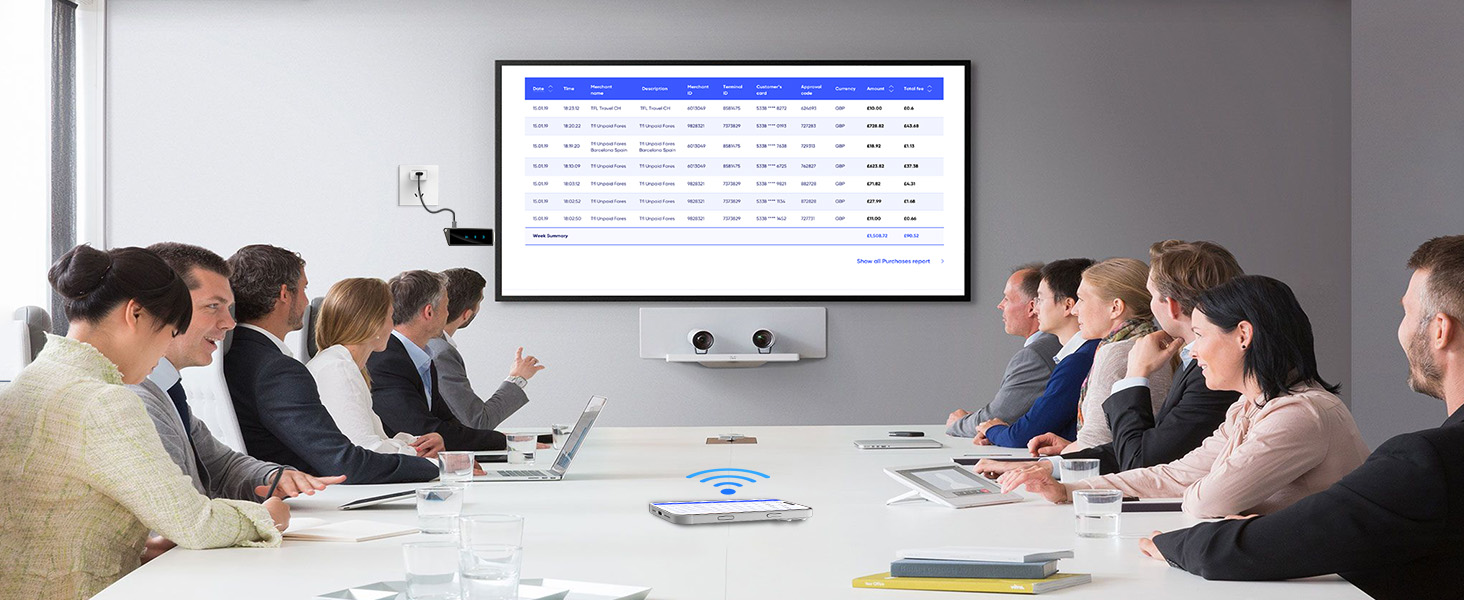
Image: A detailed view of the dongle highlighting the function button, connection status indicator, signal indication, and power status indicator.
App Limitations
Due to copyright protection (HDCP protocol), certain streaming applications may not be supported for mirroring. These include, but are not limited to, Netflix, Amazon Prime Video, Hulu, Comcast TV, Xfinity, Vudu, Sky Go, and BT Sport.
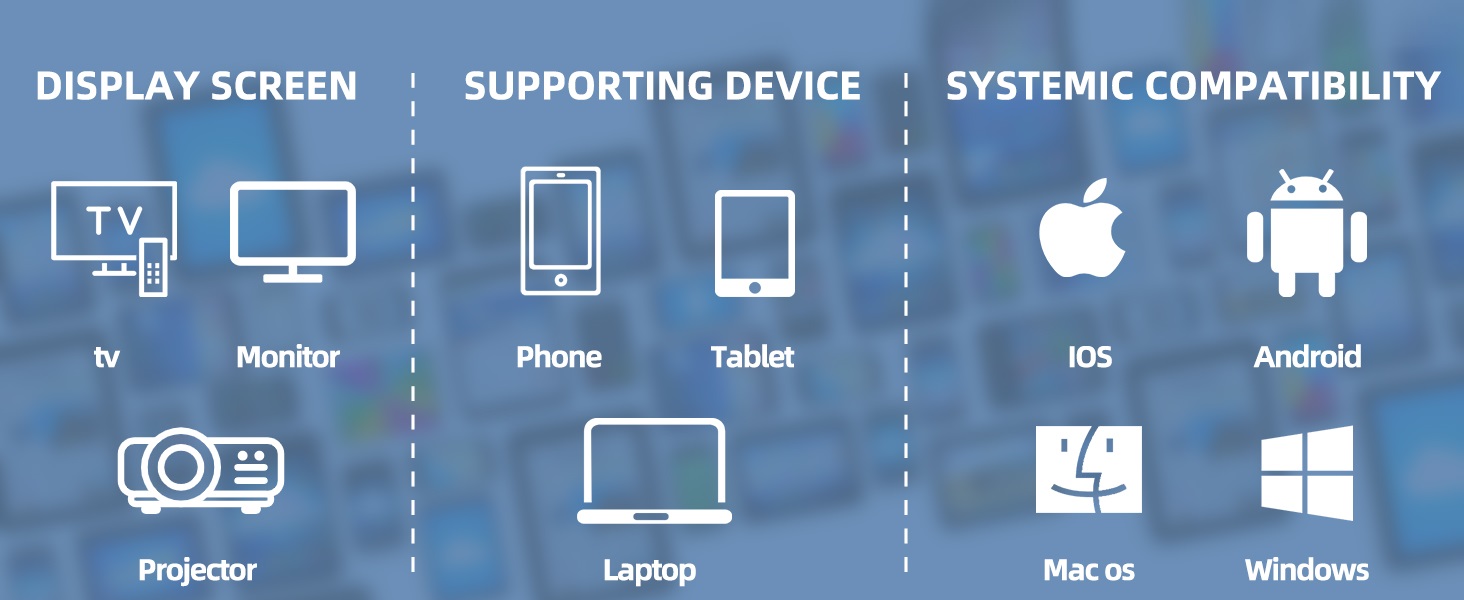
Image: A list of applications that are supported (e.g., YouTube, Twitch, Facebook) and unsupported (e.g., Netflix, Hulu, Amazon Prime Video) for mirroring due to copyright restrictions.
Maintenance
- Cleaning: Use a soft, dry cloth to clean the surface of the dongle. Avoid using liquid cleaners or abrasive materials.
- Storage: Store the device in a cool, dry place away from direct sunlight and extreme temperatures.
- Handling: Handle the dongle with care to prevent physical damage to the HDMI connector or the device body.
Troubleshooting
| Problem | Possible Cause | Solution |
|---|---|---|
| No Signal on Display | Incorrect HDMI input selected; insufficient power supply; loose connection. | Ensure the correct HDMI input is selected on your TV/monitor. Verify the dongle is properly powered (light on: normal power). Check all cable connections. |
| Screen Mirroring Fails | Incorrect connection mode (iOS/Android); device not discoverable; network interference. | Tap the function button to switch between iOS and Android modes. Ensure your device's Wi-Fi is on and connected to the dongle's network (as per on-screen instructions). Try restarting both the dongle and your source device. |
| Lag or Choppy Video | Distance from dongle; network congestion; interference. | Reduce the distance between your source device and the dongle (optimal up to 16 feet/5 meters). Ensure minimal obstacles. For a more stable connection, connect to a 5 GHz Wi-Fi network if available. |
| Certain Apps Not Mirroring | Copyright protection (HDCP). | This is an inherent limitation due to content protection protocols. Apps like Netflix, Hulu, and Amazon Prime Video are typically not supported for mirroring. |
Specifications
- Model Name: Q8PLUS
- Color: Silvergray case
- Item Weight: 8.3 ounces
- Product Dimensions: 3.3 x 1 x 0.4 inches
- Connectivity Technology: HDMI
- Connector Type: HDMI
- Resolution: 1080p (supports 4K input, 1080P/60Hz Full HD output)
- Wireless Bands: 2.4GHz/5GHz Dual-Band
- Transmission Distance: Up to 16 feet / 5 meters
- Latency: Approximately 100ms
- Supported Internet Services: Tiktok, Twitch, YouTube (and others not restricted by HDCP)
- Compatibility: Airplay (Apple iOS/Mac), Miracast (Android/Windows)

Image: An illustration highlighting the 2.4G+5G dual-band technology, indicating smooth streaming, low latency, and high stability provided by the dual-core power.
Warranty and Customer Support
BRAIDOL is committed to providing excellent customer service and product support:
- Response Time: Inquiries are typically responded to within 24 hours.
- Warranty: The product comes with extensive warranty protection.
- Returns: 30-day no-reason return policy.
- Replacement: Replacement available within 12 months.
- Lifetime Support: Lifetime technical support is provided.
For further assistance, please contact BRAIDOL customer support through the vendor's official channels or the platform where the product was purchased.


