
1. Product Overview
The MySmile Dental Ultrasonic Retainer Cleaner Machine (Model GH-UC100) is designed to provide advanced cleaning for various dental appliances and small personal items. Utilizing 45kHz high-frequency ultrasonic waves and 254nm UV light, it effectively removes debris and odors, ensuring hygiene and freshness.
Key Features:
- 45kHz High-Frequency Ultrasonic Cleaning: Generates microscopic bubbles for deep cleaning in hard-to-reach areas.
- 254nm UV Light-Assisted Odor Care: Four UV lamps provide continuous odor control during the cleaning cycle.
- Dual Cleaning Modes: Offers a 300-second quick care mode and a 600-second deep maintenance mode.
- Digital LED Display: Shows remaining cleaning time for easy monitoring.
- Versatile Multi-Purpose Design: Suitable for retainers, aligners, dentures, mouthguards, nightguards, toothbrush heads, makeup brushes, jewelry, and more.
- 200ML Stainless Steel Tank: Durable, easy-to-clean tank with ample capacity.
- Low Noise Technology: Operates quietly, below 45dB.
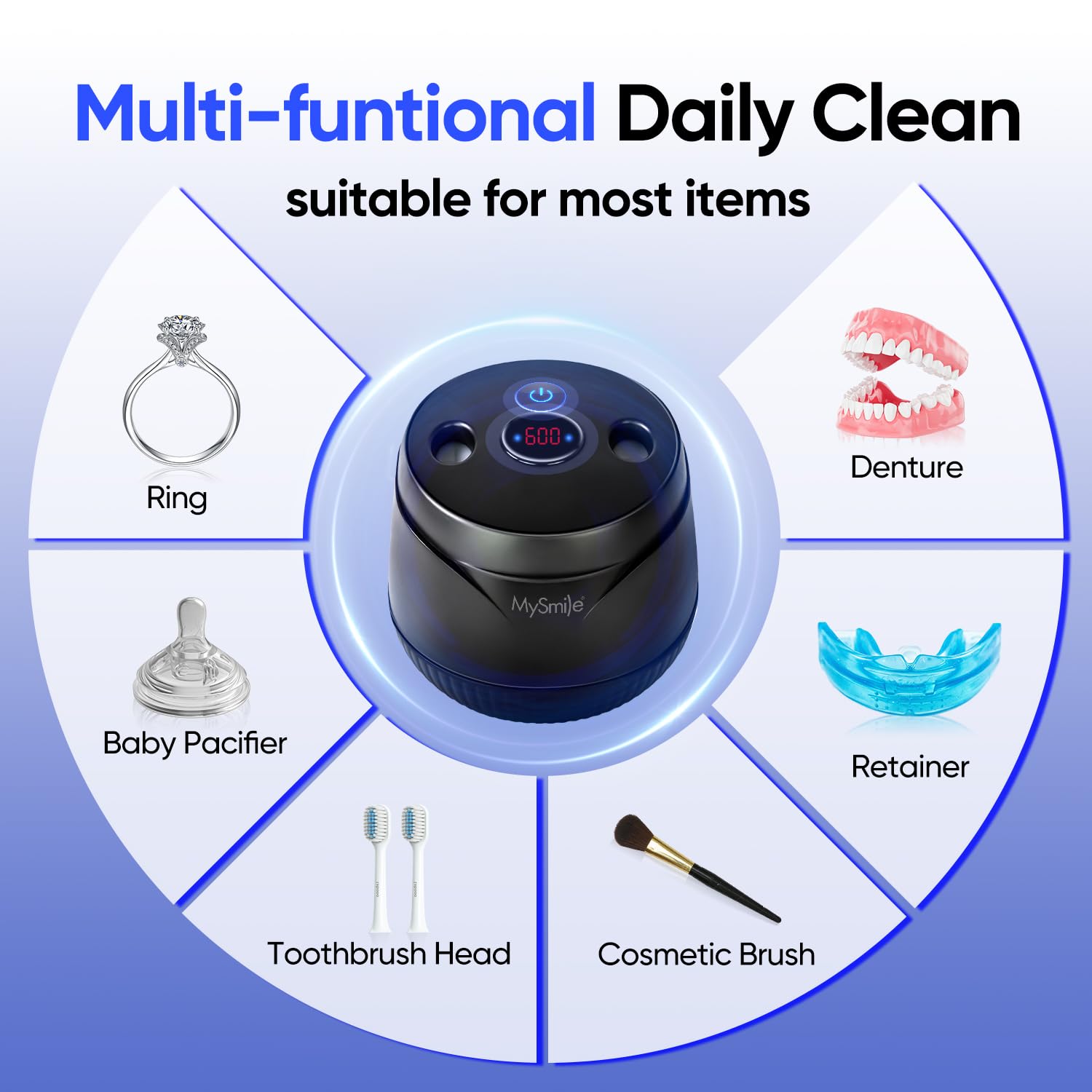
Image: The MySmile Ultrasonic Retainer Cleaner Machine, showcasing its compact design and various items it can clean, such as retainers, jewelry, and toothbrushes.
2. Safety Information
Please read and understand all safety warnings before using the MySmile Dental Ultrasonic Retainer Cleaner Machine.
- Always use cold water.
- Do not operate the unit if the electrical cord or adapter is damaged.
- Do not touch the electrical cord or adapter with wet hands.
- Do not submerge the unit in water or allow water to enter the housing.
- Do not use flammable or harmful liquids, including liquid bleach, in the tank.
- Do not run the unit continuously for extended periods, as overheating and damage may occur.
- Do not run the unit dry or with the water level below the minimum line (or below 1 inch). Damage may occur quickly.
- The built-in safety sensor automatically turns off the UV light when the lid is opened and resumes when closed.
3. Package Contents
Verify that all items are present in the package:
- 1 x UV Ultrasonic Cleaner
- 1 x Tweezer
- 1 x DC 12V2A Adapter
- 1 x User Manual

Image: A visual representation of the items included in the MySmile Ultrasonic Retainer Cleaner package.
4. Setup and Operation
Follow these steps to set up and operate your MySmile Ultrasonic Retainer Cleaner:
- Open the Lid: Gently open the lid of the ultrasonic cleaner.
- Fill with Water: Fill the stainless steel tank with cold water up to the 'MAX' line.
- Place Items: Place the items you wish to clean (e.g., retainers, aligners, jewelry) into the water. Ensure they are completely immersed.
- Close the Lid: Close the lid securely.
- Connect Power: Connect the DC 12V2A adapter to the unit and plug it into an electrical outlet.
- Select Cleaning Mode:
- Press the Power Button once for Mode 1 (300 seconds / 5 minutes continuous ultrasonic cleaning).
- Press the Power Button twice for Mode 2 (600 seconds / 10 minutes ultrasonic cycle plus pulse cycle for deeper cleaning).
- Monitor Progress: The LED digital display will show the remaining cleaning time. UV lights will activate during the cycle.
- Remove Items: Once the cleaning cycle is complete, the unit will stop. Open the lid and use the provided tweezers to carefully remove your cleaned items.
- Empty and Wipe: Pour out the used water from the stainless steel tank and wipe it clean with a soft cloth.

Image: Visual instructions for the easy setup and operation of the MySmile cleaner.
Video: Demonstrates the use of the MySmile ultrasonic cleaner for a bright smile, showing the cleaning process.
Video: Illustrates how the cleaner provides a deep clean to remove dirt and odors from dental appliances.
5. Maintenance and Care
Proper maintenance ensures the longevity and optimal performance of your cleaner:
- After each use, empty the water and wipe the stainless steel tank dry to prevent water stains and mineral buildup.
- Do not use abrasive cleaners or harsh chemicals on any part of the unit.
- Store the unit in a cool, dry place when not in use.
- The unit features a low noise design (below 45dB) for quiet operation.
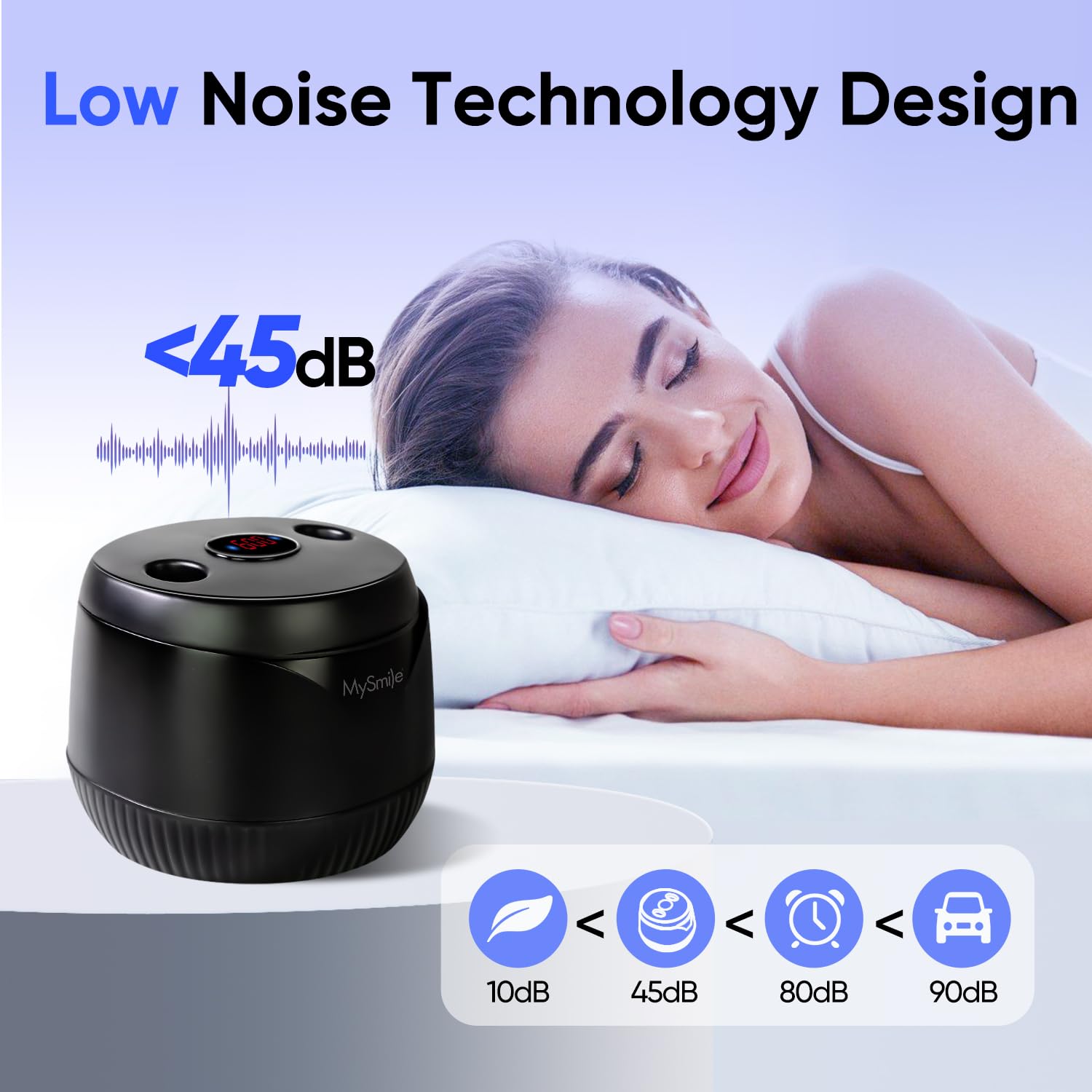
Image: The cleaner's low noise operation, suitable for use without disturbance.
6. Troubleshooting
If you encounter any issues, refer to the following common problems and solutions:
| Problem | Possible Cause | Solution |
|---|---|---|
| Unit does not turn on. | Power adapter not connected properly or damaged. | Ensure the adapter is securely plugged into the unit and a working power outlet. Check for any visible damage to the cord or adapter. |
| Cleaning is not effective. | Insufficient water, items not fully immersed, or incorrect cleaning mode selected. | Ensure water level is at 'MAX' and items are fully submerged. Try the 600-second deep cleaning mode. Consider using a specialized cleaning tablet for stubborn buildup. |
| UV light is not working. | Lid is open or safety sensor activated. | Ensure the lid is completely closed. The UV light will only operate when the lid is shut. |
| Unit makes unusual noise. | Unit running dry or on an uneven surface. | Ensure there is sufficient water in the tank. Place the unit on a stable, flat surface. If the noise persists, discontinue use and contact customer support. |
7. Specifications
- Model Number: GH-UC100
- Manufacturer: MySmile
- Package Dimensions: 5.83 x 5.16 x 5.12 inches
- Item Weight: 1.1 Pounds
- Tank Capacity: 200ML
- Ultrasonic Frequency: 45kHz
- UV Wavelength: 254nm
- Input Voltage: DC 12V2A
- Rated Power: 24W
8. Warranty and Support
MySmile offers a 24-month warranty for this product. For any questions, concerns, or technical assistance, please contact MySmile customer support. The MySmile team provides 24/7 responsive customer support to ensure a worry-free experience after your purchase.
For further information, visit the official MySmile Store.