
Himarine ALW-10
Jebao ALW Series WIFI Smart Wave Maker Instruction Manual
Model: ALW-10 | Brand: Himarine
1. Product Overview
Introducing the Jebao ALW-10, a powerful and efficient aquarium water pump designed to keep your fish tank clean and healthy. With a remarkable water flow rate of 4000 L/H (1056 GPH), this pump ensures optimal water circulation and oxygenation within your aquarium. Suitable for tanks ranging from 0.6M to 1M (2 to 3.3 feet), the ALW-10 can handle glass thicknesses up to 8MM (0.31 inches). Equipped with WiFi connectivity, you can conveniently monitor and control the pump's performance from your smart device. Operating on a voltage range of 110-240V, 50/60Hz, this versatile pump is compatible with most household electrical systems. Upgrade your aquarium setup with the Jebao ALW-10 and experience a hassle-free, well-maintained underwater environment for your aquatic pets.

Figure 1.1: The Jebao ALW-10 Smart Wave Maker in its retail packaging.
Key Features:
- High Flow Rate: Powerful 4000L/H water flow rate for efficient water circulation in aquariums up to 40 gallons.
- Versatile Voltage: Operates on 110-240V 50/60Hz voltage, making it suitable for use in various regions.
- Compact Design: Recommended for aquariums between 0.6M-1M (2-3.3ft) in size, with a maximum supported glass thickness of 8MM (0.31in).
- Wireless Connectivity: Features built-in WiFi for remote control and monitoring capabilities.
- Energy-Efficient: 10W power consumption ensures low operating costs and eco-friendly performance.

Figure 1.2: Key specifications of the Jebao ALW-10 wave maker, including model, water flow, voltage, and recommended aquarium dimensions.
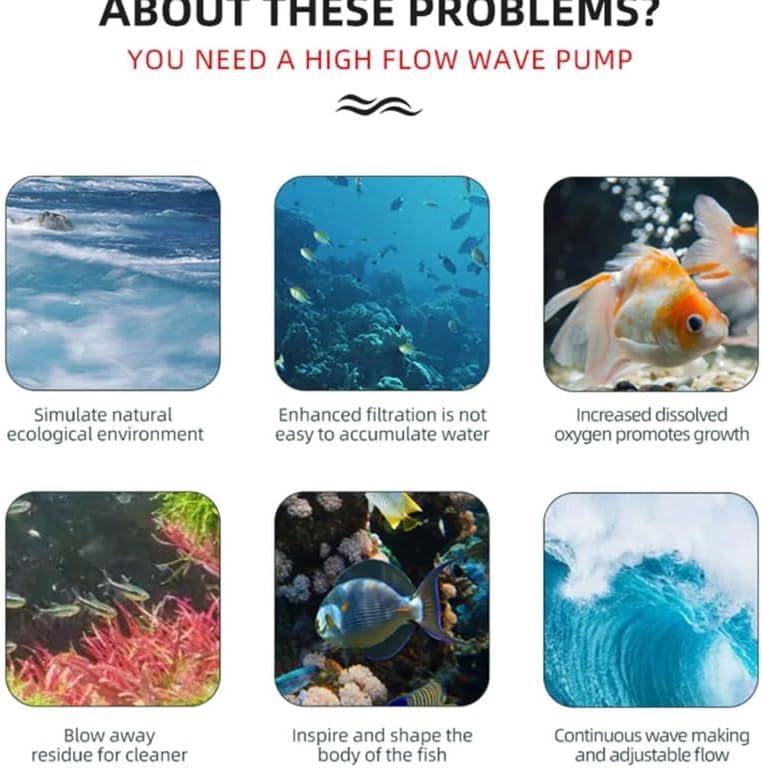
Figure 1.3: Benefits of using a high-flow wave pump like the Jebao ALW-10, including improved water circulation, enhanced filtration, and increased oxygen.
2. Specifications
| Attribute | Value |
|---|---|
| Brand | Himarine (Jebao) |
| Model Number | ALW-10 |
| Color | Black |
| Material | Plastic |
| Product Dimensions (L x W x H) | 1.9"L x 1.9"W x 2.3"H |
| Power Source | DC |
| Item Weight | 2.2 Pounds |
| Maximum Flow Rate | 4000 Liters Per Hour |
| Voltage | 24 Volts (110-240V 50/60Hz input) |
| Recommended Aquarium Size | 0.6M-1M (2-3.3ft) |
| Max. Glass Thickness | 8MM (0.31in) |
| Included Components | Wave Maker |

Figure 2.1: Illustration of the Jebao ALW-10's silent operation, highlighting its low noise level of less than 30dB, suitable for quiet environments.
3. Setup Guide
Follow these steps to properly set up your Jebao ALW-10 Smart Wave Maker:
- Unpack the Device: Carefully remove the wave maker and all components from the packaging. Ensure all parts are present: the wave maker unit, controller, and power adapter.
- Choose Placement: Select a suitable location inside your aquarium. The wave maker should be placed where it can create optimal water flow without disturbing substrate or delicate corals. Ensure the glass thickness at the chosen spot does not exceed 8MM (0.31 inches).
- Mount the Wave Maker: Use the magnetic mount to secure the wave maker to the aquarium glass. Position the internal part of the wave maker against the inner glass and align the external magnet on the outside of the glass. The strong magnets will hold the unit in place.
- Connect to Controller: Connect the wave maker unit's cable to the designated port on the controller.
- Power Connection: Connect the power adapter to the controller, then plug the power adapter into a suitable electrical outlet (110-240V, 50/60Hz).
- Initial Power On: Once connected, the unit will power on. Refer to the Operating section for initial setup and WiFi connection.
4. Operating Instructions
The Jebao ALW-10 features WiFi connectivity for easy control via a smart device. Follow these instructions to operate your wave maker:
4.1. WiFi Connection and App Control:
- Download App: Download the official Jebao app from your smartphone's app store (iOS or Android).
- Register/Login: Open the app and follow the prompts to register a new account or log in if you already have one.
- Add Device: In the app, select "Add Device" or a similar option. Follow the in-app instructions to connect your ALW-10 wave maker to your home WiFi network. This typically involves putting the device into pairing mode (refer to controller lights for status) and entering your WiFi credentials.
- Control Modes: Once connected, you can use the app to select various operating modes, adjust flow intensity, and set schedules.
4.2. Wave-Making Modes:
The ALW-10 offers multiple wave-making modes to simulate natural aquatic environments:

Figure 4.1: Visual representation of the five distinct wave-making modes available on the Jebao ALW-10, designed to meet different aquarium needs.
- Wave Pattern: Simulates natural waves as if in the sea.
- Tidal Mode: Gradient power output water flow, continuous cycle from small to large.
- Constant Current Mode: Constantly fixed output water flow, wave leveling and stabilization.
- Turbulence Mode: Irregularly output to form strong turbulent waves.
- Feeding Pattern: Select when feeding, it will work automatically after 10 minutes of pause.
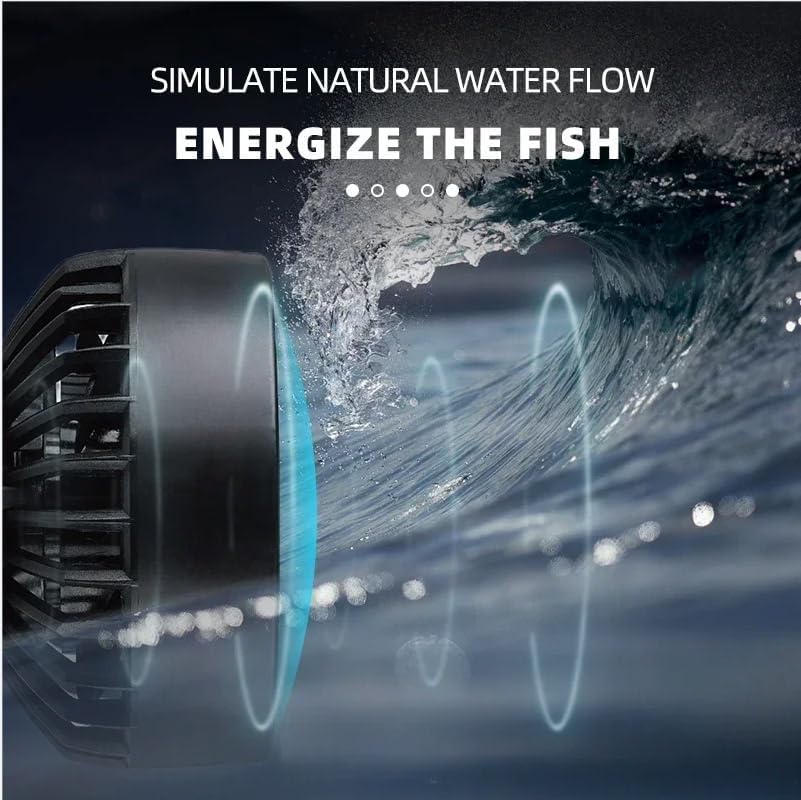
Figure 4.2: The Jebao ALW-10 simulating natural water flow patterns in an aquarium, designed to energize fish and promote a healthy environment.

Figure 4.3: Dynamic water flow created by the Jebao ALW-10, demonstrating its 3D large angle adjustment capability for optimal water circulation.
5. Maintenance
Regular maintenance ensures the longevity and optimal performance of your Jebao ALW-10 wave maker:
- Disconnect Power: Always unplug the wave maker from the power outlet before performing any maintenance.
- Clean Impeller: Periodically remove the front cover and impeller assembly. Clean any algae, debris, or calcium buildup from the impeller and its housing using a soft brush and warm water. For stubborn calcium deposits, a mild vinegar solution can be used, followed by thorough rinsing.
- Inspect Cords: Regularly check the power cord and connections for any signs of wear, damage, or fraying. Do not use the device if any damage is observed.
- Clean Magnets: Wipe down the internal and external magnets to ensure a strong, secure grip on the aquarium glass.
- Reassembly: After cleaning, ensure all components are dry and reassemble the wave maker carefully.
6. Troubleshooting
If you encounter issues with your Jebao ALW-10, refer to the following common troubleshooting steps:
| Problem | Possible Cause | Solution |
|---|---|---|
| Wave maker not turning on. | No power supply; loose connection; faulty power adapter. | Check power outlet; ensure all cables are securely connected; test with another outlet if possible. |
| Weak or inconsistent flow. | Impeller clogged with debris/algae; air trapped in pump; incorrect mode selected. | Clean the impeller and pump housing; gently shake the unit to release trapped air; check app settings for selected mode and intensity. |
| Excessive noise or vibration. | Impeller obstructed or damaged; unit not securely mounted; air bubbles. | Clean impeller; ensure unit is firmly attached to glass; check for air bubbles and gently tap to release. |
| Cannot connect to WiFi. | Incorrect WiFi password; device too far from router; router issues; incorrect pairing mode. | Double-check WiFi password; move device closer to router; restart router; ensure device is in pairing mode as per app instructions. |
If the problem persists after trying these solutions, please contact customer support.
7. Warranty and Support
The Jebao ALW-10 Smart Wave Maker is manufactured by JEBAO and distributed by Himarine. For warranty information and technical support, please refer to the documentation included with your purchase or contact the seller/manufacturer directly.
Protection Plans: Additional protection plans may be available for purchase. Please check with your retailer for details on 3-Year or 4-Year protection plans.
For further assistance, you may visit the Himarine store on Amazon: Himarine Store
Related Documents - ALW-10
 |
Jebao Smart Wave Maker User Manual - Setup, Operation, and Troubleshooting Comprehensive user manual for the Jebao Smart Wave Maker (MCP, MLW, MOW SERIES), covering installation, features, app control via Jebao Aqua, various wave modes, troubleshooting, and maintenance. Learn how to set up and operate your Jebao wave maker for optimal aquarium conditions. |
 |
Jebao Smart Wave Pump User Manual and Guide Comprehensive user manual for the Jebao Smart Wave Pump (MCP, MLW, MOW series), covering installation, Wi-Fi and APP control, operation modes, maintenance, and troubleshooting. |
 |
Jebao Jecod DMP Series Smart Wave Maker User Manual Comprehensive user manual for the Jebao Jecod DMP series Smart Wave Maker, detailing installation, operation, app control, wave modes, troubleshooting, and maintenance for aquarium enthusiasts. |
 |
Jebao Smart Wave Maker MLW Series User Manual Comprehensive user manual for the Jebao Smart Wave Maker MLW Series (MLW-5, MLW-10, MLW-20, MLW-30), covering setup, Wi-Fi configuration, app control, pump functions, and maintenance for aquarium enthusiasts. |
 |
Crown ALW 100T Washing Machine User Manual This user manual provides important safety information, operating instructions, and maintenance guidance for the Crown ALW 100T washing machine. Learn about installation, control panel overview, program selection, and troubleshooting. |
 |
RovSun Multifunction Meat Grinder ALW-FC18SS Instruction Manual Comprehensive instruction manual for the RovSun Multifunction Meat Grinder ALW-FC18SS, covering features, specifications, usage, maintenance, and troubleshooting. |
Ask a question about this manual
Ask about setup, troubleshooting, compatibility, parts, safety, or missing instructions. Manuals+ will review the question and use this page’s manual context to help answer it.