
1. Introduction
This manual provides detailed instructions for the assembly, operation, and maintenance of your Tribesigns 63-Inch Long Console Table. Please read this manual thoroughly before assembly and use to ensure proper setup and longevity of your product. Keep this manual for future reference.

Image 1.1: Tribesigns 63-Inch Console Table (Model RY0240/241)
2. Safety Information
Please observe the following safety precautions to prevent injury or damage to the product:
- Caution: Use adjustable leg pads carefully to avoid injury.
- Do not overload the table. The maximum weight recommendation is 150 kilograms (approximately 330 pounds).
- Ensure all screws and fasteners are securely tightened before use.
- Keep small parts away from children during assembly.
- Assemble the product on a soft, clean surface to prevent scratches.
3. Package Contents
Verify that all components are present before beginning assembly. If any parts are missing or damaged, please contact customer support.
- Tabletop (1)
- Side Support Panels (2)
- Lower Shelf Panel (1)
- Hardware Pack (Screws, Dowels, Adjustable Leg Pads, Allen Wrench)
- Assembly Guide (1)

Image 3.1: Product Dimensions Overview
4. Setup and Assembly
Assembly of the Tribesigns Console Table is designed to be straightforward. It is recommended to have a second person assist with assembly for ease and safety. Tools recommended for assembly include a screwdriver (not always included, but useful).
Assembly Steps:
- Unpack Components: Carefully remove all parts from the packaging and lay them out on a clean, soft surface to prevent scratches. Verify all parts against the package contents list.
- Attach Side Supports: Secure the two side support panels to the tabletop using the provided screws and dowels. Ensure they are aligned correctly.
- Install Lower Shelf: Connect the lower shelf panel between the two side support panels. Fasten it securely with the appropriate hardware.
- Attach Adjustable Leg Pads: Screw the adjustable leg pads into the bottom of the side support panels. These pads help stabilize the table on uneven surfaces and protect your flooring.
- Final Tightening: Once all components are in place, gently tighten all screws. Avoid over-tightening to prevent damage to the wood.
- Positioning: Carefully move the assembled table to its desired location. Adjust the leg pads as needed to ensure stability.

Image 4.1: Detail of Rustic Brown-Grain Tabletop and U-Shaped Base
5. Operating Instructions
The Tribesigns Console Table is designed for versatile use in various settings, including entryways, living rooms, or hallways. It functions primarily as a display surface and a storage unit.
- Display Surface: Use the spacious tabletop to display decorative items such as lamps, vases, photo frames, or artwork.
- Lower Shelf Storage: The integrated lower shelf provides additional space for storage baskets, books, or other items, helping to maintain an organized environment.
- Weight Distribution: Distribute weight evenly across the tabletop and lower shelf to ensure stability and prevent stress on any single point.
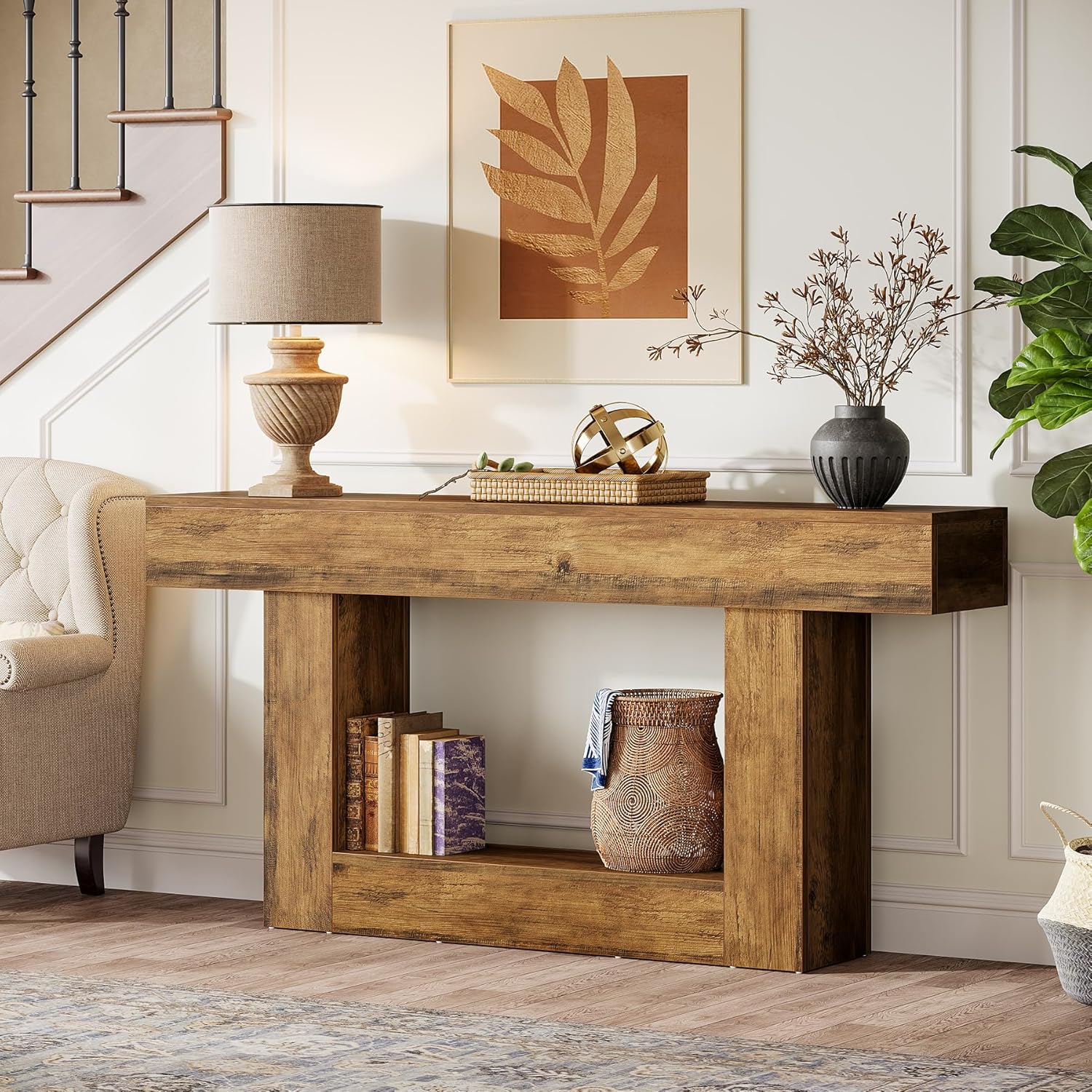
Image 5.1: Console Table in a Living Room Setting
6. Maintenance
Proper care will help maintain the appearance and extend the lifespan of your console table.
- Cleaning: Wipe with a damp cloth. Avoid using harsh chemicals or abrasive cleaners, which can damage the finish.
- Spills: Clean spills immediately to prevent staining.
- Sunlight Exposure: Avoid prolonged direct sunlight exposure to prevent fading or discoloration of the wood finish.
- Heat and Moisture: Protect the surface from excessive heat and moisture. Use coasters under hot or wet items.
- Periodic Check: Periodically check and tighten all screws and fasteners to ensure the table remains stable.
7. Troubleshooting
If you encounter any issues with your console table, refer to the following common solutions:
- Wobbling Table:
- Ensure all assembly screws are fully tightened.
- Adjust the leg pads on the bottom of the table to compensate for uneven flooring.
- Scratches or Dents:
- Minor scratches can sometimes be concealed with furniture markers or wood repair kits matching the rustic brown finish.
- For significant damage, contact customer support for advice.
- Missing Parts:
- If parts were missing upon delivery, contact Tribesigns customer support immediately with your purchase details.
8. Specifications
| Feature | Detail |
|---|---|
| Brand | Tribesigns |
| Model Name | Tribesigns Long Console Table |
| Model Number | RY0240/241 |
| Product Dimensions (D x W x H) | 11.8"D x 63"W x 32.3"H (30cm D x 160cm W x 82cm H) |
| Maximum Weight Recommendation | 150 Kilograms (approx. 330 lbs) |
| Color | Rustic Brown |
| Material Type | Engineered Wood (E1 MDF) |
| Frame Material Type | Wood |
| Furniture Finish | Stained |
| Item Weight | 27.5 Kilograms (approx. 60.6 lbs) |
| Recommended Uses | Displaying, Storage |
| Indoor/Outdoor Usage | Indoor |
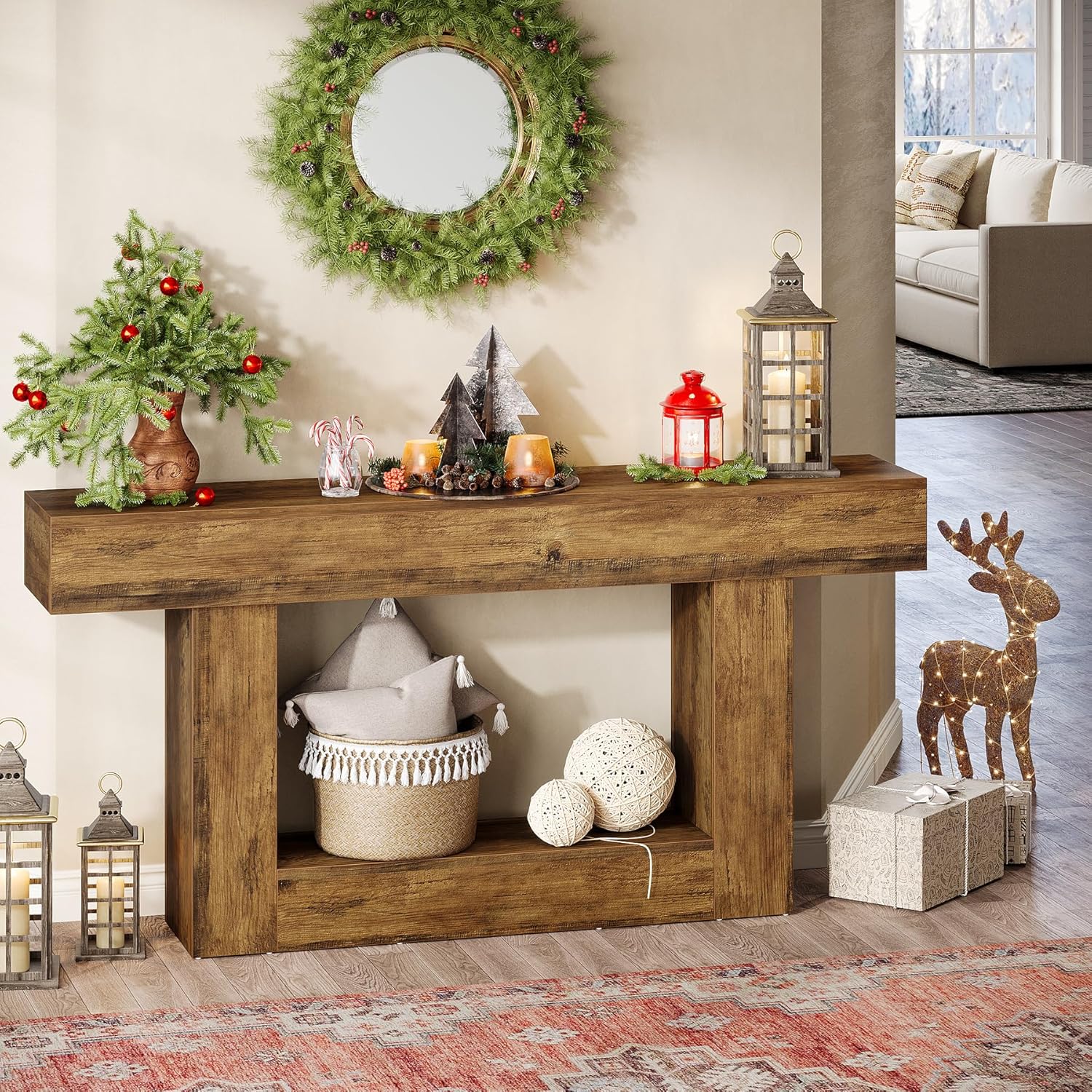
Image 8.1: Console Table with Holiday Decor
9. Warranty and Support
Your Tribesigns Console Table comes with a Limited Warranty. For specific details regarding warranty coverage, please refer to the documentation included with your purchase or visit the official Tribesigns website.
For customer support, missing parts, or any questions regarding your product, please contact Tribesigns customer service through their official channels. Please have your model number (RY0240/241) and purchase information ready when contacting support.
Online Resources: For additional information and support, you may visit the Tribesigns Brand Store.


