
Introduction
Welcome to your comprehensive guide for the iPhone 12 series. This manual provides clear, step-by-step instructions designed for all users, from first-time iPhone owners to those upgrading to the latest models. Our aim is to help you unlock the full potential of your device without encountering complex technical jargon.
This guide covers essential topics to help you get started, stay connected, and enjoy all the features your iPhone 12 has to offer. From initial setup to advanced functionalities, you will find practical advice and tips to enhance your user experience.

Figure 1: Front cover of the "iPhone 12, Mini and Pro Max User Guide". This image displays the title prominently with a stylized background featuring social media icons and a partial view of an iPhone screen.
1. Setup and Customization
This section guides you through the initial setup process of your iPhone 12, ensuring it is personalized to your preferences from the start.
- Initial Activation: Follow the on-screen prompts to activate your new iPhone, connect to Wi-Fi, and sign in with your Apple ID.
- Personalizing Your Device: Learn how to change wallpapers, organize your apps into folders, and set up widgets for quick access to information.
- Security Settings: Configure Face ID or Touch ID, set up a strong passcode, and understand privacy settings to protect your data.
2. Operating Your iPhone
Discover the core functionalities and advanced features that make the iPhone 12 series a powerful tool for daily use.
- Camera Features: Explore how to capture stunning photos and videos. This includes using Portrait Mode for professional-looking depth effects, Night Mode for low-light photography, and understanding video recording options.
- Siri Voice Assistant: Utilize Siri for hands-free operations, setting reminders, sending messages, and getting information using simple voice commands.
- Advanced Connectivity: Understand 5G capabilities for faster downloads and streaming, and learn about MagSafe charging for convenient wireless power.
- ProRAW Photography: For photography enthusiasts, learn how to use ProRAW for greater control over your image editing.
3. Maintenance and Care
Proper care ensures the longevity and optimal performance of your iPhone. This section provides tips for maintaining your device.
- Battery Life Optimization: Learn strategies to maximize your iPhone's battery life, including managing background app refresh, adjusting screen brightness, and using Low Power Mode.
- Software Updates: Keep your iPhone's operating system up-to-date to benefit from the latest features, security enhancements, and performance improvements.
- Cleaning Your Device: Guidelines for safely cleaning your iPhone's screen and body to prevent damage and maintain hygiene.
4. Troubleshooting Common Issues
This section offers solutions to frequently encountered problems, helping you quickly resolve minor issues without external assistance.
- Connectivity Problems: Steps to diagnose and fix issues with Wi-Fi, Bluetooth, or cellular data.
- App Crashes and Freezes: How to force-quit apps, restart your device, or reinstall problematic applications.
- Performance Slowdowns: Tips for freeing up storage, managing background processes, and optimizing settings to improve speed.
- Screen Responsiveness: Solutions for unresponsive touchscreens or display issues.
5. Product Specifications (iPhone 12 Series)
While this manual is a guide, here are some general specifications for the iPhone 12 series for your reference. Please note that specific models (Mini, Pro, Pro Max) may have variations.
| Feature | Detail |
|---|---|
| Display | Super Retina XDR display (OLED) |
| Processor | A14 Bionic chip |
| Connectivity | 5G cellular, Wi-Fi 6, Bluetooth 5.0 |
| Camera System | Dual 12MP (Wide, Ultra Wide) or Triple 12MP (Wide, Ultra Wide, Telephoto) |
| Charging | MagSafe wireless charging, Qi wireless charging, Lightning port |
| Operating System | iOS (version at launch: iOS 14) |
Note: For precise specifications of your specific iPhone 12 model, please refer to Apple's official documentation or website.
6. Warranty and Support
This user guide is an independent publication and not affiliated with Apple Inc. For official product warranty information and direct support for your iPhone 12 device, please refer to the following resources:
- Apple Official Website: Visit apple.com/support for comprehensive support articles, downloads, and contact options.
- AppleCare: Information regarding extended warranty and technical support plans can be found on Apple's website.
- Authorized Service Providers: Locate authorized Apple service centers for hardware repairs and in-person assistance.
For inquiries related to this specific user guide book, please contact the publisher, Independently published, through the platform where you purchased the book.
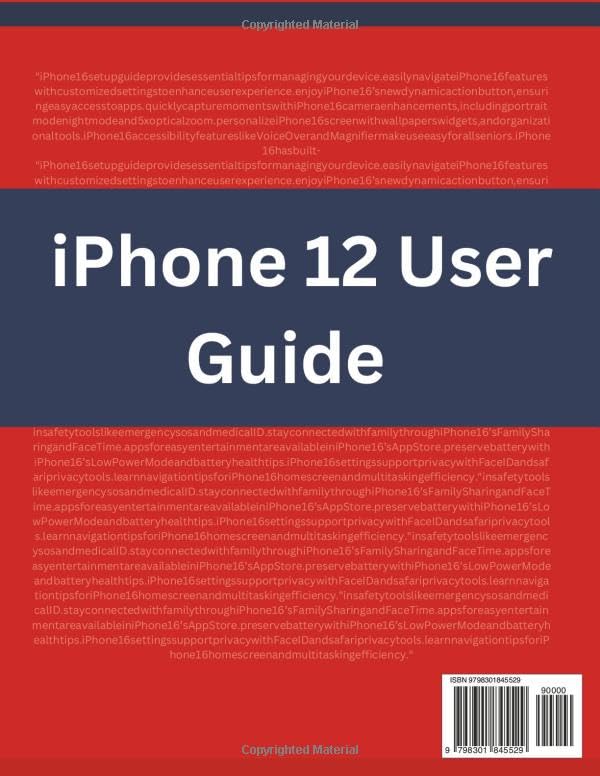
Figure 2: Back cover of the "iPhone 12 User Guide" book. This image shows the ISBN and a brief summary of the book's content, emphasizing its easy-to-follow nature.