
1. Introduction
Thank you for choosing amazon basics True Wireless Earbuds. These earbuds are designed to provide an immersive audio experience with comfort and convenience. Featuring advanced Bluetooth 5.3 technology, smart touch controls, and IPX5 water resistance, they are ideal for daily use, whether for music, calls, or workouts. This manual provides detailed instructions to help you get the most out of your earbuds.

Image: amazon basics True Wireless Earbuds in their charging case, showcasing the blue color and compact design.
2. Key Features
- Extended Playback: Enjoy up to 55 hours of music playback with the charging case.
- Fast Charging: Get 100 minutes of playtime with just 10 minutes of charging.
- Enhanced Audio: Dual 10 mm dynamic drivers deliver immersive sound and clearer calls.
- IPX5 Water Resistance: Protection against water splashes and perspiration, suitable for workouts.
- Smart Touch Controls: Manage music, calls, and voice assistant with intuitive touch gestures.
- Bluetooth 5.3 Connectivity: Ensures stable and efficient wireless connection.
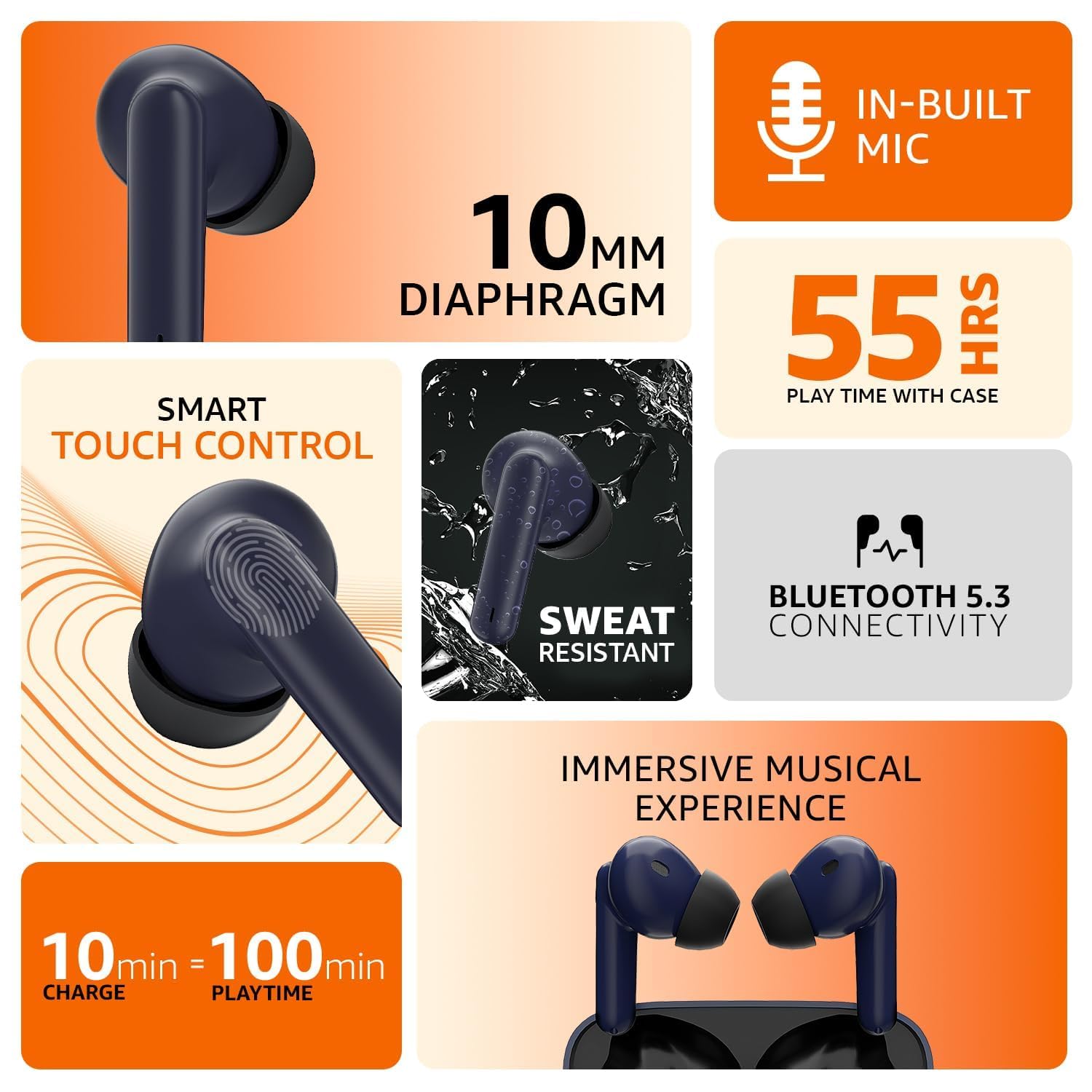
Image: An infographic illustrating the key features including in-built mic, 10mm diaphragm, 55 hours play time, smart touch control, sweat resistance, Bluetooth 5.3, and fast charging.
3. Setup Guide
3.1 Charging the Earbuds and Case
Before first use, fully charge the earbuds and the charging case. Connect the provided USB cable to the charging port on the case and a compatible USB power source. The indicator light on the case will show the charging status. A full charge provides up to 55 hours of combined playtime with the case.
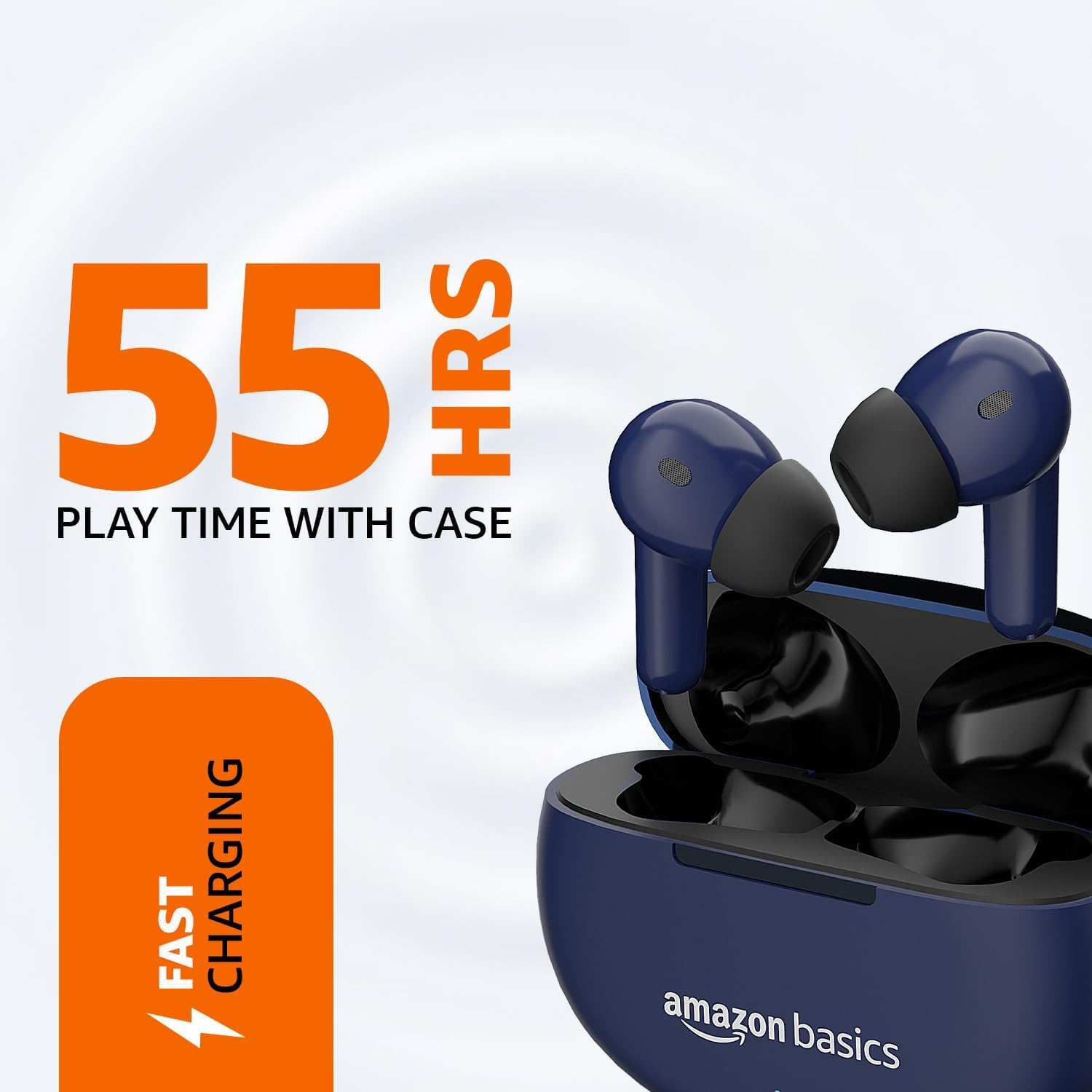
Image: The earbuds resting in their charging case, with visual cues indicating 55 hours of play time and fast charging capability.
3.2 Pairing with Your Device
- Ensure the earbuds are charged.
- Open the charging case. The earbuds will automatically enter pairing mode, indicated by a flashing light on the earbuds.
- On your device (smartphone, tablet, etc.), go to the Bluetooth settings.
- Search for available devices and select "amazon basics Earbuds" from the list.
- Once connected, the indicator light on the earbuds will stop flashing, and you will hear a confirmation tone.
- For subsequent uses, the earbuds will automatically connect to the last paired device when taken out of the case.
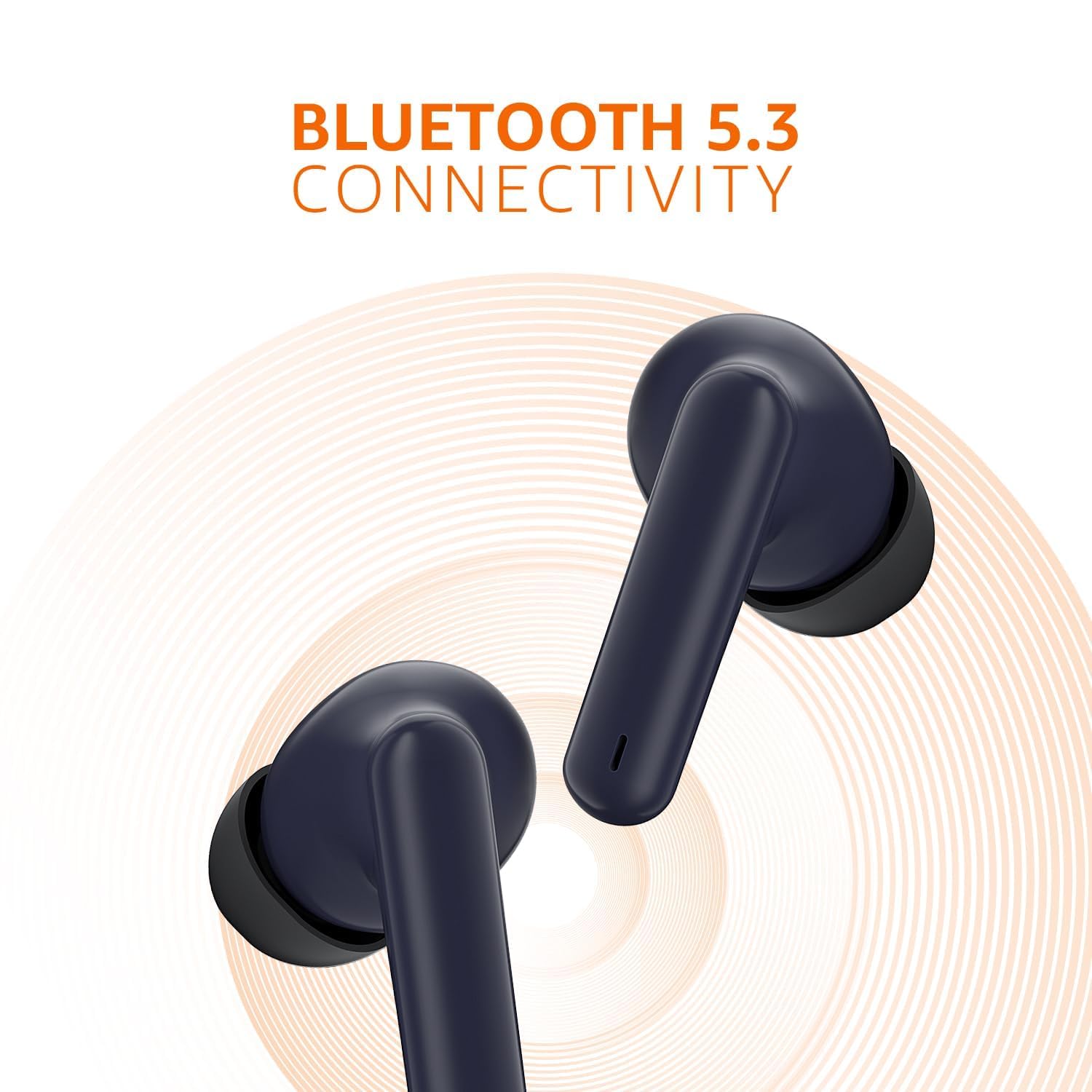
Image: A close-up of the earbuds, emphasizing their Bluetooth 5.3 connectivity feature with a radiating signal graphic.
4. Operating Instructions
4.1 Smart Touch Controls
The earbuds feature intuitive touch controls on their outer surface. Refer to the table below for common functions:
| Action | Function |
|---|---|
| Single Tap (Left/Right Earbud) | Play/Pause Music, Answer/End Call |
| Double Tap (Right Earbud) | Next Track |
| Double Tap (Left Earbud) | Previous Track |
| Hold (Right Earbud) | Increase Volume |
| Hold (Left Earbud) | Decrease Volume |
| Triple Tap (Left/Right Earbud) | Activate Voice Assistant |
| Hold (during incoming call) | Reject Call |

Image: A detailed view of an earbud highlighting the smart touch control area and its IPX5 sweat resistant capability, along with quick tap voice assistant function.
4.2 Voice Assistant
To activate your device's voice assistant (e.g., Siri, Google Assistant), simply triple tap either earbud. This allows you to control your device hands-free.
5. Maintenance
5.1 Cleaning
Regular cleaning helps maintain optimal performance and hygiene. Use a soft, dry, lint-free cloth to wipe the earbuds and charging case. For ear tips, you may gently remove them and clean with a damp cloth, ensuring they are completely dry before reattaching. Do not use harsh chemicals or abrasive materials.
5.2 Water Resistance (IPX5)
The earbuds are rated IPX5, meaning they are resistant to water splashes from any direction. This makes them suitable for workouts and light rain. However, they are not designed for submersion in water. Avoid exposing them to high-pressure water jets or prolonged immersion.
6. Troubleshooting
If you encounter issues with your earbuds, please refer to the following common solutions:
- Earbuds Not Pairing:
- Ensure both earbuds are in the charging case and have sufficient charge.
- Turn off Bluetooth on your device, then turn it back on.
- Forget the device from your Bluetooth settings and attempt to pair again.
- Try pairing with a different device to rule out device-specific issues.
- No Sound from One Earbud:
- Place both earbuds back into the charging case, close the lid, wait a few seconds, then take them out again.
- Ensure both earbuds are charged.
- Clean the charging contacts on the earbuds and inside the case.
- Charging Issues:
- Ensure the charging cable is securely connected to both the case and the power source.
- Try a different USB cable and power adapter.
- Clean the charging port on the case to remove any debris.
- Poor Sound Quality:
- Ensure the earbuds are properly seated in your ears for a good seal.
- Clean any earwax or debris from the earbud nozzles.
- Move closer to your connected device to avoid interference.
7. Specifications
| Feature | Detail |
|---|---|
| Model Name | Earbuds |
| Model Number | AB-TWS-J68-BLU-CT |
| Connectivity Technology | Wireless (Bluetooth 5.3) |
| Earpiece Shape | In-Ear |
| Control Method | Touch Control |
| IP Rating | IPX5 (Water and Perspiration Resistant) |
| Battery Life | Up to 55 Hours (with charging case) |
| Fast Charging | 10 mins charge = 100 mins playtime |
| Driver Size | 10 mm Dynamic Drivers |
| Material | Plastic |
| Item Weight | 35 Grams |
| Product Dimensions | 4.7 x 6 x 2.3 cm |
| Included Components | Cable |
| Manufacturer | DONGGUAN ARCHER TECHNOLOGY LIMITED |
| Country of Origin | China |
8. Warranty and Support
amazon basics products are designed for reliability and performance. For information regarding warranty coverage and customer support, please refer to the warranty card included with your product or visit the official amazon basics support page. You may also contact the manufacturer directly:
Manufacturer: DONGGUAN ARCHER TECHNOLOGY LIMITED
Importer: IRIS TECH G-1/G-2, DHARAM COMPLEX, PHASE-1, ANJUR MANKOLI ROAD, BHIWANDI, MAHARASHTRA - 421302
For further assistance, please visit the amazon basics Store on Amazon.in.

