
WAVLINK WL-WN573HP3
WAVLINK AX3000 WiFi 6 Outdoor Wireless Access Point / Repeater / Router User Manual
Model: WL-WN573HP3
1. Introduction
This manual provides detailed instructions for the installation, configuration, and operation of your WAVLINK AX3000 WiFi 6 Outdoor Wireless Access Point, Repeater, and Router. This device is designed to extend Wi-Fi coverage in outdoor and challenging indoor environments, offering high-speed dual-band Wi-Fi 6 connectivity, Power over Ethernet (PoE) support, and multiple operating modes.
2. Package Contents
Verify that all items listed below are present in your package:
- 1 x Outdoor WiFi Repeater (WAVLINK AX3000)
- 1 x POE Adapter
- 1 x AC Power Adapter
- 1 x RJ45 Ethernet Cable
- 1 x Installation Guide
- 1 x Wall Mounting Kit

Figure 2.1: Package Contents. Includes the main unit, power and network accessories, and mounting hardware.
3. Product Overview and Features
The WAVLINK AX3000 is a high-performance outdoor Wi-Fi solution designed for robust and extended wireless coverage. Key features include:
- Ultra-Fast True Wi-Fi 6 Speeds: Supports dual-band Wi-Fi 6 (802.11ax) with speeds up to 2402Mbps on 5GHz and 573Mbps on 2.4GHz, ideal for HD streaming and online gaming.
- Outdoor/Indoor Durability: Features an IP67 weatherproof enclosure, protecting against harsh outdoor conditions, extreme temperatures (-30°C to 70°C), 15KV ESD, and 4KV lightning protection.
- Active POE Power Supply: Compatible with 802.3AF/AT active PoE and passive PoE, enabling power and data transmission over a single RJ-45 cable. Equipped with Gigabit LAN/WAN Ethernet ports.
- Multiple Operation Modes: Supports Mesh Extender, Wireless Access Point (AP), Repeater, and Router modes for flexible deployment.
- Integrated Directional Antennas: Designed for optimized long-range wireless data transmission.

Figure 3.1: WAVLINK AX3000 Outdoor Extender with Wi-Fi coverage illustration.

Figure 3.2: AX3000 Dual Band Wi-Fi 6 Speed Capabilities.

Figure 3.3: Professional Outdoor Design and Weather Resistance.

Figure 3.4: Extended Coverage and Device Capacity.
4. Installation Guide
Proper installation ensures optimal performance and device longevity. The device can be mounted on a pole or wall.
4.1 Mounting the Device
Follow these steps for secure mounting:
- Step 1: Attach the silicone pads to the bracket and the mounting surface (pole or wall) to prevent slippage and protect surfaces.
- Step 2: Thread the provided cable ties through the designated fixing points on the bracket.
- Step 3: Securely fasten the product to the pole or wall using the cable ties, ensuring a tight fit. For wall mounting, use the included screws and anchors.

Figure 4.1: Device Mounting Steps.
4.2 Power Over Ethernet (PoE) Connection
The WAVLINK AX3000 supports Power over Ethernet (PoE), allowing both power and data to be transmitted through a single Ethernet cable. Connect the device to the PoE adapter, and then connect the PoE adapter to your network router/switch and a power outlet. Ensure the PoE adapter is protected from environmental elements as it is not waterproof.
5. Operating Modes and Configuration
The device offers versatile operating modes to suit various networking needs. Configuration is typically done via a web browser interface after initial connection.
5.1 AP/Router Mode
In AP (Access Point) mode, the device connects to an existing wired network and broadcasts a wireless signal, allowing wireless clients to connect. In Router mode, it acts as a primary network device, providing internet access to connected clients.
5.2 Repeater Mode
Repeater mode extends the range of an existing wireless network by receiving the Wi-Fi signal and re-transmitting it. This is useful for eliminating Wi-Fi dead zones.
5.3 AP+Repeater Mode
This mode combines the functions of an Access Point and a Repeater, often used to extend a network over a long distance where the main AP is connected via Ethernet, and the device then repeats the signal wirelessly.

Figure 5.1: Multiple Operating Modes Diagram.
5.4 Point-to-Point (PTP) and Point-to-Multipoint (PTMP)
The directional antennas enable Point-to-Point (PTP) connections for linking two locations wirelessly over long distances (e.g., 3km/1.9 miles with non-blocking obstacles). Point-to-Multipoint (PTMP) allows one central device to connect to multiple remote devices, supporting up to 6 receivers for broader coverage.
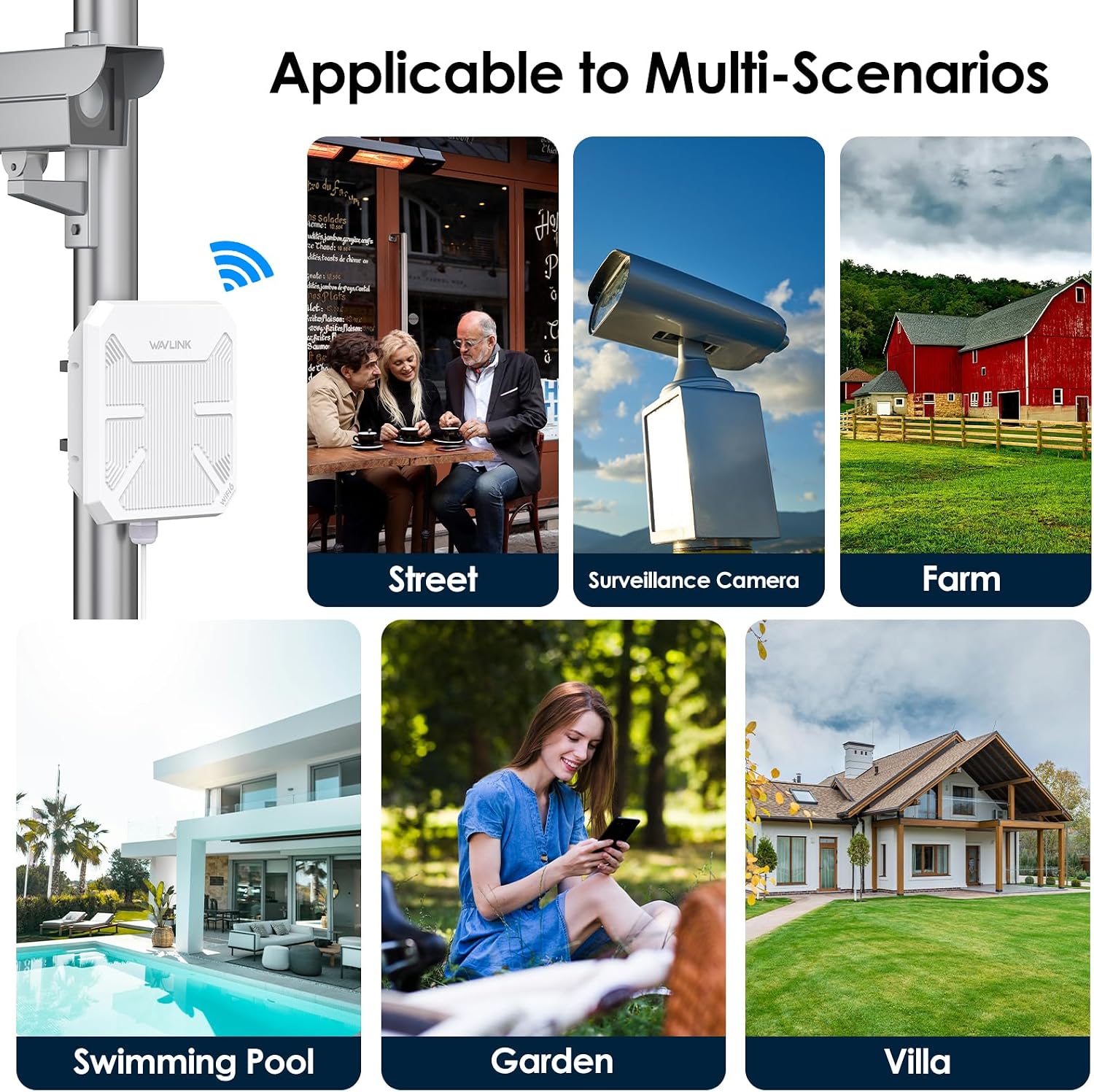
Figure 5.2: PTP and PTMP Network Configurations.

Figure 5.3: Multi-Scenario Applications.
6. Maintenance and Care
To ensure optimal performance and extend the lifespan of your WAVLINK AX3000, follow these maintenance guidelines:
- Cleaning: Periodically clean the exterior of the device with a soft, dry cloth. Do not use liquid cleaners or aerosols. Ensure the PoE adapter is kept dry.
- Firmware Updates: Regularly check the WAVLINK official website for firmware updates. Keeping the firmware updated can improve performance, add new features, and enhance security.
- Environmental Considerations: While the device is weatherproof, avoid placing it in locations with direct, prolonged exposure to extreme conditions beyond its specified operating range. Ensure proper ventilation if installed indoors.
- Cable Integrity: Periodically inspect Ethernet cables for any signs of wear or damage, especially in outdoor installations.
7. Troubleshooting Common Issues
If you encounter problems with your device, refer to the following common troubleshooting steps:
- No Power:
- Ensure the power adapter is securely connected to a working power outlet and the PoE adapter.
- Verify the Ethernet cable from the PoE adapter to the device is properly connected.
- No Internet Access:
- Check the internet connection of your main router/modem.
- Confirm the device is configured correctly for its operating mode (AP, Repeater, Router).
- Restart the WAVLINK device and your main router/modem.
- Weak Wi-Fi Signal or Dropped Connections:
- Ensure the device is positioned optimally, free from obstructions.
- Adjust antenna orientation if applicable (for directional setups).
- Check for sources of interference (e.g., other wireless devices, large metal objects).
- Consider changing Wi-Fi channels in the device's settings.
- Cannot Access Web Management Interface:
- Ensure your computer is connected to the device's network (either wirelessly or via Ethernet).
- Verify you are using the correct IP address for the device (refer to the Quick Start Guide).
- Disable any VPN or firewall software on your computer temporarily.
For further assistance, please contact WAVLINK customer support.
8. Technical Specifications
| Feature | Specification |
|---|---|
| Model Number | WL-WN573HP3 |
| Wireless Communication Standard | 802.11a/b/g/n/ac, 802.11ax (Wi-Fi 6) |
| Data Transfer Rate | Up to 3000 Mbps (2402 Mbps on 5GHz, 573 Mbps on 2.4GHz) |
| Frequency Band Class | Dual-Band |
| Weatherproof Rating | IP67 |
| Operating Temperature | -30°C to 70°C (-22°F to 158°F) |
| ESD Protection | 15KV |
| Lightning Protection | 4KV |
| PoE Support | 802.3AF/AT Active PoE and Passive PoE |
| Ethernet Ports | Gigabit LAN/WAN (backward compatible 10/100 Mbps) |
| Item Weight | 4.16 pounds |
| Package Dimensions | 17.68 x 12.24 x 3.7 inches |
9. Warranty and Customer Support
WAVLINK products are designed for reliability and performance. This device comes with a standard manufacturer's warranty. Please refer to the warranty card included in your package or visit the official WAVLINK website for specific warranty terms and conditions.
For technical support, troubleshooting, or any product-related inquiries, please contact WAVLINK customer service:
- Phone Support: +18889730883 (UTC-5) Monday - Friday, 9 AM - 6 PM
- Email Support: Contact@wavlink.com
- Online Resources: Visit the official WAVLINK Store on Amazon for additional product information and support.