
1. Product Overview
The Lufeiya Small White Desk is designed for compact spaces, suitable for bedrooms, home offices, or as a study desk for children. It features a modern design with a durable particle board tabletop and a sturdy metal frame. This desk includes a removable storage bag and two iron hooks for organization.
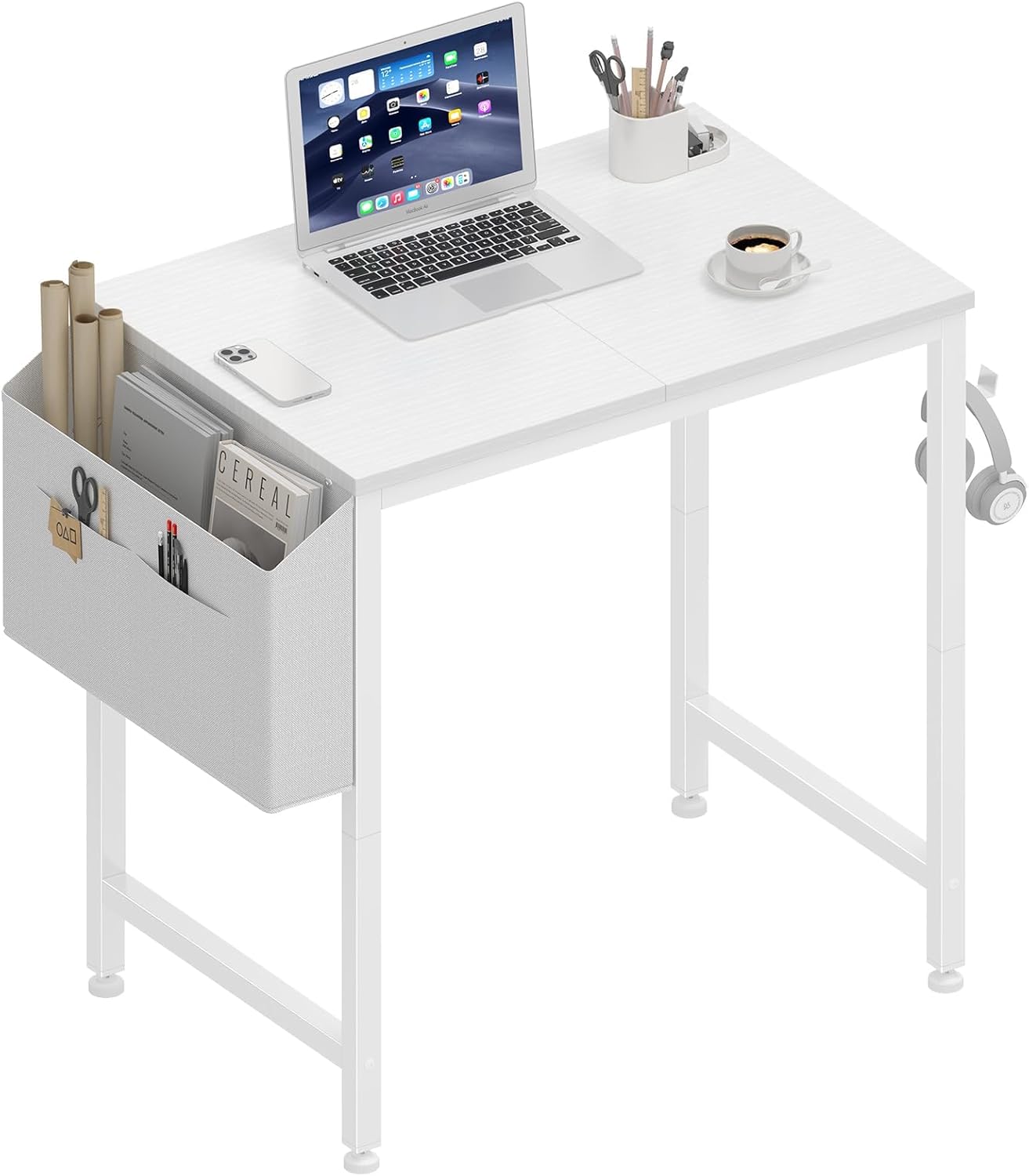
Image 1.1: The Lufeiya Small White Desk, showcasing its compact design and integrated storage features.
2. Safety Information
This desk is intended for use by children and should not be used for heavy tasks. Always ensure the desk is placed on a flat, stable surface to prevent tipping. Regularly check all connections and fasteners to ensure they remain tight and secure. Keep small parts away from children during assembly to prevent choking hazards.
3. Parts List
Before assembly, verify that all components listed below are present and undamaged. If any parts are missing or damaged, please contact customer support.
- Desktop Panel (1)
- Desk Legs (4)
- Crossbars (2)
- Removable Storage Bag (1)
- Iron Hooks (2)
- Adjustable Leg Pads (4)
- Assembly Hardware (screws, Allen wrench)
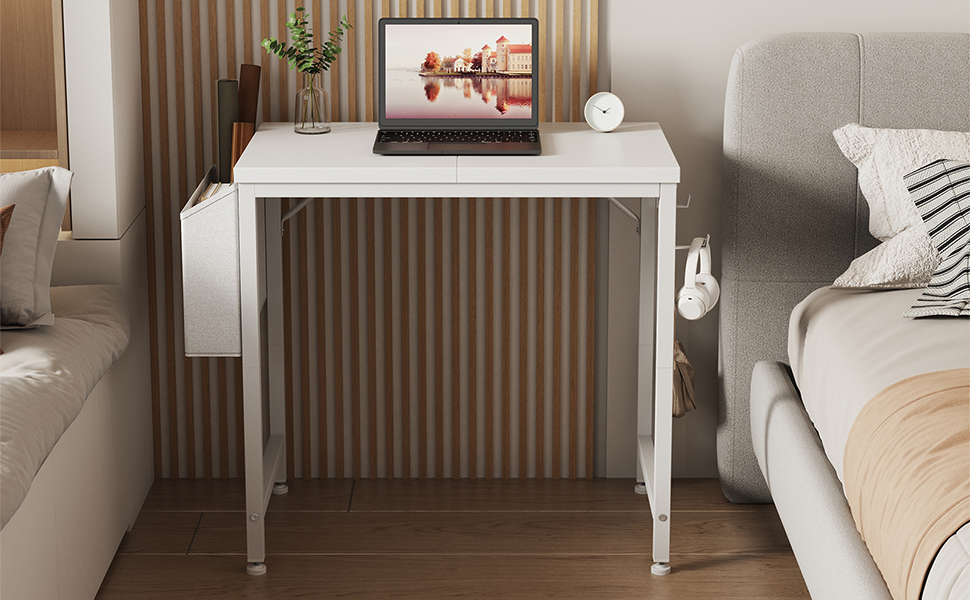
Image 3.1: Detailed diagram illustrating the desk's dimensions and individual components for identification.
4. Assembly Instructions
Follow these steps for proper assembly. It is recommended to assemble the desk on a soft, clean surface to prevent scratches.
- Attach Legs to Desktop: Carefully place the desktop panel upside down on a protected surface. Attach the four desk legs to the pre-drilled holes on the underside of the desktop using the provided screws. Do not fully tighten the screws yet.
- Install Crossbars: Connect the two crossbars between the desk legs using the remaining screws. Ensure the frame is square before tightening all screws.
- Attach Adjustable Leg Pads: Screw the adjustable leg pads into the bottom of each desk leg. These can be adjusted later to level the desk on uneven surfaces.
- Attach Storage Bag and Hooks: Secure the removable storage bag to the side of the desk using its integrated fasteners. Attach the two iron hooks to the designated slots on the desk frame.
- Final Tightening: Once all components are in place, carefully turn the desk upright. Ensure it is stable, then fully tighten all screws.
Video 4.1: A demonstration of the desk assembly process, highlighting key steps for easy setup.

Image 4.2: Visual guide for attaching the desk legs and crossbars during assembly.
5. Operating Instructions
The Lufeiya Small White Desk is designed for versatility and organization.
5.1 Using the Removable Storage Bag
The fabric storage bag can be attached to either side of the desk. It is ideal for holding notebooks, pens, small books, or other office supplies, helping to keep your desktop clear and organized.
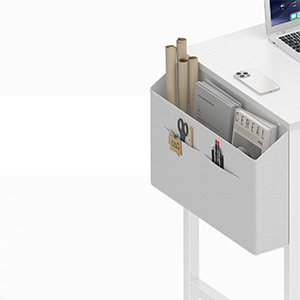
Image 5.1: The removable storage bag in use, providing convenient access to study or work essentials.
5.2 Utilizing the Headphone Hooks
Two iron hooks are provided for hanging headphones, bags, or other accessories. These hooks can be positioned on either side of the desk frame to suit your preference, keeping items off the desktop and within easy reach.
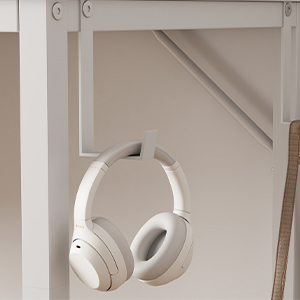
Image 5.2: The iron hook securely holding headphones, demonstrating its practical use.
Video 5.3: A review showcasing the desk's features, including the storage bag and headphone hook.
6. Maintenance
To ensure the longevity and appearance of your Lufeiya Small White Desk, follow these maintenance guidelines:
- Cleaning: Wipe the desktop and metal frame with a soft, damp cloth. Avoid abrasive cleaners or harsh chemicals that may damage the finish.
- Spills: The desktop is waterproof. In case of spills, wipe them immediately with a dry cloth to prevent water damage.
- Stability: Periodically check and tighten all screws to maintain the desk's stability.
- Leg Pads: Adjust the leg pads as needed to keep the desk level and prevent wobbling.
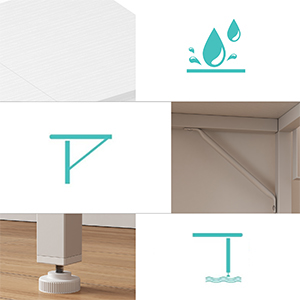
Image 6.1: Visual representation of the desk's waterproof surface, simplifying cleaning.
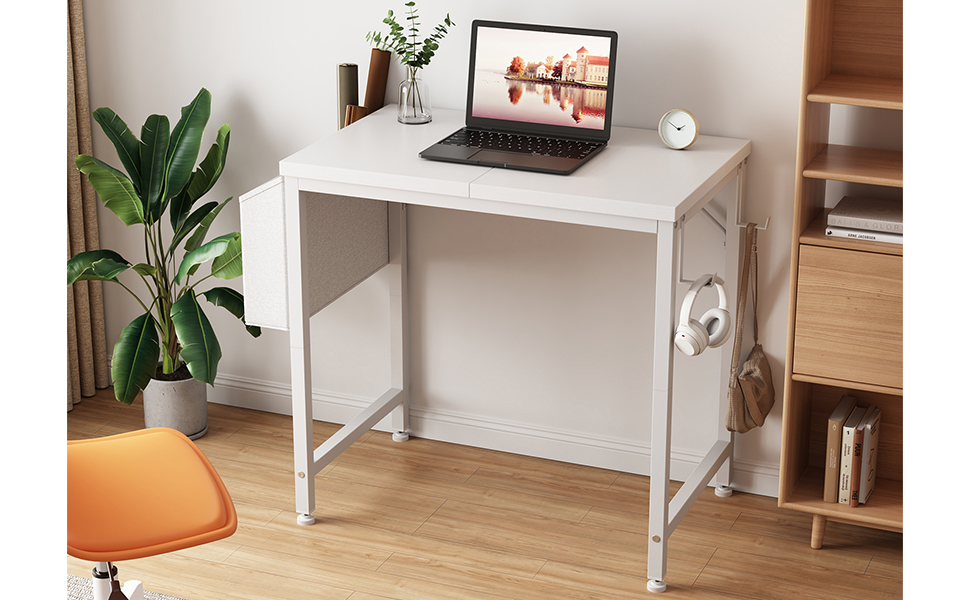
Image 6.2: Details on the desk's enhanced structural design and adjustable leg pads for stability.
7. Troubleshooting
If you encounter any issues with your desk, refer to the following common problems and solutions:
- Desk is Wobbly:
- Ensure all screws are fully tightened.
- Adjust the leg pads on the bottom of each leg to level the desk on uneven floors.
- Missing Parts:
- Double-check the packaging and all contents. If parts are genuinely missing, contact customer service for assistance.
- Difficulty Assembling:
- Review the assembly instructions carefully, paying attention to the orientation of each piece.
- Ensure screws are not overtightened prematurely, which can prevent proper alignment.
8. Specifications
| Feature | Detail |
|---|---|
| Brand | Lufeiya |
| Model Number | LFY-SD24-WT |
| Product Dimensions | 15.75"D x 23.6"W x 29.5"H |
| Color | White |
| Material Type | Engineered Wood, Metal |
| Top Material Type | FSC-Certified Wood |
| Base Material | Metal |
| Item Weight | 9.6 Pounds |
| Special Feature | Compact, Removable Storage Bag, Headphone Hooks, Adjustable Leg Pads |
| Required Assembly | Yes |
| Included Components | Headphone Hook, Storage Bag |
9. Warranty and Support
Lufeiya provides professional customer service and a quick replacement for any quality issues with the desk. The product comes with a limited warranty. For returns or replacements, a 30-day return policy is typically available. For further assistance, please refer to your purchase documentation or contact the seller directly.


