
Introduction
Welcome to the user manual for your Havit Active Noise Cancelling Headphones. These over-ear headphones are designed to provide an immersive audio experience with advanced noise-cancelling technology, high-definition stereo sound, and versatile connectivity options. This manual will guide you through the setup, operation, maintenance, and troubleshooting of your device to ensure optimal performance and longevity.

Image: Havit Active Noise Cancelling Headphones, showcasing the sleek black design and over-ear form factor.
What's in the Box
Ensure all items are present before proceeding with setup:
- Havit H630BT PRO ANC Wireless Headphone
- Type-C Charging Cable
- 3.5mm AUX Audio Cable
- HAVIT LIFE APP INTRODUCTION (Brochure)
- Certificate of Quality
- User Manual (this document)

Image: All components included in the Havit headphone packaging: headphones, USB-C charging cable, 3.5mm AUX cable, and various documents.
Product Overview
Familiarize yourself with the physical components and controls of your Havit headphones.
Controls and Ports (Left Earcup)
- Power Button (Multi-function Button - MFB): Long press to power on/off. Short press to play/pause music or answer/end calls.
- Volume Up (+): Short press to increase volume. Long press to skip to the next track.
- Volume Down (-): Short press to decrease volume. Long press to go to the previous track.
- Mode Button (M): Short press to toggle Active Noise Cancellation (ANC) on/off or switch between ANC modes.
- 3.5mm AUX Port: For wired audio connection using the included AUX cable.
- USB-C Charging Port: For charging the headphones using the included Type-C cable.
- LED Indicator: Displays power, pairing, and charging status.
- Microphone: For clear call quality.

Image: Detailed view of the left earcup, highlighting the power, volume, and mode buttons, along with the AUX and USB-C ports.
Setup
1. Charging the Headphones
Before first use, fully charge your headphones. A full charge takes approximately 2.5 hours.
- Connect the Type-C charging cable to the USB-C port on the headphone's left earcup.
- Connect the other end of the cable to a USB power adapter (not included) or a computer's USB port.
- The LED indicator will show a red light during charging and turn off when fully charged.

Image: Havit headphones illustrating charging status and battery life (up to 50 hours without ANC, 44 hours with ANC).
2. Bluetooth Pairing
Pair your headphones with your Bluetooth-enabled device (smartphone, tablet, computer).
- Ensure the headphones are powered off.
- Long press the Power Button (MFB) for approximately 3-5 seconds until the LED indicator flashes red and blue alternately. This indicates pairing mode.
- On your device, enable Bluetooth and search for available devices.
- Select "HAVIT H630BT PRO" from the list of found devices.
- Once connected, the LED indicator will show a steady blue light. You will also hear an audible confirmation.
The headphones support Bluetooth 5.3 for stable and fast pairing.

Image: Graphic illustrating Bluetooth 5.3 connectivity for stable wireless connection.
Operating Instructions
Music Playback
- Play/Pause: Short press the Power Button (MFB).
- Volume Up: Short press the '+' button.
- Volume Down: Short press the '-' button.
- Next Track: Long press the '+' button.
- Previous Track: Long press the '-' button.

Image: Havit headphones providing an immersive HD Stereo Sound experience.
Call Management
- Answer/End Call: Short press the Power Button (MFB).
- Reject Call: Long press the Power Button (MFB).
- Redial Last Number: Double-press the Power Button (MFB).

Image: User demonstrating clear call quality with Havit headphones, suitable for various environments.
Active Noise Cancellation (ANC)
The headphones feature Active Noise Cancellation to reduce ambient noise.
- Toggle ANC: Short press the Mode Button (M) to cycle through ANC modes (ANC On, Transparency Mode, ANC Off).
- ANC On: Reduces external noise for an immersive listening experience.
- Transparency Mode: Allows you to hear your surroundings while still enjoying your audio, useful for awareness.
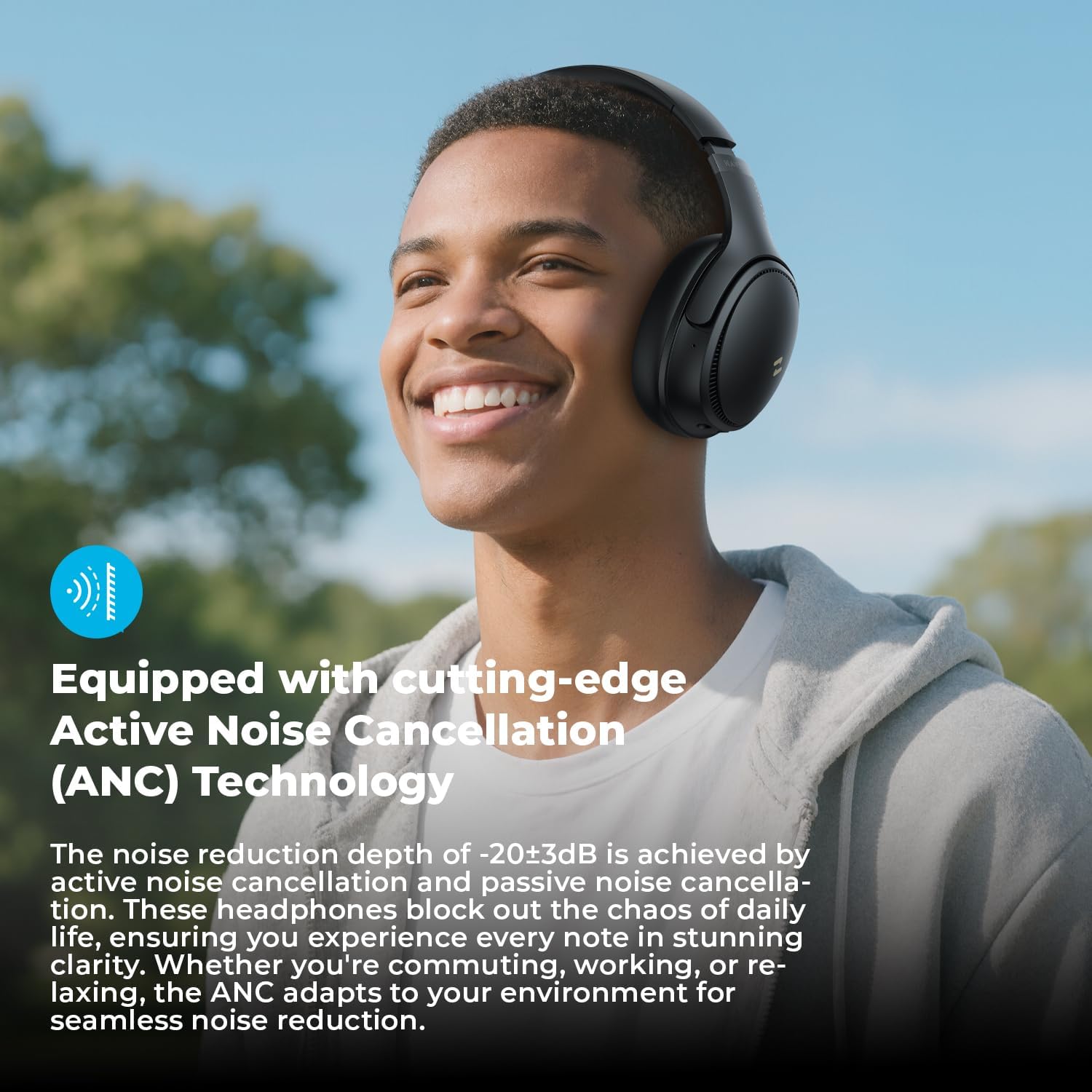
Image: User experiencing immersive audio with Active Noise Cancellation, blocking out daily distractions.
Custom EQ via HAVIT LIFE App
Enhance your audio experience by customizing sound settings through the HAVIT LIFE App.
- Download the "HAVIT LIFE" App from your device's app store.
- Connect your headphones to the app via Bluetooth.
- Access 7 EQ Modes to adjust bass, midrange, and treble levels according to your preference.
- Explore 3 Noise Cancellation Modes for tailored noise control.

Image: Screenshots of the HAVIT LIFE App interface, showing options for EQ modes and noise cancellation settings.
Wired Mode
For situations where Bluetooth is not available or preferred, use the included 3.5mm AUX audio cable.
- Plug one end of the 3.5mm AUX cable into the headphone's AUX port.
- Plug the other end into the audio output jack of your device.
- In wired mode, the headphones will function passively, and some electronic features like ANC may not be available or require power.
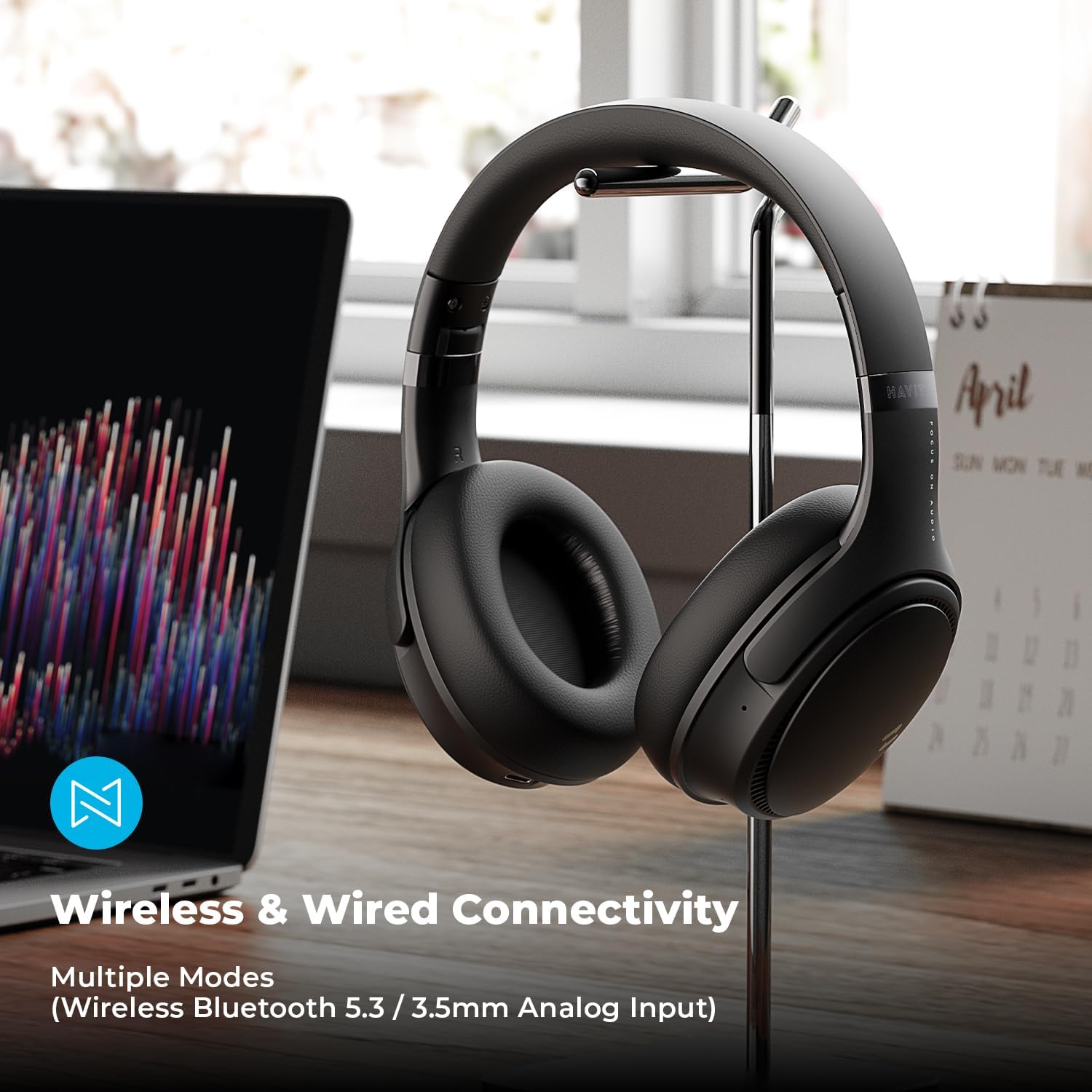
Image: Havit headphones connected to a laptop via the 3.5mm AUX cable, demonstrating wired connectivity.
Maintenance
Proper care ensures the longevity and performance of your headphones.
- Cleaning: Use a soft, dry cloth to clean the headphones. Do not use abrasive cleaners or solvents.
- Storage: When not in use, store the headphones in a cool, dry place. The foldable design allows for compact storage.
- Avoid Moisture: Do not expose the headphones to water or excessive moisture.
- Temperature: Avoid extreme temperatures, both hot and cold, as they can damage the battery and internal components.
- Earmuffs: The protein leather earmuffs are designed for comfort. Avoid sharp objects that could puncture or tear them.
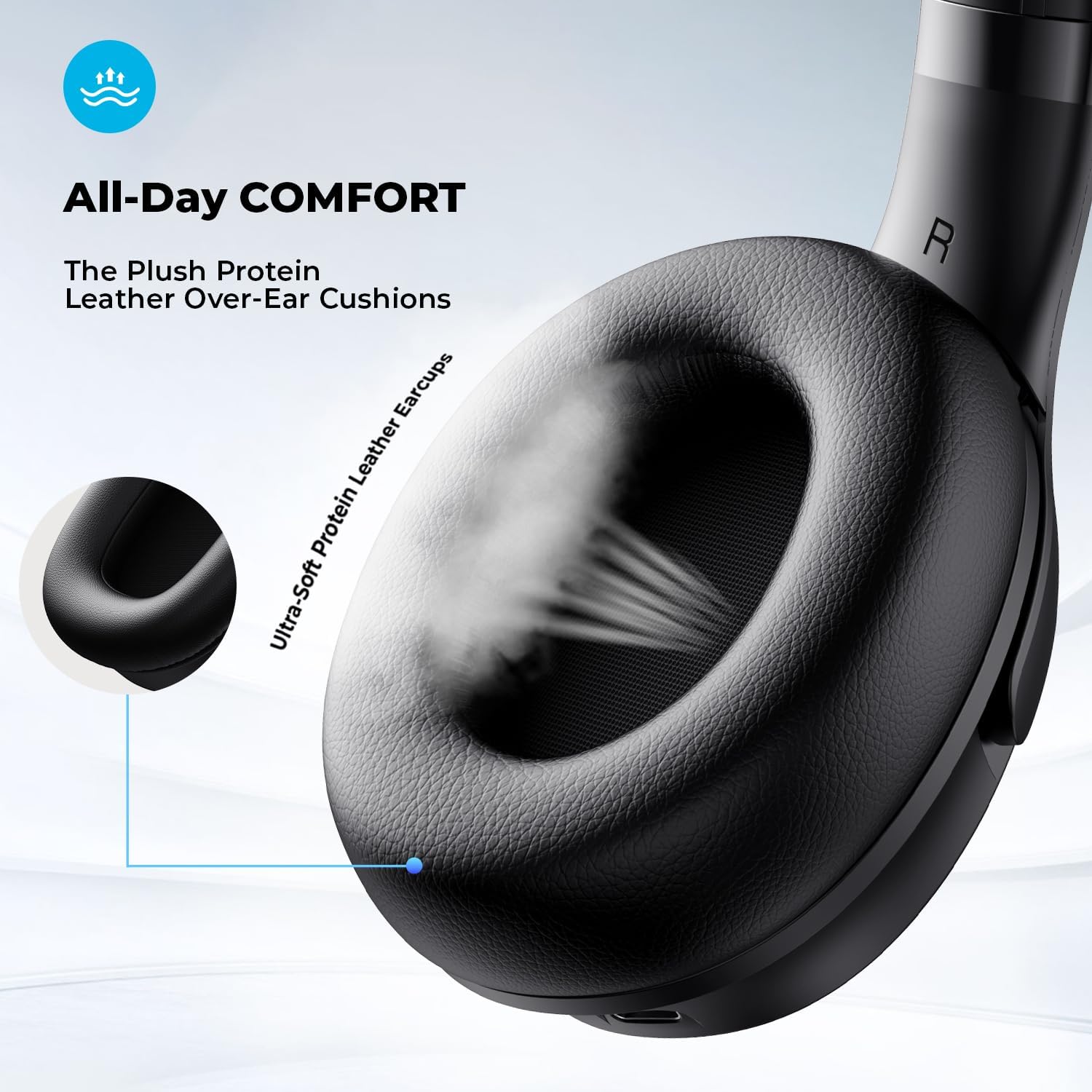
Image: Close-up view of the ultra-soft protein leather earmuffs, emphasizing comfort and material.
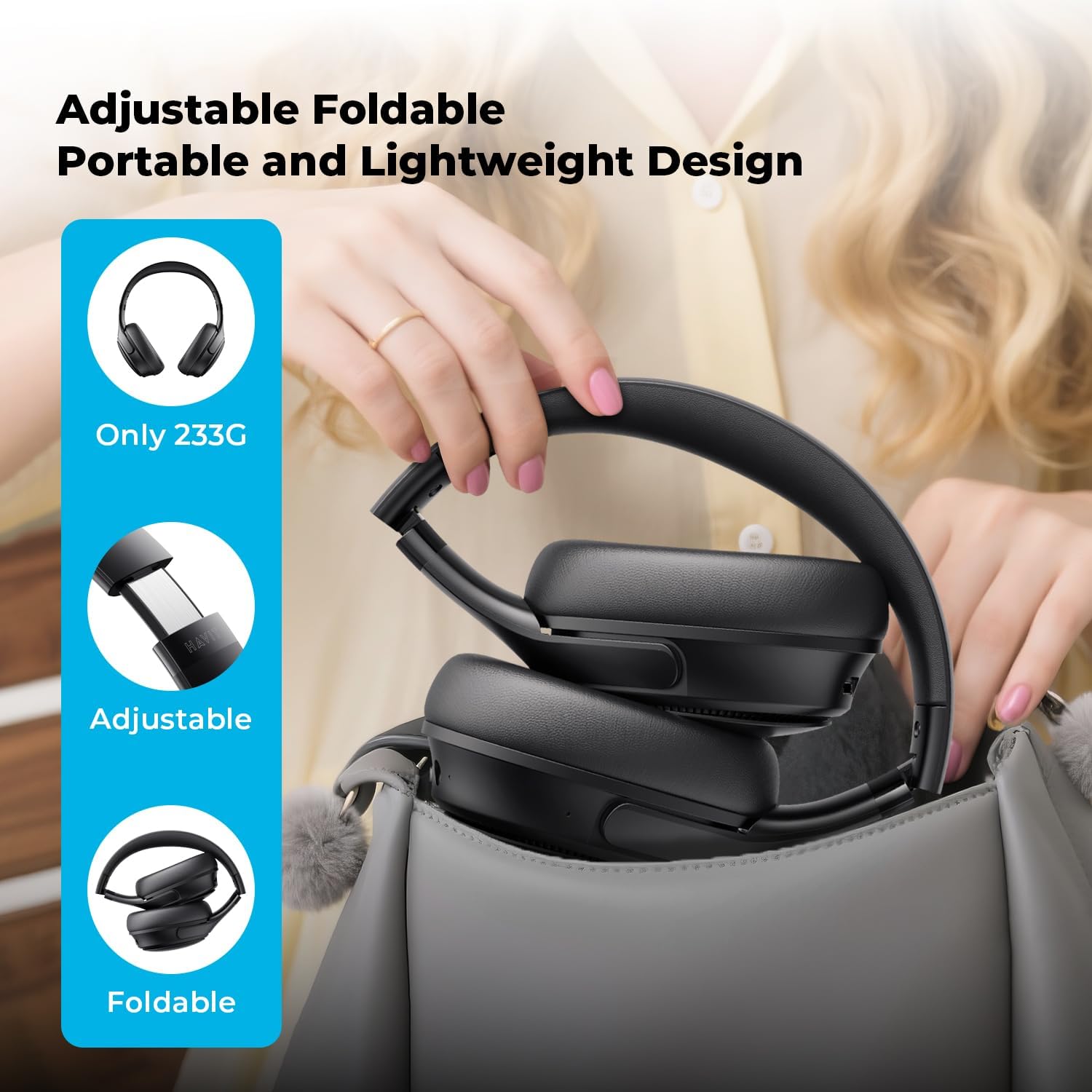
Image: Havit headphones being folded and placed into a bag, demonstrating their portable and lightweight design.
Troubleshooting
| Problem | Possible Cause | Solution |
|---|---|---|
| Headphones do not power on. | Low battery. | Charge the headphones fully. |
| Cannot pair via Bluetooth. | Headphones not in pairing mode; Bluetooth disabled on device; device too far. | Ensure headphones are in pairing mode (flashing red/blue). Enable Bluetooth on your device. Move headphones closer to the device (within 10 meters). Forget previous pairings on your device and try again. |
| No sound or low volume. | Volume too low on headphones or device; incorrect audio output selected; headphones not properly connected. | Increase volume on both headphones and connected device. Check if the headphones are selected as the audio output on your device. Re-pair Bluetooth or re-insert AUX cable. |
| ANC not working effectively. | ANC mode not activated; improper fit. | Press the Mode Button (M) to ensure ANC is active. Adjust headphones for a snug fit over your ears. |
| Poor call quality. | Microphone obstruction; environmental noise. | Ensure the microphone is not covered. Move to a quieter environment if possible. |
Specifications
| Feature | Detail |
|---|---|
| Model Name | NC01 |
| Noise Control | Active Noise Cancellation |
| Connectivity Technology | Wired, Wireless (Bluetooth) |
| Wireless Communication Technology | Bluetooth 5.3 |
| Bluetooth Range | 10 Meters |
| Audio Driver Type | Dynamic Driver |
| Audio Driver Size | 40 Millimeters |
| Frequency Response | 20 Hz - 20,000 Hz |
| Sensitivity | 103 dB |
| Impedance | 32 Ohm |
| Battery Life | Up to 50 Hours (ANC Off) |
| Charging Time | 2.5 Hours |
| Headphones Jack | 3.5 mm Jack |
| Control Type | Button, HAVIT LIFE App |
| Material | Leather, Plastic |
| Item Weight | 13.1 ounces |
| Manufacturer | havit |
Warranty and Support
Havit products typically come with a manufacturer's warranty covering defects from the date of original purchase. Please refer to the "Certificate of Quality" included in your package for specific warranty terms and conditions.
For technical support, troubleshooting assistance, or warranty claims, please contact Havit customer service through their official website or the contact information provided in your product documentation.
You can also visit the Havit Store on Amazon for more product information and support resources.