
1. Introduction
This manual provides comprehensive instructions for the installation, operation, and maintenance of your Lloyd's LC-1388 4MP Indoor/Outdoor IP Camera Set. This intelligent security camera system offers remote monitoring and full control via your smartphone, featuring 180° horizontal movement, an integrated LED light, and a 4MP resolution for clear video and images. Designed for both indoor and outdoor use with an IP65 rating, it includes advanced detection capabilities, color night vision, two-way communication, and an integrated siren. Please read this manual thoroughly before use to ensure proper functionality and safety.
2. Package Contents
Verify that all items listed below are present and in good condition upon opening the package.
- 2 x Lloyd's LC-1388 4MP IP Cameras
- 2 x USB Cables
- 2 x AC/DC Adapters
- 2 x Mounting Brackets
- Screws and Wall Plugs (for mounting)
- User Guide (this document)
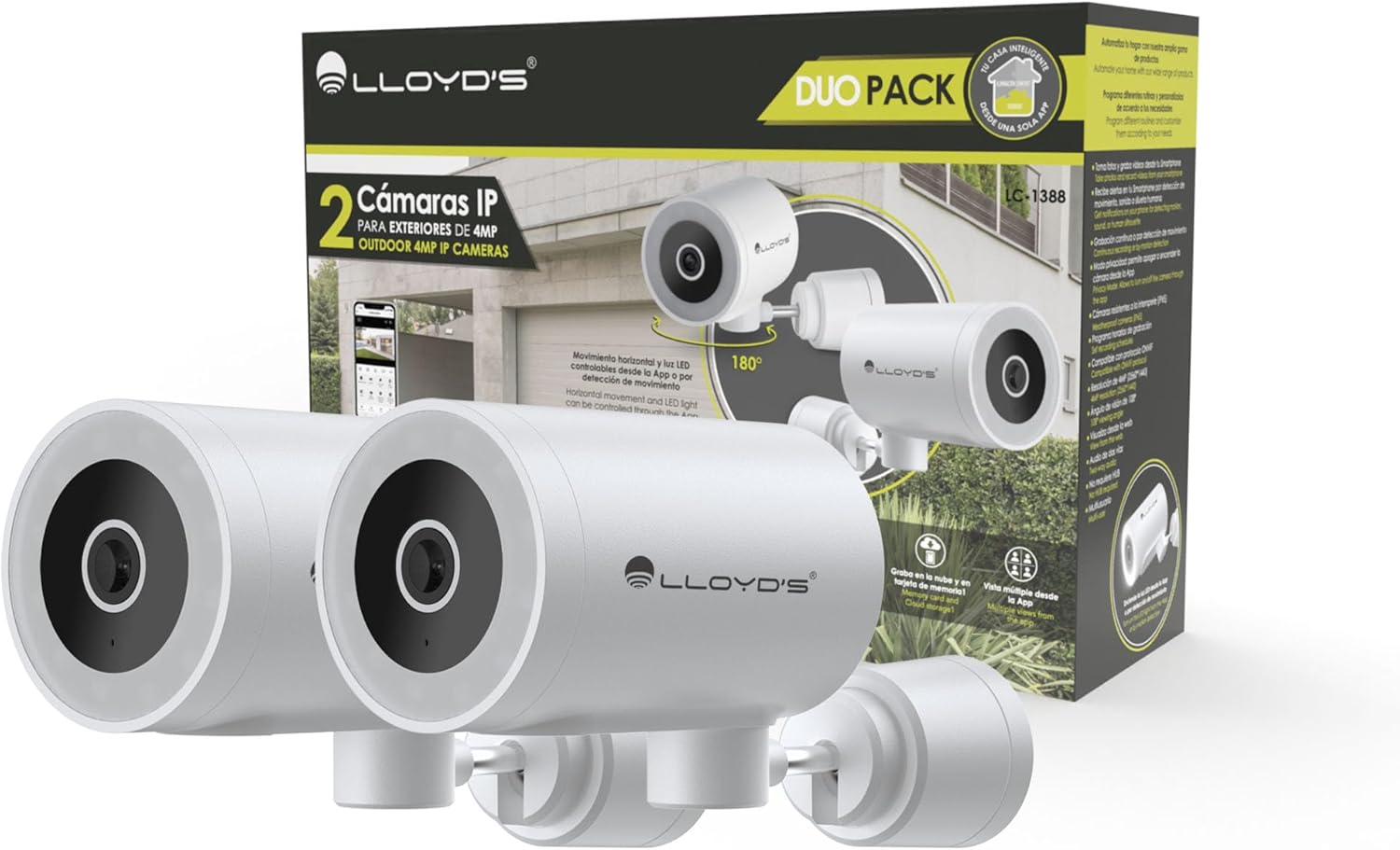
Image: The Lloyd's LC-1388 IP Camera Set, showing the product packaging and the two included cameras.
3. Safety Information
- Ensure the power supply voltage matches the camera's requirements (5V DC).
- Do not expose the camera to extreme temperatures, humidity, or direct sunlight for prolonged periods.
- Avoid placing the camera near strong electromagnetic fields.
- For outdoor installation, ensure all connections are properly sealed to maintain the IP65 weather resistance.
- Keep out of reach of children.
- Do not attempt to disassemble or repair the camera yourself. Contact qualified service personnel.
4. Setup
4.1 Installation
The Lloyd's LC-1388 camera is designed for wall mounting and can be used both indoors and outdoors (IP65 rated).
- Choose a Location: Select a location that provides the desired viewing angle and is within range of your 2.4 GHz Wi-Fi network. For outdoor use, ensure the location offers adequate protection from direct impact and extreme weather conditions.
- Mounting:
- Use the included mounting bracket as a template to mark drill holes on the wall.
- Drill holes and insert the wall plugs.
- Secure the mounting bracket to the wall using the provided screws.
- Attach the camera to the mounting bracket. Adjust the camera angle as needed.
- Power Connection: Connect the USB cable to the camera and the AC/DC adapter, then plug the adapter into a power outlet. The camera will power on.

Image: Side view of the camera, showing its compact design.
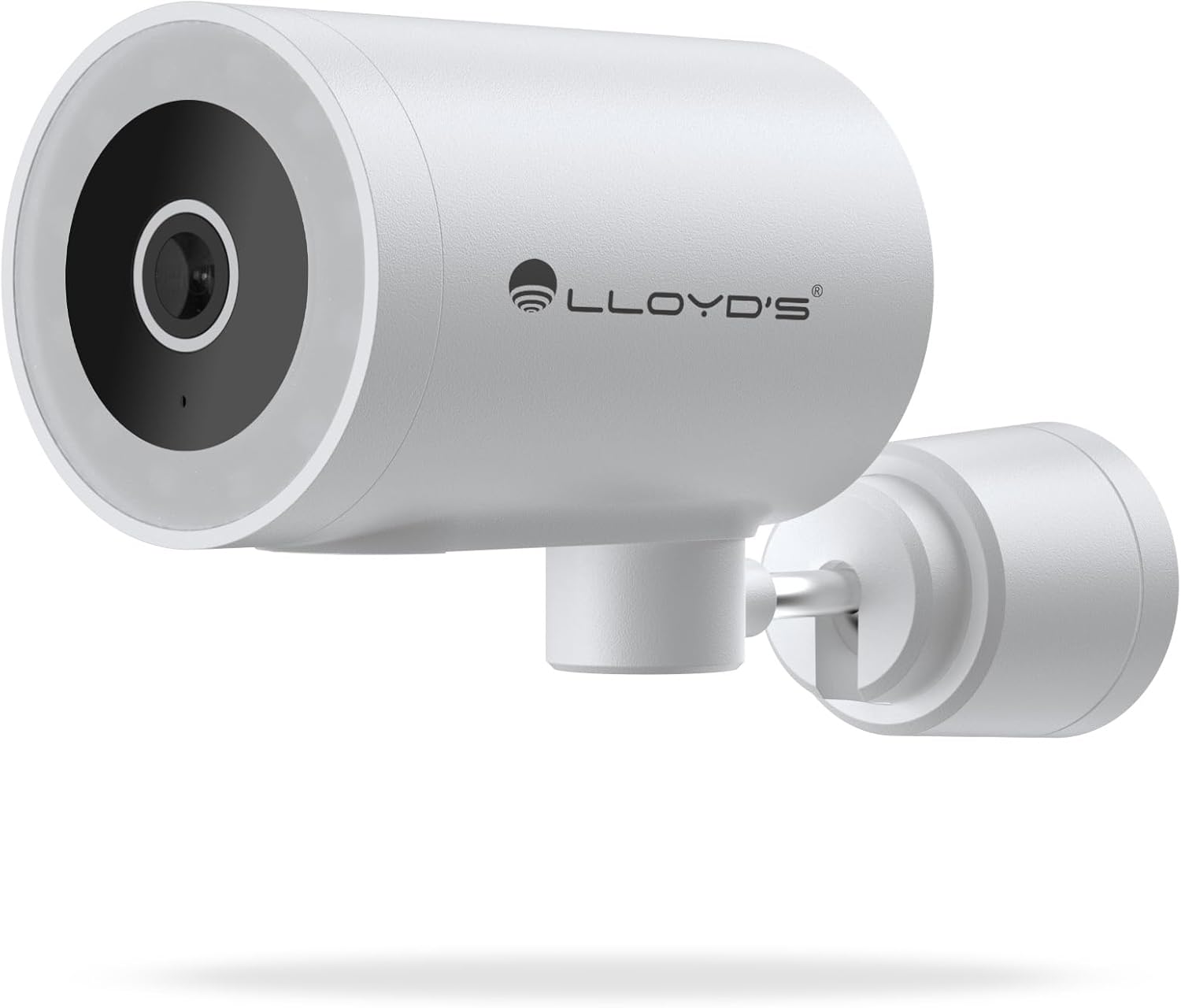
Image: Front view of the camera, highlighting the lens and sensor.

Image: Icons indicating the camera's suitability for both outdoor and indoor environments.
4.2 App Download and Pairing
The camera operates via a dedicated smartphone application. Ensure your smartphone is connected to a 2.4 GHz Wi-Fi network.
- Download the App: Search for "Lloyd's Smart" or similar in your device's app store (compatible with iOS 11.0+ and Android 5.0+).
- Create an Account: Open the app and follow the on-screen instructions to register a new account or log in if you already have one.
- Add Device:
- Tap the "+" icon or "Add Device" in the app.
- Select "Security Camera" or the specific camera model (LC-1388).
- Follow the app's instructions to put the camera into pairing mode (usually indicated by a flashing LED).
- Enter your 2.4 GHz Wi-Fi network details when prompted.
- Scan the QR code displayed on your phone screen with the camera lens, or follow alternative pairing methods if provided by the app.
- Once connected, name your camera and complete the setup.

Image: The Lloyd's app interface demonstrating multiple camera views, customizable detection zones, push notifications, and integration with voice assistants.
5. Operating the Camera
5.1 Live View and Control
- Remote Monitoring: Access live video feed from your smartphone app, web browser, or compatible smart TV (requires Chromecast / Fire TV Stick with voice remote).
- Horizontal Movement: Control the camera's 180° horizontal pan directly from the app to adjust the viewing area.
- LED Light Control: Turn the integrated LED light on or off via the app. The light can also be configured to activate upon motion detection.
- Two-Way Communication: Use the built-in microphone and speaker to communicate with individuals near the camera from your smartphone.

Image: The camera illustrating its 180-degree horizontal tracking function, suitable for indoor or outdoor use (IP65), with two-way audio and multiple views from the app.

Image: A smartphone screen showing the "Multiple views from the App" feature, allowing simultaneous monitoring of several cameras.

Image: A user monitoring the camera feed on a television, demonstrating compatibility with smart assistants for voice control and viewing.
5.2 Night Vision Modes
The camera offers three night vision modes up to 10 meters:
- Automatic Mode: The camera automatically switches between infrared and color night vision based on ambient light conditions.
- Infrared Mode: Provides clear black and white video in complete darkness using infrared LEDs.
- Color Mode: Utilizes the integrated LED lights to provide full-color night vision, even in low-light environments.

Image: Icons representing the camera's night vision capabilities and 4MP image resolution.
5.3 Detection and Alerts
- Motion Detection: Receive alerts on your smartphone when motion is detected.
- Sound Detection: Get notifications for unusual sounds.
- Human Body Detection: Advanced detection to specifically identify human presence, reducing false alarms.
- Customizable Detection Zones: Define specific areas within the camera's view to monitor and receive alerts for.
- Integrated Siren: The 90 dB siren can be activated manually via the app or automatically upon detection of an event.

Image: Icons illustrating the camera's notification system, integrated siren, and motion detection capabilities.
5.4 Recording Options
- Continuous Recording: Record video continuously.
- Event-Based Recording: Record only when motion, sound, or human detection is triggered.
- Storage:
- MicroSD Card: Supports up to 128GB microSD cards (not included) for local storage.
- Cloud Storage: Cloud recording is available with a subscription (sold separately).
- Scheduling: Program specific recording schedules and alert reception times via the app.
5.5 Smart Home Integration
- Voice Assistants: Compatible with Amazon Echo Show and Google Nest Hub. Supports Siri Shortcuts via routines created in the app.
- Lloyd's Smart Ecosystem: Create routines to trigger actions with other Lloyd's smart products.
- ONVIF Compatibility: Integrate the 4MP camera with various video surveillance equipment such as NVRs and hybrid DVRs using the ONVIF protocol.
6. Maintenance
- Cleaning: Gently wipe the camera lens and body with a soft, dry cloth. Do not use harsh chemicals or abrasive cleaners.
- Firmware Updates: Regularly check the app for available firmware updates to ensure optimal performance and security.
- Power Cycle: If the camera experiences issues, try unplugging it from the power source for 10 seconds and then plugging it back in.
7. Troubleshooting
| Problem | Possible Cause | Solution |
|---|---|---|
| Camera not connecting to Wi-Fi | Incorrect Wi-Fi password; Camera too far from router; Only 5 GHz Wi-Fi network available. | Verify password; Move camera closer to router; Ensure you are connecting to a 2.4 GHz Wi-Fi network. |
| No video feed | Camera is offline; Power issue; Network problem. | Check power connection; Restart camera; Verify Wi-Fi connection; Check internet connectivity. |
| Motion alerts not received | Motion detection disabled; App notifications turned off; Detection zone not configured. | Enable motion detection in app; Allow app notifications; Configure detection zones. |
| Poor image quality | Dirty lens; Low light conditions (in non-color night vision mode); Network bandwidth issues. | Clean the lens; Switch to Color Night Vision if applicable; Ensure stable Wi-Fi connection. |
8. Specifications
| Feature | Detail |
|---|---|
| Model Number | LC-1388 |
| Brand | Lloyd's |
| Video Capture Resolution | 4MP (2560x1440p) |
| Effective Video Resolution | 16.9 |
| Frame Rate | 15 frames per second |
| Connectivity Technology | Wireless (Wi-Fi 2.4 GHz), ONVIF |
| Wi-Fi Protocol | 2.4 GHz |
| Mounting Type | Wall Mount (Screw-in) |
| Usage Environment | Indoor, Outdoor (IP65 Water Resistant) |
| Night Vision Range | Up to 10 meters |
| Viewing Angle | 108 Degrees |
| Special Features | Two-way audio, Motion detector, Local recording, Built-in light, HD resolution, Night vision, Horizontal tracking, Integrated siren |
| Compatible Devices | Smartphone, Tablet, Web |
| Controller Type | Amazon Alexa, Android, Google Assistant, Tuya, iOS |
| Power Source | Corded Electric (5V DC, 5 Watts) |
| Material | Acrylonitrile Butadiene Styrene (ABS) |
| Dimensions (LxWxH) | 8.48 x 6.2 x 15.98 cm |
| Weight | 596 g |
| Country of Origin | China |
9. Warranty and Support
For warranty information, please refer to the documentation provided with your purchase or contact Lloyd's customer support. For technical assistance or further inquiries, please visit the official Lloyd's website or contact their customer service department.
Manufacturer: Zutto Technologies S.A. de C.V.