
1. Product Overview
The LUOTWO G388 is a global 4G POC (Push-to-Talk over Cellular) walkie talkie designed for extensive communication range. It utilizes advanced cellular technology to provide stable and clear communication over long distances, making it suitable for various professional and personal applications.
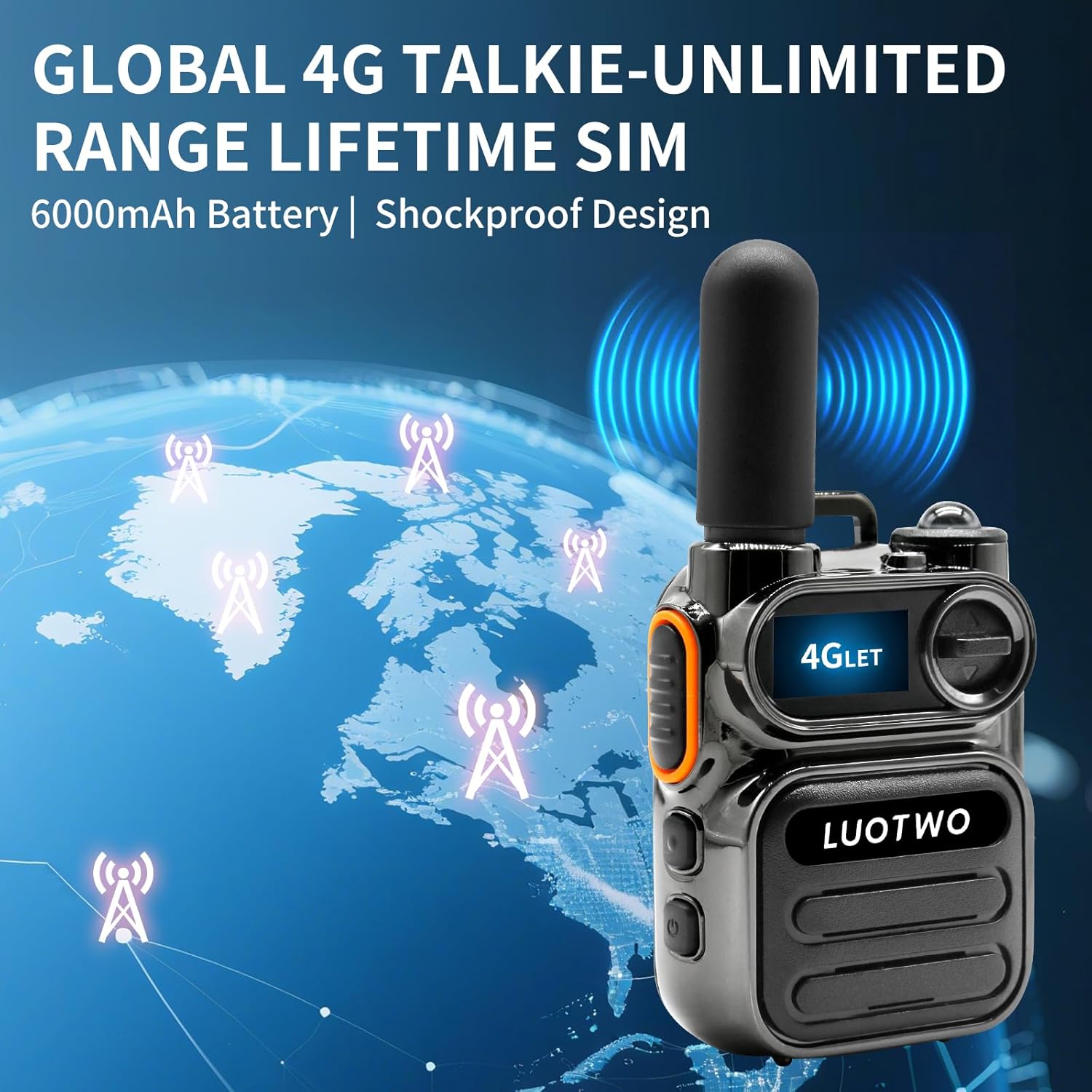
Image: LUOTWO G388 Global 4G Walkie Talkie highlighting its unlimited range capabilities.

Image: Multiple LUOTWO G388 walkie talkies demonstrating 5000KM global coverage.
Key Features:
- Global Unlimited Range: Utilizes 4G POC technology for communication up to 5000 miles.
- Pre-installed SIM Cards: Ready for immediate use without complex network setup.
- USB-C Rechargeable Battery: Convenient charging with common USB-C cables.
- Nationwide Two-Way Communication: Suitable for various scenarios across different regions.
- Durable Design: Sturdy construction for reliable performance in outdoor environments.
2. What's in the Box
Upon unboxing your LUOTWO G388 walkie talkie, please verify that all components are present:
- LUOTWO G388 Walkie Talkie Unit(s)
- Battery
- USB-C Charging Cable
- Power Adapter
- Antenna
- Back Clip
- User Manual (this document)
- Pre-installed SIM Cards

Image: Contents of the LUOTWO G388 package, including the walkie talkie and its accessories.

Image: LUOTWO G388 walkie talkie highlighting the pre-installed SIM cards and associated benefits.
3. Setup Guide
3.1 Initial Setup and SIM Card Installation
The LUOTWO G388 walkie talkies come with pre-installed SIM cards for convenience. However, if you need to access or replace the SIM card, follow these steps:
- Carefully open the battery compartment cover on the back of the walkie talkie.
- Locate the SIM card slot. The SIM card should already be in place.
- If replacing, gently remove the existing SIM card and insert the new one, ensuring correct orientation.
- Close the battery compartment cover securely.
Note: The device is designed for immediate use with the provided SIM cards. No complicated network setup is required.
3.2 Charging the Battery
Before first use, fully charge the walkie talkie battery. The device is equipped with a USB-C charging interface.
- Connect the USB-C charging cable to the walkie talkie's charging port.
- Connect the other end of the USB-C cable to the provided power adapter or a compatible USB-C power source (e.g., power bank, computer USB port).
- The charging indicator light will illuminate. Allow approximately 2 hours for a full charge, which provides up to 3 days of power.
- Once fully charged, disconnect the charging cable.

Image: Battery and charging comparison for the LUOTWO G388.
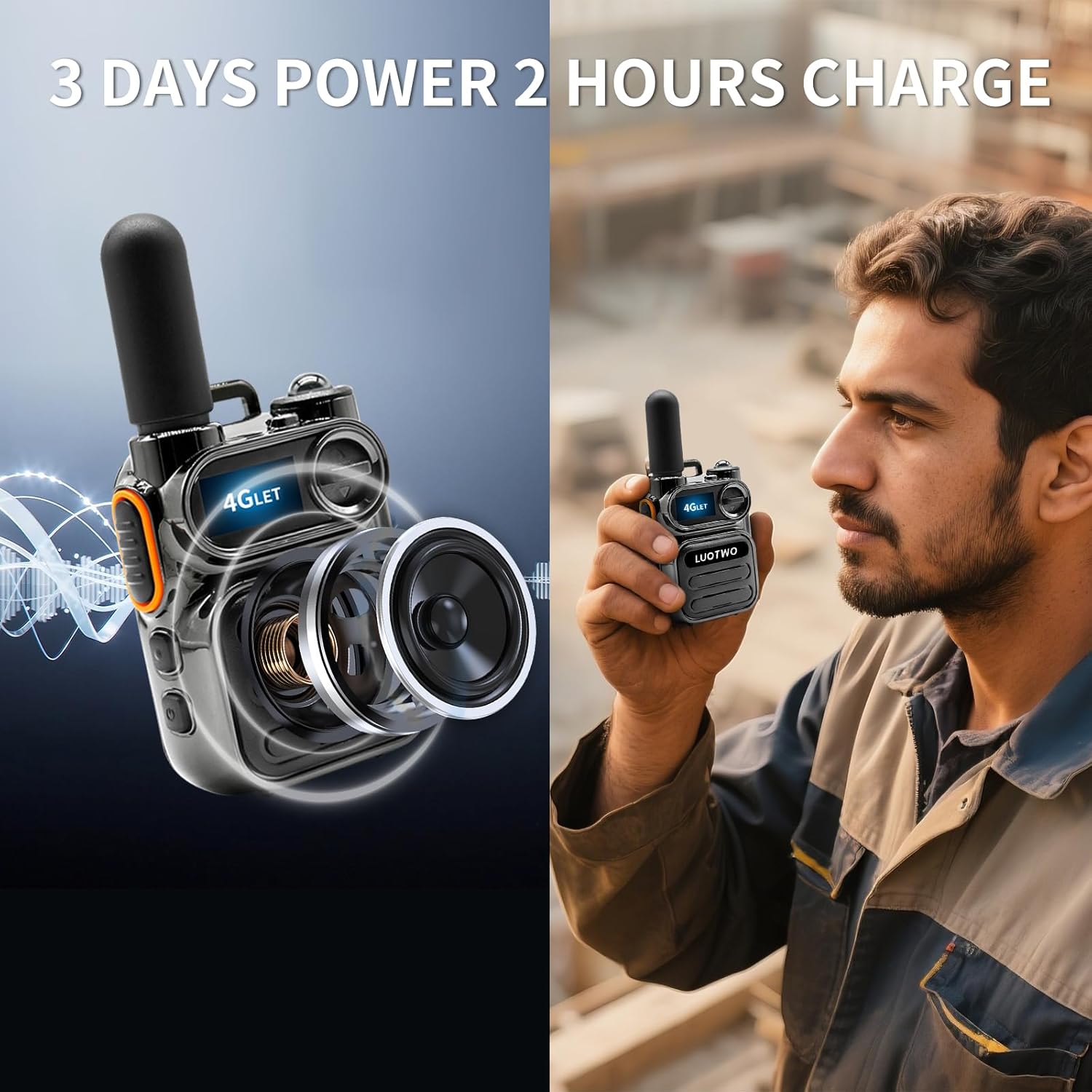
Image: Visual representation of the LUOTWO G388's internal components and its compact size.
3.3 Device Registration and Grouping (via QR Code)
To activate and manage your walkie talkie(s), you will need to register them using a smartphone application. This process involves scanning a QR code displayed on the device.
- Turn on your LUOTWO G388 walkie talkie. The device screen will display a QR code.
- Using your smartphone, scan the QR code on the walkie talkie's screen. This will typically open a registration interface in a web browser or a dedicated app.
- On the registration interface, you will be prompted to add a user group name. This is useful for organizing multiple devices.
- The interface will also require the device's IMEI. You can either manually enter it or use the scan function within the app to scan the QR code again, which will automatically populate the IMEI.
- After entering the necessary information, submit the registration.
- Once registered, turn off and restart the walkie talkie. The device will automatically activate the call service.
Video: Demonstrates the process of scanning the QR code on the walkie talkie with a smartphone to register the device and set up user groups. This video guides users through entering device information and completing the activation process.
4. Operating Instructions
4.1 Power On/Off
- To power on: Press and hold the power button until the screen illuminates.
- To power off: Press and hold the power button until the device shuts down.
4.2 Making Calls
The LUOTWO G388 supports various call modes:
- Single Call: For one-on-one private communication.
- Group Call: For communication within a pre-defined group of users.
- Mass Call: To broadcast a message to all members in your network.
To initiate a call:
- Select the desired contact or group using the navigation buttons.
- Press and hold the Push-to-Talk (PTT) button on the side of the device.
- Speak clearly into the microphone.
- Release the PTT button to listen for a response.

Image: Explanation of different call modes available on the LUOTWO G388.
4.3 Volume Adjustment
Use the dedicated volume buttons (usually located on the side or top of the device) to adjust the speaker volume to a comfortable level.
4.4 Signal and Coverage
The G388 utilizes 4G cellular networks for communication, providing extensive coverage. Signal strength may vary based on location and network availability. The device display will show the current signal strength.

Image: Global connectivity of the LUOTWO G388 walkie talkie.
Video: Unboxing and initial overview of the LUOTWO G388 Global 4G Walkie Talkie, showcasing its components and design.
5. Maintenance and Care
5.1 Cleaning
- Wipe the device with a soft, damp cloth.
- Do not use harsh chemicals or abrasive cleaners.
- Ensure the charging port and other openings are free from dust and debris.
5.2 Battery Care
- Avoid fully discharging the battery frequently.
- Store the device in a cool, dry place when not in use for extended periods.
- Use only the provided or approved charging accessories.
5.3 Durability
The LUOTWO G388 features a durable design suitable for various conditions. It is rated as waterproof, offering protection against water ingress.

Image: LUOTWO G388 highlighting its robust and durable construction.
6. Troubleshooting
6.1 No Power
- Ensure the battery is fully charged.
- Check that the battery is correctly inserted.
- Verify the power button is pressed and held sufficiently.
6.2 No Signal/Cannot Communicate
- Check the signal strength indicator on the device. Move to an area with better cellular coverage if necessary.
- Ensure the device has been properly registered and activated via the QR code scanning process.
- Restart the device.
- Verify that the SIM card is correctly installed and active.
6.3 Poor Audio Quality
- Adjust the volume settings.
- Ensure the microphone and speaker are not obstructed.
- Move closer to the other party or to an area with better signal.
7. Specifications
| Feature | Detail |
|---|---|
| Model Number | G388 |
| Item Weight | 10.6 ounces (300 Grams) |
| Product Dimensions | 1.25 x 2.2 x 4.17 inches |
| Batteries | 1 LR44 battery required (rechargeable) |
| Number of Channels | 1 |
| Special Feature | Lightweight, Long Range |
| Talking Range Maximum | 5000 Kilometer |
| Water Resistance Level | Waterproof |
| Connectivity | 4G POC (Push-to-Talk over Cellular) |
| Charging Interface | USB-C |
8. Warranty and Support
8.1 Warranty Information
The LUOTWO G388 walkie talkie comes with a 1-year warranty from the date of purchase. This warranty covers manufacturing defects and malfunctions under normal use. Please retain your proof of purchase for warranty claims.
The warranty does not cover damage caused by misuse, accidents, unauthorized modifications, or natural disasters.
8.2 Customer Support
For technical assistance, troubleshooting, or warranty inquiries, please contact LUOTWO customer support. Refer to the contact information provided on the product packaging or the official LUOTWO website.
Online Resources: For additional support and FAQs, visit the LUOTWO Store on Amazon.