
Introduction
Welcome to the GUHUAVMI GT4 Pro Smartwatch user manual. This guide provides detailed instructions on how to set up, operate, and maintain your new smartwatch. The GT4 Pro combines advanced health monitoring, comprehensive fitness tracking, and smart connectivity features in a durable, stylish design. Please read this manual carefully to ensure optimal performance and longevity of your device.
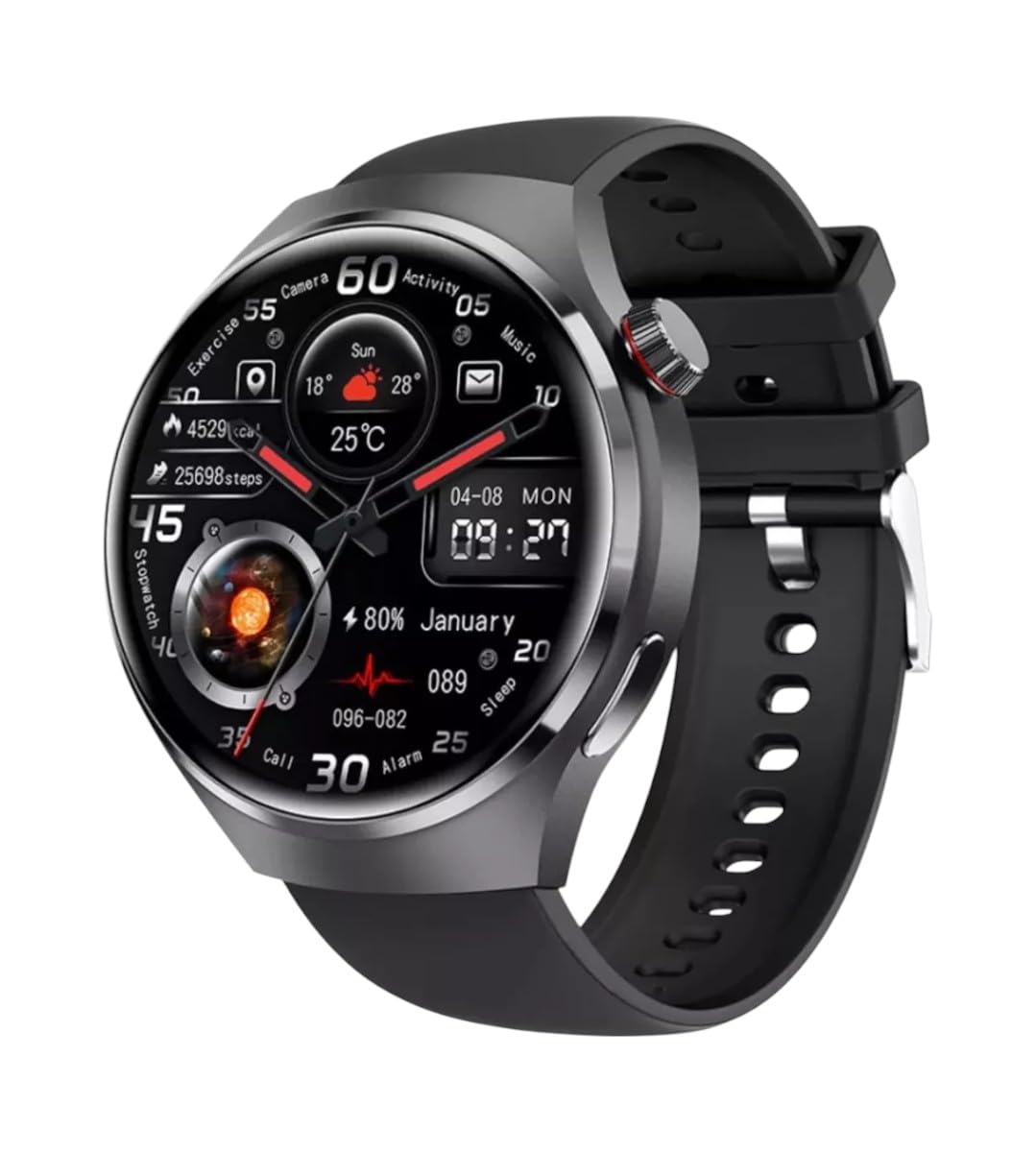
Image: Front view of the GUHUAVMI GT4 Pro Smartwatch, showcasing its sleek design and display.
Setup
1. Unboxing and Components
Before you begin, ensure all components are present in the package:
- GUHUAVMI GT4 Pro Smartwatch
- Wireless Charger
- User Manual (this document)
2. Charging the Smartwatch
For first-time use, fully charge your GT4 Pro Smartwatch. Connect the wireless charger to a USB power adapter (not included) and place the smartwatch onto the magnetic charging base. The watch will indicate charging status on its screen.
- Charging Time: Approximately 3 hours for a full charge.
- Battery Life: Typical usage provides 5-7 days of battery life.

Image: The GUHUAVMI GT4 Pro Smartwatch placed on its magnetic wireless charger, displaying battery life and charging time information.
3. Power On/Off
- Power On: Press and hold the side button until the screen lights up.
- Power Off: Press and hold the side button, then select the 'Power Off' option on the screen.
4. App Download and Pairing
To unlock the full potential of your GT4 Pro, download the companion app on your smartphone. Scan the QR code provided in the watch's initial setup screen or search for the app name (usually indicated on the watch or packaging) in your phone's app store.
- Enable Bluetooth on your smartphone.
- Open the companion app and follow the on-screen instructions to create an account or log in.
- In the app, select 'Add Device' or 'Pair Device' and choose 'GT4 Pro' from the list of available devices.
- Confirm the pairing request on both your smartphone and smartwatch.
Operating Instructions
1. Basic Navigation
The GT4 Pro features a 1.6-inch HD AMOLED touchscreen and a side crown button for navigation.
- Swipe Up/Down: Scroll through menus and notifications.
- Swipe Left/Right: Access quick widgets or different watch faces.
- Tap: Select an item or open an application.
- Press Side Button: Return to the home screen or access the app list.
2. AI Voice Assistant
Your GT4 Pro is equipped with an integrated AI voice assistant for hands-free operation.
- Activation: Tap the voice assistant icon on the watch face or use a designated gesture/button press (refer to watch settings).
- Commands: Speak clearly to ask questions, set reminders, make calls, or control music.
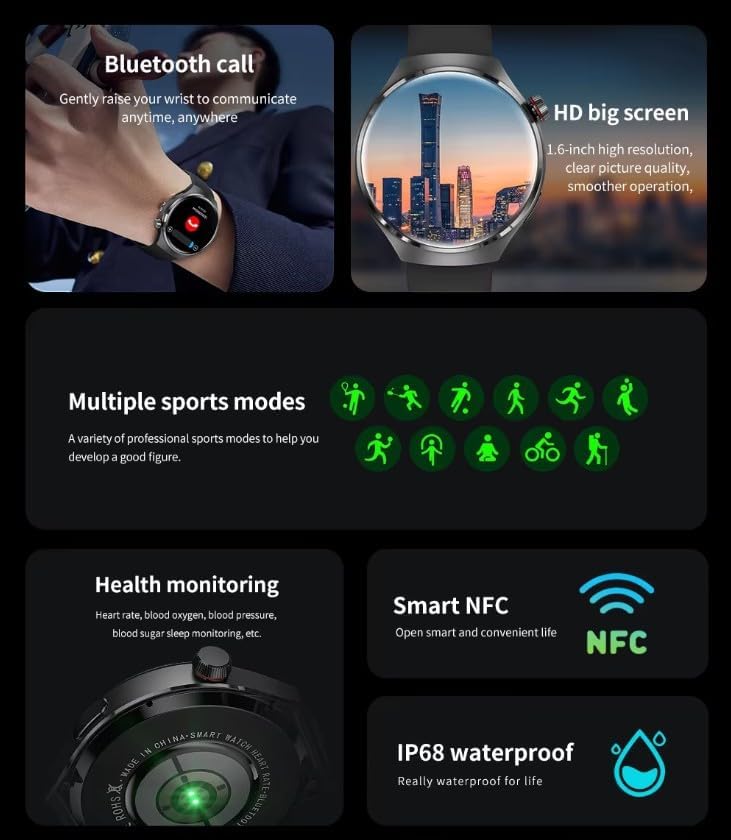
Image: The GUHUAVMI GT4 Pro Smartwatch displaying the AI voice assistant interface, showing examples of voice commands.
3. Bluetooth Calling
Once paired with your smartphone, you can make and receive calls directly from your smartwatch.
- Making Calls: Access the dialer or contacts list on your watch.
- Receiving Calls: Answer or reject incoming calls directly from the watch screen.
4. Health Monitoring
The GT4 Pro provides real-time health data to help you monitor your well-being.
- Heart Rate: Continuous monitoring throughout the day.
- Blood Oxygen (SpO2): Measure your blood oxygen saturation levels.
- Blood Sugar: Provides estimated blood sugar readings.
- Sleep Tracking: Monitors sleep stages and quality.
View detailed health reports in the companion app.
5. Fitness Tracking
Track your workouts and daily activity with precision.
- Multiple Sports Modes: Select from various activities like running, cycling, swimming, and more for accurate data.
- Built-in GPS: Records your route, distance, and pace during outdoor activities.
- Compass: Provides directional guidance for outdoor adventures.

Image: The GUHUAVMI GT4 Pro Smartwatch showcasing icons for NFC, GPS, compass, heart rate, and Bluetooth call, highlighting its comprehensive features.
6. NFC Features
The GT4 Pro supports NFC for convenient interactions.
- Access Control: Use your watch for compatible access systems.
- Find My iPhone: Utilize NFC to locate your paired iPhone.
7. Dynamic Island Function
Experience enhanced interactive displays for notifications, music, and charging status.
- Interactive Displays: Smart displays adapt to show relevant information dynamically.
- OTA Upgrades: New functional interactive displays may be added through future over-the-air updates.
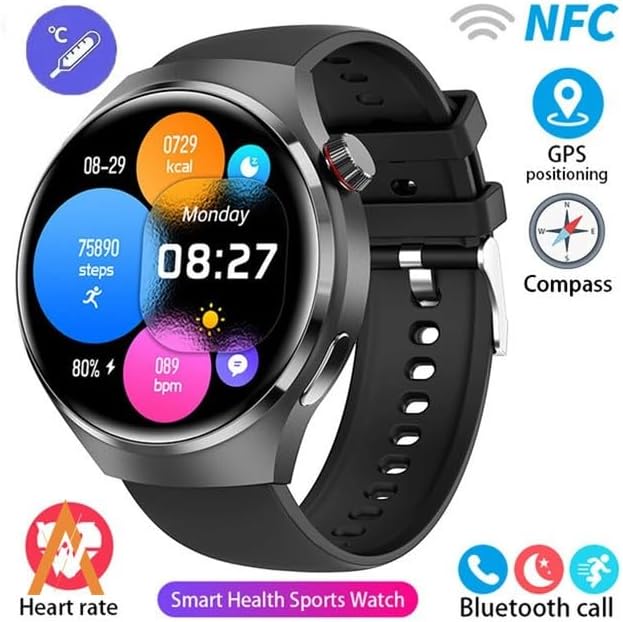
Image: The GUHUAVMI GT4 Pro Smartwatch screen demonstrating the Dynamic Island function, showing notifications and active processes.
8. Other Utility Features
The smartwatch includes several convenient tools:
- Remote Camera: Control your smartphone camera remotely.
- Alarm Clock: Set alarms directly from your wrist.
- Stopwatch & Timer: For precise timekeeping.
- Temperature Measurement: Monitor ambient temperature.
- Multi-Time Zone Settings: Keep track of different time zones.
- Music Playback Control: Manage music on your paired smartphone.
Maintenance
1. Water Resistance (IP68)
The GT4 Pro has an IP68 waterproof rating, meaning it is resistant to dust and can withstand immersion in water up to 1.5 meters for 30 minutes. It is suitable for swimming and use in rainy conditions.
- Do not use in hot water, saunas, or steam rooms.
- Avoid exposure to high-velocity water.
- After exposure to water, wipe the watch dry with a soft cloth.
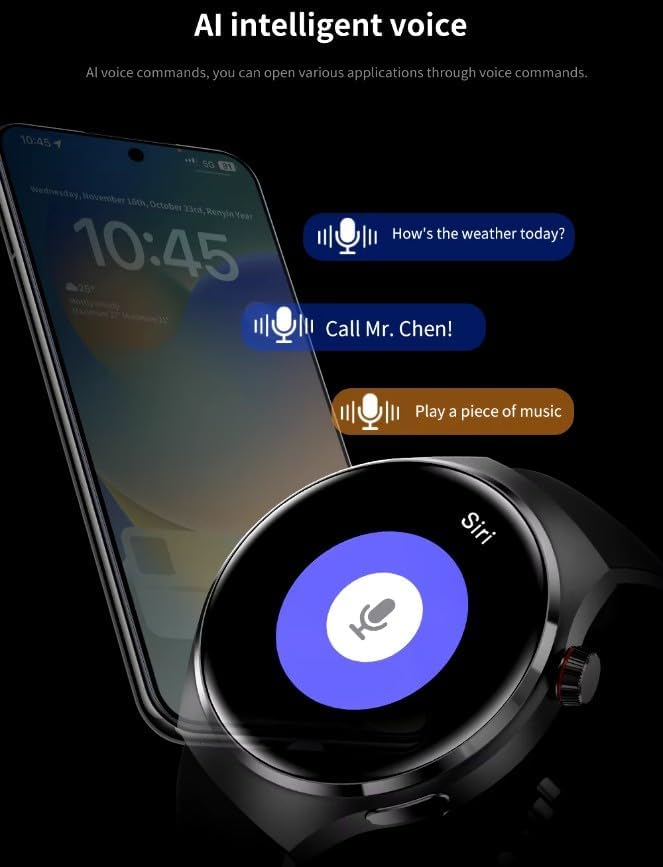
Image: Two GUHUAVMI GT4 Pro Smartwatches shown with water droplets, illustrating their IP68 waterproof capability.
2. Cleaning
Regularly clean your smartwatch to maintain its appearance and sensor accuracy.
- Wipe the screen and body with a soft, damp, lint-free cloth.
- Clean the charging contacts and heart rate sensor on the back of the watch to ensure proper function.
- Avoid using harsh chemicals or abrasive materials.
3. Software Updates
Periodically check for software updates through the companion app. Updates can provide new features, performance improvements, and bug fixes.
Troubleshooting
- Watch not turning on: Ensure the watch is fully charged. Connect it to the charger for at least 30 minutes.
- Cannot pair with smartphone:
- Ensure Bluetooth is enabled on your phone and the watch.
- Make sure the watch is within range of your phone.
- Restart both the watch and your phone.
- Check if the companion app is updated to the latest version.
- Inaccurate health data:
- Ensure the watch is worn snugly on your wrist, not too tight or too loose.
- Clean the sensors on the back of the watch.
- Avoid excessive movement during measurements.
- Short battery life:
- Reduce screen brightness.
- Disable unnecessary notifications or features.
- Limit continuous heart rate monitoring if not needed.
Specifications
| Feature | Description |
|---|---|
| Model Number | GT4 Pro |
| Display | 1.6-inch HD AMOLED, 360x360 resolution |
| Connectivity | Bluetooth 5.0 |
| Waterproof Rating | IP68 |
| Health Monitoring | Heart Rate, Blood Oxygen, Blood Sugar, Sleep Tracking |
| Fitness Tracking | Built-in GPS, Compass, Multiple Sports Modes |
| Voice Assistant | AI Voice Assistant Integrated |
| NFC | Supported (e.g., Find My iPhone, Access Control) |
| Charging Type | Magnetic Wireless Charging |
| Typical Battery Life | 5-7 days |
| Charging Time | Approx. 3 hours |
| Included Components | Smartwatch, User Manual, Wireless Charger |
Warranty and Support
Warranty Information
The GUHUAVMI GT4 Pro Smartwatch comes with a 6-month warranty from the date of purchase. This warranty covers manufacturing defects under normal use. It does not cover damage caused by misuse, accidents, unauthorized modifications, or normal wear and tear.
Customer Support
If you encounter any issues or have questions regarding your GUHUAVMI GT4 Pro Smartwatch, please refer to the troubleshooting section of this manual. For further assistance, contact your retailer or the manufacturer's customer support channel. Please have your purchase receipt and product model number (GT4 Pro) ready when contacting support.
