1. Introduction
This manual provides instructions for the Ooyi OY1 Smartwatch. It covers device setup, operation, maintenance, and troubleshooting. Please read this manual thoroughly to ensure proper use and to understand all features of your smartwatch.

Image: The Ooyi OY1 Smartwatch is designed as a 24/7 life companion, offering Bluetooth calling, various sports modes, health monitoring, and a voice assistant.

Image: A detailed view of the Ooyi OY1 Smartwatch, showcasing its round display with multiple interface examples such as weather, a phone dialer, and an incoming message notification.
2. What's in the Box
Verify that all items are present in the packaging:
- Ooyi OY1 Smartwatch
- Charging Cable
- User Manual

Image: An illustration showing the complete package contents: one Ooyi Smartwatch, one watch band, one charging cable, and one user manual.
3. Initial Setup
3.1. Charging the Device
Before first use, fully charge your Ooyi OY1 Smartwatch. Connect the provided charging cable to the charging port on the back of the watch and to a standard USB power source. The watch has a 300 mAh battery capacity and typically takes approximately 2 hours to fully charge.

Image: The smartwatch screen shows an 80% battery charge, highlighting its 300 mAh battery, 2-hour fast charging, and up to 30 days standby time.
3.2. App Installation and Pairing
To access all features and synchronize data, download the companion fitness application on your smartphone. The smartwatch is compatible with both Android and iOS operating systems.
- Scan the QR code in the manual or on the watch screen (if available) to download the app, or search for the app name in your phone's app store.
- Install and open the application.
- Enable Bluetooth on your smartphone.
- Follow the in-app instructions to pair your Ooyi OY1 Smartwatch. Ensure the watch is powered on and near your phone during the pairing process.
4. Operating Instructions
4.1. Basic Navigation
The OY1 Smartwatch features a 1.42-inch high-resolution HD touchscreen. Swipe left, right, up, or down to navigate through menus and functions. Press the side button to return to the home screen or access the app list.
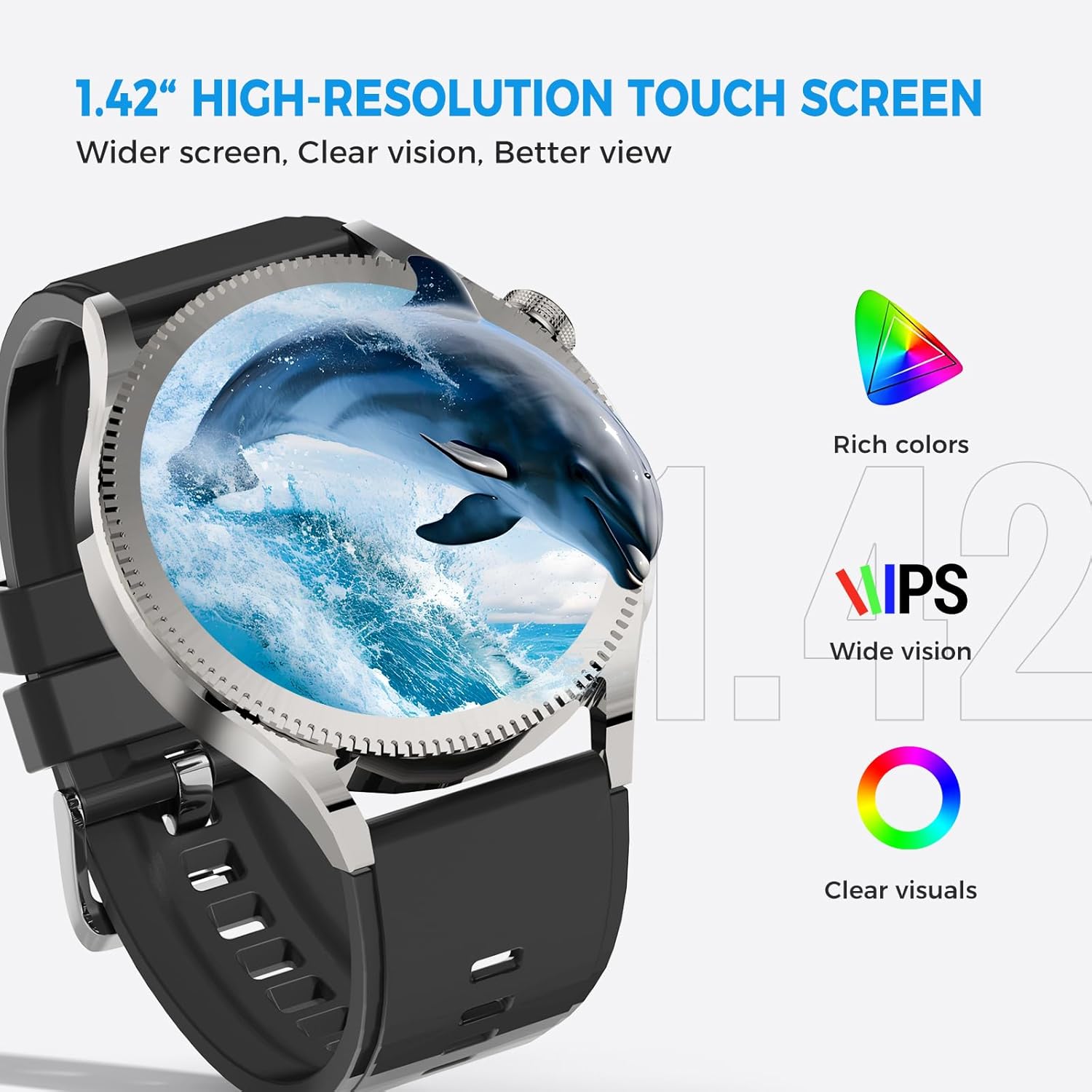
Image: The smartwatch screen showcases a high-resolution display with rich colors and wide viewing angles, emphasizing its visual clarity.
4.2. Bluetooth Calling and Voice Assistant
The smartwatch supports Bluetooth calls, allowing you to make and receive calls directly from your wrist using the built-in HD speaker and microphone. It also integrates a voice assistant for hands-free control.
- Making Calls: Access the dial pad or contacts list on the watch to initiate a call.
- Receiving Calls: When a call comes in, you can answer or reject it directly from the watch screen.
- Voice Assistant: Activate the voice assistant feature to control music, ask questions, or set reminders using voice commands.

Image: This image illustrates the smartwatch's Bluetooth calling capabilities, showing users answering calls and checking messages on their wrist in different environments.
4.3. Instant Smart Notifications
Receive notifications for calls, texts, emails, and various app alerts directly on your smartwatch. The watch will vibrate to notify you, allowing you to read messages discreetly without needing to access your phone.

Image: The smartwatch interface shows options for Bluetooth calls, message notifications, and voice assistant, alongside icons for popular social media and communication applications, indicating its connectivity features.
4.4. Sports Modes and Activity Tracking
The OY1 Smartwatch offers multiple sports modes to track various physical activities with precision. It monitors heart rate, calories burned, and distance in real-time, syncing all data to your fitness application.
- Available Modes: Includes tracking for running, yoga, cycling, and many other activities.
- Real-time Data: View your performance metrics directly on the watch during your workout.

Image: The smartwatch screen shows a menu of diverse sports modes, including riding, mountain climbing, running, and brisk walking, emphasizing its comprehensive activity tracking.
4.5. Health Monitoring
The smartwatch provides 24/7 health monitoring features to help you track key health indicators.
- Heart Rate: Continuous heart rate monitoring.
- Sleep Tracking: Monitors sleep patterns and quality.
- Step Counting: Tracks daily steps and activity levels.
- Blood Oxygen: Measures blood oxygen saturation levels.

Image: The smartwatch screen shows various health metrics including heart rate, weather, step count, blood oxygen levels, sleep tracking, and exercise records, indicating its comprehensive health monitoring capabilities.

Image: This image illustrates the smartwatch's ability to monitor heart rate, blood oxygen, and sleep data, with an inset showing the green light sensors on the back of the device used for these measurements.
4.6. Customization and Other Tools
Personalize your smartwatch experience and utilize additional built-in tools.
- Custom Dials: Choose from numerous stylish designs or upload your own photos to personalize the watch face.
- Additional Tools: Access features such as weather forecasts, music/camera remote controls, alarm, stopwatch, calculator, and a 'Find My Phone' function.

Image: The smartwatch showcases a wide array of watch face designs, demonstrating the extensive customization options available through the companion smartphone application.

Image: This image highlights the smartwatch's customizable watch face feature, displaying various styles that allow users to personalize their device.
5. Maintenance
5.1. Cleaning
Regularly clean your smartwatch and strap with a soft, dry cloth. Avoid using harsh chemicals or abrasive materials that could damage the device.
5.2. Water Resistance
The Ooyi OY1 Smartwatch is rated IP67 for water resistance, meaning it is resistant to dust and can withstand immersion in water up to 1 meter for 30 minutes. However, it is only water-resistant for daily use. Do not wear it while swimming or showering, as prolonged exposure to water or high-pressure water jets may compromise its seals.
6. Troubleshooting
- Device not turning on: Ensure the watch is fully charged. Connect it to the charging cable and a power source for at least 30 minutes.
- Cannot pair with smartphone:
- Ensure Bluetooth is enabled on your phone.
- Make sure the smartwatch is within range of your phone.
- Restart both the smartwatch and your phone, then try pairing again.
- Check if the companion app is installed and running correctly.
- Inaccurate health data: Ensure the watch is worn snugly on your wrist, not too tight or too loose. Clean the sensors on the back of the watch. Note that smartwatches are not medical devices and readings are for reference only.
- Notifications not appearing: Check notification settings in the companion app and on your phone to ensure permissions are granted for the app to send notifications.
- Short battery life: Reduce screen brightness, disable unnecessary features, and ensure background app usage is optimized.
7. Specifications
| Feature | Specification |
|---|---|
| Model Number | OY1 |
| Screen Size | 1.42 Inches HD Touchscreen |
| Shape | Round |
| Operating System | Android and iOS compatible |
| Connectivity Technology | Bluetooth |
| Battery Capacity | 300 Milliamp Hours (mAh) |
| Battery Cell Composition | Lithium Polymer |
| Item Weight | 4.2 ounces (0.12 Kilograms) |
| Product Dimensions | 6.73 x 4.49 x 0.67 inches |
| Water Resistance | IP67 (Daily use, not for swimming/showering) |
| Special Features | Activity Tracker, Alarm Clock, Always On Display, Calendaring, Daily Workout Memory, Bluetooth Calls, Voice Assistant, Health Monitoring (Heart Rate, Sleep, Steps, Blood Oxygen), Sports Modes |
8. Warranty and Support
For warranty information or technical support, please refer to the documentation included with your purchase or contact Ooyi customer service through the official website or your retailer. Keep your purchase receipt for warranty claims.